
GPTforWork
Auto-generate, clean, and research data across massive spreadsheets.
19,190
Votes
28,436
Views
11,312
Bookmarks
About
GPTforWork provides AI add-ons for Google Sheets, Microsoft Excel, Docs, and Word focused on bulk work inside existing spreadsheets and documents. Instead of copying prompts into a chat window, users describe what they want in plain language and let the tool write formulas, generate or translate content, clean and segment data, summarize feedback, or run research across thousands of rows. It is built for teams that live in spreadsheets and need industrial-scale AI for e‑commerce, SEO, paid ads, outbound sales, market research, and analytics.
Key Features
- Bulk AI processing for spreadsheets: Apply a single instruction to hundreds of thousands of cells, with throughput around 1,000 cells per minute and support for runs up to about 1 million rows in Sheets and Excel.
- Agent-style spreadsheet automation: A spreadsheet-native AI agent can read ranges, fill tables, rewrite content, segment data, insert formulas, and structure research tables based on column-specific instructions instead of complex prompts.
- Multi-model and BYO AI support: Connect OpenAI, Anthropic, Google Gemini, Mistral, DeepSeek, and OpenAI-compatible local servers such as Ollama, then choose models per task or lock down an approved catalog for the team.
- Bulk web search and image analysis: Run one web search per row to enrich datasets or classify pages, and use vision models to analyze images from URLs and extract attributes such as product features or quality flags.
- Vertical playbooks for business teams: Prebuilt workflows target e‑commerce feeds, SEO metadata, paid search and shopping ads, outbound lead scoring and outreach, feedback tagging, and market trend research.
- Enterprise controls and security: ISO 27001 certification, GDPR alignment, encryption at rest and in transit, centralized user and billing management, shared credits, and detailed usage reporting help larger organizations stay comfortable.
Pros
- Built for serious scale: Handles bulk workloads that often choke native tools, from multi-hundred-thousand-row ecommerce catalogs to long feedback logs.
- Strong fit for commercial use cases: The templates and examples squarely target revenue-linked tasks such as SEO, paid ads, and sales, not only generic text generation.
- Model flexibility and cost control: Teams can combine prepaid credit packs with bring-your-own API keys or custom endpoints to keep AI costs predictable while still accessing top-tier models.
- Spreadsheet-first user experience: Everything runs inside Sheets or Excel sidebars and formulas, so analysts and operators stay in the tools they already know.
- Human support that users actually praise: Fast responses, high satisfaction scores, and real people on the other end give it a reputation for reliable help rather than ticket limbo.
Cons
- Best suited to spreadsheet-heavy workflows: Teams that do not spend much time in Sheets or Excel will see less value compared with chat-centric assistants.
- Credit and token model can feel opaque: Prepaid credits, per-model token pricing, and optional external API keys add a learning curve for finance or procurement teams.
- Enterprise pricing details are not fully transparent: Large deployments often require direct contact and custom quotes, which slows quick budget comparisons.
Who Uses It
- Data analysts and operations teams: Using it for data cleaning, deduplication, enrichment, segmentation, and quick exploratory analysis inside existing tables.
- SEO and content marketing teams: Generating meta titles and descriptions, headings, FAQs, outlines, and bulk content variants tied directly to keyword and URL lists.
- E‑commerce and marketplace managers: Producing product titles and descriptions, attributes, categories and tags, translations, and shopping feed fields at catalog scale.
- Performance marketers and growth teams: Crafting and checking ad headlines, descriptions, shopping ads, and extensions while enforcing brand and compliance rules.
- Uncommon Use Cases: Adopted by customer experience teams to auto-tag large volumes of survey and support feedback; used by academic and nonprofit researchers to structure literature notes, code qualitative data, and track sources in spreadsheets.
Pricing
- Free plan (with own API key): Access to the add-ons when an external AI provider API key is supplied, with usage billed by that provider rather than by GPTforWork credits.
- Usage-based credits: No subscription and no monthly fees; you buy credits and consume them as you go (shared across your team; expire 1 year after last purchase).
- Free credits: Included when you install a GPT for Work add-on for the first time (amount not specified).
- Credit packs: $29 to $999 per pack.
You may also like
More tools in Text Generators

Humy.ai
Humy.ai is a trailblazing Artificial Intelligence (AI) platform dedicated to enhancing the educational experience for both teachers and students through personalized, AI-enhanced tools. With a signifi

Dify
A platform to develop and operate AI applications.

Blog Post Generator
Generates SEO-optimized blog posts
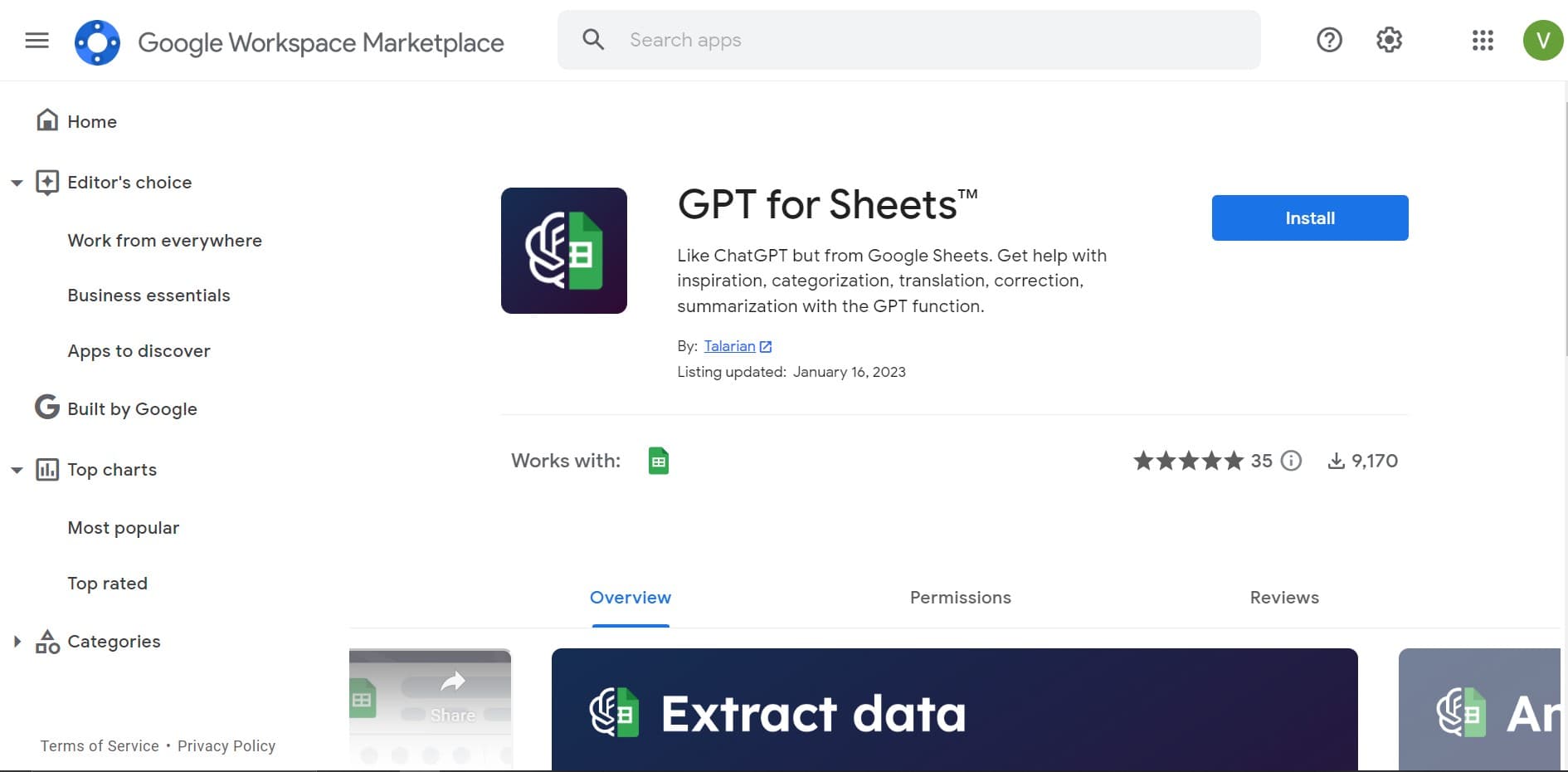
GPT for Sheets and Docs
Elevate productivity in Sheets and Docs with AI-powered automation and creativity.

Twee
Revolutionize English teaching with AI: create, personalize, engage.

Deep Realms
AI-powered platform for crafting immersive, interactive storytelling experiences.
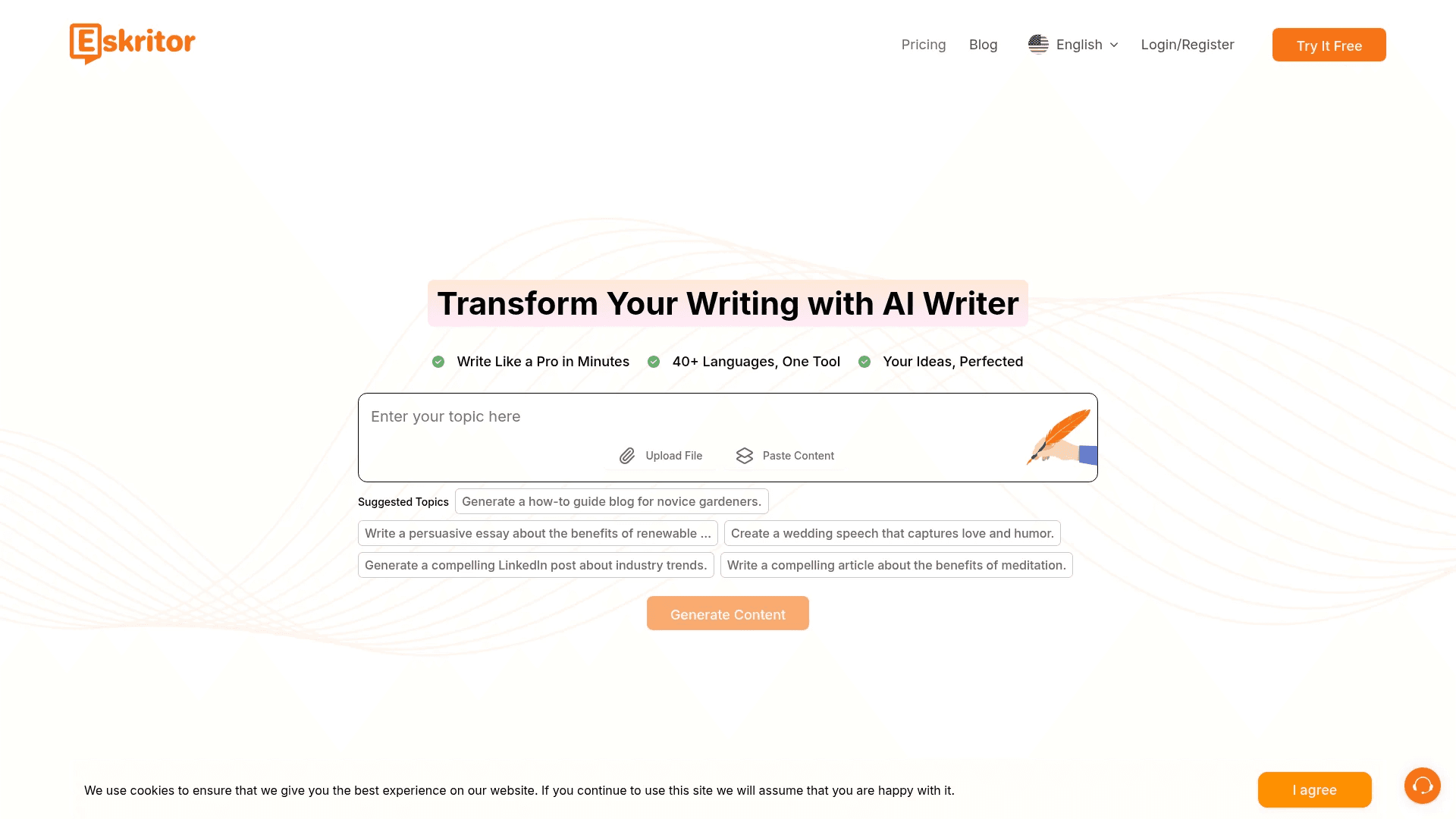
Eskritor
Streamline writing with multilingual AI content generation.

Summit
Summit is a comprehensive AI-powered platform designed to revolutionize the way businesses optimize their operations. With an array of cutting-edge features and advanced algorithms, Summit offers unpa

Mythic Text
A tool to transform markdown and plain text into formatted content across multiple output formats.

AI Magicx
AI Magicx enhances creativity with AI-driven design and coding.
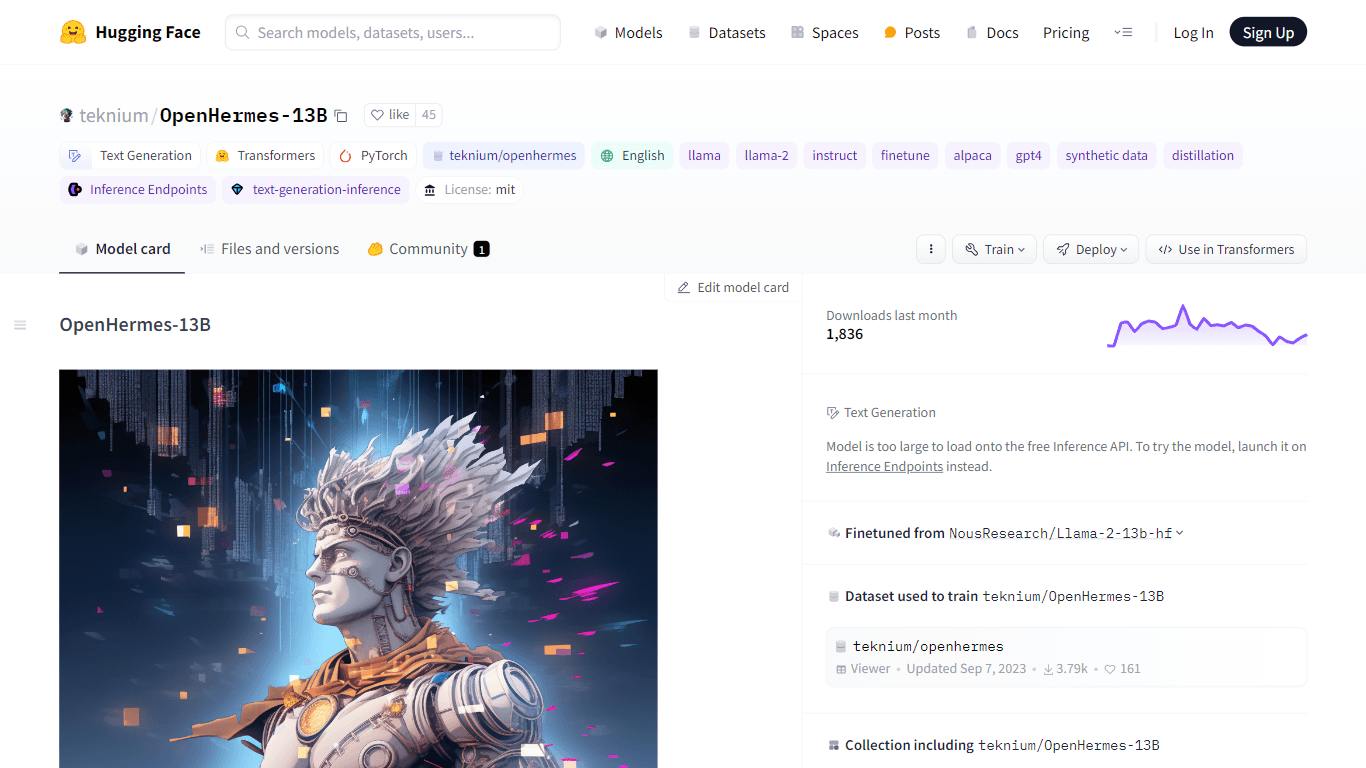
OpenHermes-13B
Discover OpenHermes-13B, an advanced fine-tuned model from teknium that leverages the robust GPT-4 generated dataset collected from diverse AI solutions. Meticulously trained on a fully open-source da

Dubs
AI-powered video dubbing and subtitles for global reach.