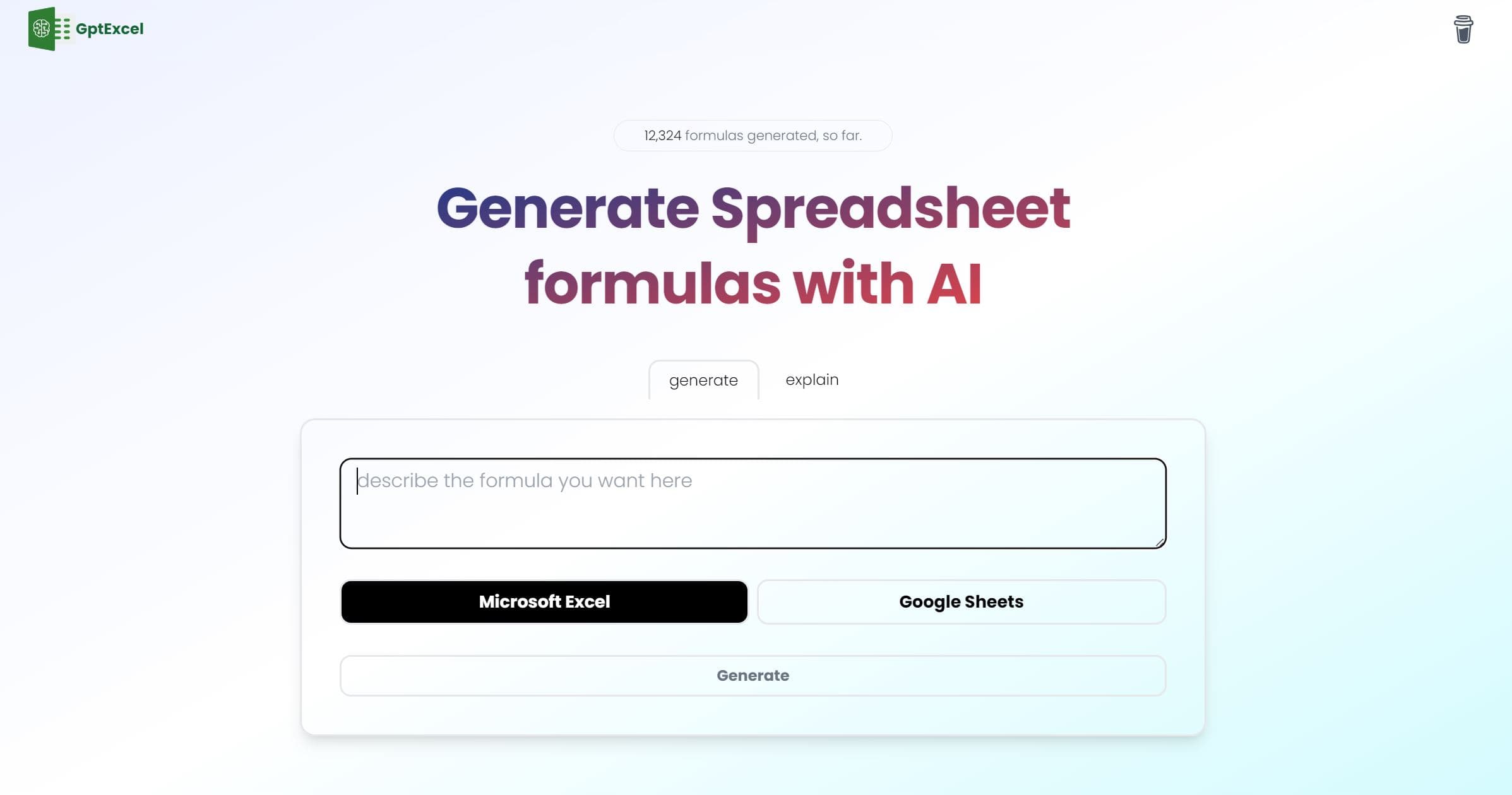
GPTExcel
Maximize spreadsheet efficiency with AI-powered formula and script generation.
15,909
Votes
27,936
Views
11,867
Bookmarks
About
GPTExcel is an innovative tool designed to simplify the process of working with spreadsheets, particularly in Excel, Google Sheets, and Airtable. It leverages the power of AI to generate complex formulas, scripts, SQL queries, regular expressions, and templates, thereby enhancing productivity and efficiency for users dealing with data analysis and spreadsheet management tasks. With its user-friendly interface and wide range of features, GPTExcel aims to be a valuable ally for both novice and experienced spreadsheet users alike.
Key Features
- Excel Formula Generator AI: Generates and explains complex formulas for Excel and Google Sheets, simplifying spreadsheet calculations.
- Script Generator AI: Crafts VBA, Apps Scripts, and Airtable Scripts to automate repetitive tasks and streamline workflow.
- SQL Query Generator AI: Simplifies the creation, debugging, and refinement of SQL queries for database operations.
- Regex Generator AI: Assists in generating and understanding regular expression patterns for data validation and filtering.
- Template Generator AI: Creates table templates for Excel and Google Sheets to facilitate data organization and management.
Pros
- Boosted Productivity: Drastically reduces the time spent on formula creation, script writing, and other spreadsheet tasks.
- Ease of Use: Intuitive interface suitable for users of all levels, from beginners to experts.
- Multilingual Support: Supports over 50 languages, ensuring accessibility for a diverse user base.
- Generous Free Tier: Allows users to explore features with 4 free requests per day without requiring a credit card.
Cons
- Limited Free Requests: The free tier restricts users to four requests per day, which may not be sufficient for heavy users.
- Learning Curve: New users may need time to fully grasp the capabilities and features of the tool.
- Script Generators Not Included in Free Tier: Access to the full suite of automation tools requires upgrading to a paid plan.
Who Uses It
- Accountants and Financial Analysts: Utilizing the tool for financial modeling, analysis, and reporting tasks.
- Data Analysts: Leveraging the AI capabilities for generating and troubleshooting SQL queries and data manipulation.
- Project Managers: Employing the template generator for organizing project-related data and tasks.
- Educators and Students: Incorporating GPTExcel into coursework to teach spreadsheet skills and data management.
- Uncommon Use Cases: Non-profit organizations, fitness trainers, and legal professionals utilizing GPTExcel for various specialized tasks like donation tracking, workout planning, and legal document organization.
Pricing
- Free Tier: Offers basic features with a limit of 4 free requests per day.
- Pro Plan: Available at $6.99 per month, providing access to advanced features such as script generation and priority customer support.
You may also like
More tools in Business Tools

Looq AI
Revolutionize image analysis with advanced AI-powered recognition and insights.

Outreach
Optimize sales, enhance workflows, boost efficiency with AI-powered tools.

Spoke.ai
AI-powered tool revolutionizes team communication and project management.
GPT for Sheets and Docs
Elevate productivity in Sheets and Docs with AI-powered automation and creativity.
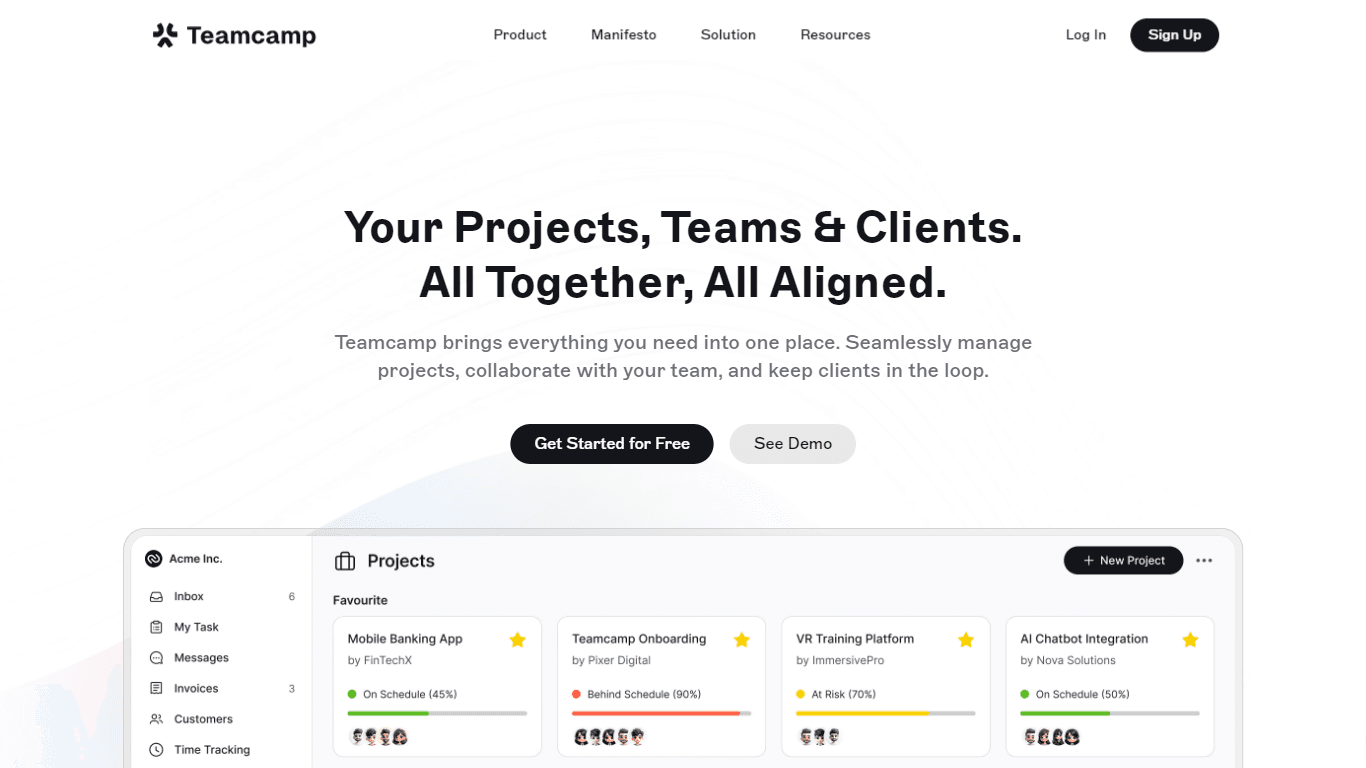
Teamcamp
Teamcamp is a comprehensive project management tool designed to streamline the workflow for teams in various sectors, including IT, marketing, freelancers, and agencies. Its core functionality revolve

adam.ai
Maximize your business success with adam.ai, the intuitive meeting management platform designed to enhance your team's productivity. Our intelligent solution streamlines the meeting process, granting

Align AI
Streamlines AI strategy alignment with business objectives.

Tektonic AI
Streamline sales and revenue operations with advanced AI-driven automation.
MyMemo AI
Transform digital chaos into an organized, AI-enhanced knowledge oasis.

The North
North is an intuitive platform designed to simplify the management of Objectives and Key Results (OKRs), Strategy, and Initiatives for businesses of all sizes. It is a tool that directs teams to trans

Ipic.ai
AI-powered image enhancement for professionals and hobbyists alike.

Bardeen AI
Automate workflows and enhance GTM productivity.