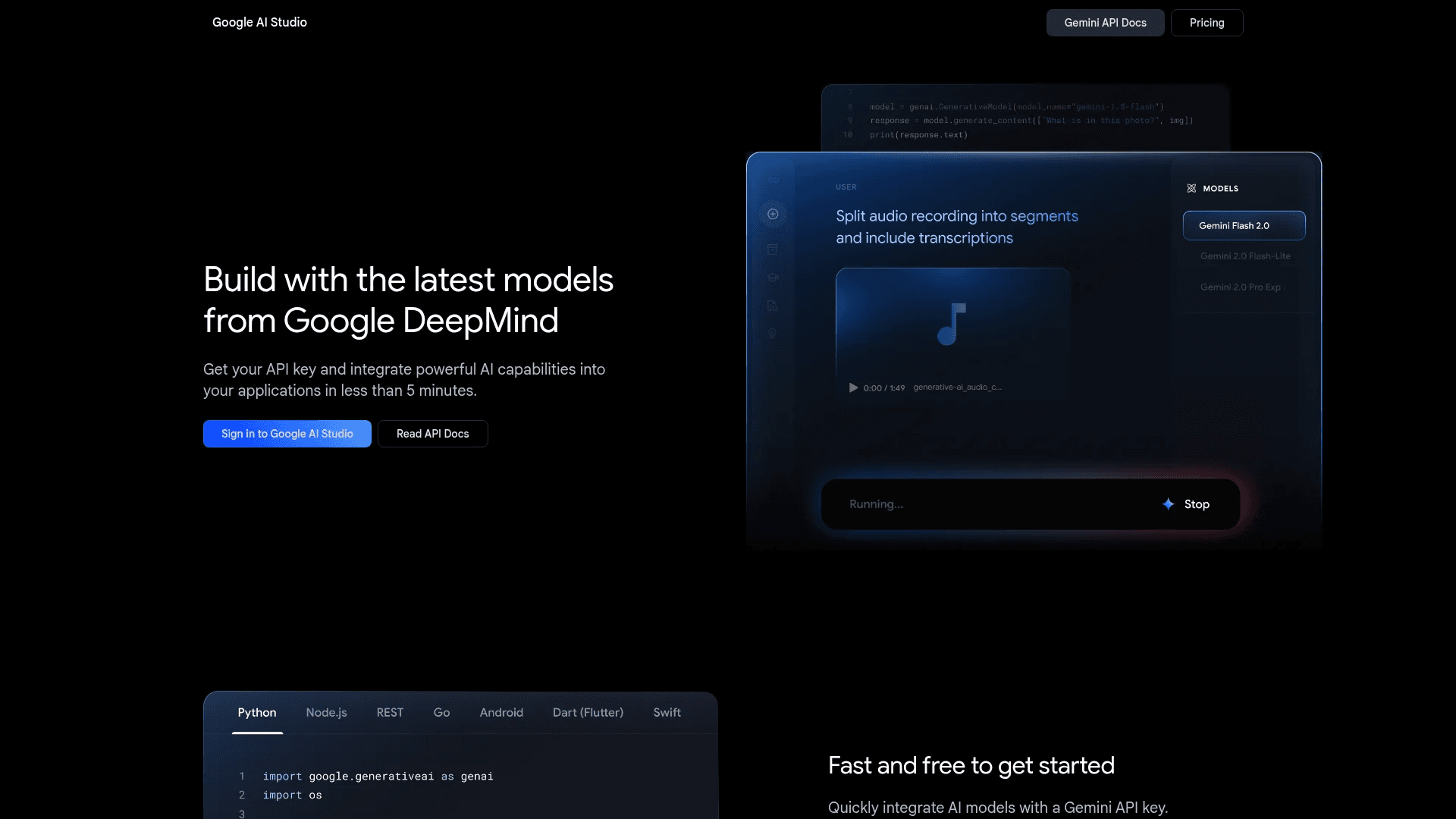
Google AI Studio
Build, test, and deploy advanced models in seconds.
13,819
Votes
21,985
Views
8,098
Bookmarks
About
Google AI Studio is a web-based platform designed to streamline the development and deployment of AI models. It provides developers with an intuitive environment to prototype, test, and integrate Google's advanced AI models into their applications. With a focus on accessibility and efficiency, Google AI Studio enables both novice and experienced developers to harness the power of AI without extensive infrastructure setup.
Essential Skills in Generative Al
Learning Path - Gain essential knowledge and skills on ChatGPT, Midjourney, and more for practical Al applications
Key Features
- Access to Advanced AI Models: Integrate cutting-edge models like Gemini 1.5 Pro and Gemini 1.5 Flash, offering multimodal capabilities and extensive context windows.
- User-Friendly Interface: Navigate through a clean and organized workspace that simplifies the AI development process, making it accessible for developers of all levels.
- Prompt Engineering Tools: Experiment with prompt design to fine-tune model responses, allowing for rapid prototyping and customization.
- API Integration: Easily obtain API keys to seamlessly incorporate AI models into your applications, facilitating smooth deployment and scaling.
Pros
- Cost-Effective: Offers a generous free tier, enabling developers to start building without immediate financial commitment.
- Rapid Prototyping: Facilitates quick experimentation with AI models, reducing development time and accelerating time-to-market.
- Seamless Integration: Provides straightforward API access, making it easier to embed AI functionalities into existing applications.
- Scalability: Supports scaling from small projects to enterprise-level applications, accommodating growing business needs.
Cons
- Limited Model Availability: As of now, the platform primarily supports text-based models, with limited options for image or other modalities.
- Learning Curve: New users may require time to fully grasp the platform's features and capabilities.
Who Uses It
- Startups: Leveraging the platform for rapid AI prototyping without significant upfront investment.
- Educational Institutions: Utilizing the tool for teaching AI concepts and facilitating student projects.
- Freelance Developers: Incorporating AI functionalities into client projects to enhance offerings.
- Research Organizations: Experimenting with AI models for various investigative purposes.
- Uncommon Use Cases: Adopted by content creators for generating unique textual content; employed by small businesses to develop AI-driven customer service solutions.
Pricing
- Free Tier: Provides access to core functionalities with no usage limits within Google AI Studio.
You may also like
More tools in AI Chatbots

One AI
Boost website engagement and sales with adaptive AI-driven interactions.

Ada
Revolutionize customer service with AI across all digital platforms.
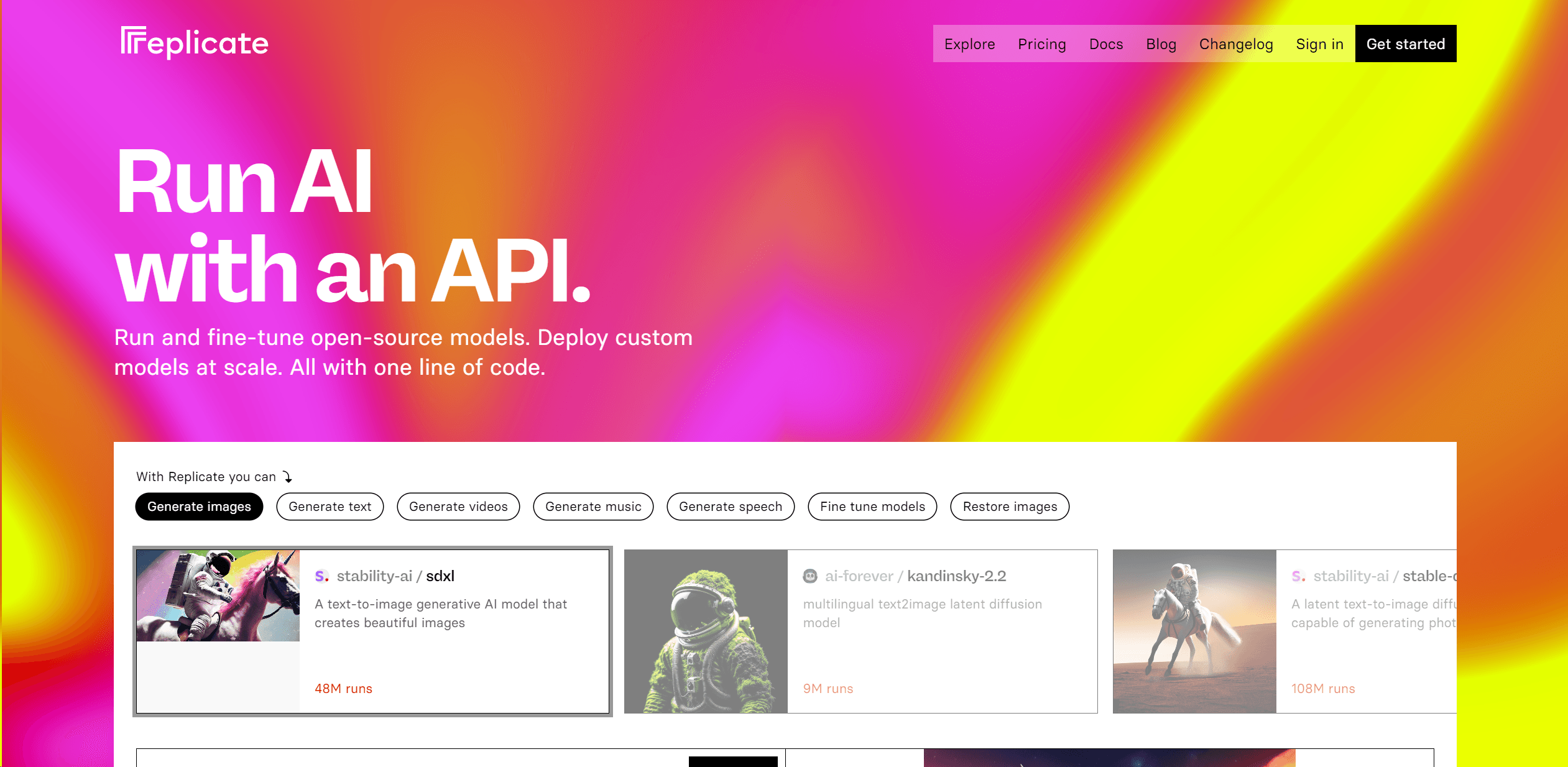
Replicate
Unlock AI's potential: run, fine-tune, deploy models easily and cost-effectively.

Heidi
Streamline healthcare admin tasks, and enhance patient focus.

Tektonic AI
Streamline sales and revenue operations with advanced AI-driven automation.

Retell AI
Create lifelike AI voice agents, deploy anywhere, analyze real-time.

UiPath
Streamline workflows with AI-driven automation and seamless integration.
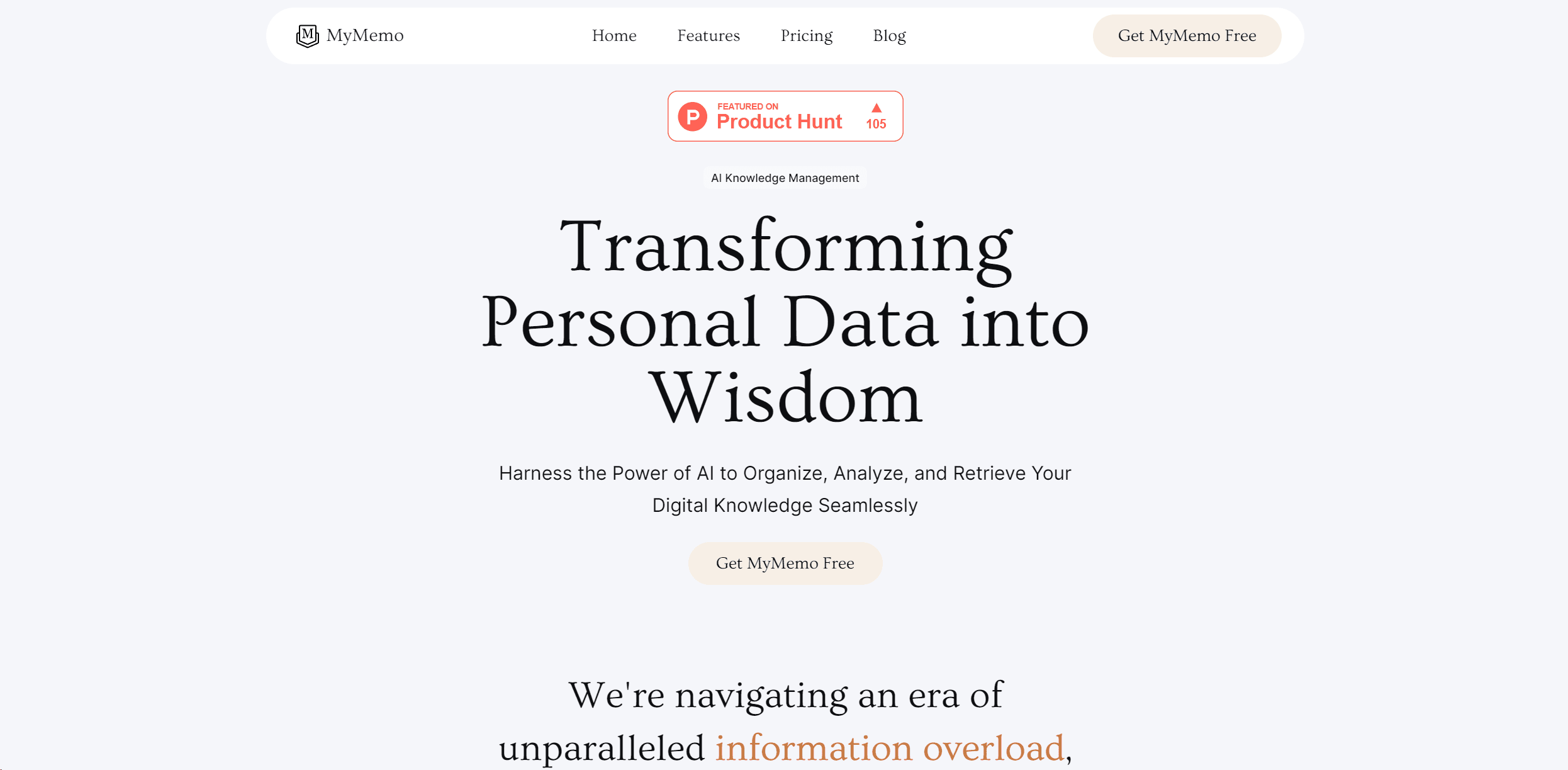
MyMemo AI
Transform digital chaos into an organized, AI-enhanced knowledge oasis.

Replika
AI companion for personalized chat, emotional support, and self-growth.

Inworld
Elevate game development with dynamic NPCs, immersive worlds, and AI-driven content creation.
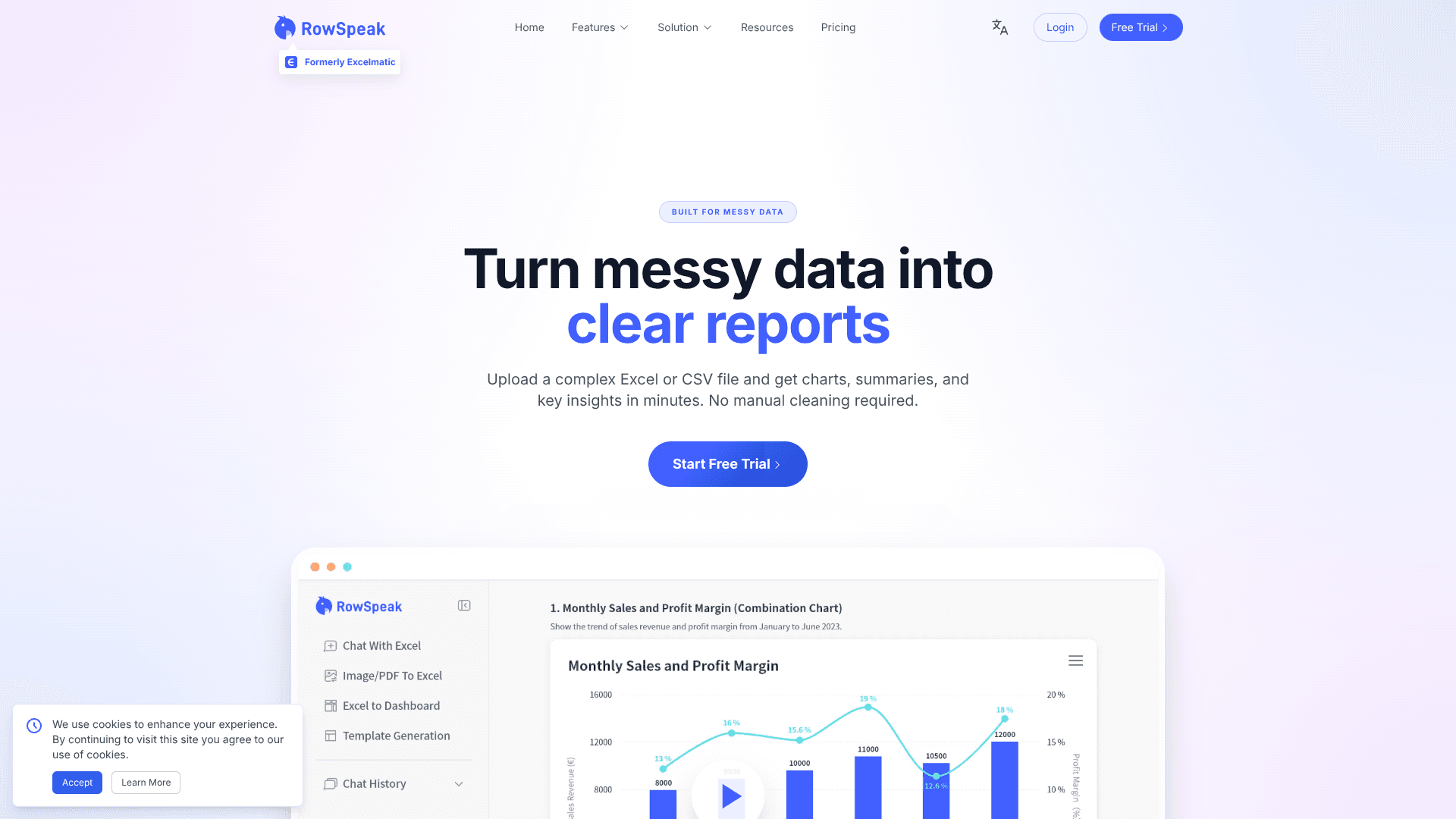
RowSpeak
Turn messy spreadsheets into clear, ready reports.

Spoke.ai
AI-powered tool revolutionizes team communication and project management.