GetFloorPlan
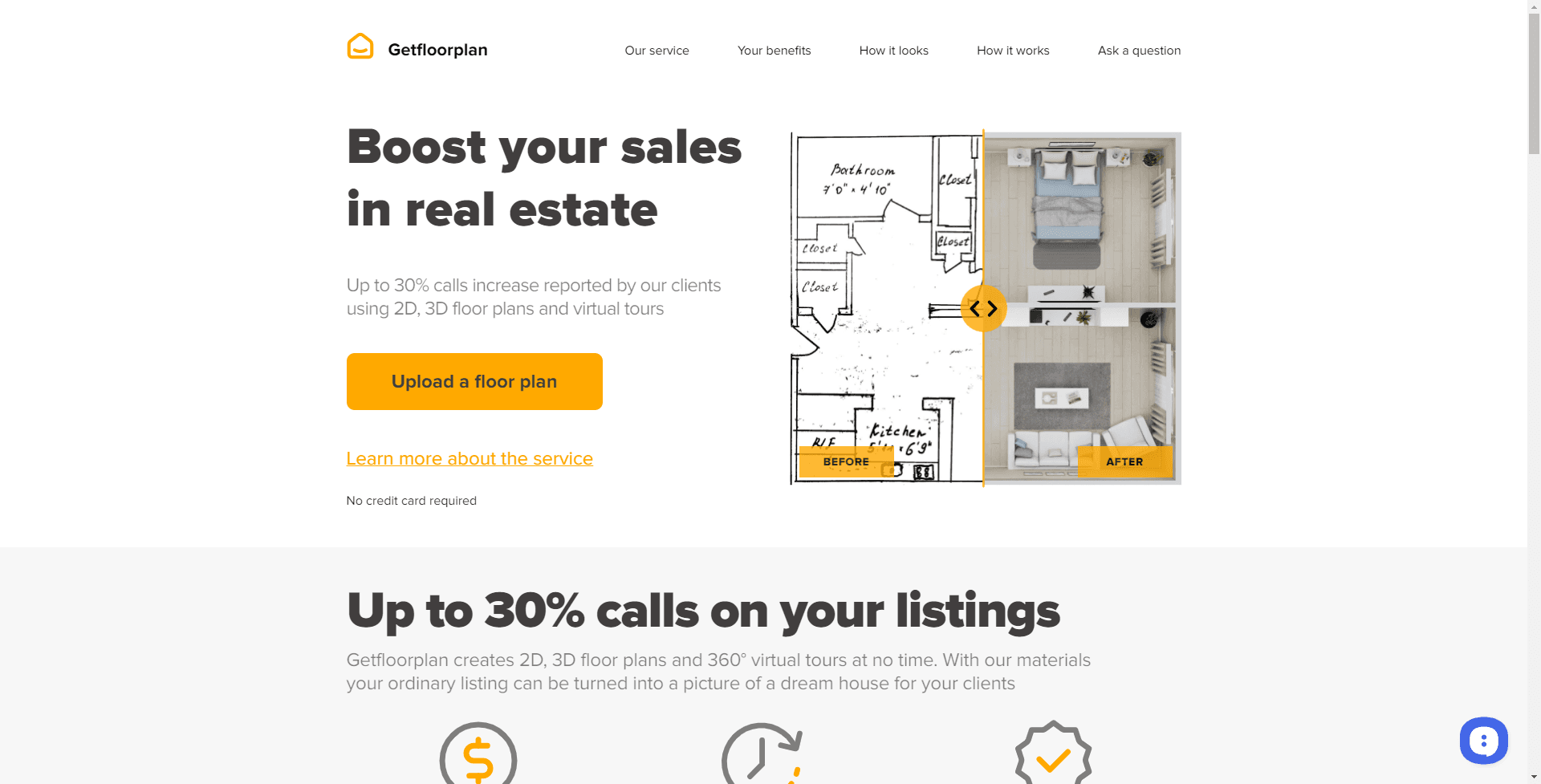
AI-driven tool for quick, detailed, and customizable floor plans.
18,127
Votes
25,687
Views
12,233
Bookmarks
About
GetFloorPlan is an innovative tool that harnesses the power of artificial intelligence to create detailed 2D and 3D floor plans. A godsend for architects, real estate agents, interior designers, and property managers, GetFloorPlan streamlines the process of visualizing and planning spaces. It's designed to be user-friendly, allowing both professionals and amateurs to generate floor plans with ease, transforming ideas into visual representations with just a few clicks.
Key Features
- Automated Floor Plan Generation: Converts basic sketches into detailed 2D and 3D floor plans with AI assistance.
- High-Quality Visuals: Produces high-resolution floor plans suitable for presentations and marketing materials.
- Interactive 3D Tours: Offers the ability to create virtual tours, providing an immersive experience of the space.
- Customization Options: Allows users to customize the floor plans with different textures, materials, and furniture.
Pros
- Efficiency: Saves time by automating the floor plan creation process, allowing for quick iterations.
- Accuracy: Delivers precise measurements and representations, essential for planning and construction.
- User-Friendly: Simplistic interface that's easy to navigate, making it accessible to users of all skill levels.
- Cost-Effective: Provides a cost-saving solution compared to traditional floor plan drafting methods.
Cons
- Learning Curve: New users may need some time to get acquainted with all the features and functionalities.
- Internet Dependency: The tool requires an internet connection to function, limiting offline accessibility.
- Browser-Based Limitations: The performance might be contingent on the browser used and its compatibility with JavaScript.
Who Uses It
- Real Estate Agents: Utilizing the tool to create floor plans for property listings quickly.
- Interior Designers: Employing the tool to visualize design changes and present ideas to clients.
- Construction Professionals: Leveraging the tool to draft initial floor plans for new building projects.
- Homeowners: Using the tool for planning home renovations or visualizing potential real estate purchases.
- Uncommon Use Cases: Event planners creating detailed layouts for venues; Educational institutions using the tool for classroom or campus planning.
Pricing
- Free Tier: Experience GetFloorPlan with basic features at no cost.
- Premium Tiers: Advanced features and high-quality outputs available in subscription packages.
You may also like
More tools in Business Tools

Looq AI
Revolutionize image analysis with advanced AI-powered recognition and insights.

Outreach
Optimize sales, enhance workflows, boost efficiency with AI-powered tools.

Spoke.ai
AI-powered tool revolutionizes team communication and project management.
GPT for Sheets and Docs
Elevate productivity in Sheets and Docs with AI-powered automation and creativity.
Teamcamp
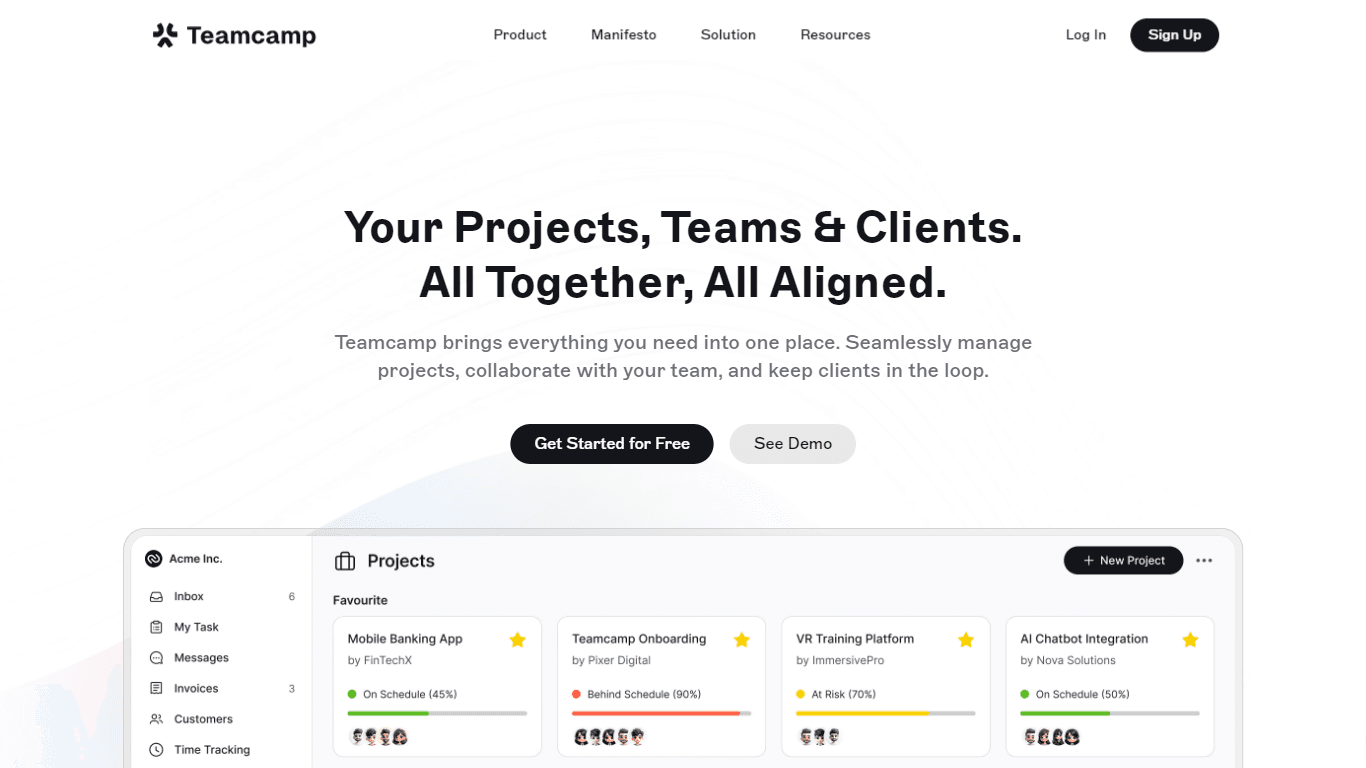
Teamcamp is a comprehensive project management tool designed to streamline the workflow for teams in various sectors, including IT, marketing, freelancers, and agencies. Its core functionality revolve

Tektonic AI
Streamline sales and revenue operations with advanced AI-driven automation.

adam.ai
Maximize your business success with adam.ai, the intuitive meeting management platform designed to enhance your team's productivity. Our intelligent solution streamlines the meeting process, granting

Align AI
Streamlines AI strategy alignment with business objectives.
MyMemo AI
Transform digital chaos into an organized, AI-enhanced knowledge oasis.

The North
North is an intuitive platform designed to simplify the management of Objectives and Key Results (OKRs), Strategy, and Initiatives for businesses of all sizes. It is a tool that directs teams to trans

Ipic.ai
AI-powered image enhancement for professionals and hobbyists alike.

Bardeen AI
Automate workflows and enhance GTM productivity.