Frontitude
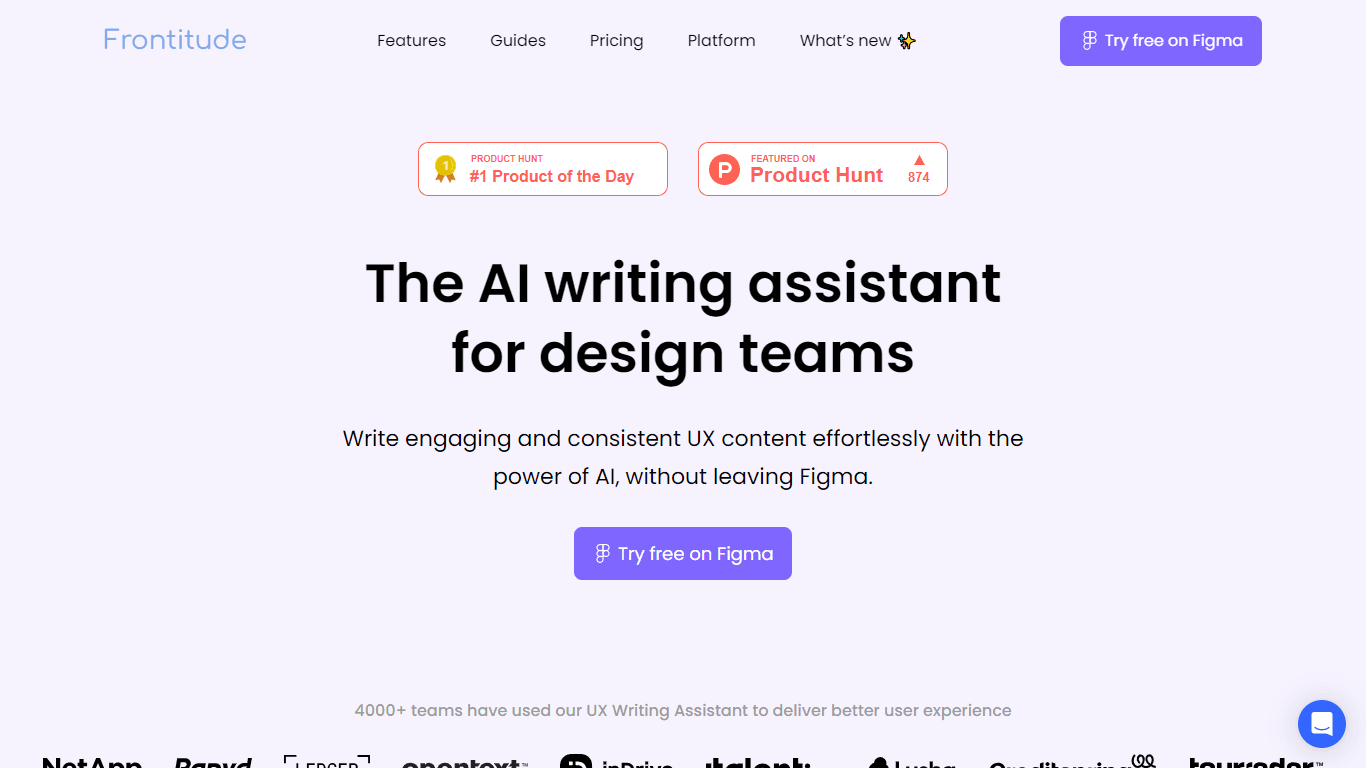
Frontitude presents the UX Writing Assistant, an AI-powered plugin designed specifically for enhancing the user experience design process within Figma. This inventive tool empowers design teams to cur
15,240
Votes
16,251
Views
11,811
Bookmarks
About
Frontitude presents the UX Writing Assistant, an AI-powered plugin designed specifically for enhancing the user experience design process within Figma. This inventive tool empowers design teams to curate engaging and coherent UX copy swiftly without disrupting their creative flow. It streamlessly integrates with your Figma workspace, allowing for real-time, context-aware copy suggestions that adhere to your brand's style guidelines. With the UX Writing Assistant, Content Designers and Product Designers can easily maintain consistency across all user touchpoints, optimize design review processes, and save precious time while delivering high-quality product copy. This dedicated assistant harnesses the knowledge of best writing practices, ensuring that every piece of copy is not only well-crafted but also effectively communicates with the target audience. The tool also boasts secure data handling, with a commitment to privacy, making it a reliable addition to your arsenal of design utilities.
Key Features
- Embedded in Figma: Offers real-time writing assistance directly within the Figma interface.
- Content Consistency: Enforces brand voice and content guidelines throughout the design process.
- Time-Saving: Reduces writing time with instant, AI-driven content suggestions.
- Improved Workflow: Streamlines design reviews and critiques with built-in content guideline checks.
- Secure & Private: Ensures user data is protected and not used for service enhancement.
FAQ
How does the UX Writing Assistant differ from other AI tools?
The UX Writing assistant is unique in that it's tailored for UX copy, integrated with Figma for contextual relevance, and focuses on maintaining brand and business context for the generated suggestions.
Who should have access to the UX Writing Assistant?
Anyone needing content generation suggestions through the Figma plugin or responsible for maintaining content guidelines should have a paid seat.
What are Guidelines in the context of the UX Writing Assistant?
Guidelines are sets of rules linked to Figma design system components, which the AI interprets to help teams produce consistent UX content.
How is user data handled and kept secure with the UX Writing Assistant?
User data is not used to train or enhance the services but solely to augment the AI-generated suggestions. Robust security measures are in place, including a secure AWS infrastructure.
Can I rely on the UX Writing Assistant for grammatically correct suggestions?
Yes, the AI-driven content suggestions are knowledgeable about proper English grammar, ensuring suggestions can be confidently used.
You may also like
More tools in Text Generators

Humy.ai
Humy.ai is a trailblazing Artificial Intelligence (AI) platform dedicated to enhancing the educational experience for both teachers and students through personalized, AI-enhanced tools. With a signifi

Dify
A platform to develop and operate AI applications.
GPT for Sheets and Docs
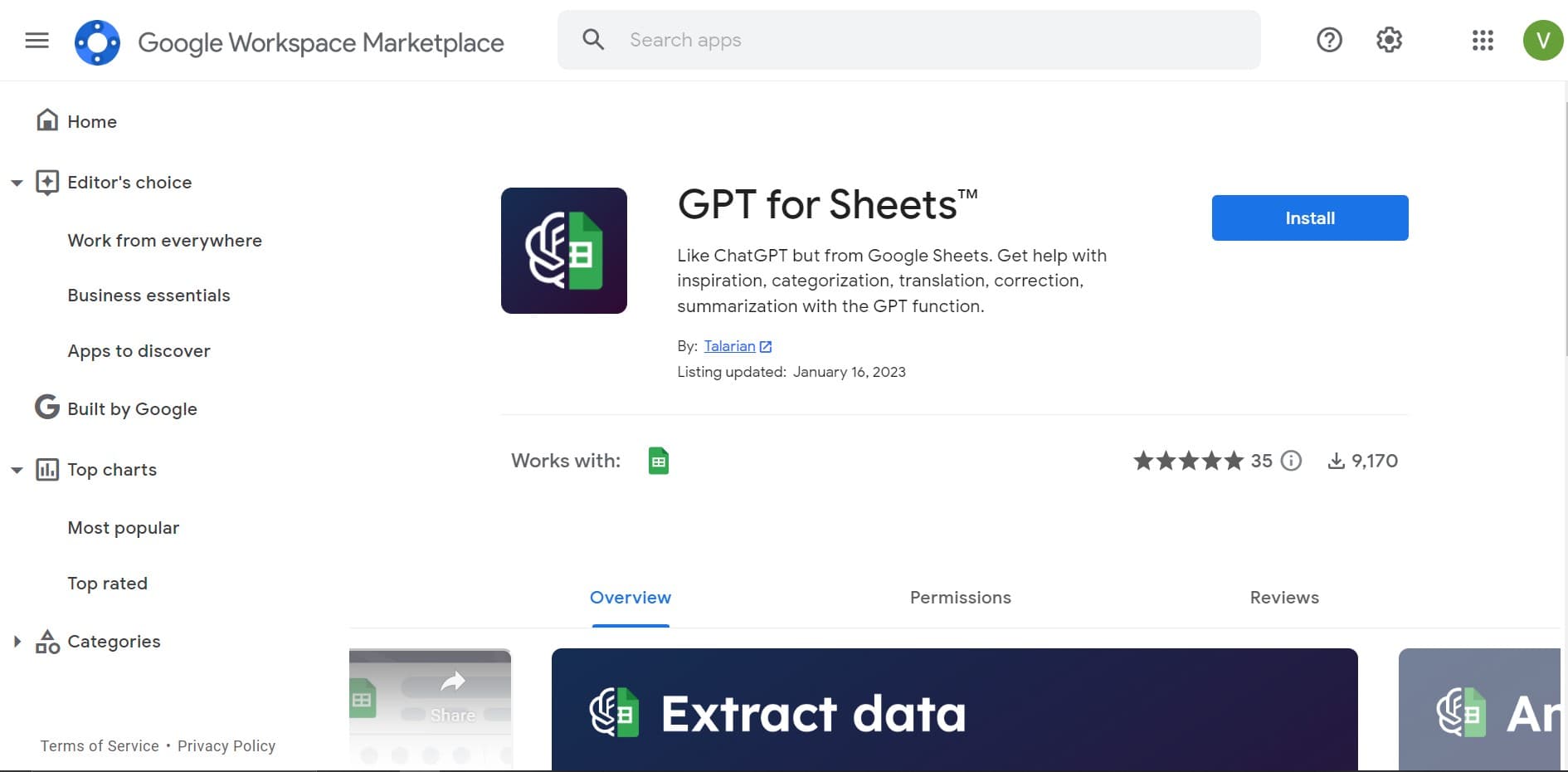
Elevate productivity in Sheets and Docs with AI-powered automation and creativity.

Blog Post Generator
Generates SEO-optimized blog posts

Twee
Revolutionize English teaching with AI: create, personalize, engage.

Deep Realms
AI-powered platform for crafting immersive, interactive storytelling experiences.
Eskritor
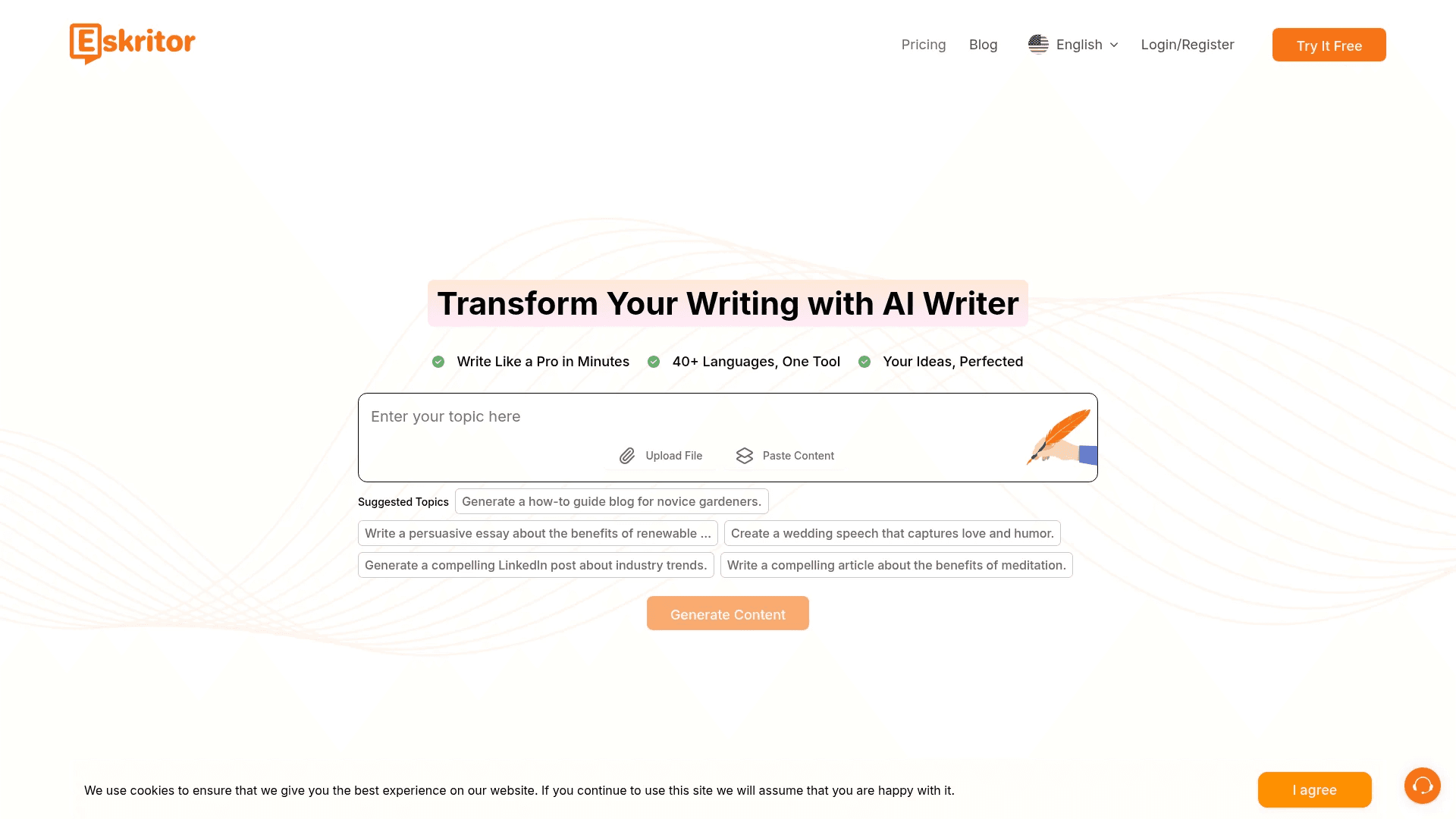
Streamline writing with multilingual AI content generation.

Summit
Summit is a comprehensive AI-powered platform designed to revolutionize the way businesses optimize their operations. With an array of cutting-edge features and advanced algorithms, Summit offers unpa

Mythic Text
A tool to transform markdown and plain text into formatted content across multiple output formats.
OpenHermes-13B
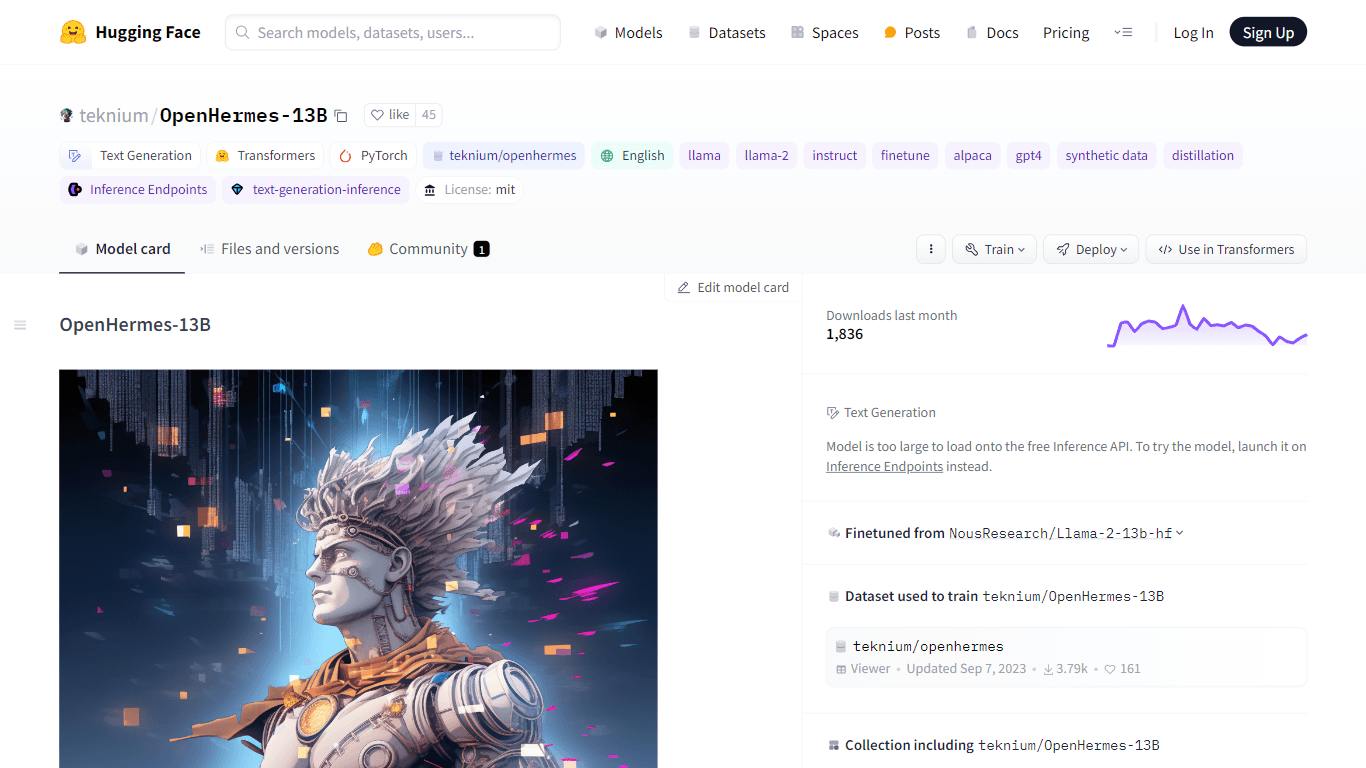
Discover OpenHermes-13B, an advanced fine-tuned model from teknium that leverages the robust GPT-4 generated dataset collected from diverse AI solutions. Meticulously trained on a fully open-source da

AI Magicx
AI Magicx enhances creativity with AI-driven design and coding.

Dubs
AI-powered video dubbing and subtitles for global reach.