
Fimo
Create and manage website content faster with AI.
11,538
Votes
18,845
Views
7,229
Bookmarks
About
Fimo is an AI native content management system that brings generative tools directly into how teams build and run websites. It combines a structured headless CMS, a visual editor, and AI assistants that help write, refactor, and reorganize content. Product, marketing, and engineering teams can iterate on copy and layouts faster while keeping full history and control over what gets published. The tool treats AI as part of everyday editing rather than a separate experiment.
Key Features
- AI-assisted content editing: Use prompts to draft, rewrite, or expand page copy directly inside the CMS editor.
- Structured Strapi foundation: Built on Strapi’s headless CMS so AI edits respect content types, components, and locales.
- Versioning and rollback: Tracks every change with history and snapshots, letting teams restore earlier states in seconds.
- Visual plus code editing: Non-technical users edit visually, while developers can open code for custom components and styling.
Pros
- Faster iteration: AI suggestions and visual tools shorten time from idea to production-ready copy and layouts.
- Safety for live sites: Versioning and branching reduce the risk of AI changes breaking important pages.
- Developer friendly: Code access and a headless foundation keep engineers in control of structure and performance.
- Cross-team friendly: Provides one place for content, design, and engineering to collaborate on AI-driven changes.
Cons
- Newer product: Has a smaller ecosystem and fewer tutorials than long-established CMS options.
- Technical setup: Best results still assume developer involvement for deployment, hosting, and environment strategy.
- AI variability: Model or prompt changes can slightly shift behavior over time.
Who Uses It
- Product and marketing teams at SaaS companies: Using Fimo to test messaging and pages on production-grade sites.
- Digital agencies and studios: Managing multiple client sites while AI drafts copy that strategists refine.
- In-house web and platform teams: Giving business users a safer editing surface on top of headless infrastructure.
- Content and documentation teams: Reworking docs, changelogs, and knowledge bases with structured AI suggestions.
- Uncommon Use Cases: Adopted by innovation groups to prototype content tools; Used by technical founders to keep sites current without a web team.
Pricing
- Free: $0 per month; includes up to 3 projects and 2,500 monthly credits.
- Premium: $25 per month; includes everything in Free plus 25,000 monthly credits, unlimited public and private projects, unlimited active users, 30-day version history, and removal of the platform badge.
You may also like
More tools in Development
Kira Systems
Streamline contract review with AI-driven precision and customization.

Outreach
Optimize sales, enhance workflows, boost efficiency with AI-powered tools.

Smartsheet
Streamline workflows, automate tasks, enhance team collaboration.

Dora AI
Revolutionize website creation with AI: unique, prompt-driven designs made simple.

super.AI
Automate complex document tasks with precision and efficiency.

UiPath
Streamline workflows with AI-driven automation and seamless integration.

Inworld
Elevate game development with dynamic NPCs, immersive worlds, and AI-driven content creation.

Appypie
Create apps and websites without coding expertise.

TurnCage
Effortlessly create SEO-optimized websites with AI guidance.

Nanonets
Transform business processes with AI-driven data extraction and automation.
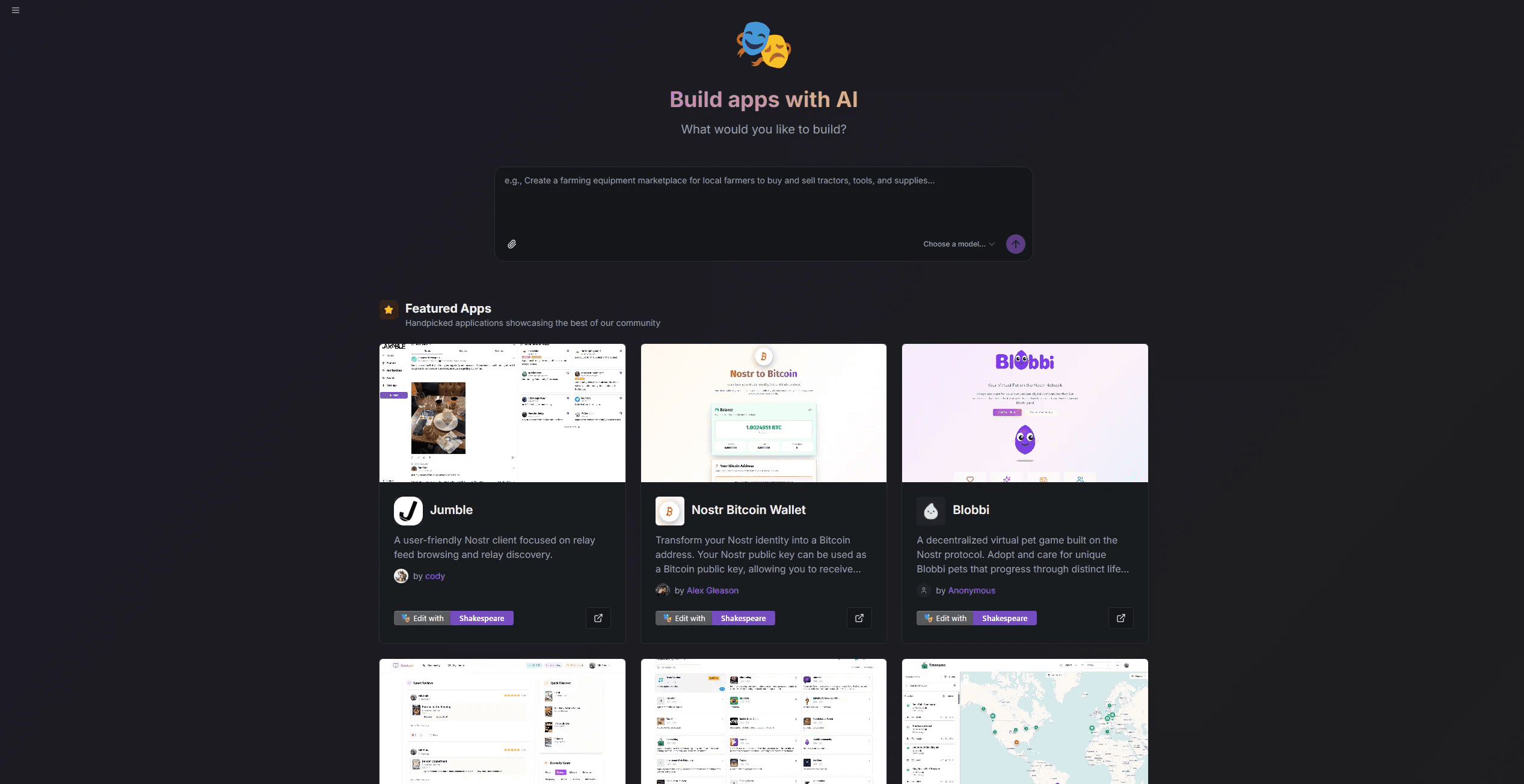
Shakespeare
Build, edit, and deploy fully customizable AI websites.

Numra
Revolutionize finance with AI-driven automation and seamless integration.