Compress Images
The Compress Images Tool is designed to help Mac users easily reduce the file size of their images without sacrificing quality. With just two clicks, users can compress any number of images directly f
16,426
Votes
25,300
Views
12,174
Bookmarks
About
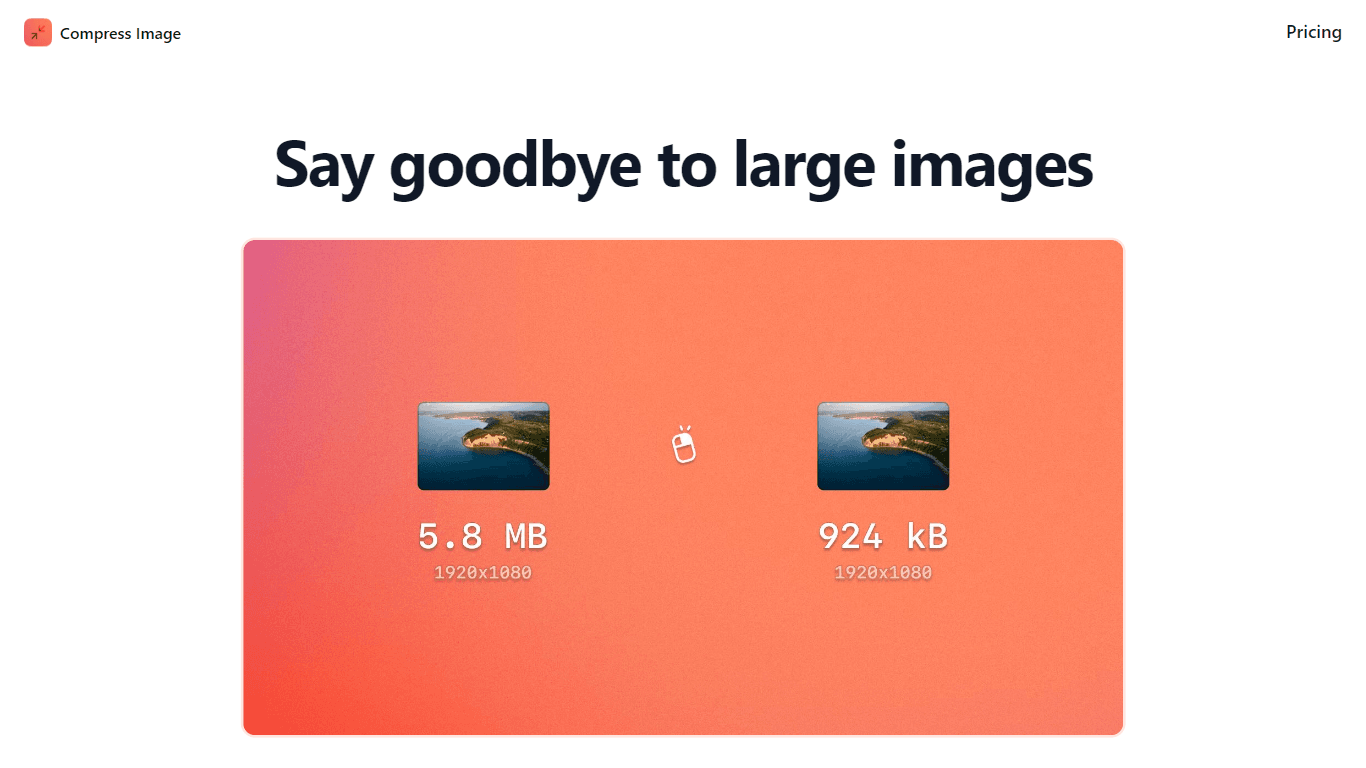
The Compress Images Tool is designed to help Mac users easily reduce the file size of their images without sacrificing quality. With just two clicks, users can compress any number of images directly from the Finder, making it a convenient solution for those who frequently work with large image files. This tool is particularly beneficial for graphic designers and photographers who need to manage storage space efficiently while maintaining the integrity of their visuals. Targeting Mac users running macOS 12 or later, the tool offers a straightforward approach to image compression. Users can right-click on their images, select Quick Actions, and choose the Compress Image option. This seamless integration into the Finder enhances user experience by eliminating the need for additional software or online services, which often pose privacy risks. The unique value proposition of the Compress Images Tool lies in its ability to reduce file sizes by up to 90% without any noticeable loss in quality. This 'invisible' compression ensures that users can save significant storage space while keeping their images looking sharp. The tool also supports bulk conversion, allowing users to compress multiple images at once, which is a time-saving feature for those handling large projects. Key differentiators include its offline functionality, which means users do not have to upload their images to potentially insecure servers. This aspect not only enhances privacy but also speeds up the compression process. Additionally, the tool automatically converts HEIC files to JPG format, addressing a common issue for users dealing with large HEIC images. In terms of technical implementation, the tool is designed to work seamlessly with macOS, ensuring compatibility and ease of use. The simple one-time payment of $3.99 makes it an affordable option for users looking to optimize their image storage without ongoing costs. Overall, the Compress Images Tool stands out as a reliable and efficient solution for image compression on Mac devices.
Key Features
- Compress images in two clicks directly from Finder, making it easy and quick for users to manage their files.
- Reduce file sizes by up to 90%, helping users save significant storage space without losing image quality.
- Convert multiple images at once, allowing users to handle large projects efficiently and save time.
- Automatically convert HEIC files to JPG format, making it easier for users to work with different image types.
- Maintain image quality with 'invisible' compression, ensuring that users won't notice any difference in their images after compression.
FAQ
How do I compress images using this tool?
You can compress images by right-clicking on them in Finder, selecting Quick Actions, and then choosing the Compress Image option.
What is the maximum file size reduction I can achieve?
You can reduce file sizes by up to 90%, which can significantly save storage space.
Can I compress multiple images at once?
Yes, the tool allows you to convert images in bulk, so you can compress many images at the same time.
Is my privacy protected when using this tool?
Yes, the tool works offline, so you don't need to upload your images to any servers, ensuring your privacy.
What file formats does the tool support?
The tool can compress images and automatically convert HEIC files to JPG format.
Is there a trial version available?
No, the tool is available for a simple one-time payment of $3.99.
You may also like
More tools in Art Generators

Inworld
Elevate game development with dynamic NPCs, immersive worlds, and AI-driven content creation.

Ipic.ai
AI-powered image enhancement for professionals and hobbyists alike.

Ludo
Revolutionize game development with AI-driven ideation and market insights.
Playground AI
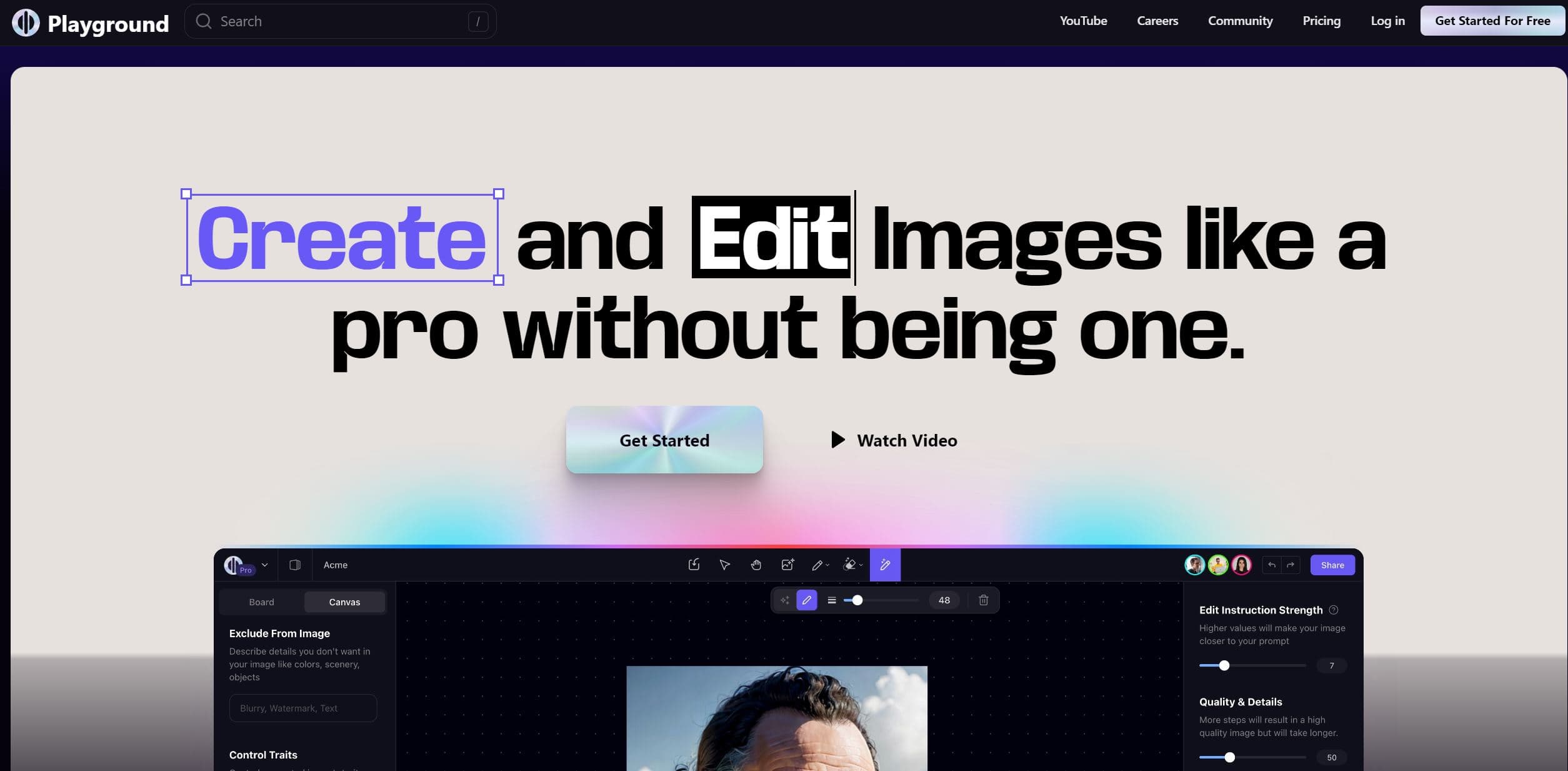
Unleash creativity with AI-driven image creation and intuitive editing.

WithoutBg
The Image Background Remover API makes it easy to remove backgrounds from images automatically. This powerful tool uses advanced AI to deliver high-quality results quickly and affordably. With a credi

Prisma
Transform photos into art with AI, quickly and beautifully.

Lucidpic
Revolutionize your visuals with AI-powered 3D photo transformations for engaging, lifelike content.

AI Magicx
AI Magicx enhances creativity with AI-driven design and coding.

Figr
Turn product context into flows, prototypes, documentation.

Dora AI
Revolutionize website creation with AI: unique, prompt-driven designs made simple.

Ideogram
Transform text to stunning visuals with AI, enhancing creativity and collaboration.

MimicPC
Unlock AI tools instantly, browser-based, no installs needed.