Columns
Columns is a fast and intuitive data visualization platform that helps teams turn raw data into clear, engaging stories. It supports a wide range of data sources including Google Sheets, Notion, Airta
15,012
Votes
18,479
Views
12,144
Bookmarks
About
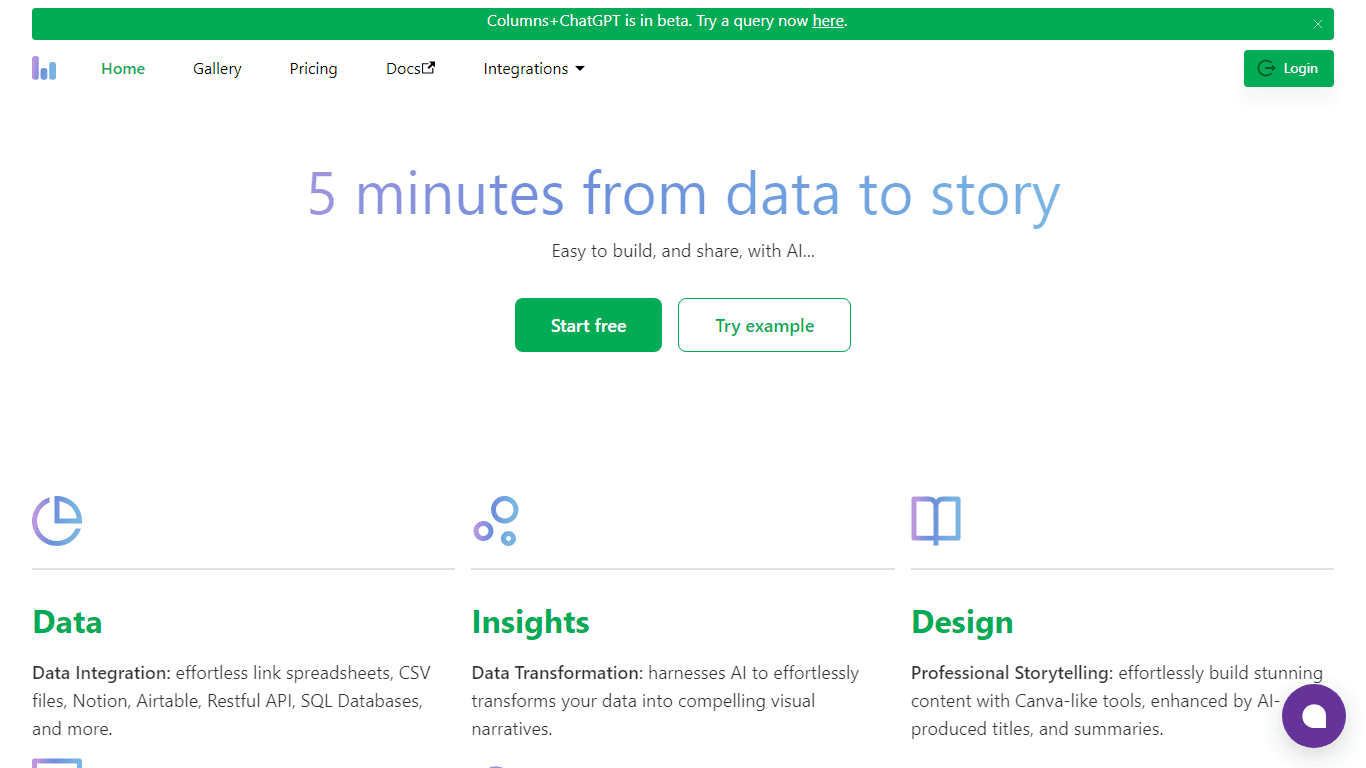
Columns is a fast and intuitive data visualization platform that helps teams turn raw data into clear, engaging stories. It supports a wide range of data sources including Google Sheets, Notion, Airtable, SQL databases, Excel, CSV files, and HTTP APIs, allowing users to connect once and reuse data easily. The platform uses AI to transform data into visual narratives, providing tools to build professional presentations with features similar to Canva, enhanced by AI-generated titles and summaries. Users can share their insights through links, embedded views, exports, or dynamic dashboards, with options for access control and domain whitelisting to protect sensitive information. Columns also automates data updates with scheduling features, ensuring visualizations stay current without manual effort. Its API capabilities allow replicating graph templates with new data and creating shareable URLs for quick collaboration. The platform targets business analysts, marketers, executives, consultants, bloggers, and business owners who need to communicate data insights effectively and make informed decisions. Columns emphasizes simplicity and efficiency, aiming to replace complex tools like Tableau with a more accessible AI-driven solution. It supports interactive AI chat for natural language queries, enabling users to explore data and generate visualizations without technical expertise. Overall, Columns combines data integration, AI-powered analysis, design, sharing, and automation into a single workflow to streamline data storytelling.
Key Features
- 🔗 Connect multiple data sources once and reuse anytime for easy data management
- 🤖 AI Chat lets you ask questions in plain language and get instant visual answers
- 🎨 Build professional stories with Canva-like design tools and AI-generated summaries
- 🔄 Schedule automatic updates to keep your data visuals fresh and accurate
- 🔗 Share interactive graphs via links, embeds, or exports with secure access controls
Pros
- Supports wide range of data sources with reusable live connections
- AI-powered chat enables easy data exploration without coding
- Professional design tools simplify creating engaging stories
- Automated data syncing keeps visuals up to date effortlessly
- Flexible sharing options with strong access control features
Cons
- No free tier with API call access included
- Some advanced features require higher-tier plans
FAQ
How does Columns handle data integration from various sources?
Columns connects to many data sources like Google Sheets, Notion, Airtable, SQL databases, Excel, CSV files, and HTTP APIs, allowing you to connect once and reuse data easily.
Can I automate updates to my data visualizations?
Yes, Columns lets you schedule automatic updates so your visual stories always reflect the latest data without manual effort.
What AI features does Columns offer for data analysis?
Columns includes an AI chat that understands natural language questions and provides visual answers, helping you explore insights without technical skills.
How can I share my data stories with others securely?
You can share via unique links, embed graphs on websites, export images or CSVs, and control access with domain whitelisting to keep your data secure.
Is it possible to customize the design of my data presentations?
Yes, Columns offers Canva-like design tools with AI-generated titles and summaries to help you create professional and engaging presentations.
Who is Columns best suited for?
Columns is ideal for business analysts, marketers, executives, consultants, bloggers, and business owners who need to communicate data insights clearly and efficiently.
You may also like
More tools in Data & Analytics
ZEN AI
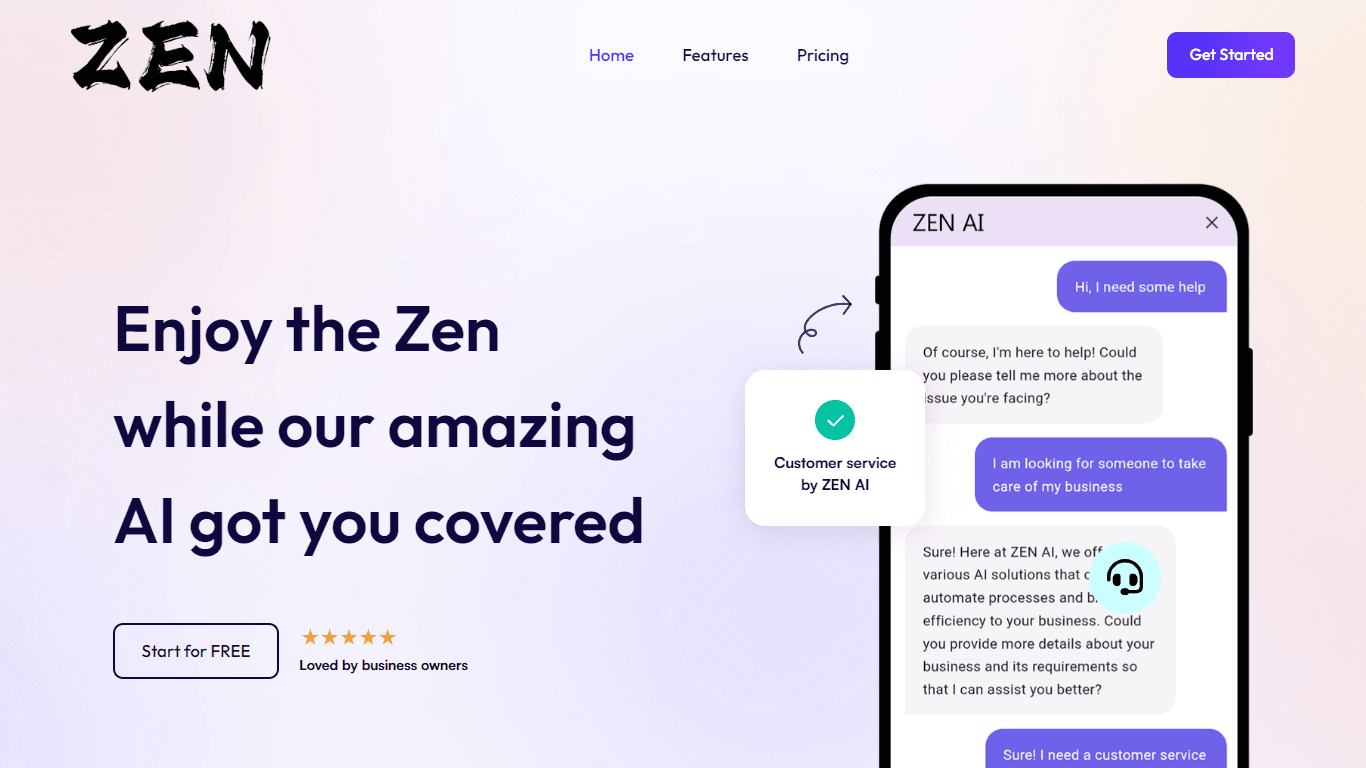
Discover unparalleled customer service with ZEN AI, an intelligent customer support assistant designed for businesses of all sizes. ZEN AI operates around the clock, ensuring that your customers alway
Teamcamp
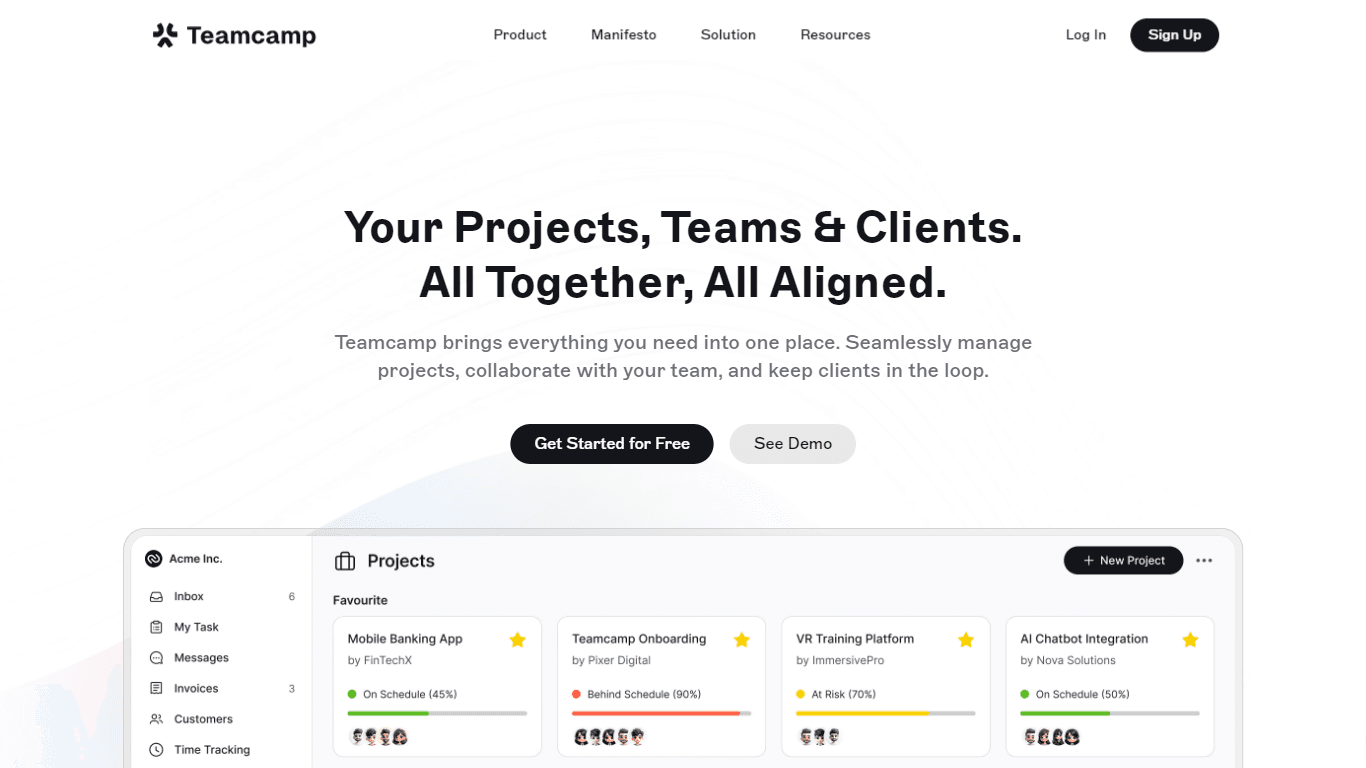
Teamcamp is a comprehensive project management tool designed to streamline the workflow for teams in various sectors, including IT, marketing, freelancers, and agencies. Its core functionality revolve

Align AI
Streamlines AI strategy alignment with business objectives.

The North
North is an intuitive platform designed to simplify the management of Objectives and Key Results (OKRs), Strategy, and Initiatives for businesses of all sizes. It is a tool that directs teams to trans

Supametas.AI
A tool to transform unstructured data into structured formats for AI models and knowledge bases.
Zia
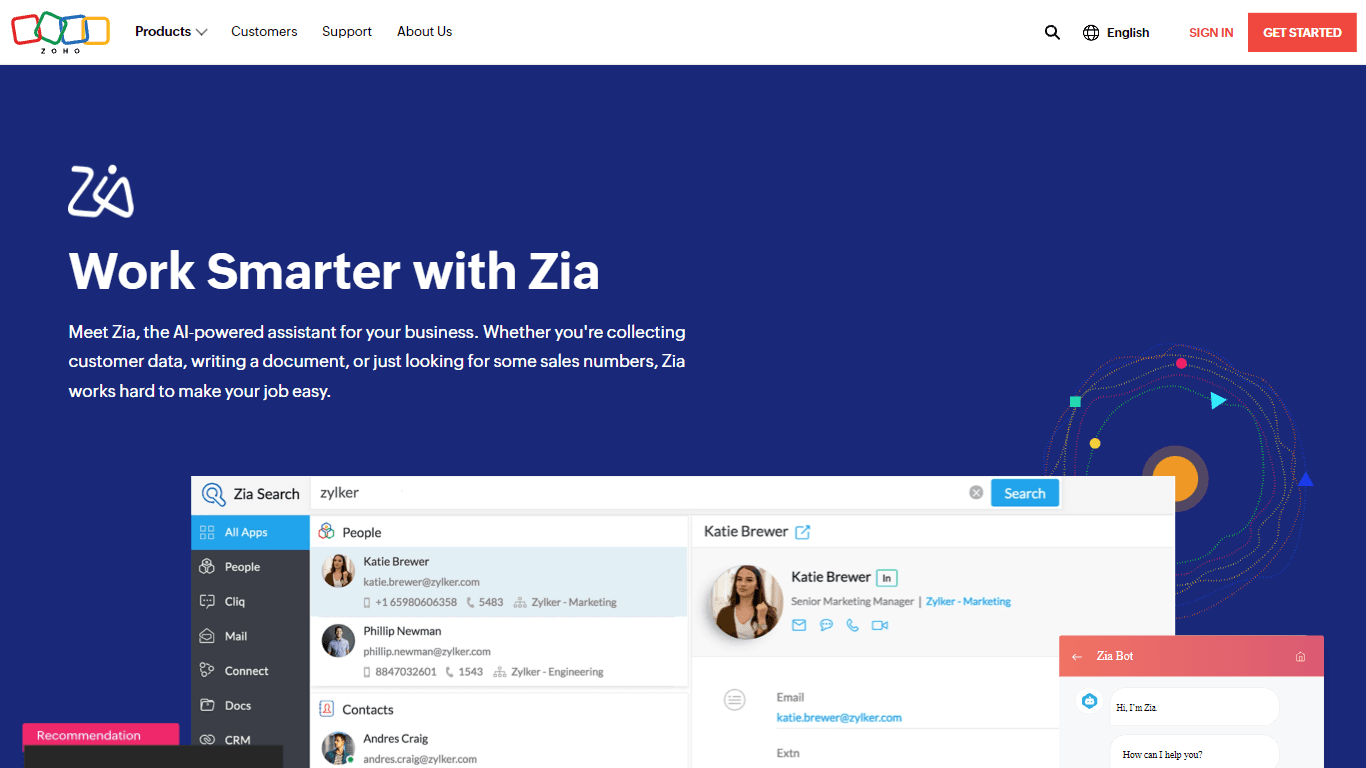
Maximize your business efficiency with Zia, Zoho's advanced AI assistant designed to streamline your business operations across various functions. Zia acts as a dynamic tool, providing tailored recomm

AICosts.ai
A tool to centralize tracking and optimization of spending across multiple AI services.
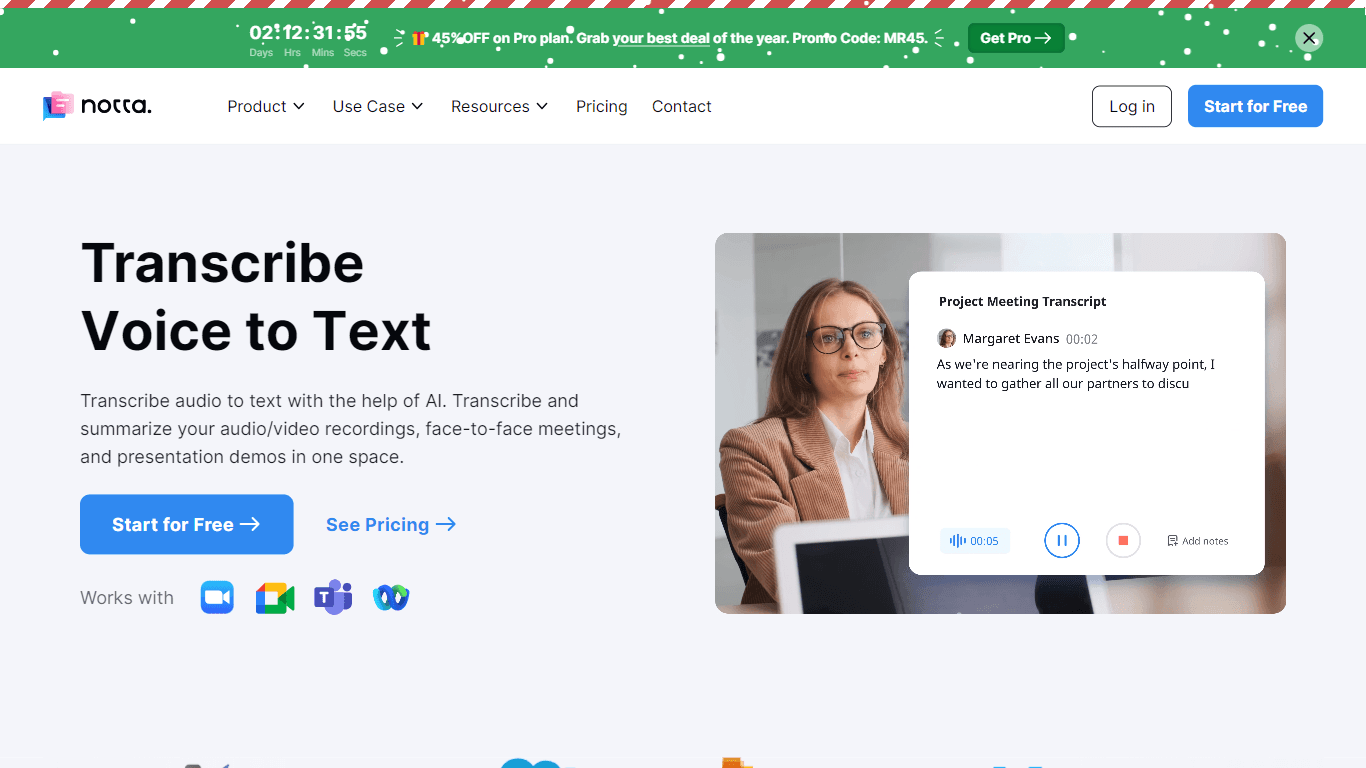
Notta
Notta offers a comprehensive solution for converting audio to text using advanced AI technology. With Notta, users can transcribe and summarize audio/video recordings, live meetings, and presentations

ZeroGPT
ZeroGPT.com stands out as the premier destination for AI detection, setting the gold standard in safeguarding digital landscapes. With cutting-edge algorithms and advanced machine learning models, Zer

Yuma
Yuma is revolutionizing customer support through the power of automation. By leveraging ChatGPT, we have developed an innovative solution that seamlessly integrates with help desk software to provide

SPUN
SPUN offers an innovative platform designed to streamline the global permit and visa application process through AI and automation. Aimed at helping individuals and organizations to efficiently pursue

10Web AI Website Builder
10Web AI Website Builder is a platform designed to help businesses and individuals create fully functional, production-ready WordPress websites quickly and without coding skills. Users simply describe