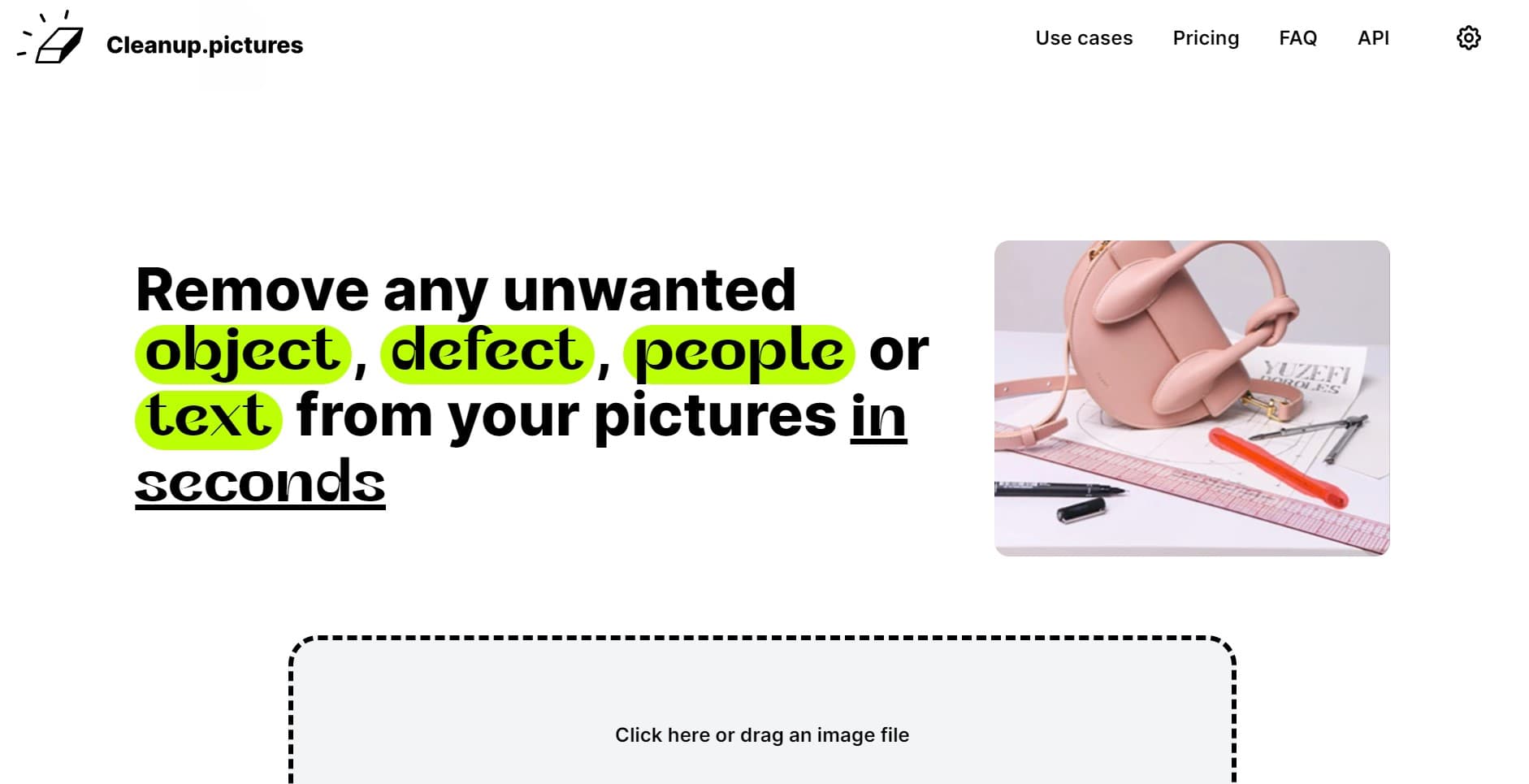
Cleanup.pictures
Effortlessly enhance images by removing unwanted objects seamlessly.
18,572
Votes
25,395
Views
11,369
Bookmarks
About
Cleanup.pictures is a cutting-edge AI-powered tool designed to effortlessly enhance and edit images by removing unwanted objects, people, text, and defects. Whether you're a professional photographer, a creative agency, or simply someone looking to perfect your personal photos, Cleanup.pictures streamlines the retouching process with its intuitive interface and advanced inpainting technology. This tool is ideal for individuals and businesses aiming to produce high-quality visuals without the complexity of traditional editing software.
Key Features
- AI-Powered Inpainting: Utilizing advanced algorithms, Cleanup.pictures intelligently reconstructs the background of an image after removing unwanted elements, ensuring seamless and natural-looking results.
- User-Friendly Interface: The platform offers an intuitive drag-and-drop feature, making it accessible for users of all skill levels to quickly edit images with minimal effort.
- High-Resolution Support: While the free version supports up to 720p, the Pro version allows for unlimited image resolutions, catering to high-quality professional needs.
- Versatile Use Cases: From removing tourists in travel photography to eliminating logos and watermarks in product images, Cleanup.pictures adapts to a wide range of editing scenarios.
Pros
- Time Efficiency: Achieves professional-grade edits in seconds, significantly reducing the time spent on manual retouching.
- Cost-Effective: Offers a free tier with essential features, and an affordable Pro plan for enhanced capabilities.
- High-Quality Output: Produces visually appealing edits without the typical smears or artifacts associated with other tools.
- Cross-Platform Accessibility: Available on both desktop and mobile, ensuring flexibility for users on the go.
Cons
- Resolution Limitation for Free Tier: The free version restricts image exports to 720p, which may not meet the needs of all users.
- Single User License: Each subscription is limited to one user, which might be restrictive for larger teams.
Who Uses It
- Photographers: Leveraging the tool to remove unwanted elements from portraits and landscapes for pristine photo albums.
- Creative Agencies: Utilizing the platform for quick edits to produce visually striking marketing materials.
- Real Estate Agents: Enhancing property images by eliminating distracting objects, providing cleaner visuals for listings.
- E-commerce Businesses: Improving product photos by removing text and logos, leading to more appealing online displays.
Pricing
- Free Tier: Unlimited images with resolution limited to 720p.
- Pro Tier: $3 per month or $36 per year, offering unlimited images and resolutions with a high-quality refiner.
You may also like
More tools in Business Tools

Looq AI
Revolutionize image analysis with advanced AI-powered recognition and insights.

Outreach
Optimize sales, enhance workflows, boost efficiency with AI-powered tools.

Spoke.ai
AI-powered tool revolutionizes team communication and project management.
GPT for Sheets and Docs
Elevate productivity in Sheets and Docs with AI-powered automation and creativity.
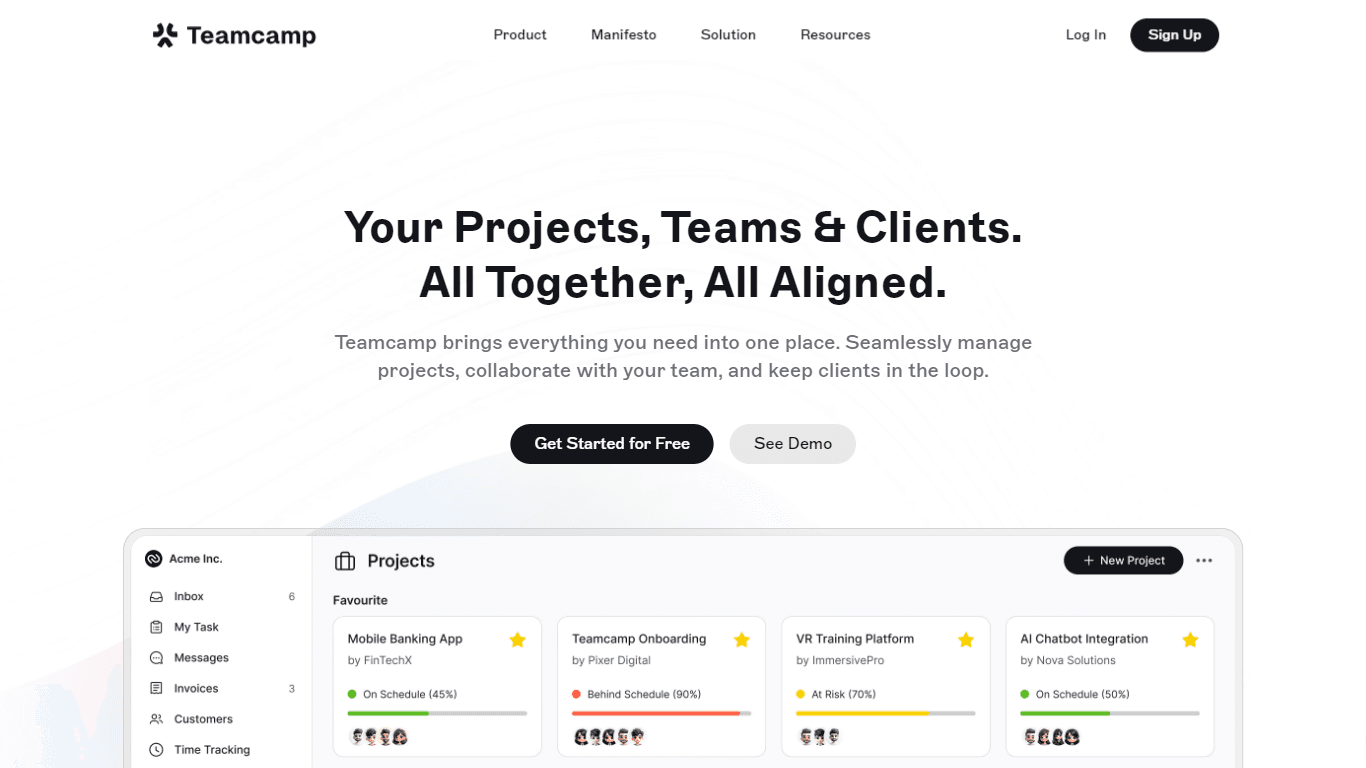
Teamcamp
Teamcamp is a comprehensive project management tool designed to streamline the workflow for teams in various sectors, including IT, marketing, freelancers, and agencies. Its core functionality revolve

Tektonic AI
Streamline sales and revenue operations with advanced AI-driven automation.

Align AI
Streamlines AI strategy alignment with business objectives.

adam.ai
Maximize your business success with adam.ai, the intuitive meeting management platform designed to enhance your team's productivity. Our intelligent solution streamlines the meeting process, granting

The North
North is an intuitive platform designed to simplify the management of Objectives and Key Results (OKRs), Strategy, and Initiatives for businesses of all sizes. It is a tool that directs teams to trans
MyMemo AI
Transform digital chaos into an organized, AI-enhanced knowledge oasis.

Ipic.ai
AI-powered image enhancement for professionals and hobbyists alike.
Bardeen AI
Automate workflows and enhance GTM productivity.