
ChatRealtor
ChatRealtor is a revolutionary chatbot builder designed specifically for real estate agents, helping them to engage with leads swiftly and efficiently. By leveraging advanced AI technology, including
15,815
Votes
25,853
Views
11,438
Bookmarks
About
ChatRealtor is a revolutionary chatbot builder designed specifically for real estate agents, helping them to engage with leads swiftly and efficiently. By leveraging advanced AI technology, including Custom ChatGPT, ChatRealtor can answer up to 80% of customer inquiries instantly, allowing agents to focus on high-priority tasks. It offers seamless synchronization with property listing platforms such as Zillow and integration with Text SMS, website chat bubbles, and AirBnB within a mere 10 minutes. Agents can personalize their chatbots to match their branding and communication style, and no credit card is required to start with a free trial. Notably, ChatRealtor supports nearly 95 languages, making it accessible to a global audience. With an easy setup process and the ability to resolve a high volume of customer questions effectively, ChatRealtor positions itself as an essential tool for modern real estate professionals seeking to maximize their lead conversion and streamline appointment scheduling.
Key Features
- Automatic Synchronization: Sync data from Zillow and other property listing websites.
- Rapid Deployment: Deploy to Text SMS, website, and AirBnB within 10 minutes.
- AI-Powered Efficiency: Resolve up to 80% of customer inquiries instantly.
- Personalized Experience: Customize chatbots with names, traits, and response styles.
- Multilingual Support: Supports about 95 languages for diversified global use.
FAQ
What is ChatRealtor?
ChatRealtor is an AI chatbot builder for Realtors that allows them to add a chat widget to their website and Text SMS, which is trained on their data to intelligently respond to various questions.
How to synchronize your data from Zillow?
To synchronize your Zillow data, input your Zillow account URL in the PropertyListing section's URL input box, and the data will automatically sync with your chatbot.
What should my data look like?
Your data can be uploaded as multiple file types like PDF, TXT, DOC, DOCX, pasted text, or a website link for scraping.
Does it use GPT-3.5 or GPT-4?
By default, your chatbot uses gpt-3.5-turbo, with gpt-4 available on the Standard and Unlimited plans.
How can I add my chatbot to my website?
You can embed your chatbot on your website by using an iframe or by adding a chat bubble, which is customizable when you create a chatbot and click 'Embed on website'.
You may also like
More tools in Business Tools

Looq AI
Revolutionize image analysis with advanced AI-powered recognition and insights.

Outreach
Optimize sales, enhance workflows, boost efficiency with AI-powered tools.

Spoke.ai
AI-powered tool revolutionizes team communication and project management.
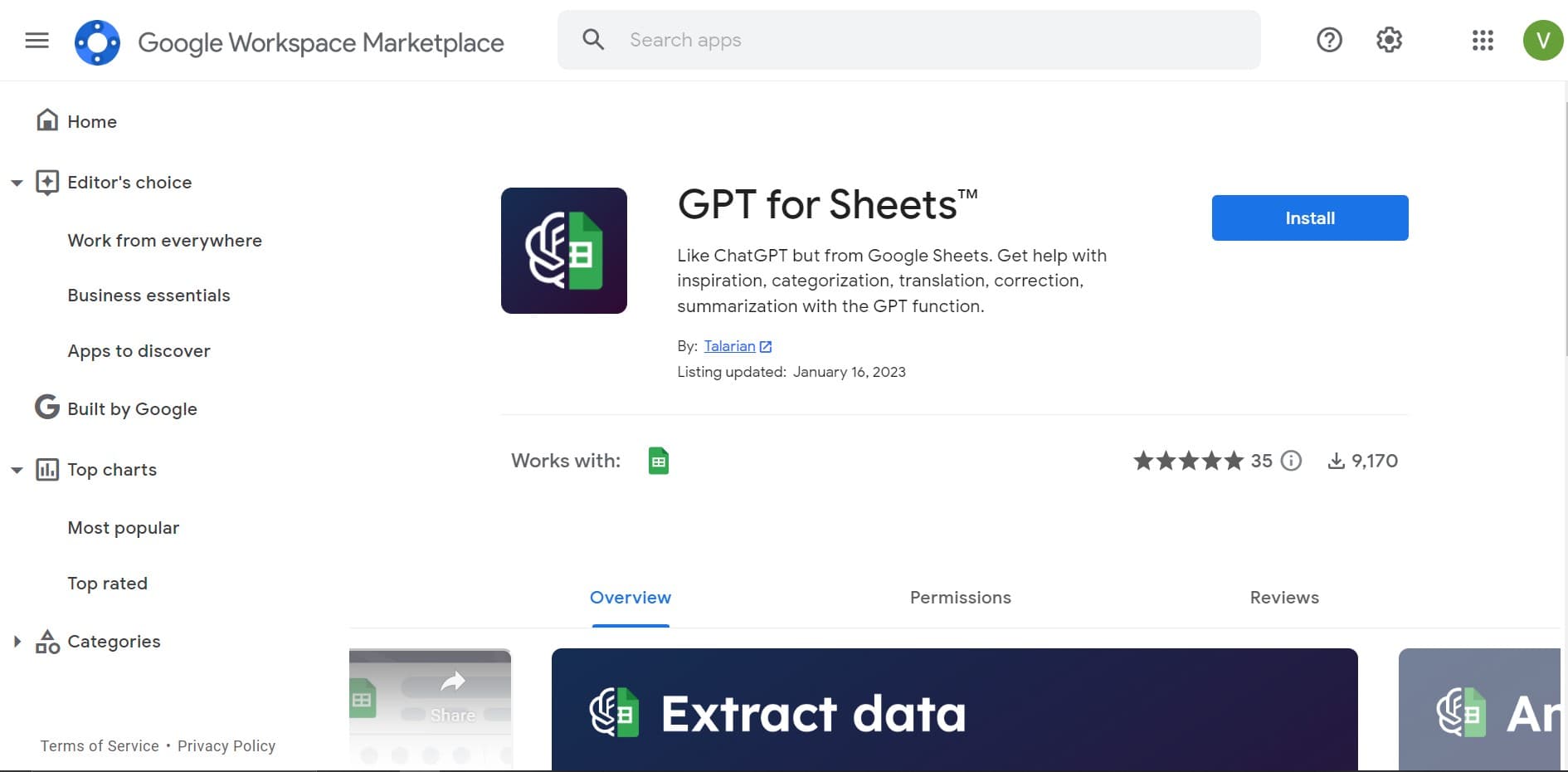
GPT for Sheets and Docs
Elevate productivity in Sheets and Docs with AI-powered automation and creativity.
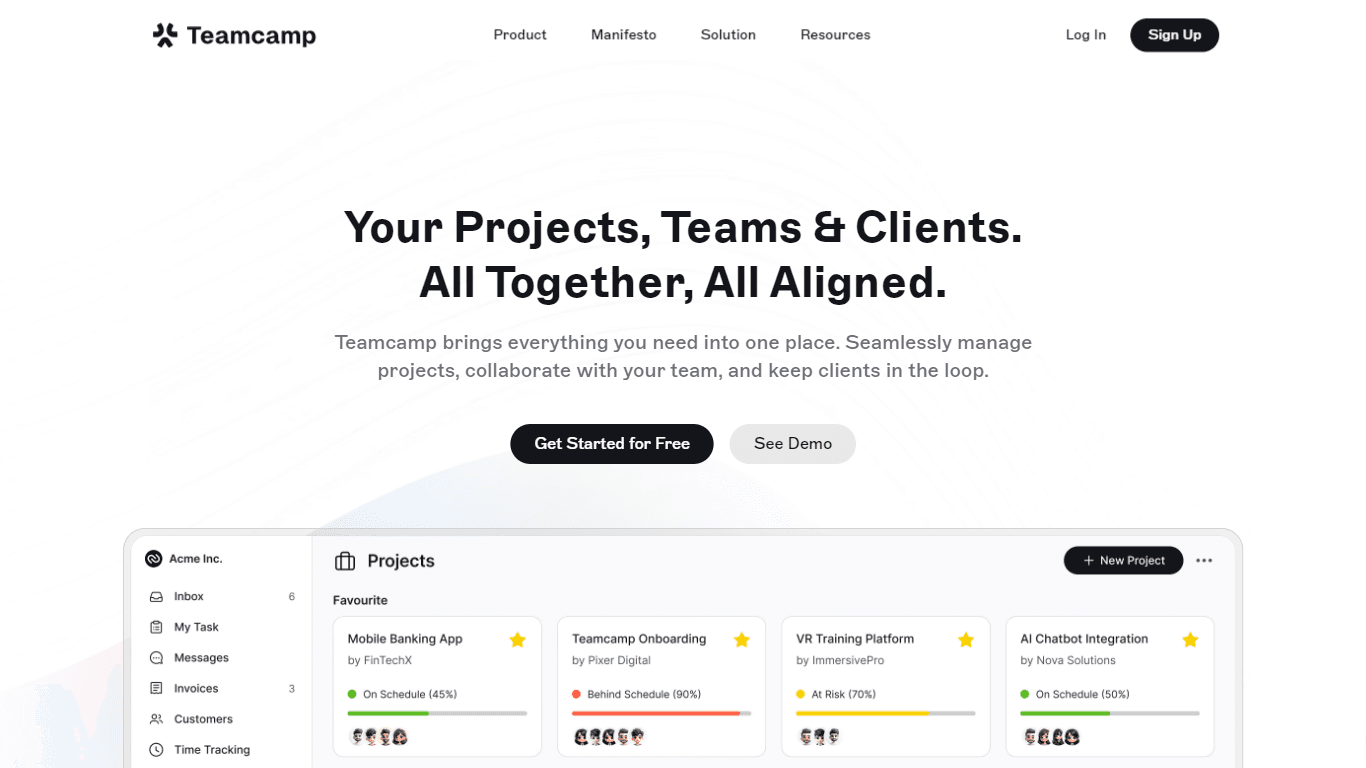
Teamcamp
Teamcamp is a comprehensive project management tool designed to streamline the workflow for teams in various sectors, including IT, marketing, freelancers, and agencies. Its core functionality revolve

Tektonic AI
Streamline sales and revenue operations with advanced AI-driven automation.

adam.ai
Maximize your business success with adam.ai, the intuitive meeting management platform designed to enhance your team's productivity. Our intelligent solution streamlines the meeting process, granting

Align AI
Streamlines AI strategy alignment with business objectives.
MyMemo AI
Transform digital chaos into an organized, AI-enhanced knowledge oasis.

The North
North is an intuitive platform designed to simplify the management of Objectives and Key Results (OKRs), Strategy, and Initiatives for businesses of all sizes. It is a tool that directs teams to trans

Ipic.ai
AI-powered image enhancement for professionals and hobbyists alike.
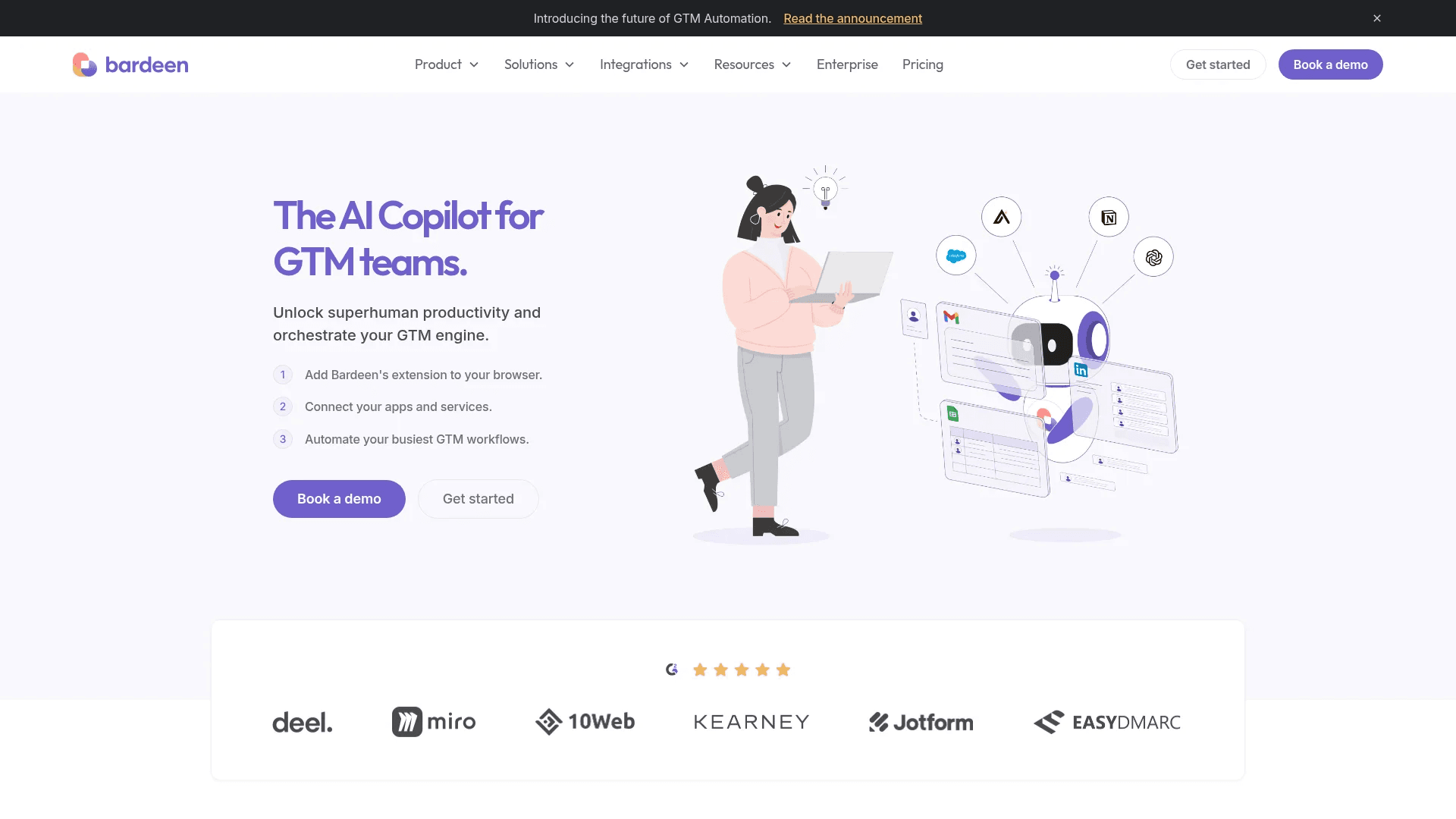
Bardeen AI
Automate workflows and enhance GTM productivity.