Caret
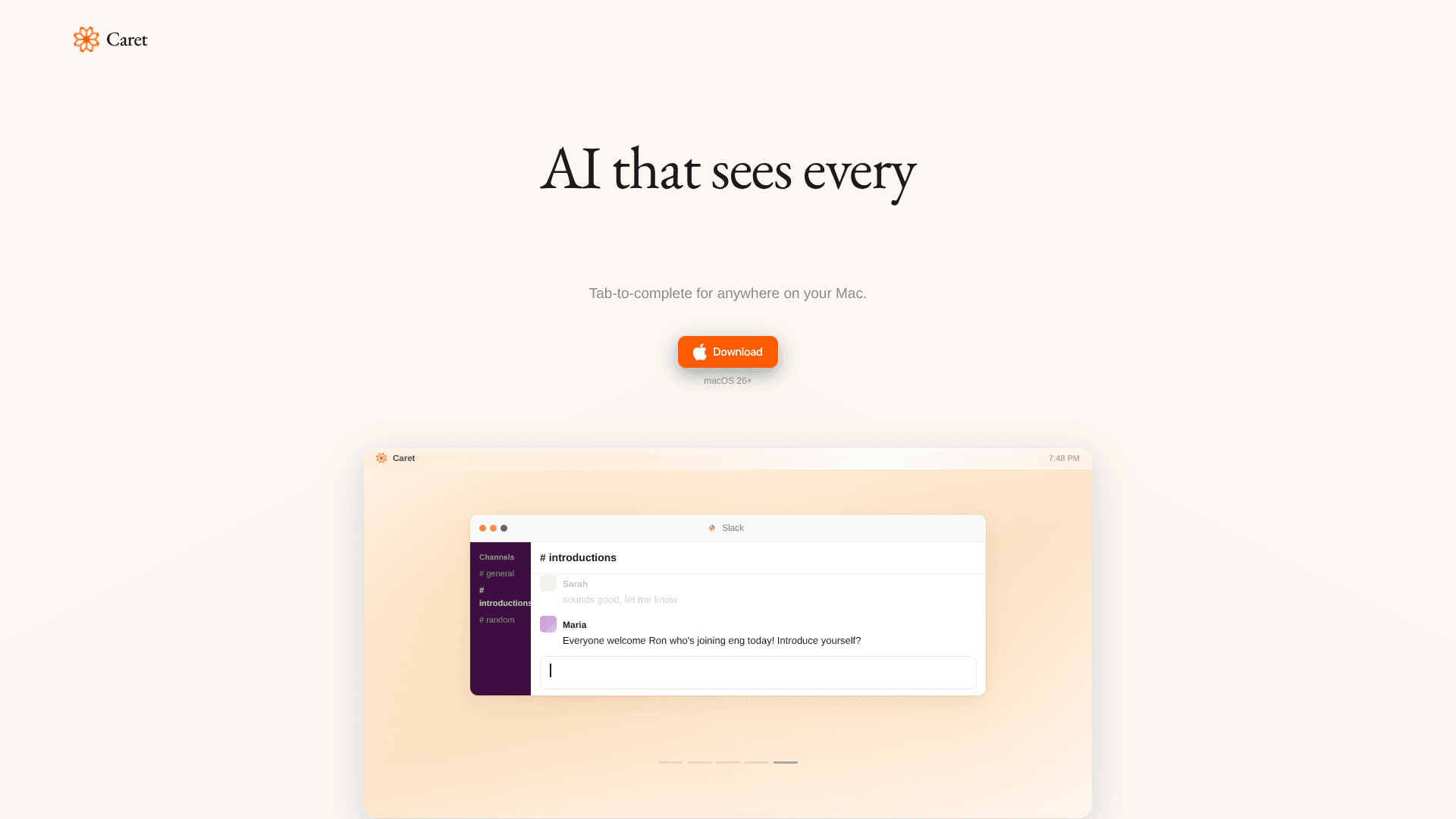
Press Tab to finish sentences across Mac.
16,245
Votes
24,556
Views
11,734
Bookmarks
About
Caret is a macOS writing assistant that lives at the system level. It continuously observes what is on screen, builds “memories” of ongoing work, and then uses AI to suggest the next sentence whenever the user taps Tab. Instead of opening a separate chat window, it appears directly in existing apps, aiming to feel like native autocomplete across the entire Mac.
Key Features
- Systemwide Tab Completion: Offers AI suggestions in virtually any macOS app by pressing Tab while typing.
- Always-On Context Engine: Continuously reads the screen to build memories so suggestions reflect both current work and recent activity.
- Personalized Writing Style: Tailors completions to match the user’s tone and phrasing so output sounds closer to how they naturally write.
- App-Agnostic Presence: Appears as an overlay rather than a separate chat app, staying available inside documents, emails, and chats across the system.
Pros
- Frictionless writing flow: Reduces context switching and keeps writers inside their current app while still receiving AI assistance.
- High-speed drafting: Tab-triggered completions speed up email, documentation, note-taking, and everyday messaging with minimal extra keystrokes.
- Consistent voice: Long-lived memories help maintain a recognizable personal or team voice across different tools and contexts.
- Great for power users: Keyboard-focused interaction aligns well with developers, writers, and operators who live in text fields all day.
Cons
- macOS only: Currently focused on Mac, which excludes Windows-centric or browser-only environments. (trycaret.com)
- Always-on reading concerns: Continuous screen access may raise privacy and compliance questions for cautious individuals and enterprises.
- Early-stage polish: Minimal marketing copy and documentation make it harder for newcomers to understand advanced capabilities or roadmap.
Who Uses It
- Software Engineers and Developers: Using it to speed up code comments, design docs, pull request descriptions, and internal communication.
- Startup Founders and Operators: Drafting investor updates, product specs, and strategy notes while staying inside familiar productivity apps.
- Content and Marketing Teams: Creating campaigns, social posts, and briefs while keeping tone consistent across channels and clients.
- Knowledge Workers and Consultants: Producing reports, client emails, and meeting notes faster in office suites and collaboration tools.
- Uncommon Use Cases: Well suited for academics drafting manuscripts in editors like Word or LaTeX frontends; handy for customer support leads standardizing tone in helpdesk and chat tools.
Pricing
- Current Access: The official site spotlights a direct macOS download, with no explicit tiered pricing or subscription breakdown visible on the public page.
You may also like
More tools in Text Generators
Humy.ai
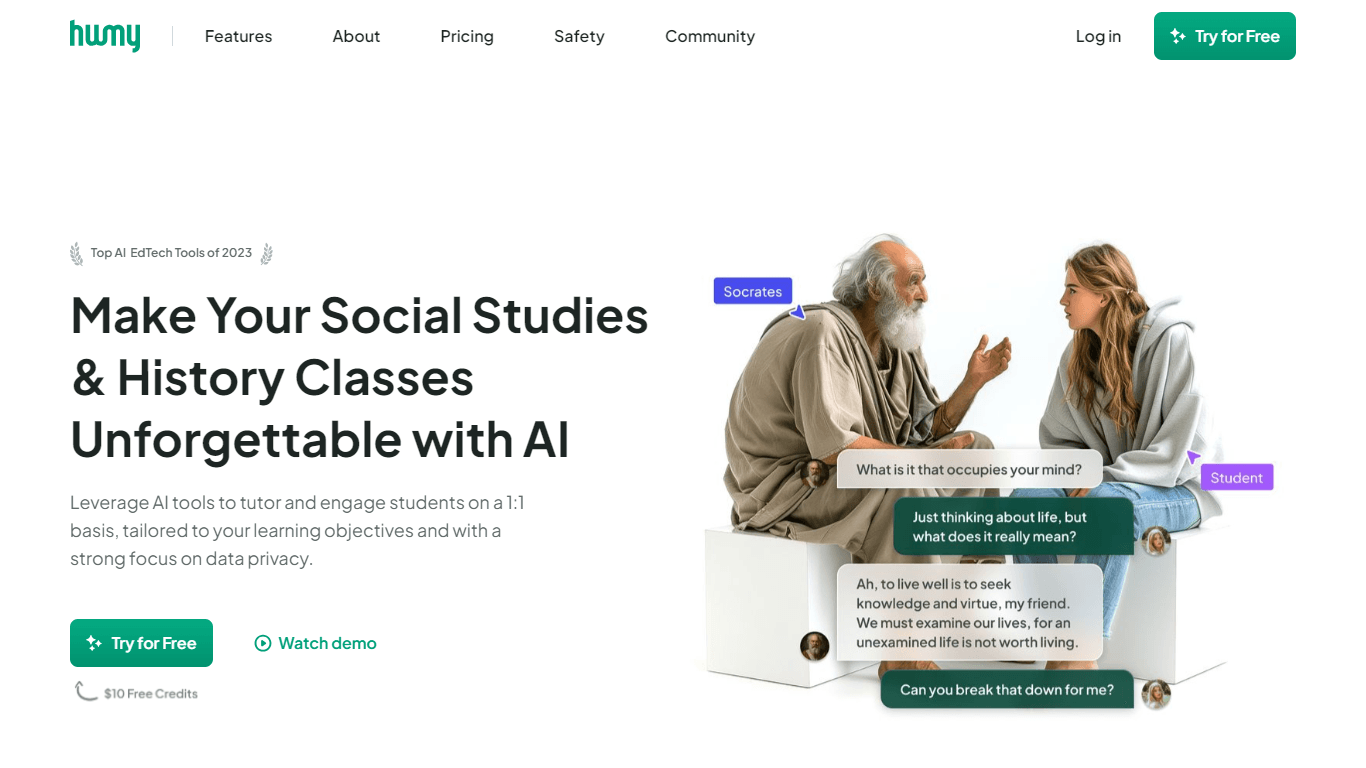
Humy.ai is a trailblazing Artificial Intelligence (AI) platform dedicated to enhancing the educational experience for both teachers and students through personalized, AI-enhanced tools. With a signifi

Dify
A platform to develop and operate AI applications.

Blog Post Generator
Generates SEO-optimized blog posts
GPT for Sheets and Docs
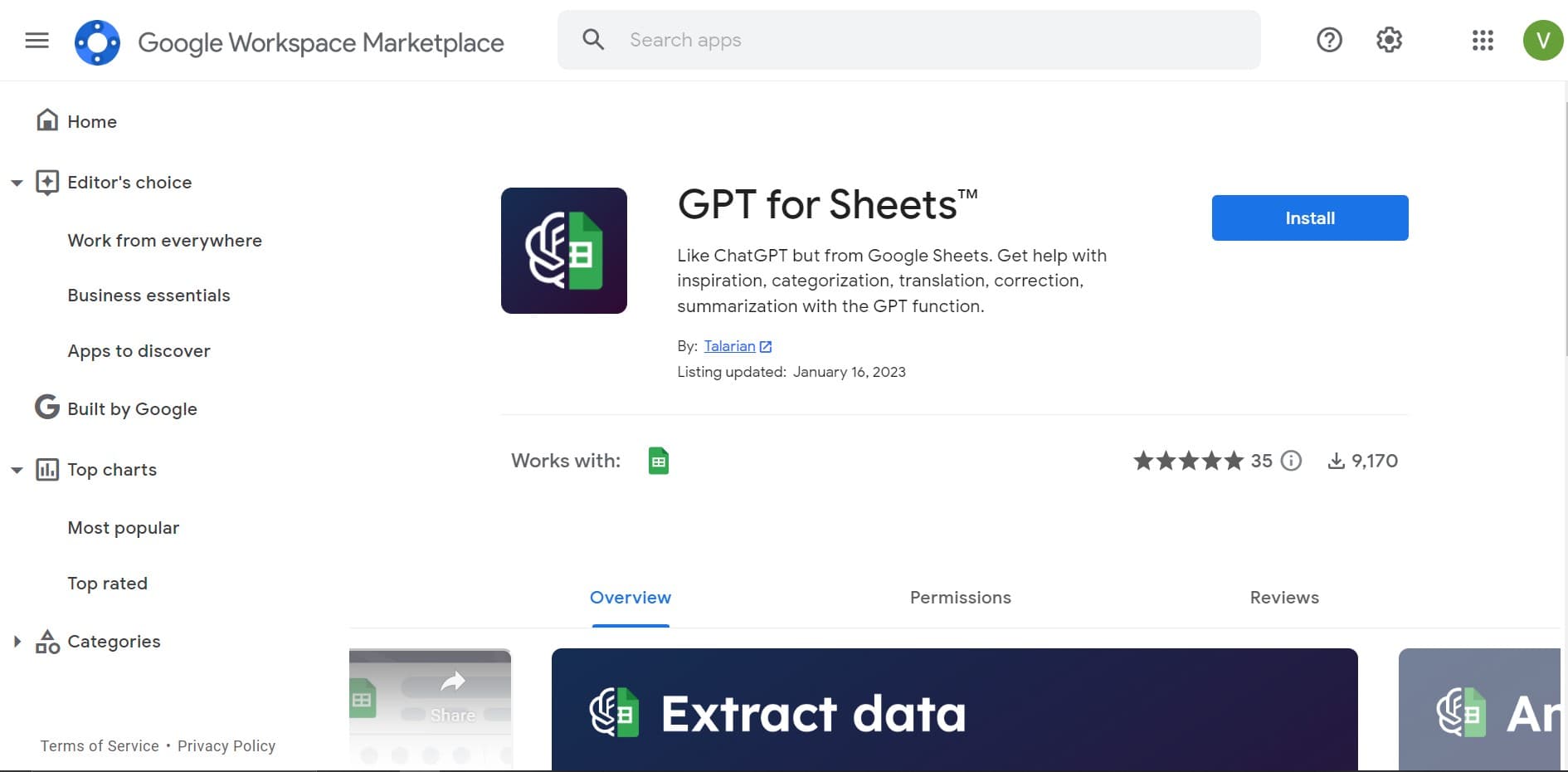
Elevate productivity in Sheets and Docs with AI-powered automation and creativity.

Twee
Revolutionize English teaching with AI: create, personalize, engage.
Deep Realms
AI-powered platform for crafting immersive, interactive storytelling experiences.

Mythic Text
A tool to transform markdown and plain text into formatted content across multiple output formats.
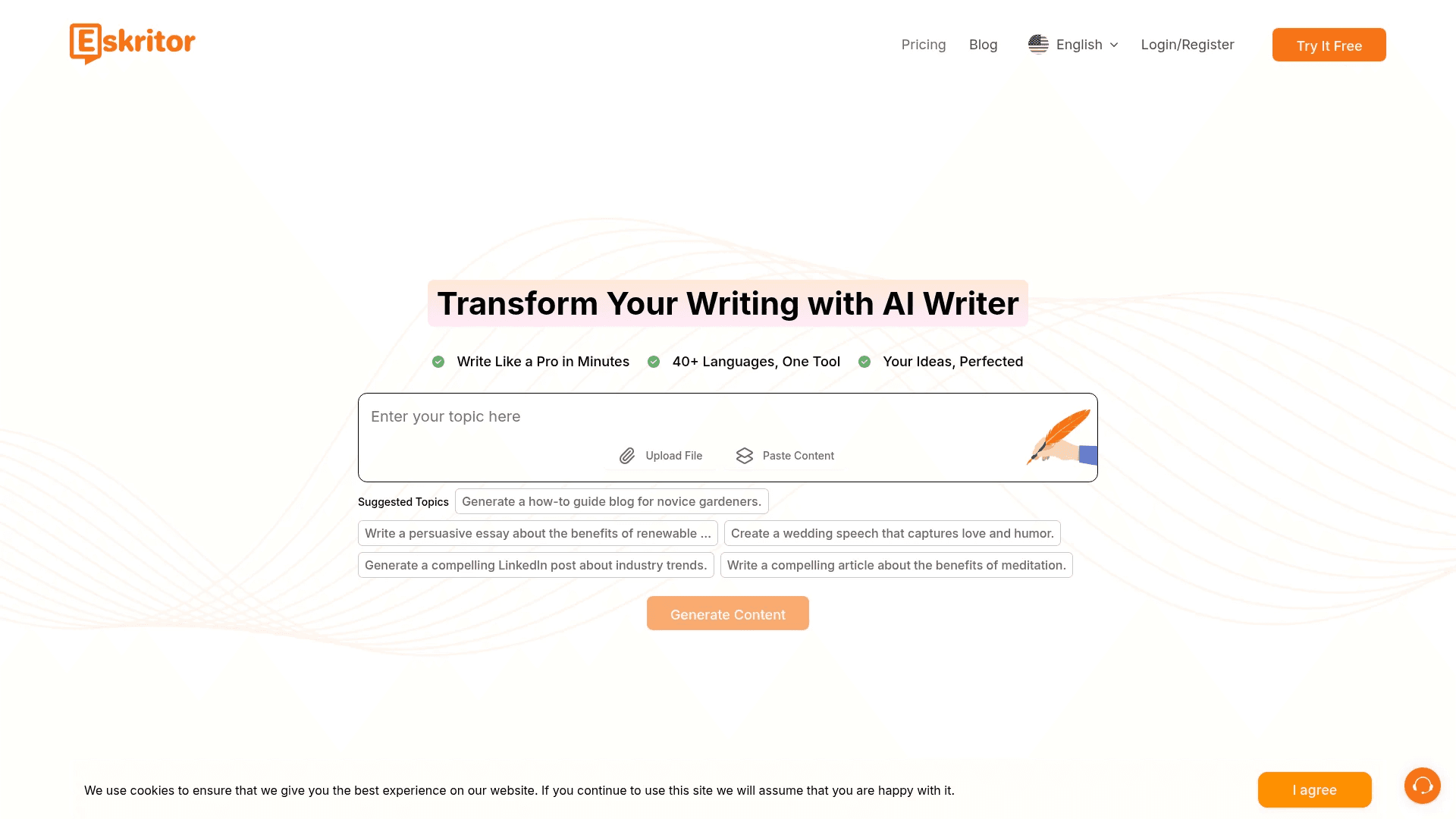
Eskritor
Streamline writing with multilingual AI content generation.
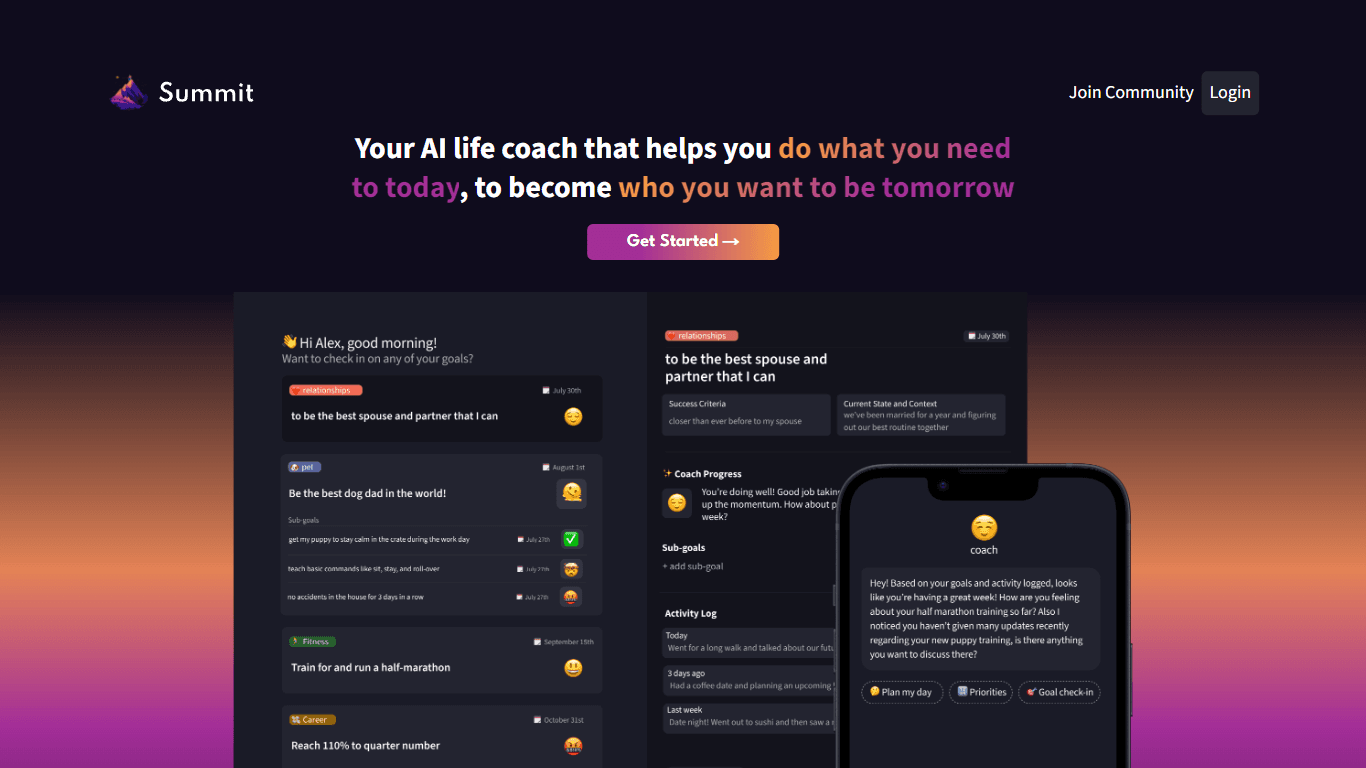
Summit
Summit is a comprehensive AI-powered platform designed to revolutionize the way businesses optimize their operations. With an array of cutting-edge features and advanced algorithms, Summit offers unpa
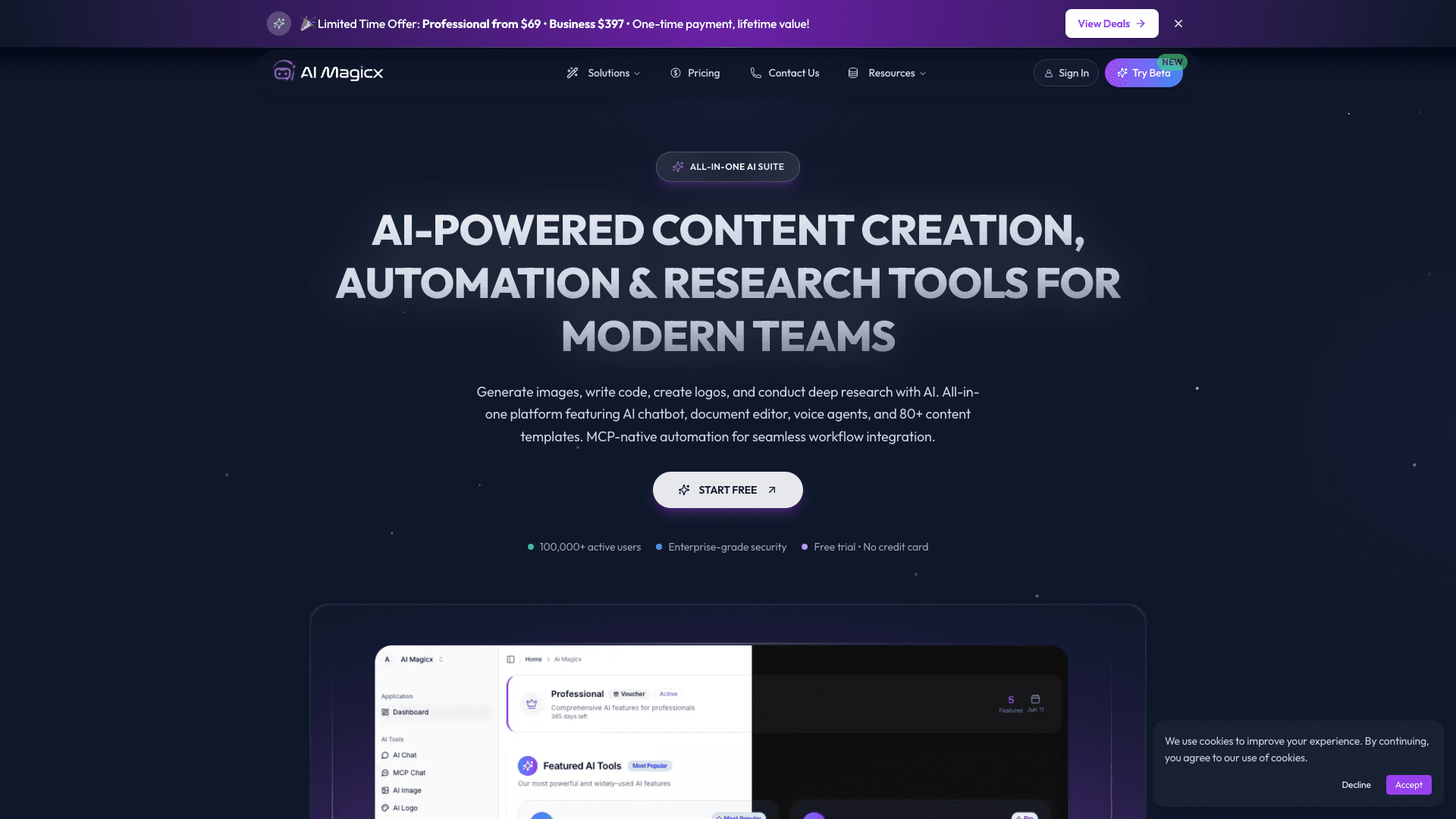
AI Magicx
AI Magicx enhances creativity with AI-driven design and coding.
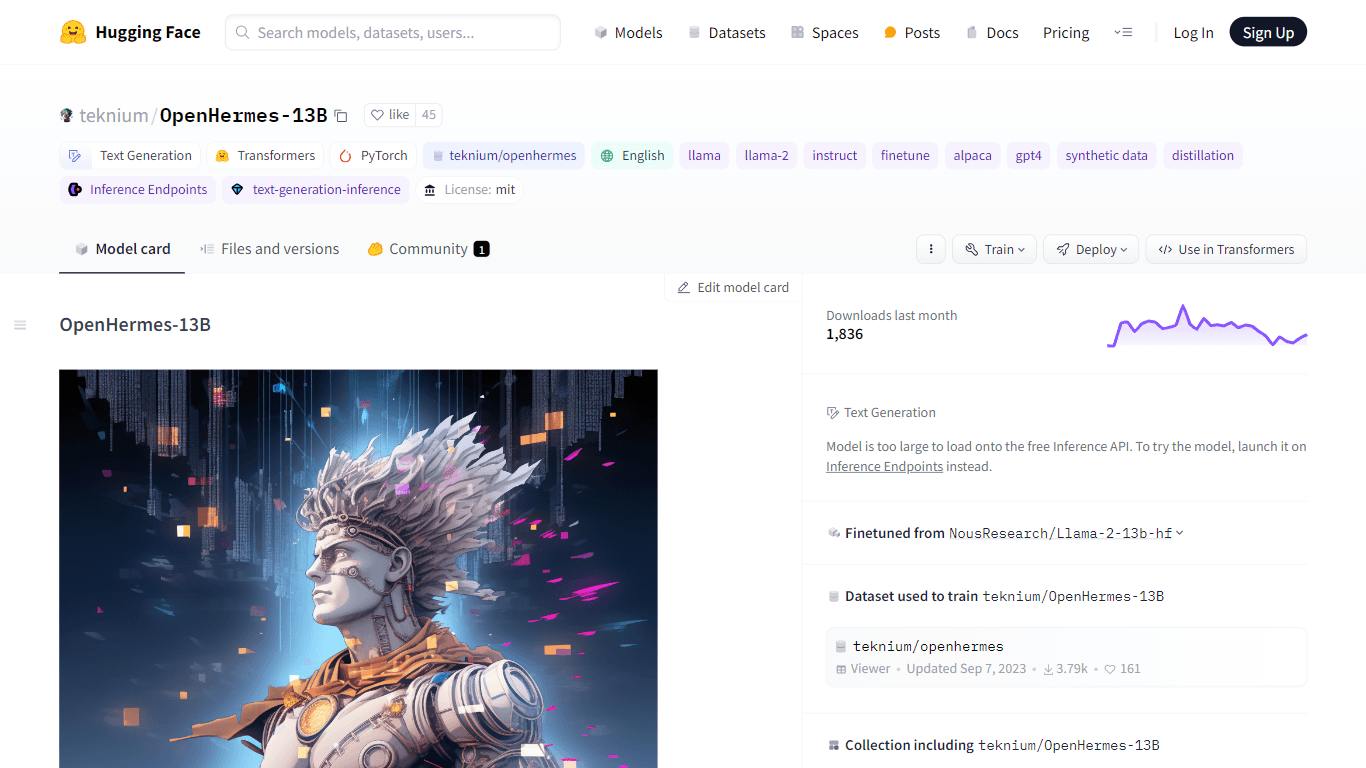
OpenHermes-13B
Discover OpenHermes-13B, an advanced fine-tuned model from teknium that leverages the robust GPT-4 generated dataset collected from diverse AI solutions. Meticulously trained on a fully open-source da

Dubs
AI-powered video dubbing and subtitles for global reach.