
Brief My Meeting
Arrive prepared with automatic pre-meeting email briefings.
9,231
Votes
14,109
Views
4,832
Bookmarks
About
Brief My Meeting focuses on AI-driven meeting preparation, turning scattered email and calendar data into clear, timely briefings. By connecting to Google or Outlook email and calendars, it automatically compiles who attendees are, what has been discussed previously, open action items, and relevant documents, then sends a structured briefing email about four hours before each external meeting. It targets busy professionals who juggle many conversations and want to walk into every meeting informed rather than scrambling.
Key Features
- AI-generated pre-meeting briefs: Uses text analysis to scan past email threads, calendar events, and attachments related to attendees, then distills them into a concise, human-readable briefing sent ahead of the meeting.
- Attendee and company research: Pulls in LinkedIn profiles, company details, and role context for each participant so users understand who is in the room and what matters to them.
- Contextual history view: Surfaces prior meetings, emails, and key quotes, including reminders about what was decided last time and which follow-ups are still pending.
- Relevant document surfacing: Identifies and links important attachments such as proposals, budgets, slide decks, or shared PDFs that might be referenced in the upcoming call.
- Calendar and inbox integration: Connects directly to Google and Outlook environments, automatically detecting external meetings and preparing briefs without manual setup for each event.
- Security and compliance focus: Operates with SOC 2 Type 2 compliance and a clearly stated “only what is necessary” access approach, aiming to reassure security-conscious teams.
Pros
- Significant time savings: Cuts down on last-minute inbox searches, tab hopping, and re-reading long threads before calls.
- Stronger relationships and follow-through: Reminds users of prior commitments, past context, and who said what, which helps maintain trust with clients, partners, and candidates.
- Low-friction workflow: Delivers value directly inside the inbox as an email briefing, so there is no separate dashboard that must be monitored.
- Attractive pricing for heavy meeting schedules: Unlimited meeting briefings at a low per-user price point favor professionals with packed calendars.
- Clear value narrative: From the creators of Inbox Zero, the product has a focused mission of helping people show up prepared rather than trying to become a full meeting suite.
Cons
- Data-access sensitivity: Some organizations may hesitate to grant a third-party tool access to email and calendar data, even with compliance in place.
- Most useful for external meetings: Internal standups or quick ad hoc chats may not benefit as much from full attendee research and long history.
- Limited custom workflow controls: Power users may wish for deeper customization such as fully custom brief templates, advanced filtering, or highly granular timing controls that are not yet prominent.
Who Uses It
- Sales and business development teams: Use the tool to prepare for prospect calls, renewals, and cross-sell conversations, supported by instant recall of past negotiations and shared files.
- Founders and executives: Rely on it ahead of investor check-ins, partnership talks, and strategic one-on-ones to avoid missing important follow-ups.
- Customer success and account managers: Walk into QBRs and health checks with a clear view of ticket history, prior concerns, and sent documents.
- Recruiters and hiring managers: Review candidate history, referrals, and earlier interview notes before each call without hunting through inbox folders.
- Uncommon Use Cases: Used by journalists preparing for interviews with repeat sources to recall earlier exchanges; adopted by independent consultants who use it as a lightweight memory layer across many small clients.
Pricing
- All in One: $9 per user per month; includes unlimited meeting briefings, email and calendar integration, SOC 2 Type 2 compliance, and cancel-anytime flexibility.
You may also like
More tools in AI Chatbots

Tektonic AI
Streamline sales and revenue operations with advanced AI-driven automation.
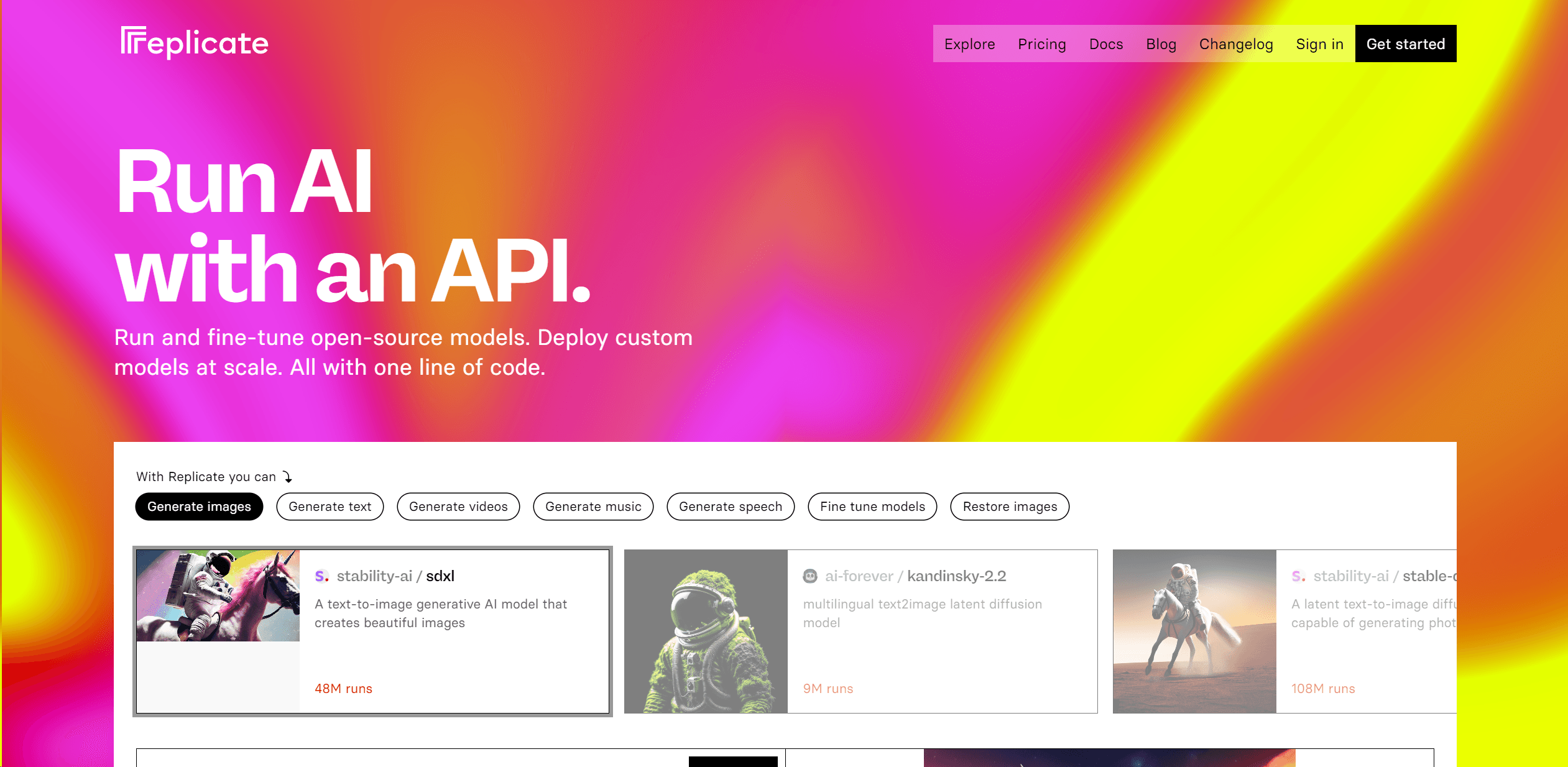
Replicate
Unlock AI's potential: run, fine-tune, deploy models easily and cost-effectively.

One AI
Boost website engagement and sales with adaptive AI-driven interactions.

Retell AI
Create lifelike AI voice agents, deploy anywhere, analyze real-time.

Ada
Revolutionize customer service with AI across all digital platforms.

Replika
AI companion for personalized chat, emotional support, and self-growth.
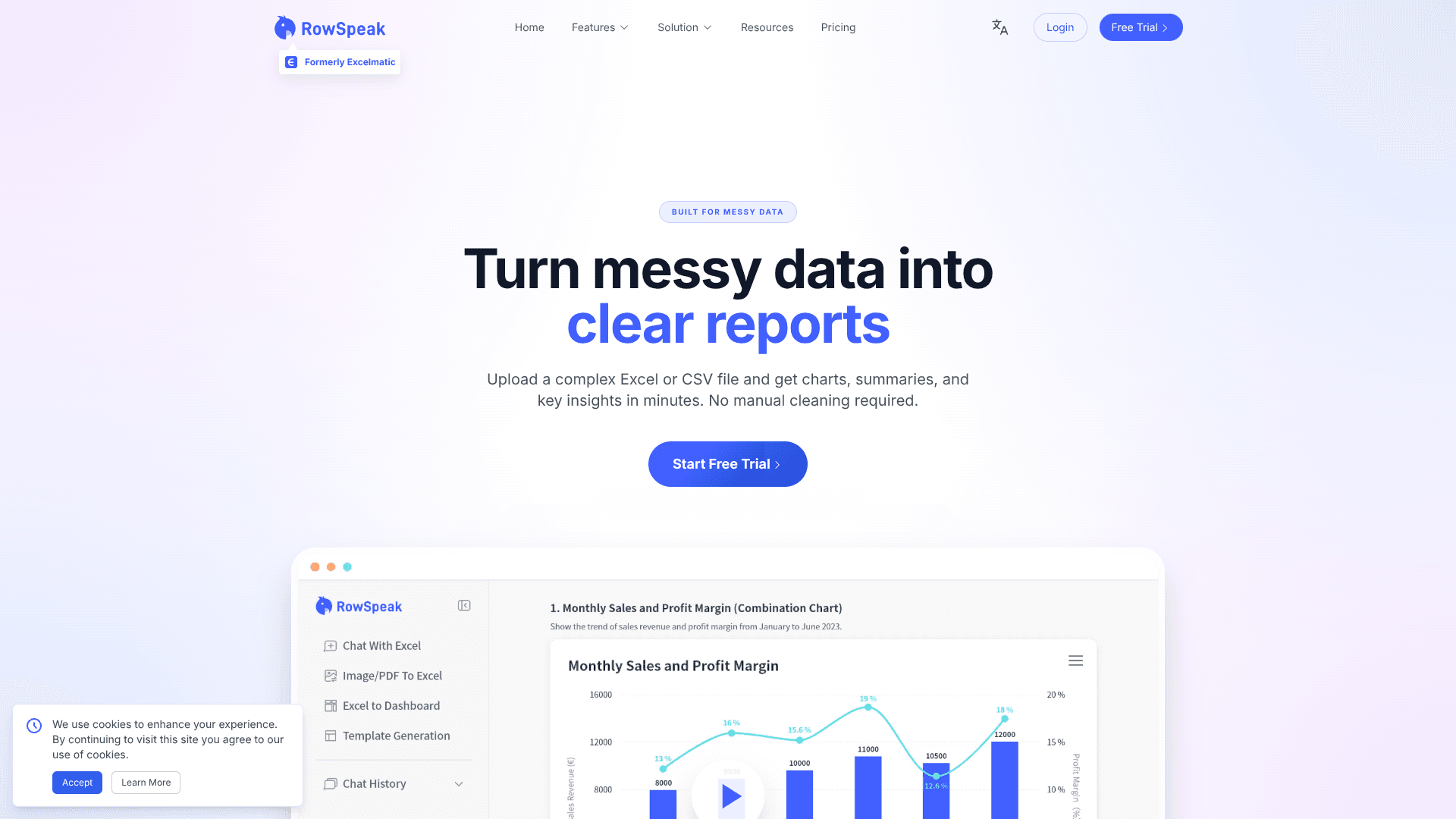
RowSpeak
Turn messy spreadsheets into clear, ready reports.

Heidi
Streamline healthcare admin tasks, and enhance patient focus.

LangChain
Revolutionize AI application development, monitoring, and deployment.

UiPath
Streamline workflows with AI-driven automation and seamless integration.
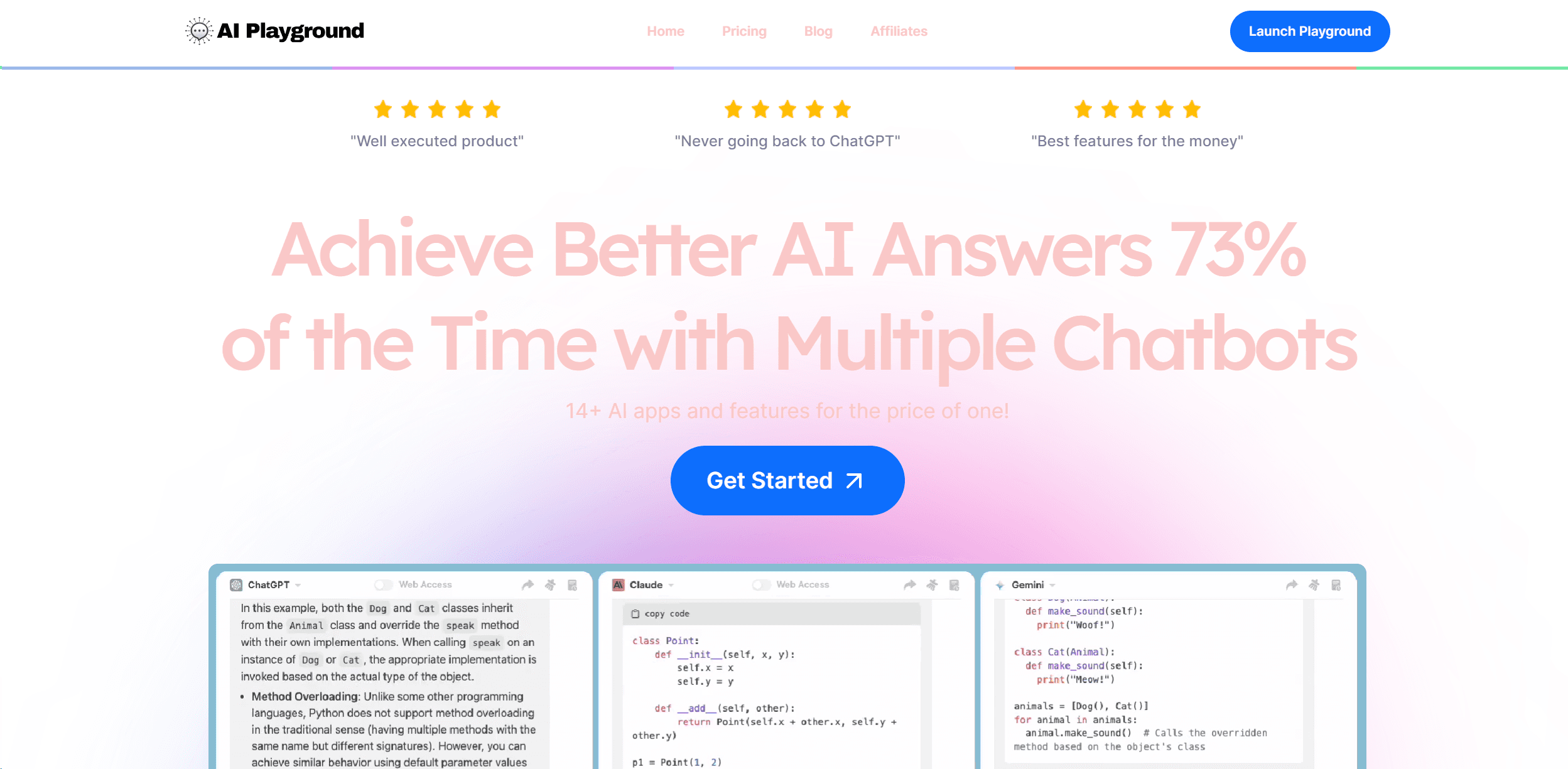
ChatPlayground AI
Multi-chatbot powerhouse for AI tasks.

Spotter Studio
Streamlines YouTube content ideation with data-driven insights.