
AudiOverFlow
AudiOverFlow offers a free Text to Audio AI tool that enables users to easily convert written content into speech. Its advanced artificial intelligence technology ensures a seamless transformation, pr
15,214
Votes
28,688
Views
11,534
Bookmarks
About
AudiOverFlow offers a free Text to Audio AI tool that enables users to easily convert written content into speech. Its advanced artificial intelligence technology ensures a seamless transformation, producing natural-sounding voice outputs. The platform is trusted by thousands and is known for its confidentiality and continuous customer support. With a simple and intuitive process, users can input text, select from various voices, and generate high-quality audio that can be downloaded for use across various mediums. AudiOverFlow is currently developing a Text to Image feature to complement its existing services. A dedicated team of AI experts is constantly working to improve the experience, ensuring that AudiOverFlow remains at the forefront of AI-generated voice technology.
Key Features
- Text Input: Allows users to enter any text they wish to convert into audio.
- Voice Selection: Offers a variety of voices in different languages for users to choose from.
- AI Voice Synthesis: Utilizes advanced AI to analyze text and create high-quality audio.
- Preview and Editing: Users can preview the generated audio and make edits before finalizing.
- Download: Provides the option to download the final audio file for use.
FAQ
How do I input text into AudiOverFlow?
Enter any text that you want to convert into an audio file using the provided text input field.
Can I select different voices or languages on AudiOverFlow?
Yes, you can choose from a wide range of natural-sounding voices available in different languages within the voice gallery.
What technology does AudiOverFlow use to convert text to audio?
Using advanced AI algorithms, AudiOverFlow analyzes the input text and synthesizes it into high-quality audio.
Can I preview and edit the audio before downloading?
You can preview the audio and make any necessary edits before finalizing the output.
How do I get the audio file after creating it with AudiOverFlow?
After you have finalized your audio, you can download the file directly from AudiOverFlow.
You may also like
More tools in Audio Generators
Noisee AI
Find powerful Noisee AI alternatives for creators.

Retell AI
Create lifelike AI voice agents, deploy anywhere, analyze real-time.

DaVinci Resolve
Unify editing, color, VFX, and audio post-production.
Vocallab AI
A tool to generate speech and clone voices from text.
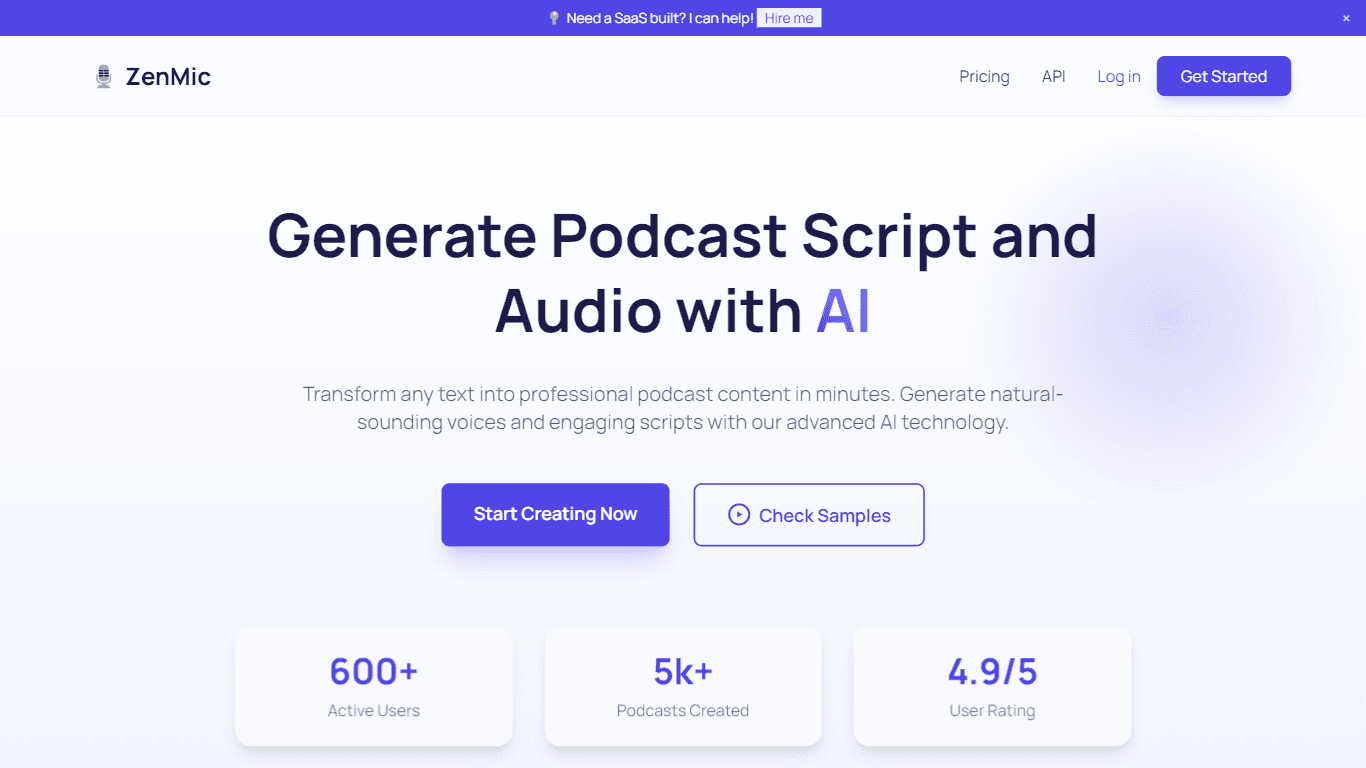
ZenMic
ZenMic is an innovative AI-driven podcast generator designed to transform any text into professional podcast content within minutes. The platform leverages advanced artificial intelligence technology

PlexiGen AI
A tool to create videos with matching audio from text or images.

BanterAI
BanterAI offers a unique platform for influencers and personalities to engage with their audience like never before. By creating a personalized AI voice bot on Banter AI, users can monetize their pers

Smallest.ai
A tool with ultra-low latency text-to-speech and AI voice agents for conversational applications.

Heidi
Streamline healthcare admin tasks, and enhance patient focus.
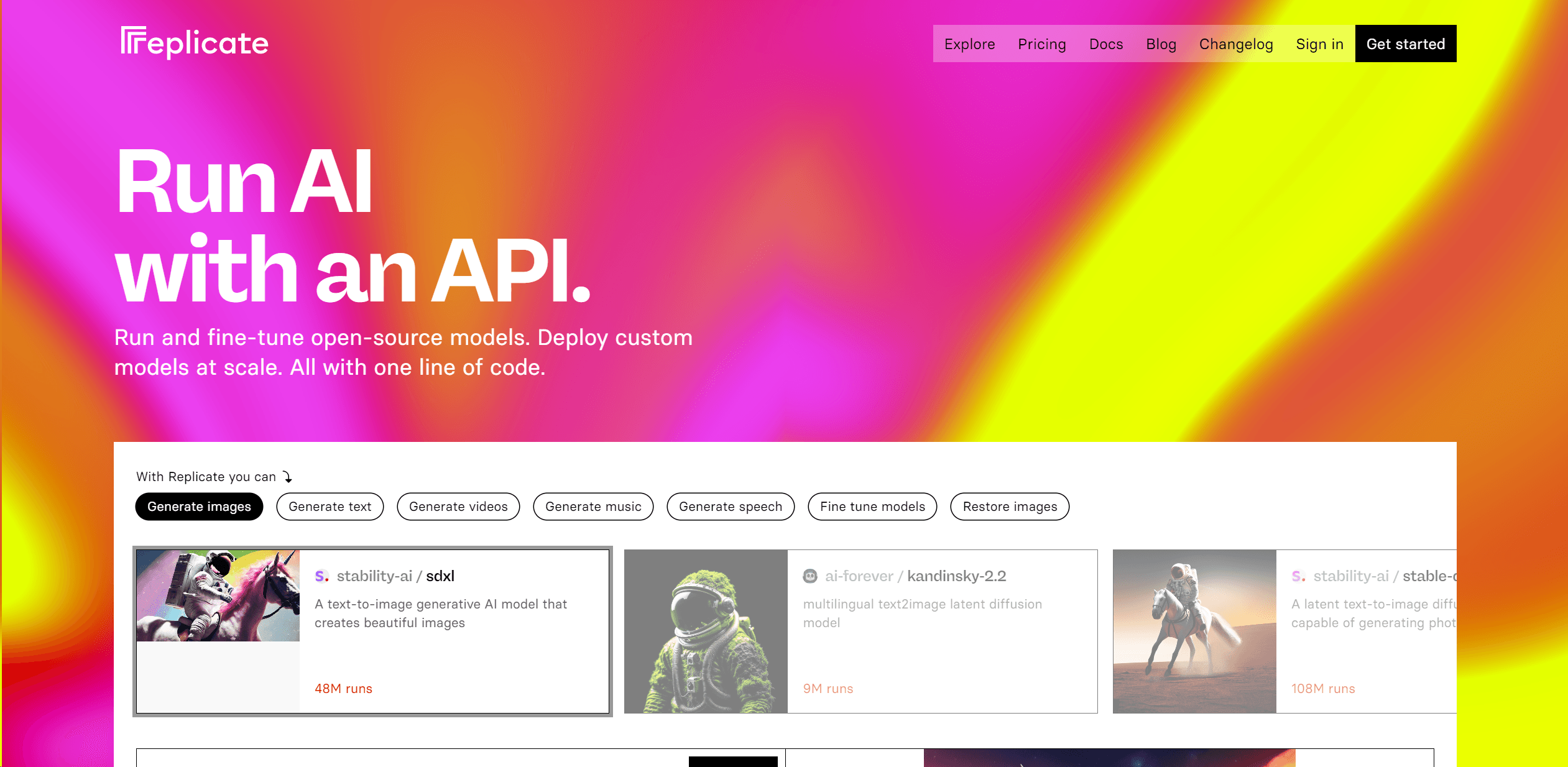
Replicate
Unlock AI's potential: run, fine-tune, deploy models easily and cost-effectively.

Instadesk
Instadesk is a robust cloud contact solution focused on transforming customer interactions and enhancing service efficiency for enterprises. With a comprehensive suite of AI-powered tools, including a

CaseGuard Studio
Redact sensitive information across all media types.