
CaseGuard Studio
Redact sensitive information across all media types.
15,260
Votes
23,023
Views
12,140
Bookmarks
About
CaseGuard Studio is a cutting-edge AI-powered tool designed to streamline the process of redacting sensitive information across various media types, including videos, audio files, images, and documents. This all-in-one solution is tailored for professionals and organizations that need to protect privacy and ensure compliance efficiently. CaseGuard Studio simplifies the redaction process, making it accessible and effective for users from diverse industries.
Key Features
- AI Video Redaction: Automatically detects and redacts faces, license plates, screens, and other sensitive elements in video footage with a single click.
- AI Audio Redaction: Offers tools to mute, bleep, and resample audio, ensuring sensitive information is concealed.
- AI Document Redaction: Quickly identifies and removes personally identifiable information (PII) from documents, including PDFs, Excel, and Word files.
- AI Image Redaction: Redacts sensitive elements in images, like faces and license plates, using advanced automatic detection features.
Pros
- Efficiency: Significantly reduces the time required for redaction tasks, allowing users to focus on more critical activities.
- User-Friendly: Intuitive interface makes it easy for users, even those with minimal technical expertise, to navigate and utilize the tool.
- Comprehensive Coverage: Supports redaction across multiple media types, from videos and audio to documents and images.
- Automation: Bulk redaction capabilities enable users to process large volumes of files with minimal effort.
Cons
- Initial Setup: Users may encounter a learning curve when setting up the software for the first time.
- Integration Limitations: Limited integration with some existing third-party platforms.
Who Uses It
- Law Enforcement Agencies: Utilizing the tool for efficiently redacting sensitive information from body camera footage and other video evidence.
- Healthcare Providers: Employing the tool to protect patient privacy by redacting personal information from medical records.
- Legal Professionals: Using it to ensure confidentiality and compliance in legal documents and evidence.
- Government Agencies: Leveraging the tool for data protection in public records and communications.
- Educational Institutions: Protecting student privacy in digital records.
- Crisis Centers: To redact sensitive information from hotline calls.
Pricing
- Doc: $99 per month (or $149 month-to-month). Designed for redacting PDFs and images. Includes image enhancement, pattern redaction, and PDF tools.
- Lite: $199 per month (or $249 month-to-month). Ideal for basic video and audio redaction. Adds video editing, enhancement tools, and manual audio redaction to Doc features.
- Standard: $249 per month (or $299 month-to-month). For full-scale redaction needs across video, audio, PDFs, and images. Adds bulk redaction, team collaboration, and AI-based automation.
- Premium: $329 per month (or $399 month-to-month). All-in-one solution with transcription, speaker and pattern detection, 240 hours/year of transcription or 48,000 pages/year of AI document analysis, and premium support.
You may also like
More tools in Audio Generators

Noisee AI
Find powerful Noisee AI alternatives for creators.

Retell AI
Create lifelike AI voice agents, deploy anywhere, analyze real-time.

DaVinci Resolve
Unify editing, color, VFX, and audio post-production.

PlexiGen AI
A tool to create videos with matching audio from text or images.
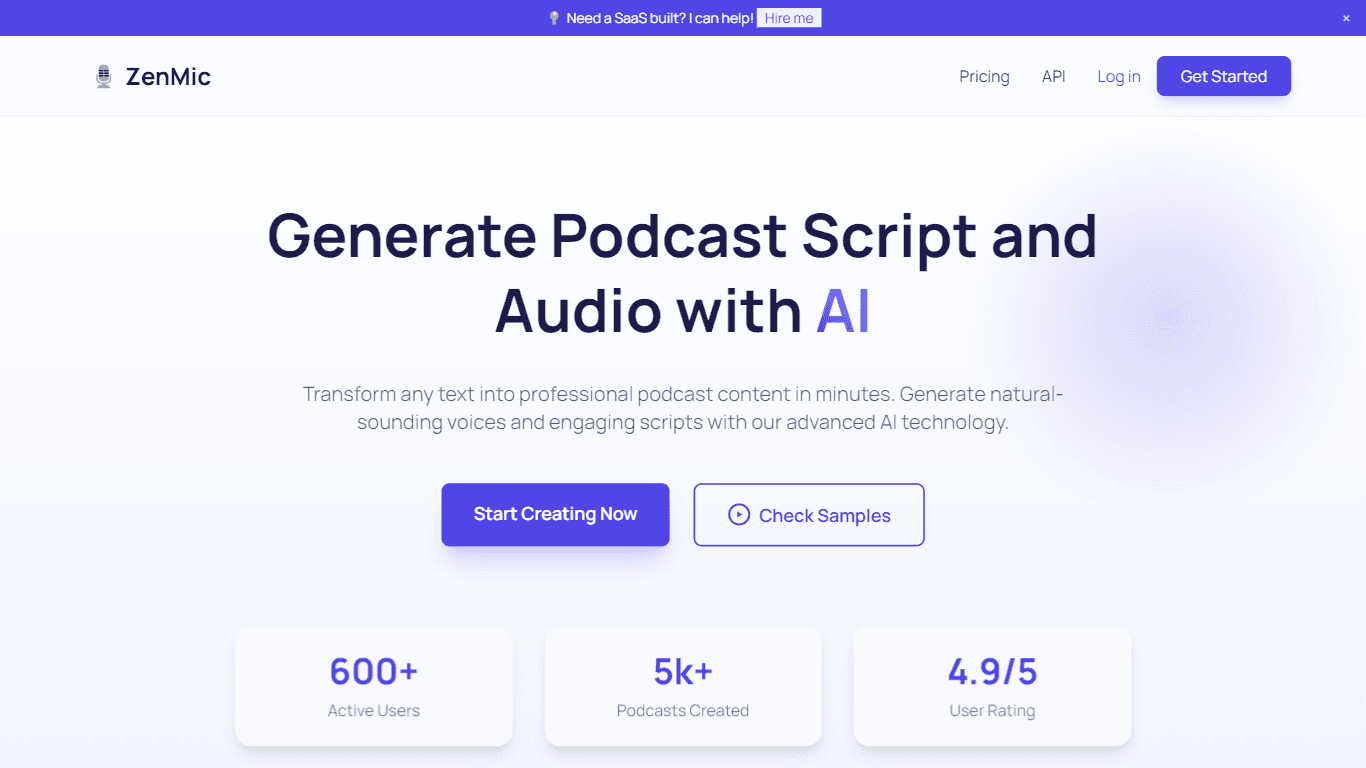
ZenMic
ZenMic is an innovative AI-driven podcast generator designed to transform any text into professional podcast content within minutes. The platform leverages advanced artificial intelligence technology
Vocallab AI
A tool to generate speech and clone voices from text.

BanterAI
BanterAI offers a unique platform for influencers and personalities to engage with their audience like never before. By creating a personalized AI voice bot on Banter AI, users can monetize their pers

Smallest.ai
A tool with ultra-low latency text-to-speech and AI voice agents for conversational applications.
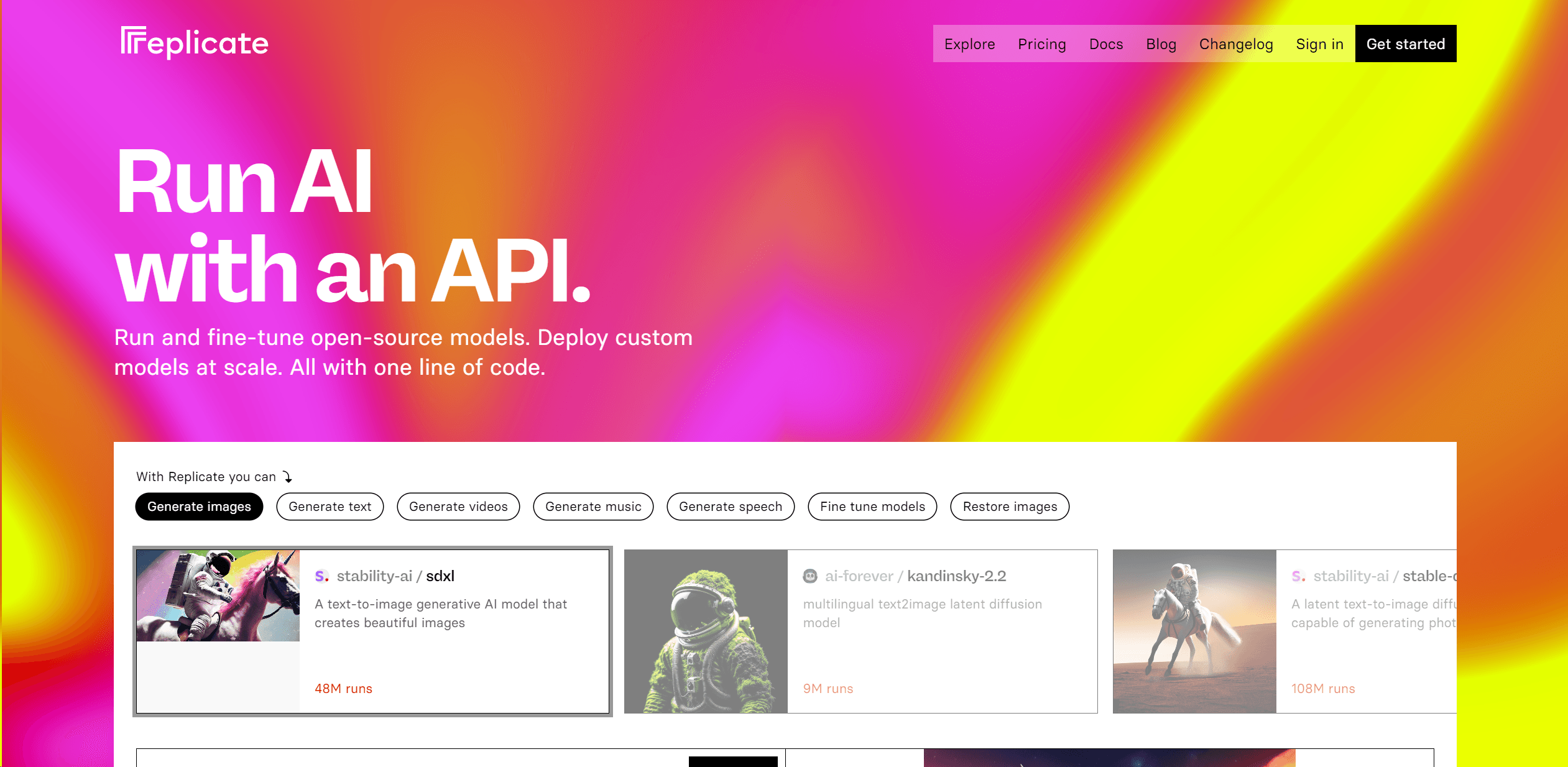
Replicate
Unlock AI's potential: run, fine-tune, deploy models easily and cost-effectively.
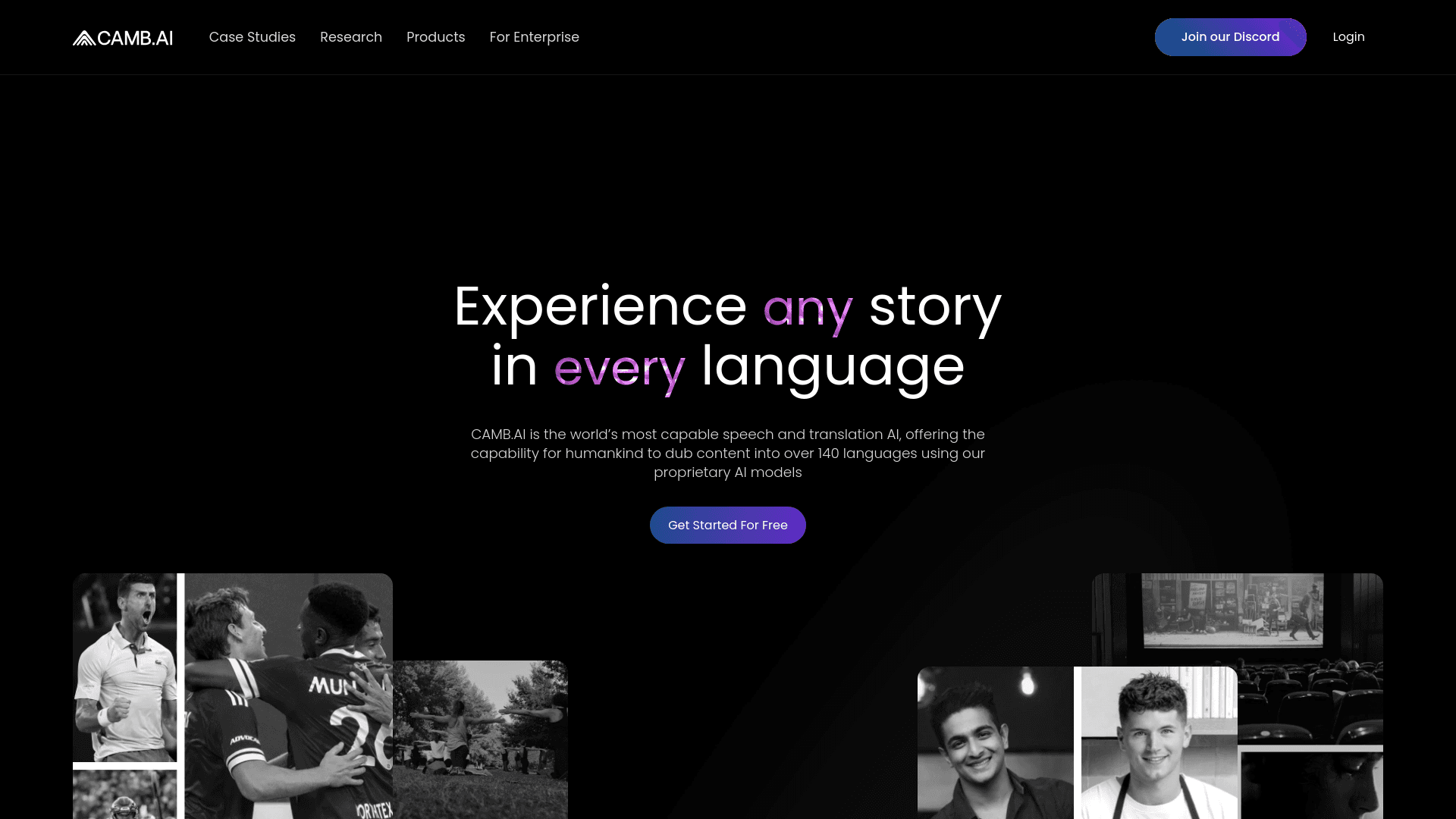
Camb.ai
Transforms video dubbing with nuanced voice preservation and 100+ languages.

Heidi
Streamline healthcare admin tasks, and enhance patient focus.

Soniox Speech-to-Text
Transcribe, diarize, and translate live global conversations.