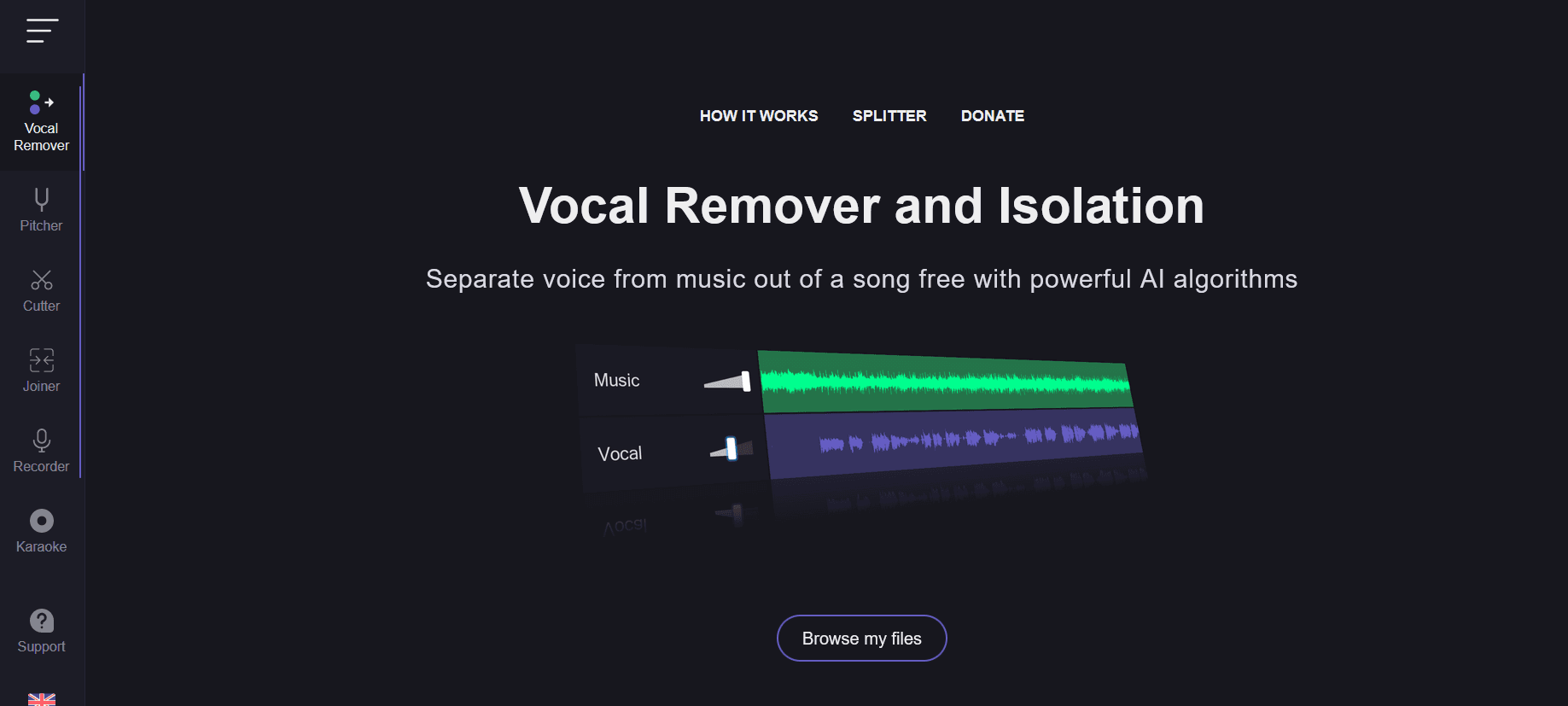
Vocal Remover
Transform music tracks: isolate vocals, create instrumentals, AI-powered, batch processing.
11,349
Votes
14,873
Views
4,802
Bookmarks
About
Vocal Remover is a cutting-edge AI tool designed to revolutionize the way we interact with audio tracks. Offering a sophisticated platform for isolating vocals from any music track, it simplifies the process of creating instrumental versions or acapellas with unparalleled precision. Tailored for musicians, producers, DJs, and karaoke enthusiasts, Vocal Remover streamlines the task of audio separation, making it an indispensable tool for anyone looking to manipulate music tracks for personal or professional use.
Key Features
- High-Quality Vocal Isolation: Utilizes AI-driven algorithms to separate vocals with high precision, ensuring clean instrumental tracks.
- User-Friendly Interface: Designed with simplicity in mind, allowing users of all skill levels to easily navigate and use the tool.
- Batch Processing: Supports the processing of multiple files simultaneously, saving time and enhancing productivity.
- Versatility: Capable of handling a wide range of music genres and file formats, making it a versatile choice for various audio projects.
Pros
- Effortless Operation: Simplifies the complex process of vocal and instrumental separation with just a few clicks.
- Time-Saving: The batch processing feature significantly reduces the time required to process multiple files.
- High-Quality Outputs: Produces clean and clear tracks, minimizing audio artifacts.
- Accessibility: Available online, it eliminates the need for downloading software, offering flexibility and convenience.
Cons
- Internet Dependency: Being an online tool, it requires a stable internet connection for optimal performance.
- File Size Limitations: There might be restrictions on the size of the files that can be uploaded and processed.
- Processing Time: For larger files or during peak usage times, the processing time may be longer than anticipated.
Who Uses It
- Music Producers: Utilizing the tool to create samples or backing tracks.
- DJs: Preparing custom tracks for mixing and live performances.
- Karaoke Enthusiasts: Creating instrumental versions of songs for karaoke sessions.
- Content Creators: Producing clear voice-overs by removing background music from clips.
- Uncommon Use Cases: Vocal Remover is also being used by educators for creating teaching materials and by podcasters for cleaning up audio segments.
Pricing
- Free Tier: Experience Vocal Remover with basic features at no cost.
- Premium Tier: Unlock enhanced features and higher processing limits starting at a competitive price.
You may also like
More tools in Audio Generators
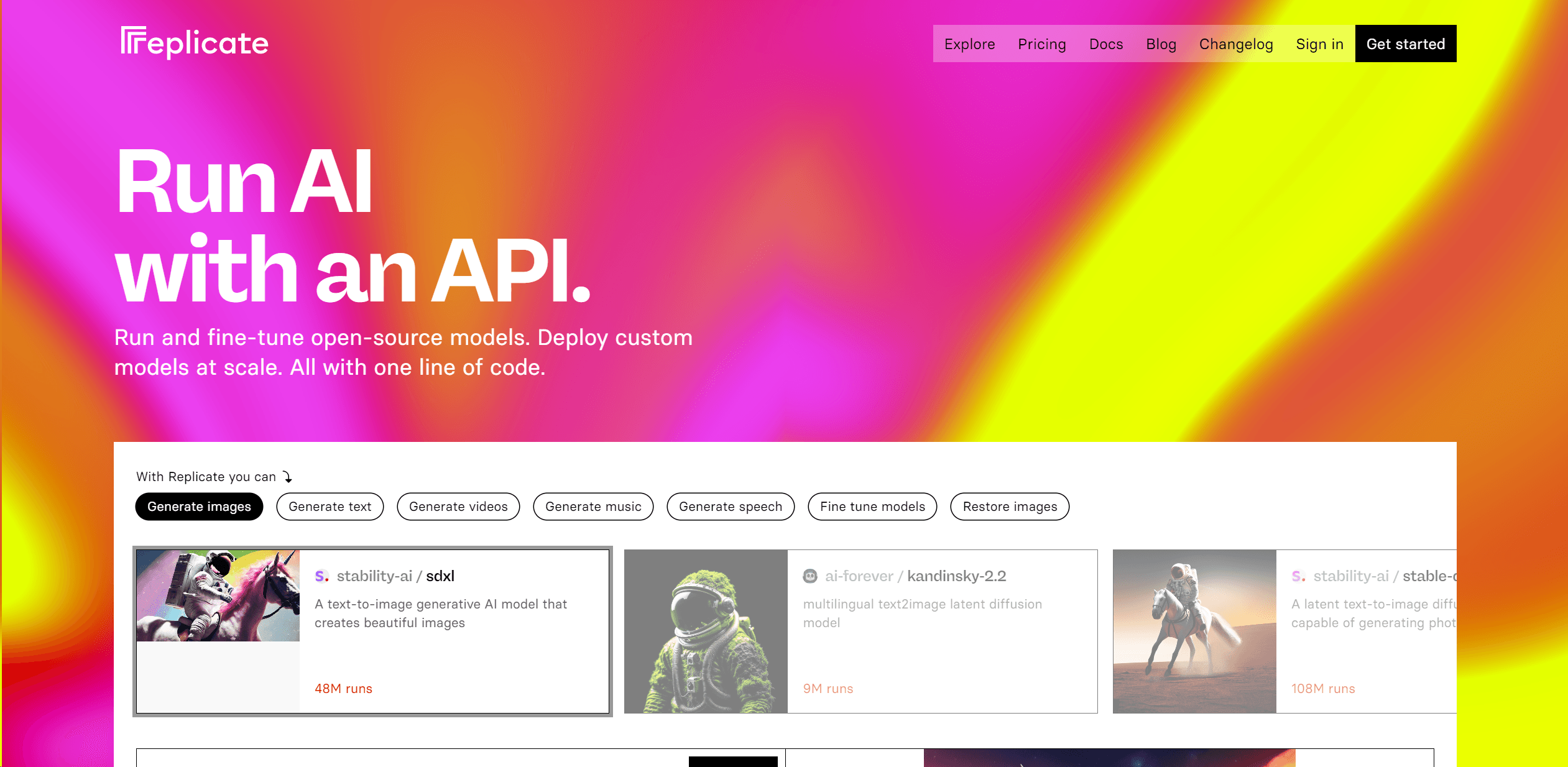
Replicate
Unlock AI's potential: run, fine-tune, deploy models easily and cost-effectively.

Noisee AI
Find powerful Noisee AI alternatives for creators.

Tagshop AI
A tool to generate video ads from prompts and assets.

Retell AI
Create lifelike AI voice agents, deploy anywhere, analyze real-time.
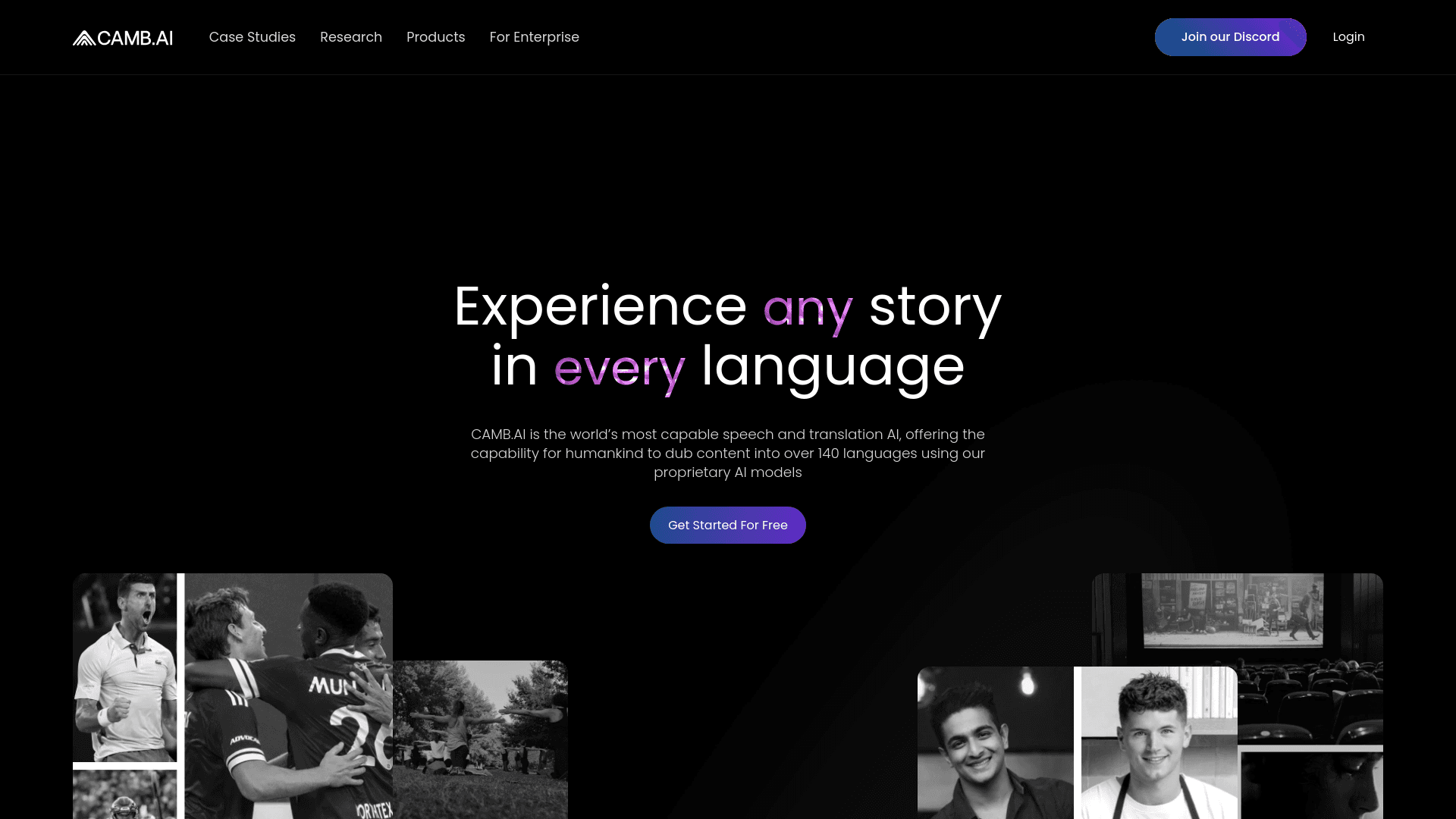
Camb.ai
Transforms video dubbing with nuanced voice preservation and 100+ languages.
Vocallab AI
A tool to generate speech and clone voices from text.
11.ai
A tool to create voices through voice cloning and text-to-speech.

Smallest.ai
A tool with ultra-low latency text-to-speech and AI voice agents for conversational applications.

Soniox Speech-to-Text
Transcribe, diarize, and translate live global conversations.

DaVinci Resolve
Unify editing, color, VFX, and audio post-production.
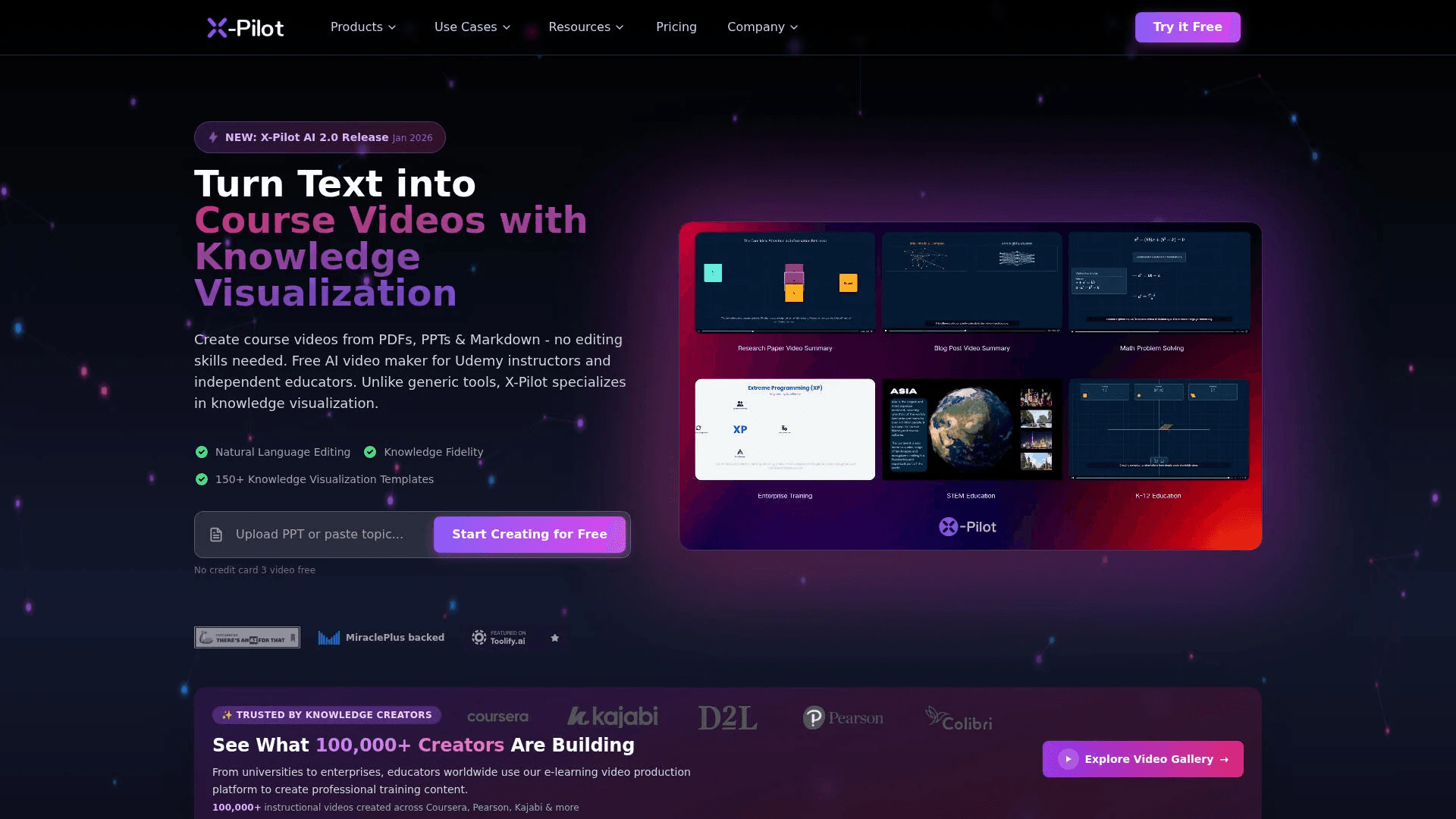
X-Pilot AI
Convert documents into accurate, visual course videos.

PlexiGen AI
A tool to create videos with matching audio from text or images.