
Unity AI
Unity AI enhances game development by integrating an in-editor assistant that automates tasks, generates assets, and simplifies workflows. It helps creators focus on building by handling repetitive ta
14,866
Votes
21,981
Views
11,220
Bookmarks
About
Unity AI enhances game development by integrating an in-editor assistant that automates tasks, generates assets, and simplifies workflows. It helps creators focus on building by handling repetitive tasks like locating and modifying GameObjects, scripts, and Prefabs in bulk. The assistant can explain scripts and debug console errors directly within the Unity Editor, making problem-solving faster and more intuitive. Unity AI supports plain language commands to quickly set up scenes, generate placeholder assets such as sprites, textures, animations, and sounds, all formatted for immediate use without extra setup. It also automates code generation, creating new scripts or optimizing existing ones to reduce boilerplate work. This tool is designed for developers of all skill levels, from beginners learning Unity concepts to professionals streamlining complex projects. Unity AI requires Unity 6.2 or later and links to Unity Cloud for full functionality. It builds on previous AI offerings like Unity Muse and Sentis by providing a more integrated, context-aware assistant that works directly inside the Editor. Unity AI's data controls and curated AI models ensure asset auditing and management remain transparent and secure. Overall, it streamlines game and real-time 3D content creation by combining AI-powered automation with Unity's established development environment.
Key Features
- 🛠 Automate repetitive tasks like bulk renaming and component updates to save time
- 🎨 Generate placeholder assets including sprites, textures, animations, and sounds without leaving Unity
- 💬 Explain scripts and debug errors directly in the Editor for faster troubleshooting
- 🚀 Use plain language commands to quickly set up scenes and place assets
- 💻 Automatically create and optimize C# scripts to reduce manual coding effort
Pros
- Integrates AI assistance directly inside Unity Editor for smooth workflow
- Automates repetitive tasks to save developers significant time
- Generates placeholder assets without switching tools
- Helps debug and explain code errors within the development environment
- Supports both beginners and advanced users with contextual help
Cons
- Requires Unity 6.2 or newer, limiting use on older versions
- Some advanced features may require a paid subscription
- Relies on Unity Cloud connection for full functionality
FAQ
Can I use Unity AI on my existing projects?
Yes, Unity AI works within Unity Editor and can be added to existing projects, including those in beta.
What are the system requirements for Unity AI?
Unity AI requires Unity version 6.2 or later and a linked Unity Cloud project for full functionality.
How does Unity AI help with debugging?
Unity AI can explain scripts and error messages directly in the Editor, helping you understand and fix issues faster.
What types of assets can Unity AI generate?
It can create placeholder sprites, textures, animations, and sounds formatted for immediate use in your project.
Is Unity Muse still supported with Unity AI updates?
Unity Muse features are being integrated into Unity AI, streamlining AI capabilities within the Editor.
How does Unity AI manage AI-generated assets in projects?
Unity AI provides tools to audit and trace AI-generated assets, ensuring easy management and replacement when moving to production.
You may also like
More tools in Code Tools

CodeGate
A local proxy that enhances security for AI-assisted coding.

Symphony
Symphony is an innovative platform designed for users who want to streamline their interaction with programs through conversational interfaces. By enabling you to "write programs you can talk to," Sym

Ovren
Turn GitHub tickets into reviewable production-ready code.
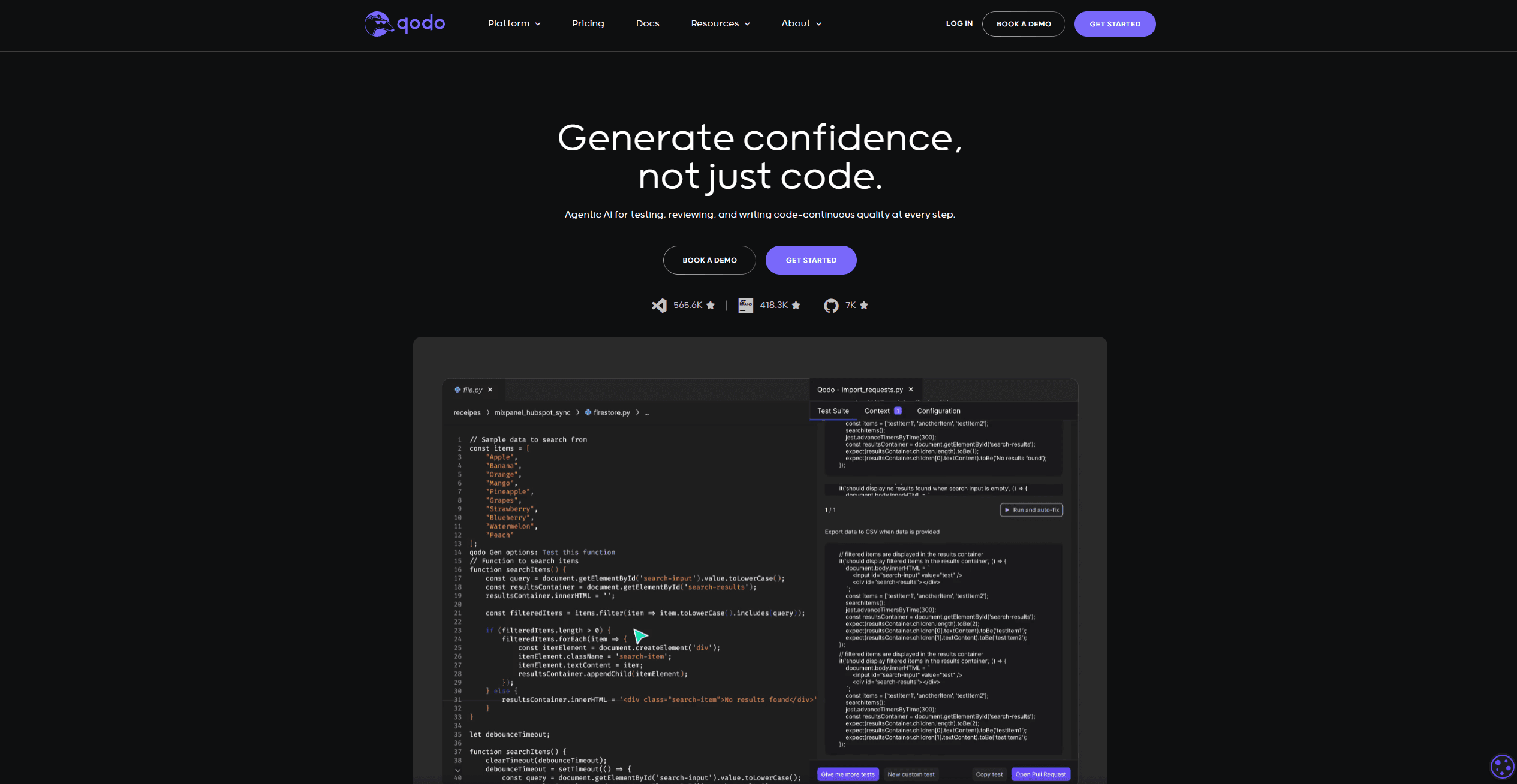
Qodo
Automates code reviews, test generation, and quality assurance.

SQLFlash
SQLFlash is an AI-powered tool that automatically rewrites and optimizes SQL queries to improve database performance. It targets developers, database administrators, and enterprises seeking to reduce

Panto AI
A tool to review code and detect errors and vulnerabilities.

BLACKBOX.AI
Revolutionize coding: AI generation, conversational code help, intuitive search.

AI Magicx
AI Magicx enhances creativity with AI-driven design and coding.

10Web AI Website Builder
10Web AI Website Builder is a platform designed to help businesses and individuals create fully functional, production-ready WordPress websites quickly and without coding skills. Users simply describe
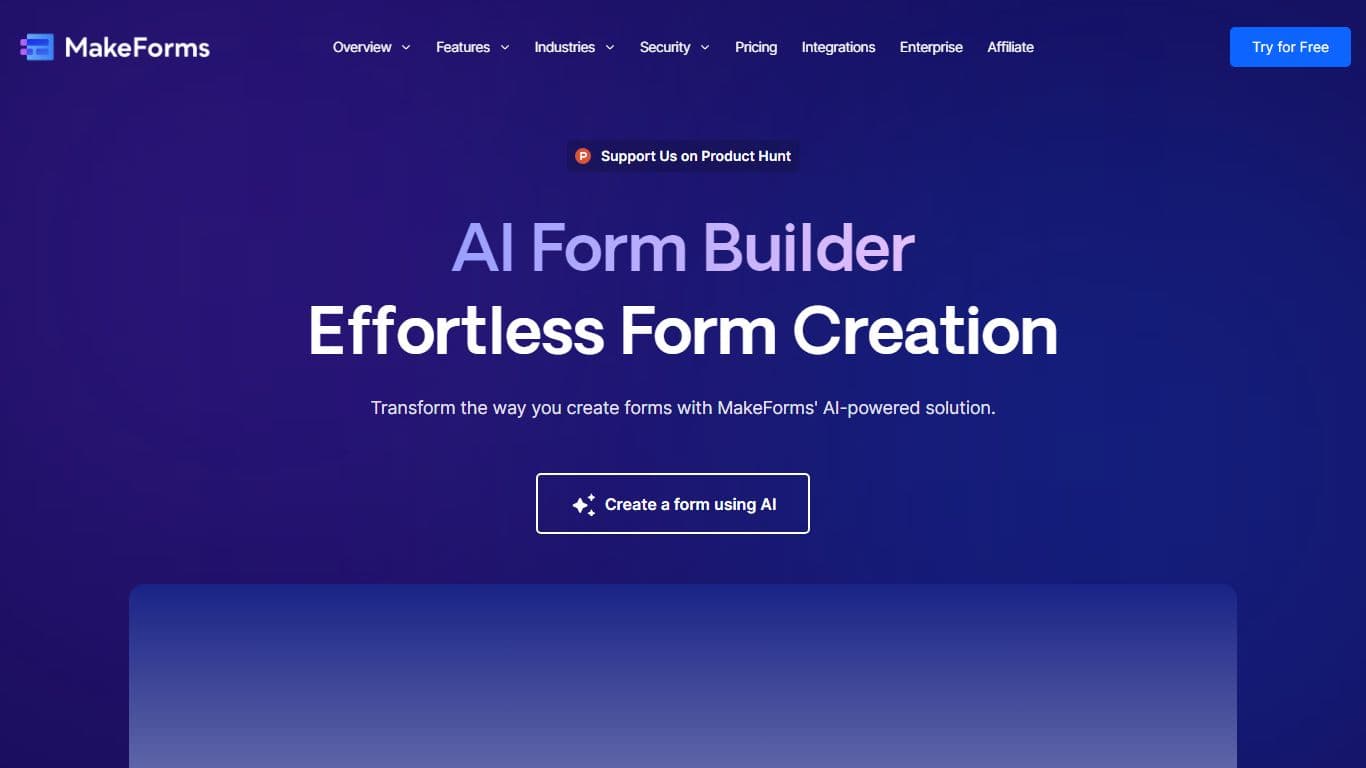
MakeForms
MakeForms’ AI Form Builder helps create responsive and customizable forms in just a few minutes by leveraging AI-powered suggestions for question types and form fields. Just provide the Form Name and
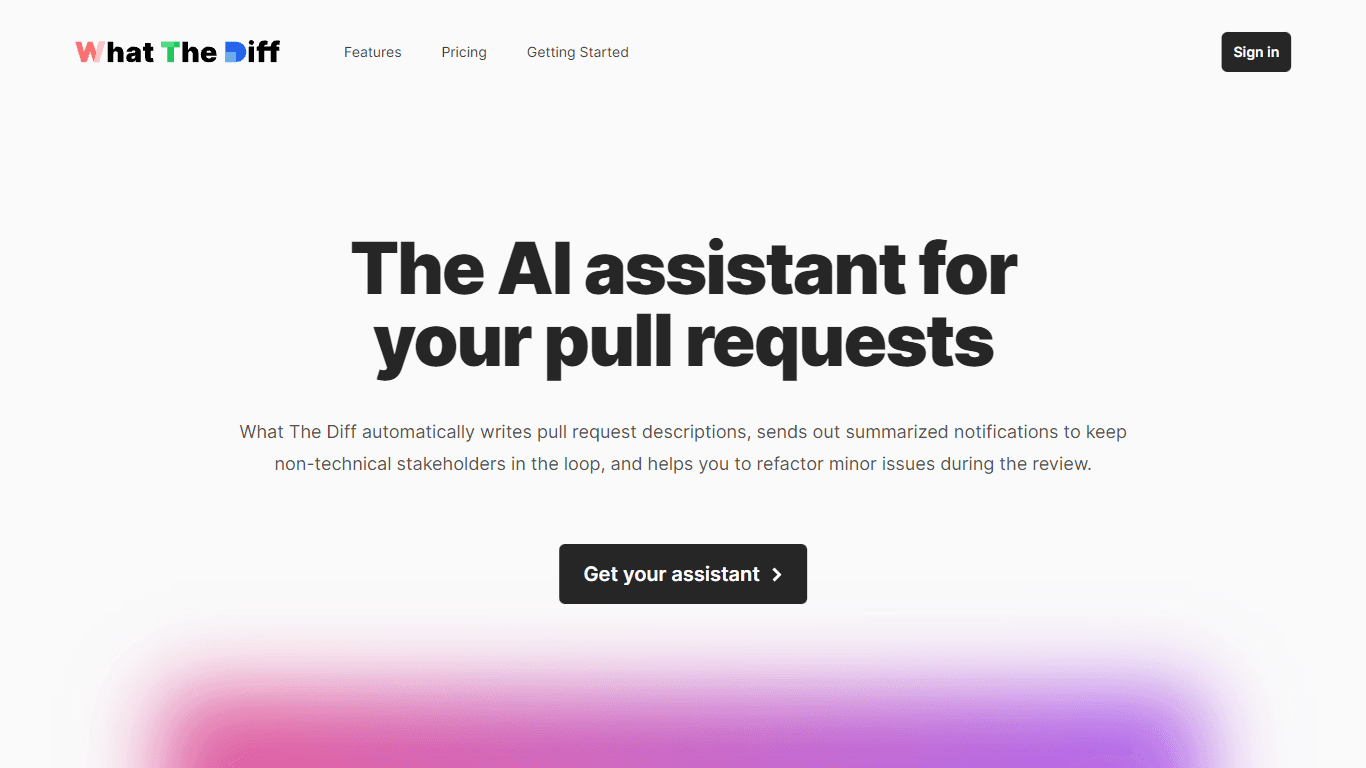
What The Diff
"What The Diff is an AI-powered code review assistant that helps streamline the pull request process. It automatically generates pull request descriptions, sends summarized notifications to non-techni

Orchids
Your fullstack AI engineer.