U-xer
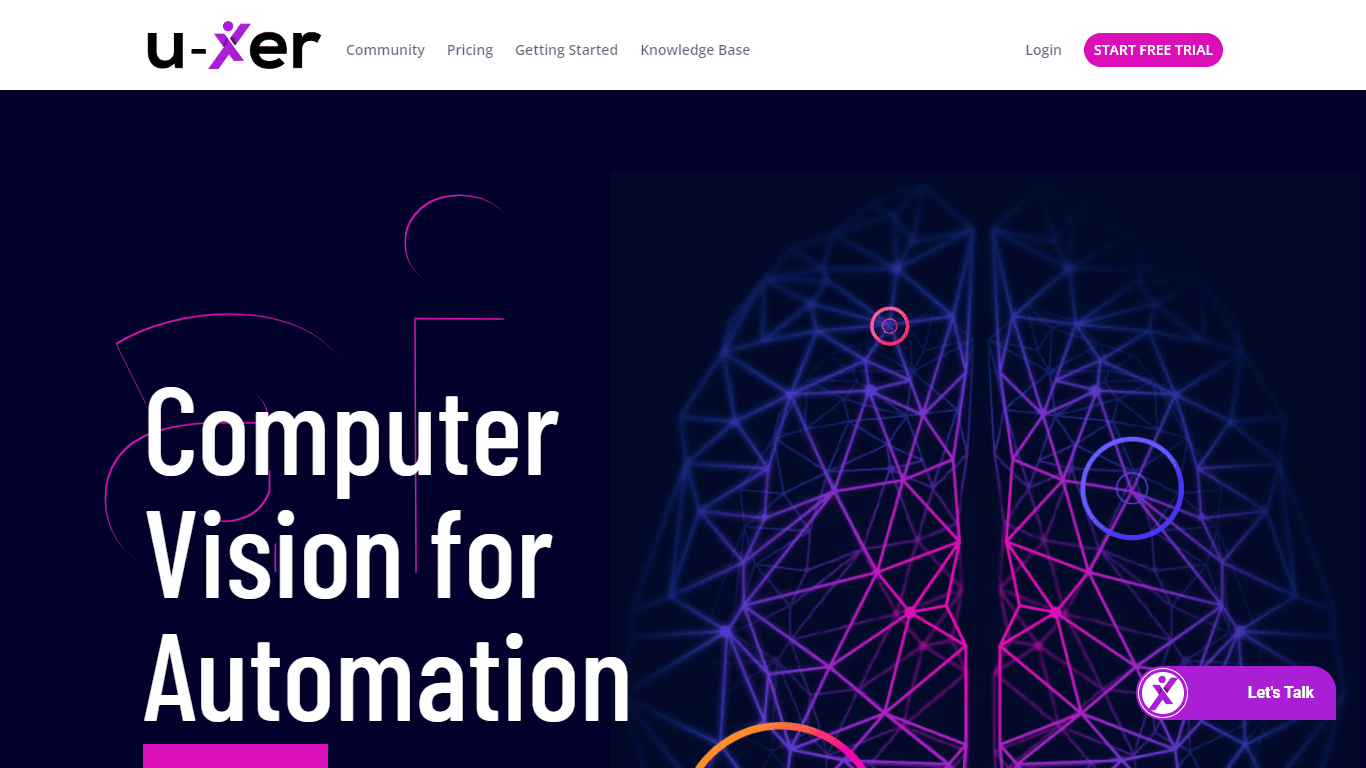
U-xer is a game-changing tool in the landscape of automation, harnessing the power of computer vision to enable both simple and complex automated interactions with any visual elements on your screen.
15,366
Votes
20,684
Views
11,582
Bookmarks
About
U-xer is a game-changing tool in the landscape of automation, harnessing the power of computer vision to enable both simple and complex automated interactions with any visual elements on your screen. It's built to work effortlessly across web and desktop applications, and pending updates are set to expand its capabilities to mobile platforms and game automation. With U-xer, users can automate processes using intuitive scripting that mimics human-like screen recognition, making it ideal for a wide array of tasks including test automation, Robotic Process Automation (RPA), and custom bot development. The software is purposefully designed to accommodate users of varying technical skills, from non-technical individuals looking for straightforward solutions to advanced users seeking deeper customization. Quality Museum Software Testing Services has created U-xer to be an accessible, user-friendly, and multi-functional tool, standing out as a flexible solution for diverse automation requirements.
Key Features
- User-Friendly Automation: U-xer's intuitive scripting language allows automation with simple commands like “Click Button ‘Login'.”
- Platform-Independent: U-xer boasts the capability to automate tasks across web or desktop platforms using screenshots for guidance.
- Advanced Screen Recognition: Equipped with unique models, U-xer interprets screens similarly to humans, enhancing task automation's accuracy.
- Multi-Functional Use: From web apps to mobile device farms and game automation, U-xer serves as a versatile tool for a multitude of applications.
- Accessibility: The tool caters to both non-technical and advanced users, allowing easy script creation and complex task automation.
FAQ
What is U-xer used for?
U-xer is a tool for automating any visual elements on the screen, whether in web or desktop applications, with mobile and game automation coming soon.
Do I need technical skills to use U-xer?
U-xer empowers users to automate tasks with simple scripting language, and no prior technical skills are required to use the basic features.
Does U-xer support automation across different platforms?
U-xer can interpret and automate tasks based on screenshots, working across different platforms including Windows, Mac, browsers, and games, with upcoming support for native mobile devices.
Can I get custom project support with U-xer?
Yes, you can contact Quality Museum Software Testing Services for custom project support tailored to your specific automation needs.
How do I get started with U-xer?
To start using U-xer, you can start a free trial and use the copy-paste example scripts provided, which are designed to run without requiring any tutorials.
You may also like
More tools in Automation

Skail
Skail is an AI-powered platform designed to help organizations empower their teams by enabling them to create personalized, human-like messages. The core functionality of Skail revolves around its pro

eNotify
eNotify is a powerful tool designed to replace unreliable SMS and cluttered emails with secure, one-click push notifications delivered directly to users' eNotify app. Its core functionality revolves a

Quilgo
Quilgo is an innovative online testing platform designed to streamline the process of creating and administering quizzes and tests. With a focus on simplicity and reliability, Quilgo integrates AI-pow

Zight
Zight is a comprehensive screen recording tool designed for users across various platforms including Mac, Windows, Chrome, and iOS. Its core functionality revolves around enabling users to easily capt

Testsigma
Testsigma offers a cutting-edge cloud-based test automation platform that revolutionizes how QA teams approach testing. With the ability to automate tests for a wide range of applications—web, mobile,

Insight Pipeline
Insight Pipeline is a tool designed to simplify the process of scheduling research calls with customers. Its core functionality revolves around automatically arranging these calls for validation, usab

HeyCloud
HeyCloud revolutionizes cloud management by allowing you to build and manage your AWS stack using plain English commands. It acts as an AI copilot for DevOps teams, streamlining cloud integration and

Doc ai
Docai is a powerful tool designed to automate the generation of project documentation directly from JIRA releases. Its core functionality revolves around simplifying the documentation process, which i

Hakanai
Hakanai is a powerful toolbox designed specifically for blogs of all sizes, catering to everyone from personal storytellers to large enterprises. Its core functionality revolves around providing a sin

Summit
Summit is a comprehensive AI-powered platform designed to revolutionize the way businesses optimize their operations. With an array of cutting-edge features and advanced algorithms, Summit offers unpa

Super Send
The only outbound automation tool dedicated to founders looking to get their first 100 customers.Automate Cold Outreach Across Email, Linkedin and Twitter and includes email warmup, email validator, u
Virtuoso
Virtuoso is a cutting-edge QA automation testing tool that utilizes the power of Natural Language Programming (NLP), AI, and machine learning. With its unique combination of these advanced technologie