Typeright
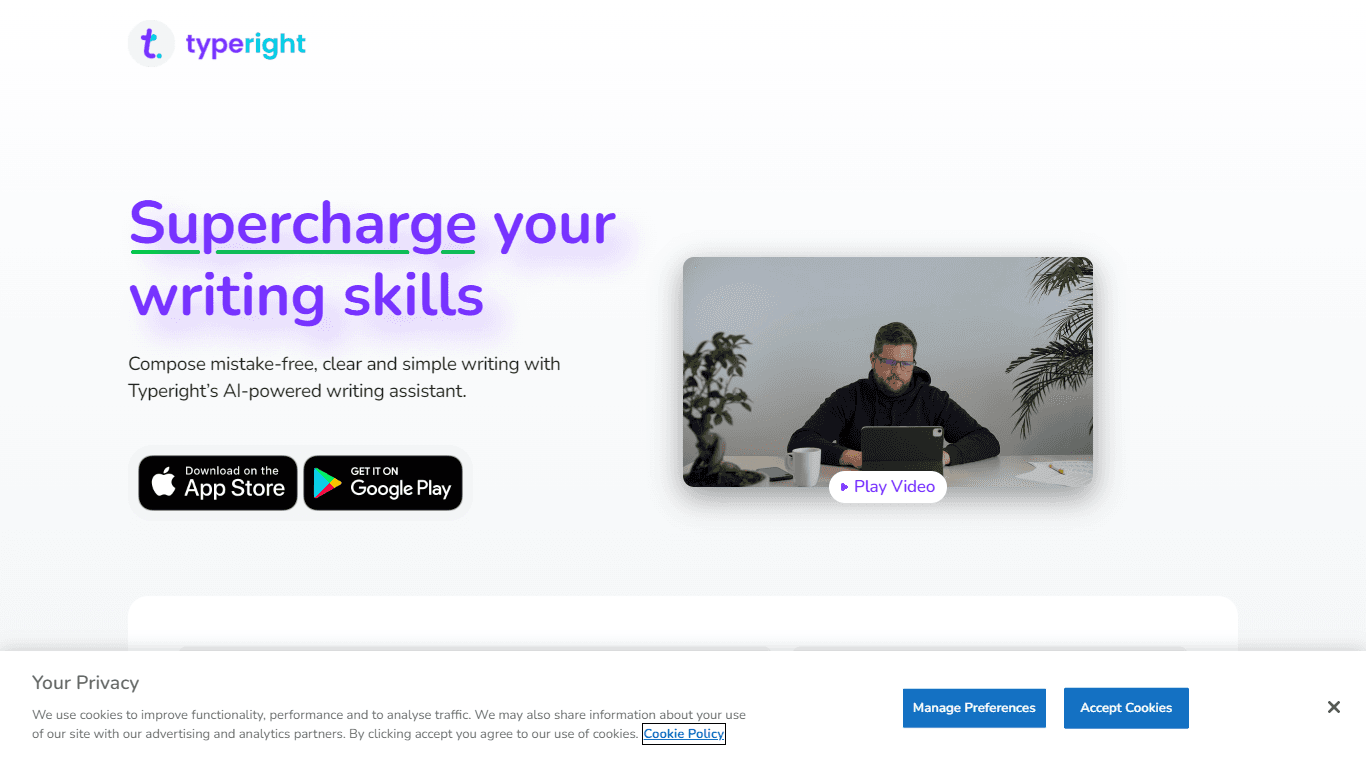
Typeright offers users a swift and efficient way to enhance their texts with its free grammar and spelling check tool. Say goodbye to typos, punctuation errors, and awkward phrasing. This intuitive pl
14,455
Votes
29,028
Views
11,333
Bookmarks
About
Typeright offers users a swift and efficient way to enhance their texts with its free grammar and spelling check tool. Say goodbye to typos, punctuation errors, and awkward phrasing. This intuitive platform goes above and being a simple error finder by also suggesting stylistic improvements and synonyms to elevate your writing. Ideal for professionals, students, and anyone looking to refine their written work, Typeright ensures that your writing is polished and precise. With a user-friendly interface and powerful technology, it's the perfect companion to help you create error-free and compelling content with confidence. Whether you're drafting an email, essay, or report, Typeright helps you write right, every time.
Key Features
- Spelling and Grammar Check: Instantly scans your text to identify and correct grammatical mistakes and misspellings.
- Style Improvement Suggestions: Offers suggestions to enhance your writing style, making it more engaging and professional.
- Synonym Recommendations: Provides synonym options to diversify your vocabulary and enrich your content.
- User-Friendly Platform: Easy-to-navigate interface that makes proofreading and editing your text simple and straightforward.
- Free to Use: A cost-effective solution for proofreading, available at no charge.
FAQ
What is Typeright?
Typeright is a tool that helps you check your text for grammar, spelling, or punctuation mistakes, and offers style and synonym suggestions to improve your writing.
Is Typeright free to use?
Yes, Typeright is completely free to use and allows you to enhance your writing without any extra charge.
Who can benefit from using Typeright?
Typeright is suitable for anyone who writes and wishes to present clear, coherent, and error-free text. This includes students, professionals, and casual writers.
Does Typeright only correct grammar and spelling errors?
No, Typeright offers more than just grammar and spelling checks. It also provides style and synonym suggestions to improve the overall quality of your writing.
What happened to Grammatica?
Typeright used to be called Grammatica, but it has since been rebranded. If you're looking for Grammatica, you're in the right place with Typeright!
You may also like
More tools in Other

WriteSmart
WriteSmart is an AI-powered tool that generates personalized and thoughtful comments to add value to conversations and build relationships on LinkedIn. With WriteSmart, you can boost engagement, warm

Postfluencer
Postfluencer is a cutting-edge online platform designed to empower individuals in enhancing their personal branding on Linkedin. With the capability to generate over 60,000 posts for users, Postfluenc

AI Img
aiimg.me is a comprehensive platform that integrates advanced AI imaging technologies to provide high-quality image generation, editing, and enhancement services. It allows users to create images from

Yepp AI
Yepp AI is an innovative platform that brings the power of artificial intelligence to marketing. With this platform, businesses can tap into the wealth of data they already have and leverage it throug
ICBINP | Civitai
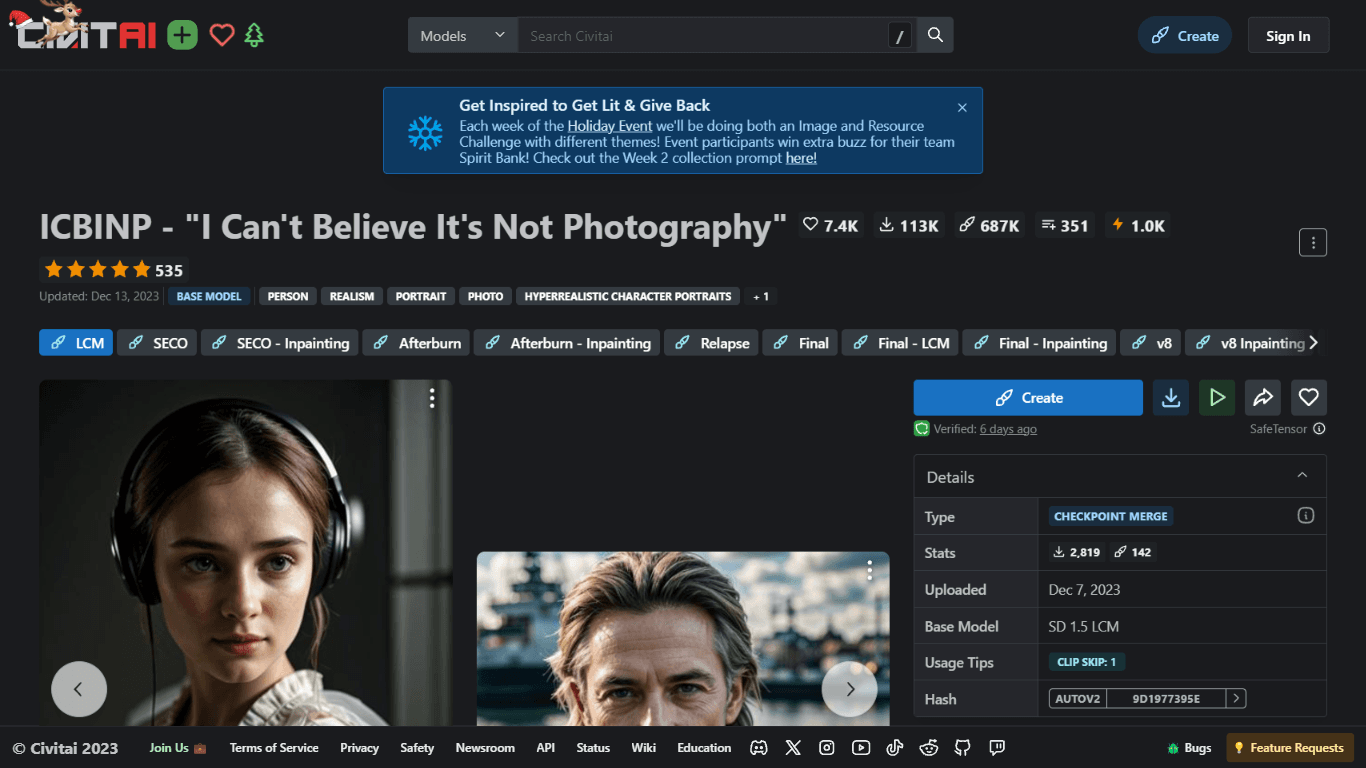
Experience hyperrealistic image generation with ICBINP - "I Can't Believe It's Not Photography" - a powerful checkpoint for the Stable Diffusion model available on Civitai. The ICBINP LCM checkpoint i
MuseNet
MuseNet is a groundbreaking deep neural network that revolutionizes the way music is composed. With MuseNet, you have access to a powerful tool that can generate beautiful and intricate 4-minute music

Spikes Studio
Spikes helps creators extract captivating shorts from any video. Automatically get a title, description, hashtag recommendations, auto-captions, AI styling and quickly edit. Grow and give your audienc

SuperU AI
A nocode tool to create voice AI agents for customer communications.
ZAVATA
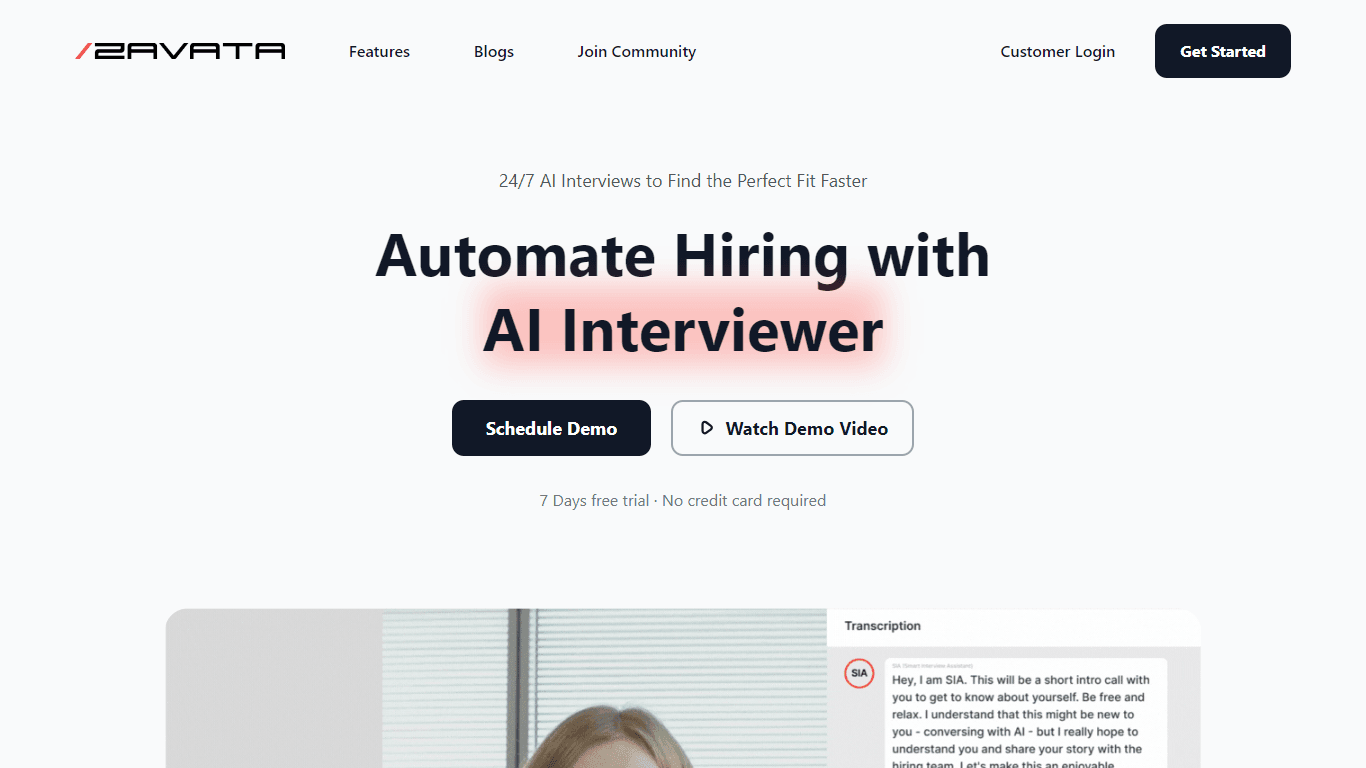
ZAVATA is revolutionizing the recruitment process with its sophisticated AI interview platform. With the motto "Automate Hiring with AI Interviewer," ZAVATA introduces a seamless hiring automation tha

Verbacall
A platform that automatically answers, qualifies, and follows up on calls 24/7.
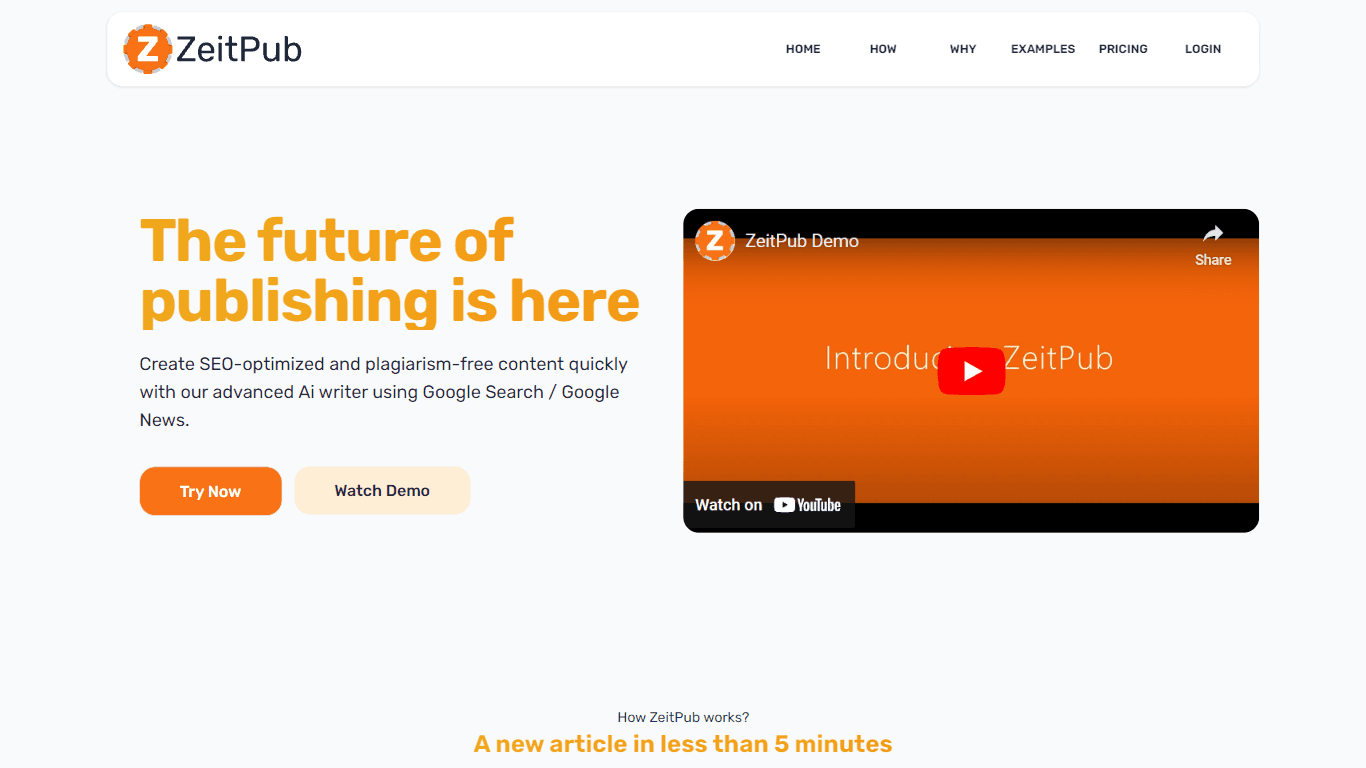
Zeitpub
Zeitpub revolutionizes the publishing industry by offering an advanced AI writer that creates SEO-optimized and plagiarism-free content at an incredible pace. With just the click of a button, users ca

XLM
Discover the power of Cross-lingual Language Modeling with XLM, the original PyTorch implementation designed for pretraining language models that operate across multiple languages. XLM is a repository