TurboDoc
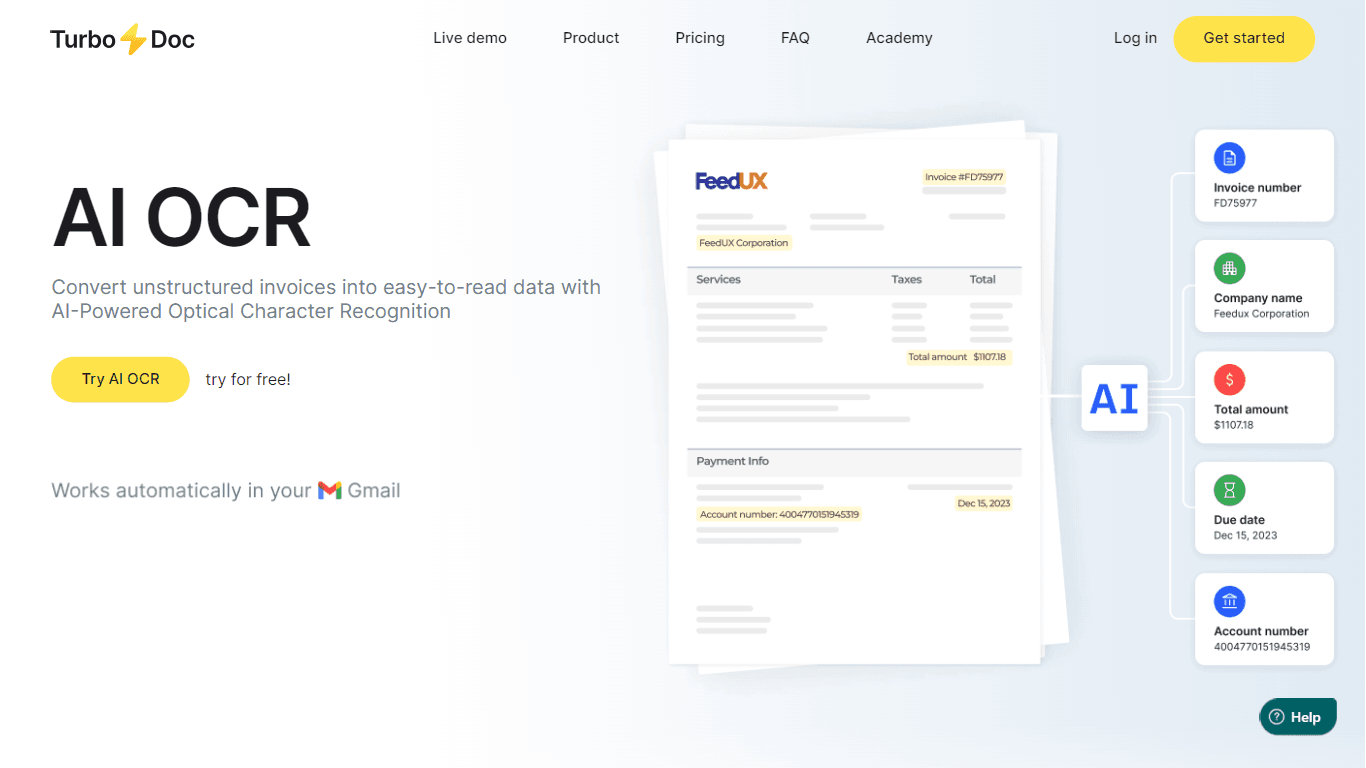
TurboDoc uses AI-powered Optical Character Recognition to turn unstructured invoices and receipts into clear, searchable data quickly. It supports multiple document formats including PDF, JPG, PNG, an
14,801
Votes
21,933
Views
11,735
Bookmarks
About
TurboDoc uses AI-powered Optical Character Recognition to turn unstructured invoices and receipts into clear, searchable data quickly. It supports multiple document formats including PDF, JPG, PNG, and even handwriting, making it versatile for various business needs. The platform integrates with Gmail and Outlook to automatically capture invoices from your email, saving time on manual uploads. Users can organize and analyze extracted data within a dashboard, exporting it in formats like XLS, CSV, PDF, or Word for further use. TurboDoc emphasizes data privacy with AES256 encryption and stores information securely on US servers without sharing without consent. It supports multiple languages including English, Spanish, German, French, Italian, Dutch, Portuguese, and Catalan, catering to diverse users. Upcoming features include integration with accounting software and ERP/CRM systems via APIs, expanding its automation capabilities. Overall, TurboDoc streamlines accounts payable workflows, reduces errors, and helps businesses save time and money by automating invoice processing.
Key Features
- 📧 Automatic invoice capture from Gmail and Outlook saves manual uploads
- 📄 Supports multiple file types including PDF, JPG, PNG, and handwriting
- 📊 Export data in XLS, CSV, PDF, or Word for easy analysis and reporting
- 🔒 AES256 encryption ensures your data stays private and secure
- 🌍 Multilingual OCR supports English, Spanish, German, French, Italian, Dutch, Portuguese, and Catalan
Pros
- Automates invoice data extraction saving hours of manual work
- Supports multiple document formats including handwriting
- Secure data handling with enterprise-level encryption
- Multilingual support for diverse business needs
- Integrates with Gmail and Outlook for automatic invoice capture
Cons
- Limited invoice processing volume on free and lower-tier plans
- Full accounting software integrations are not yet available
FAQ
How does TurboDoc automate invoice processing?
TurboDoc uses AI-powered OCR to extract data from invoices automatically, reducing manual entry and speeding up processing.
Can I try TurboDoc's invoice OCR before buying?
Yes, you can use the free demo on their website or sign up for a free trial to experience full features.
Does TurboDoc handle poor quality invoice images?
TurboDoc's advanced algorithms enhance less-than-perfect images to ensure accurate data extraction.
What file types does TurboDoc support for invoice processing?
It supports PDF, JPG, PNG, TIFF, WEBP, HEIC, and even handwriting recognition.
Is my data secure when using TurboDoc?
Yes, TurboDoc uses AES256 encryption and stores data securely on US servers without sharing without consent.
Which languages does TurboDoc support for OCR?
TurboDoc supports English, Spanish, German, French, Italian, Dutch, Portuguese, and Catalan.
You may also like
More tools in Data & Analytics
ZEN AI
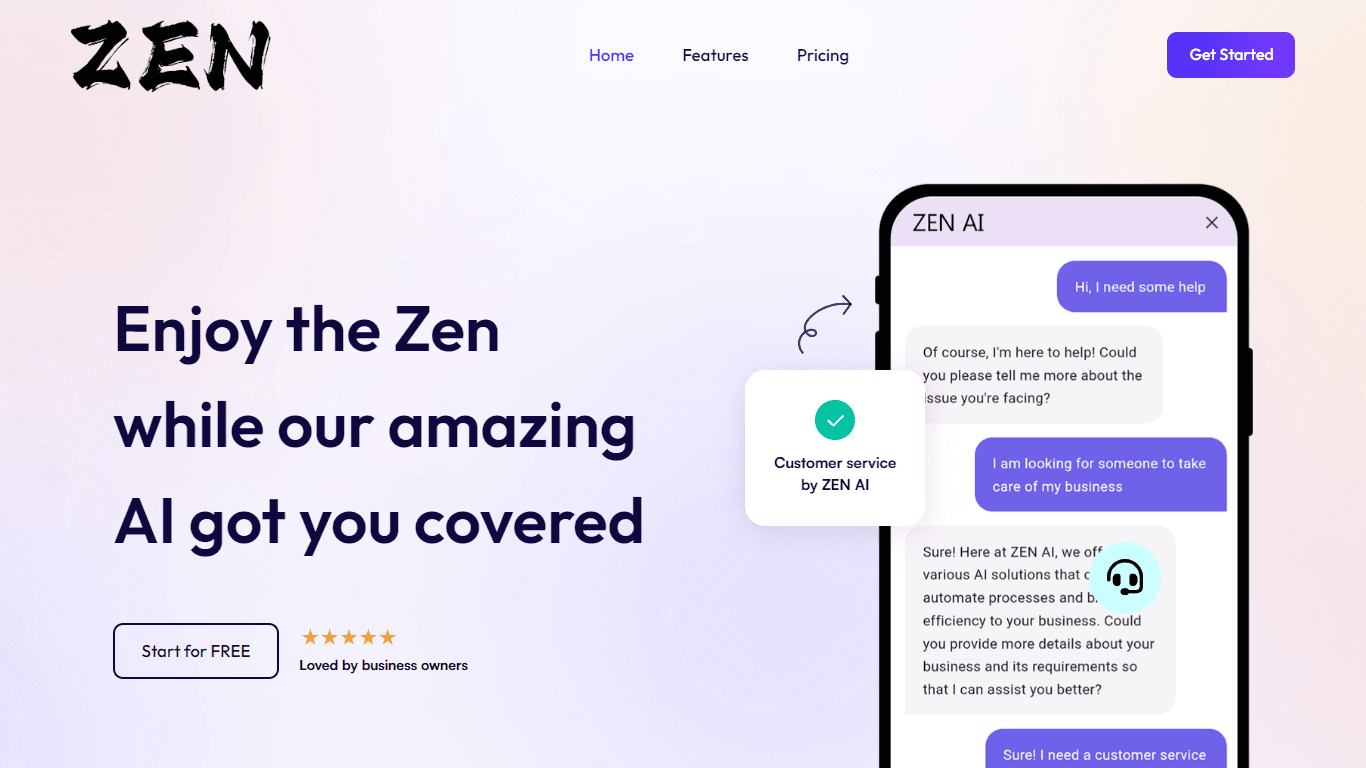
Discover unparalleled customer service with ZEN AI, an intelligent customer support assistant designed for businesses of all sizes. ZEN AI operates around the clock, ensuring that your customers alway
Teamcamp
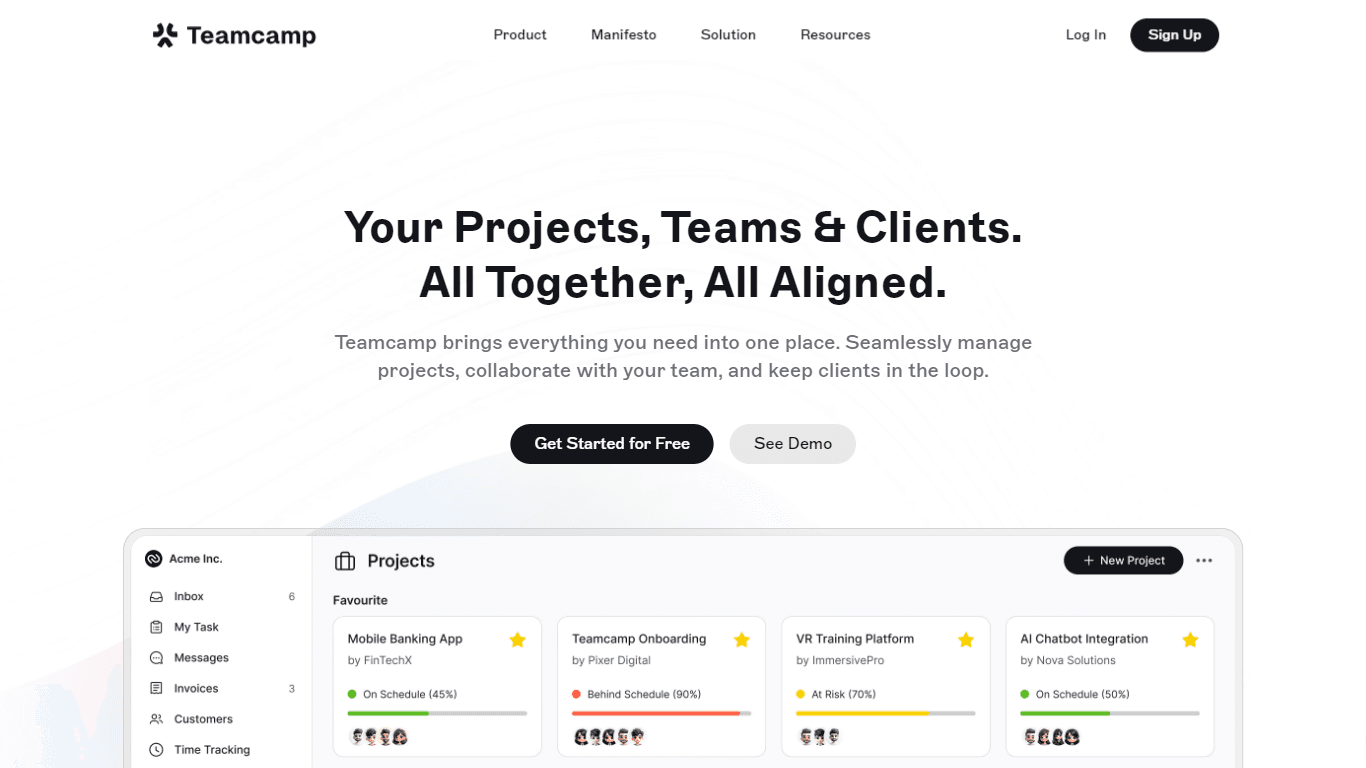
Teamcamp is a comprehensive project management tool designed to streamline the workflow for teams in various sectors, including IT, marketing, freelancers, and agencies. Its core functionality revolve
Align AI
Streamlines AI strategy alignment with business objectives.

Supametas.AI
A tool to transform unstructured data into structured formats for AI models and knowledge bases.

The North
North is an intuitive platform designed to simplify the management of Objectives and Key Results (OKRs), Strategy, and Initiatives for businesses of all sizes. It is a tool that directs teams to trans
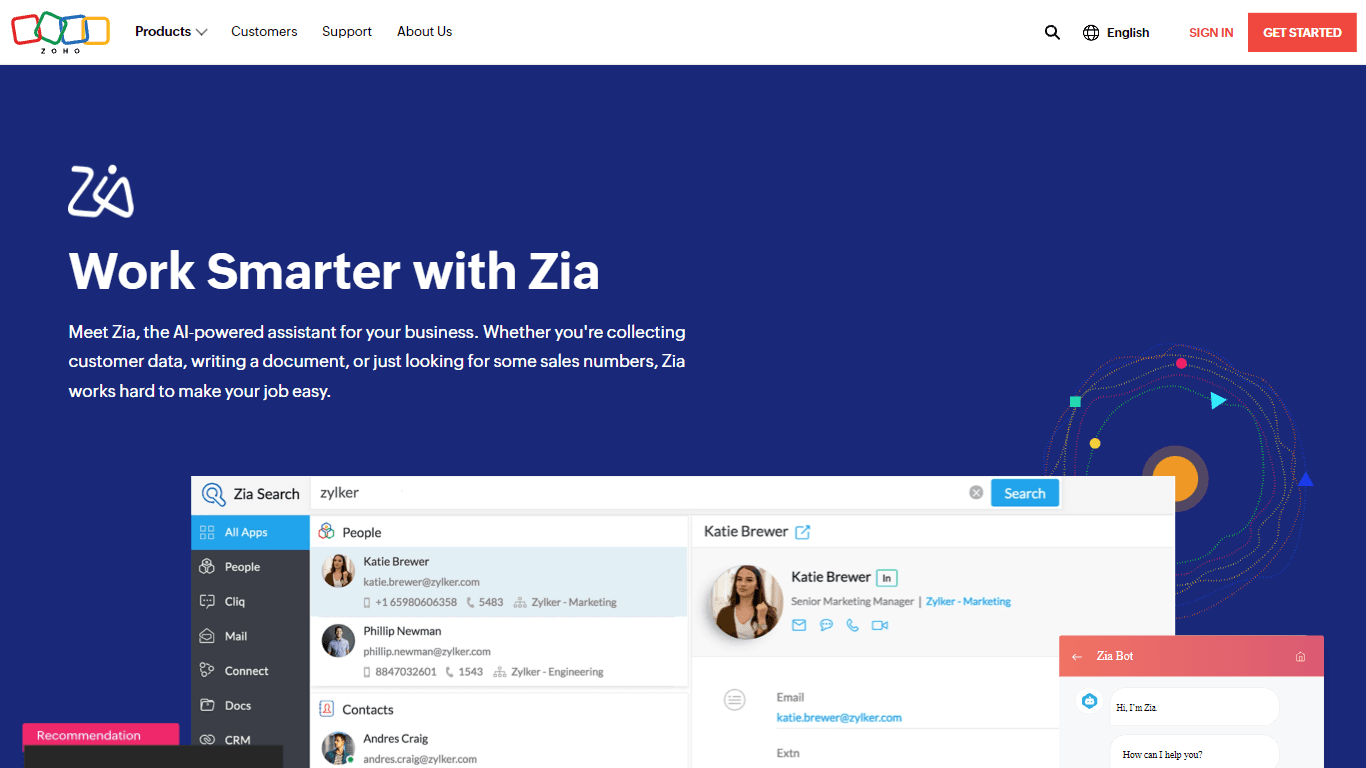
Zia
Maximize your business efficiency with Zia, Zoho's advanced AI assistant designed to streamline your business operations across various functions. Zia acts as a dynamic tool, providing tailored recomm

AICosts.ai
A tool to centralize tracking and optimization of spending across multiple AI services.

ZeroGPT
ZeroGPT.com stands out as the premier destination for AI detection, setting the gold standard in safeguarding digital landscapes. With cutting-edge algorithms and advanced machine learning models, Zer
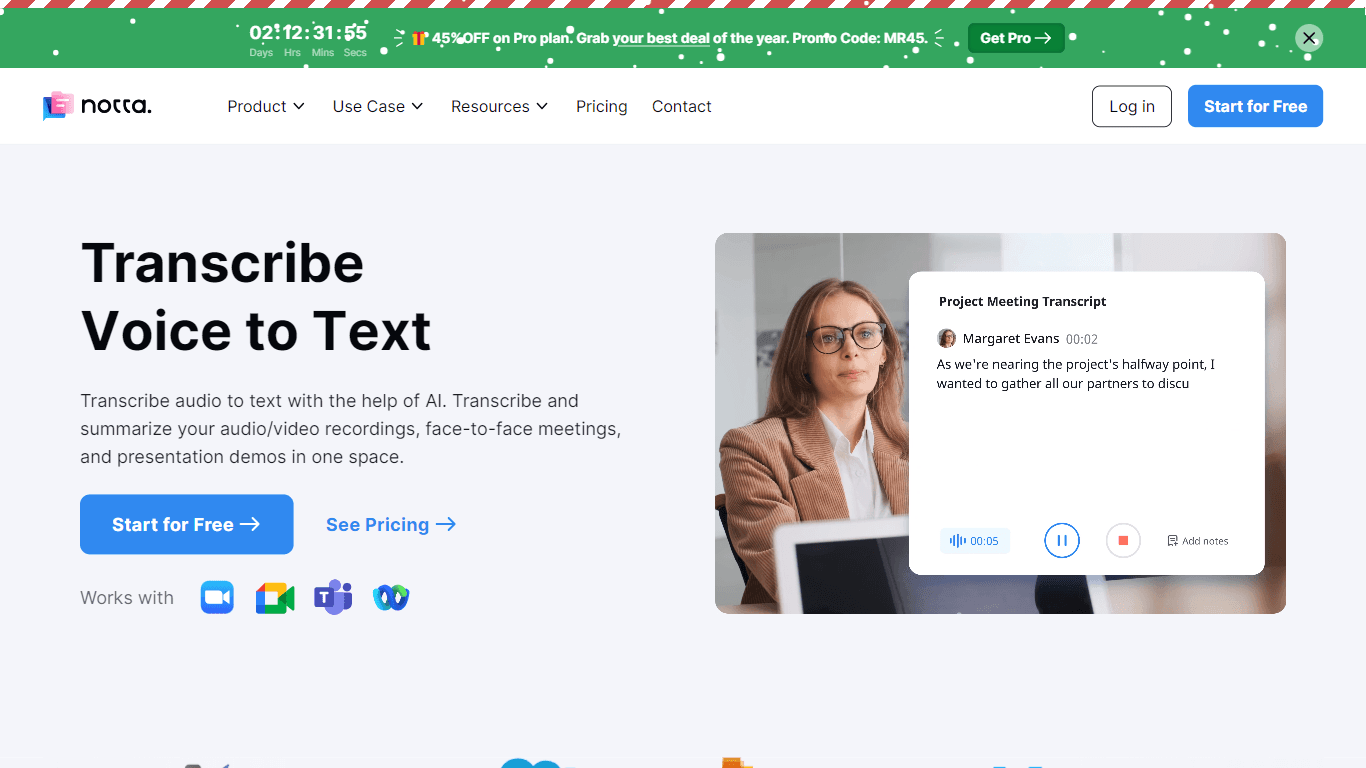
Notta
Notta offers a comprehensive solution for converting audio to text using advanced AI technology. With Notta, users can transcribe and summarize audio/video recordings, live meetings, and presentations

Yuma
Yuma is revolutionizing customer support through the power of automation. By leveraging ChatGPT, we have developed an innovative solution that seamlessly integrates with help desk software to provide

SPUN
SPUN offers an innovative platform designed to streamline the global permit and visa application process through AI and automation. Aimed at helping individuals and organizations to efficiently pursue

Refgrow
Refgrow is a native affiliate software designed to seamlessly integrate into modern products, allowing businesses to launch their own affiliate programs in just minutes. The core functionality of Refg