
Tigerdrive
Tigerdrive is a powerful tool designed to automatically save every version of your work, ensuring that you never lose important iterations. It transforms any folder on your computer into an automatica
13,592
Votes
15,838
Views
7,417
Bookmarks
About
Tigerdrive is a powerful tool designed to automatically save every version of your work, ensuring that you never lose important iterations. It transforms any folder on your computer into an automatically versioned workspace, allowing users to work with any file or application without the need for cloud storage or subscriptions. This makes it particularly appealing to creative professionals who often juggle multiple projects and need a reliable way to track changes without cluttering their file systems with confusing version names. The target audience for Tigerdrive includes event managers, engineers, video editors, and anyone who requires a seamless way to manage their projects. Users can focus on their work while Tigerdrive tracks every change made to their files. This unique value proposition allows for a more organized workflow, eliminating the chaos that often comes with managing multiple versions of files across different applications. One of the key differentiators of Tigerdrive is its commitment to local storage. Unlike many other version control tools that rely on cloud synchronization, Tigerdrive keeps all files stored locally on the user's computer. This not only enhances security but also provides users with complete control over their files without the fear of subscription fees or hidden costs. The tool's automatic versioning feature ensures that every time a user saves a file, a new version is created behind the scenes, making it easy to retrieve previous drafts or compare edits. Technical implementation details are not explicitly mentioned, but the tool supports multiple operating systems, including MacOS, Windows, and Linux. This broad compatibility ensures that a wide range of users can benefit from its features. Additionally, Tigerdrive integrates seamlessly with existing cloud services like Dropbox and Google Drive, allowing users to maintain their current workflows while enhancing their version control capabilities. In summary, Tigerdrive is an innovative solution for anyone looking to streamline their creative process. By providing automatic versioning, local storage, and a user-friendly interface, it empowers users to create without fear of losing their work. With a one-time purchase price of $29, it offers a lifetime value without the burden of ongoing subscriptions, making it an attractive option for professionals across various industries.
Key Features
- Automatic Versioning: Keep every iteration of your files without manually creating multiple copies, so you never lose important changes.
- Time Travel: Retrieve discarded drafts or compare edits with just a few clicks, making it easy to revisit previous versions.
- Team Collaboration: Share specific versions of your work without disrupting your flow, enhancing teamwork and communication.
- Local Storage: Your files remain on your computer with no mandatory cloud service, ensuring privacy and control over your data.
- Seamless Integrations: Works well with existing cloud services like Dropbox and Google Drive, allowing you to enhance your workflow without changing your habits.
FAQ
How does Tigerdrive save my work?
Tigerdrive automatically creates a new version every time you save a file in your designated folder, so you don't have to worry about losing your work.
Can I use Tigerdrive offline?
Yes, Tigerdrive works perfectly offline. You can manage your files without needing an internet connection.
What happens to my old versions?
Tigerdrive keeps all your old versions safe, and you can easily jump back to any earlier version whenever you need.
Is my data stored in the cloud?
No, Tigerdrive stores your files locally on your computer, giving you full control over your data.
What operating systems does Tigerdrive support?
Tigerdrive supports MacOS, Windows, and Linux, making it accessible to a wide range of users.
Can I share files with my team?
Yes, you can share specific versions of your work with your team without disrupting your workflow.
You may also like
More tools in Productivity

Supametas.AI
A tool to transform unstructured data into structured formats for AI models and knowledge bases.

Assert AI
Automatically generates test cases, identifies bugs, and provides insights.

ZEN AI
Discover unparalleled customer service with ZEN AI, an intelligent customer support assistant designed for businesses of all sizes. ZEN AI operates around the clock, ensuring that your customers alway
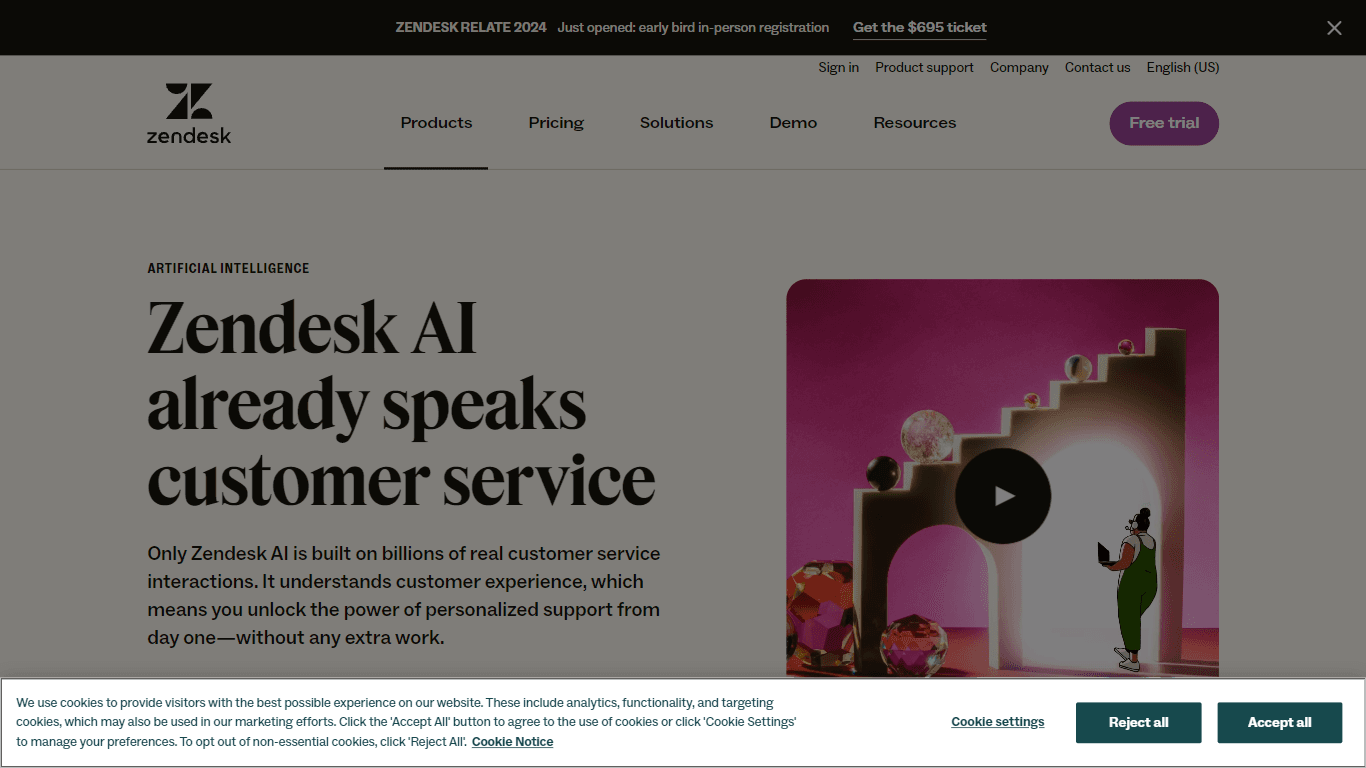
Zendesk AI
Explore the transformative power of AI-driven customer support with Zendesk AI. With a suite of intelligent tools, including sophisticated bots, enhanced self-service options, and a wealth of producti

Ada
Revolutionize customer service with AI across all digital platforms.

MokSa.AI
Enhances retail operations with AI-driven video intelligence.
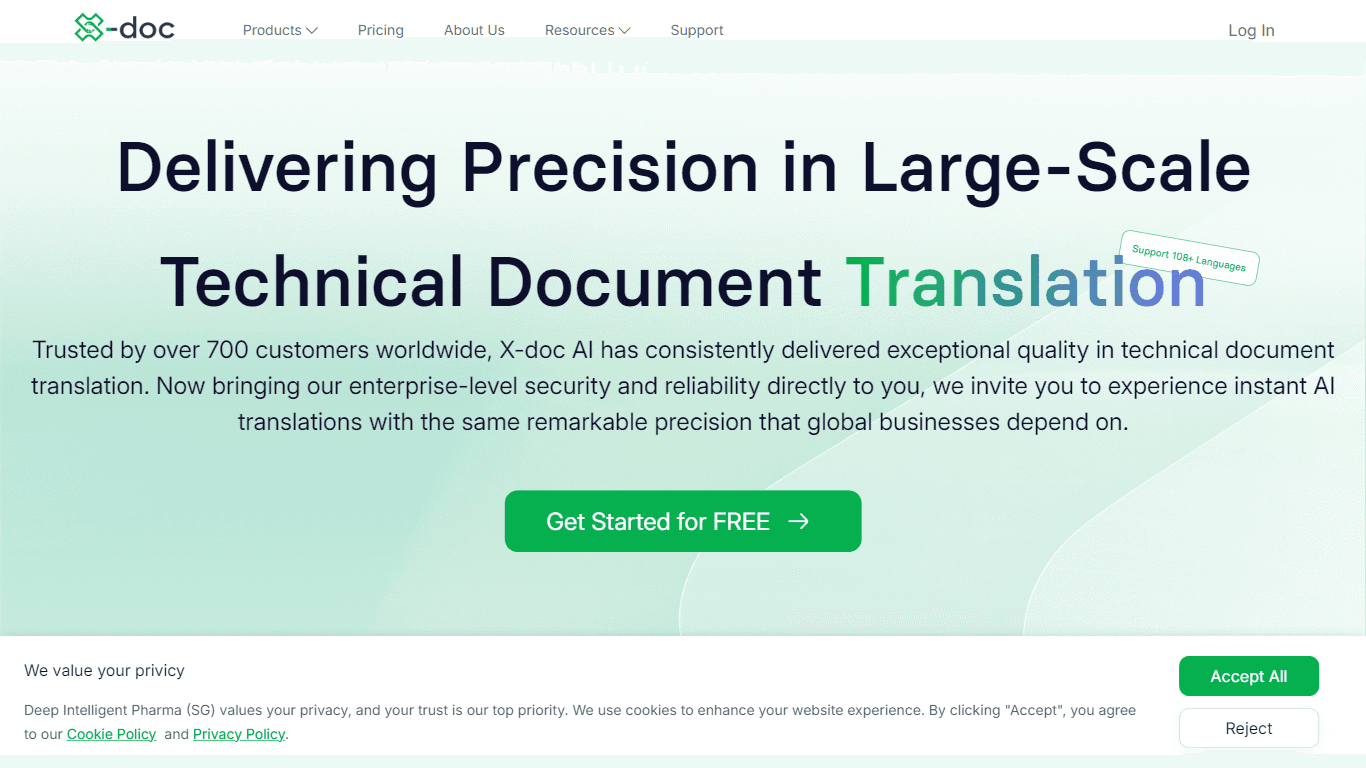
X-doc
X-doc is a cutting-edge AI-driven platform specializing in large-scale technical document translation. Its core functionality revolves around providing instant translations across 108 languages, ensur

Outreach
Optimize sales, enhance workflows, boost efficiency with AI-powered tools.

Align AI
Streamlines AI strategy alignment with business objectives.
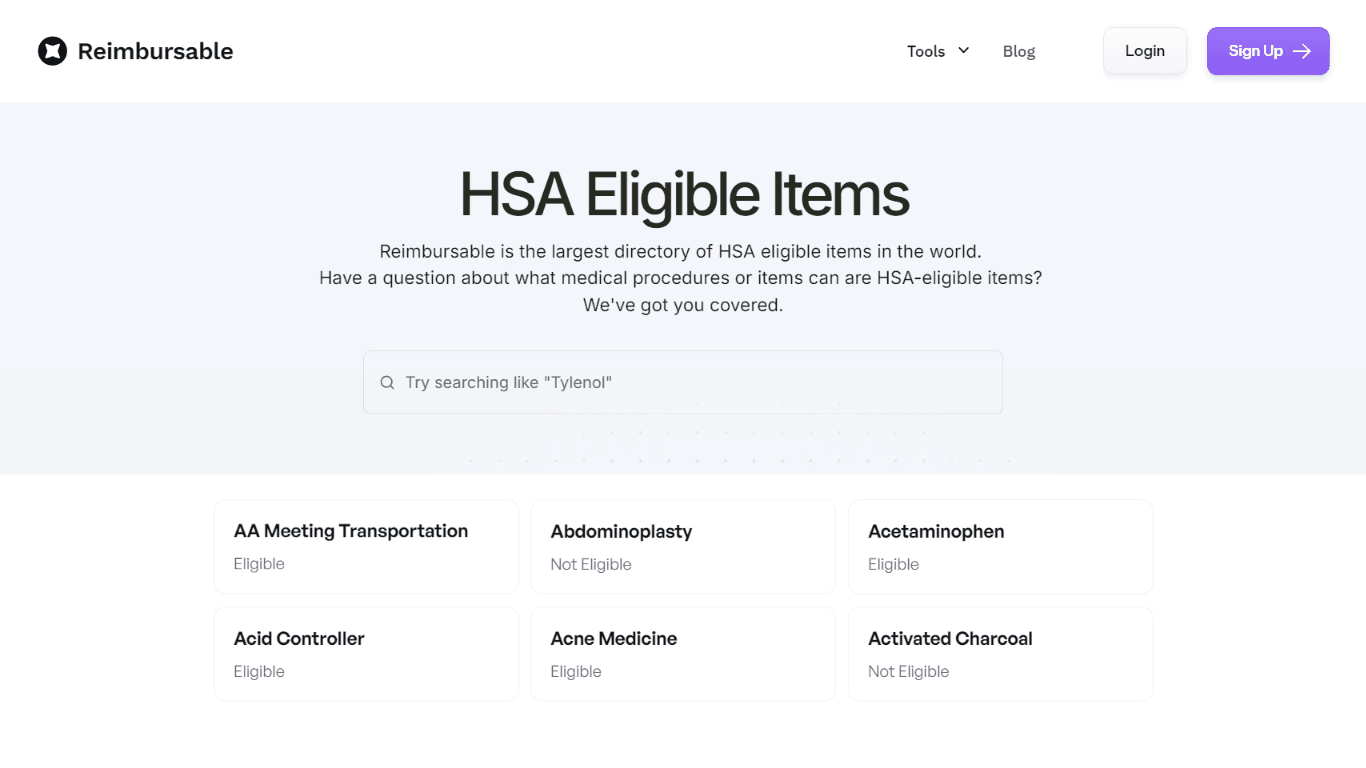
HSA Eligible
The Complete Directory of HSA Eligible Items for Easy Expense Tracking serves as a comprehensive resource for individuals looking to manage their Health Savings Account (HSA) expenses effectively. Thi
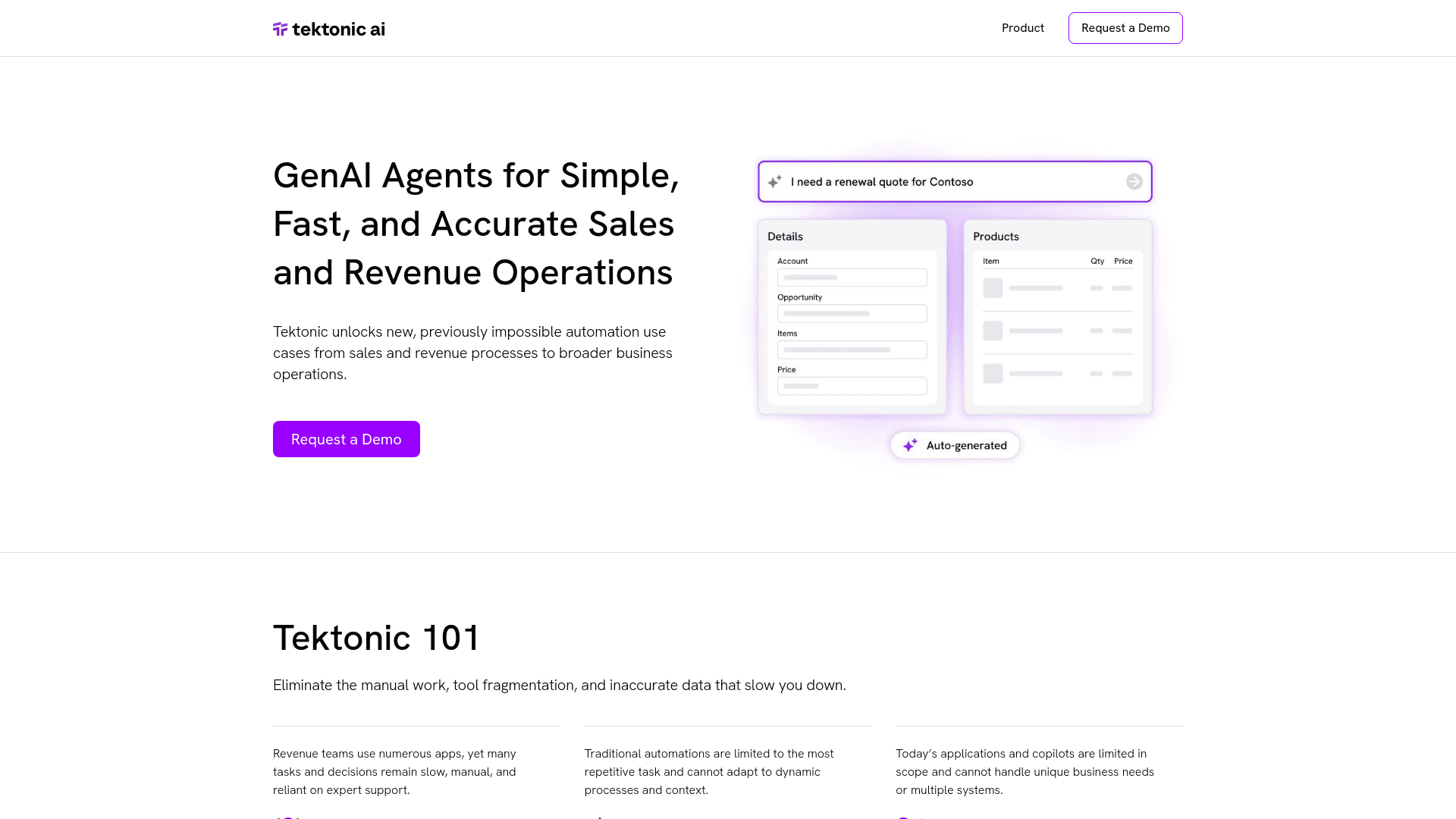
Tektonic AI
Streamline sales and revenue operations with advanced AI-driven automation.
Ref Tools
A tool to provide documentation context for AI coding agents.