TeamCreate AI
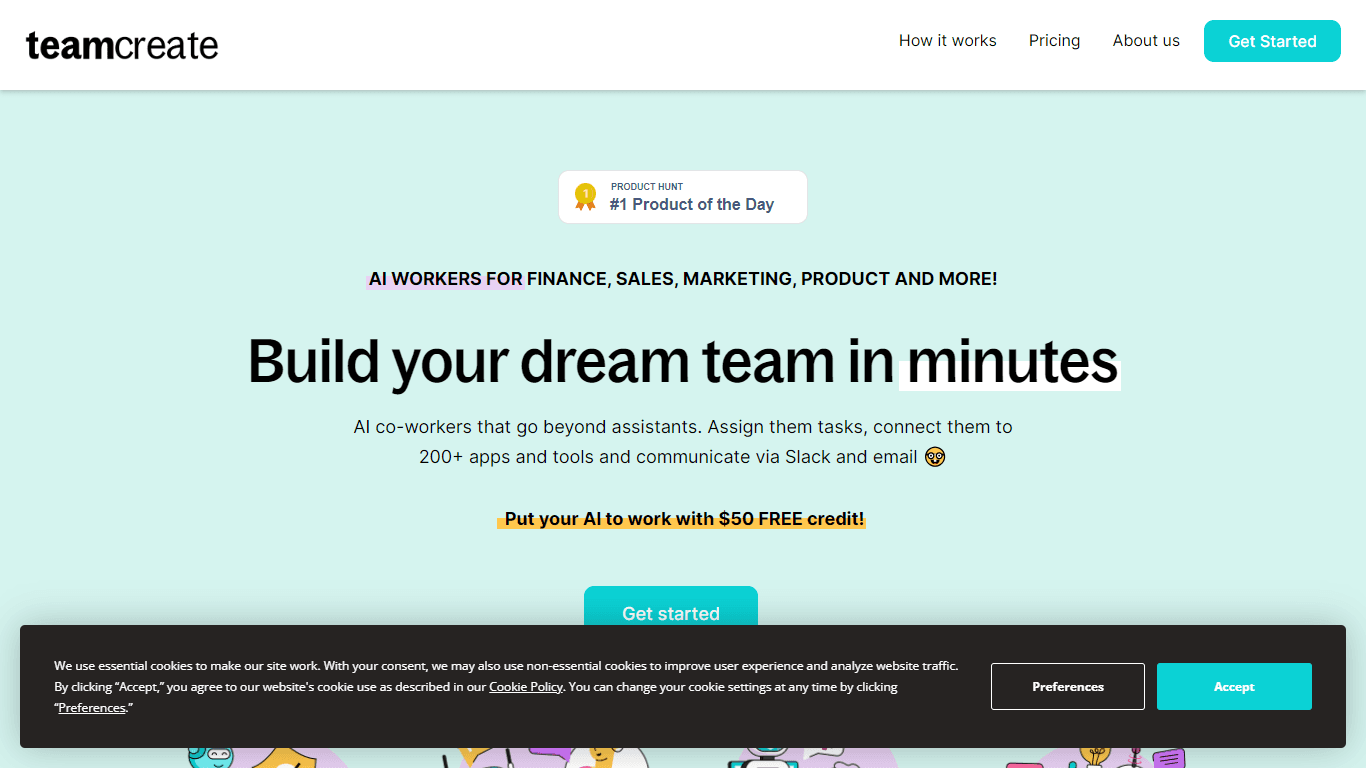
TeamCreate AI revolutionizes the way companies can build and scale their teams by offering cost-effective, customizable AI workers for various roles within minutes. This no-code, growth-centric platfo
19,144
Votes
22,444
Views
12,017
Bookmarks
About
TeamCreate AI revolutionizes the way companies can build and scale their teams by offering cost-effective, customizable AI workers for various roles within minutes. This no-code, growth-centric platform eliminates the constraints of traditional hiring processes and financial burdens, making scalability an achievable goal for businesses of all sizes. TeamCreate AI boasts seamless integration with over 200 apps and tools, providing one-click talent for roles in Sales, Marketing, Finance, Product, Support, Operations, and more. Users can assign tasks, manage permissions securely, and collaborate with these AI workers as they would with human colleagues, leveraging their ability to adapt and learn quickly. Moreover, multi-language capabilities ensure smooth team cooperation. Businesses can sign up to explore these benefits with a $50 free credit, fostering immediate productivity gains without upfront costs.
Key Features
- No-Code Customization: Tailor your AI workers easily without any coding required.
- Multilingual Skills: Communicate seamlessly with AI workers fluent in English, Mandarin, and Spanish.
- Secure App Integration: Control the apps and tools your AI workers use with robust security controls.
- One-Click Talent: Quickly assign tasks to AI workers, matching them with your team’s needs.
- Pay As You Go: Flexible pricing allows you to pay only for what you use, starting with a $50 free credit.
FAQ
How do I create an AI worker for my team?
Get started by adding @teamcreate to Slack and authorizing the addition of AI workers with a one-time link. Then ask @teamcreate to create an AI for you.
How can AI workers perform recurring shell tasks?
Use your task app to assign tasks to your AI workers, including recurring tasks. TeamCreate supports task apps that can include tasks and comments in the body of emails.
What if I don't use Slack?
Support for Microsoft Teams, Discord, and Whatsapp is coming soon.
How do I give my AI worker access to apps and tools?
When your AI needs to access apps and tools, they'll ask for access and share a link with their manager who can then provide them with access and set permissions.
What is my AI worker called?
You can give your AI worker any name you like, such as Jess or Jack, which can be combined with the team they belong to for easy identification.
You may also like
More tools in Automation
Skail
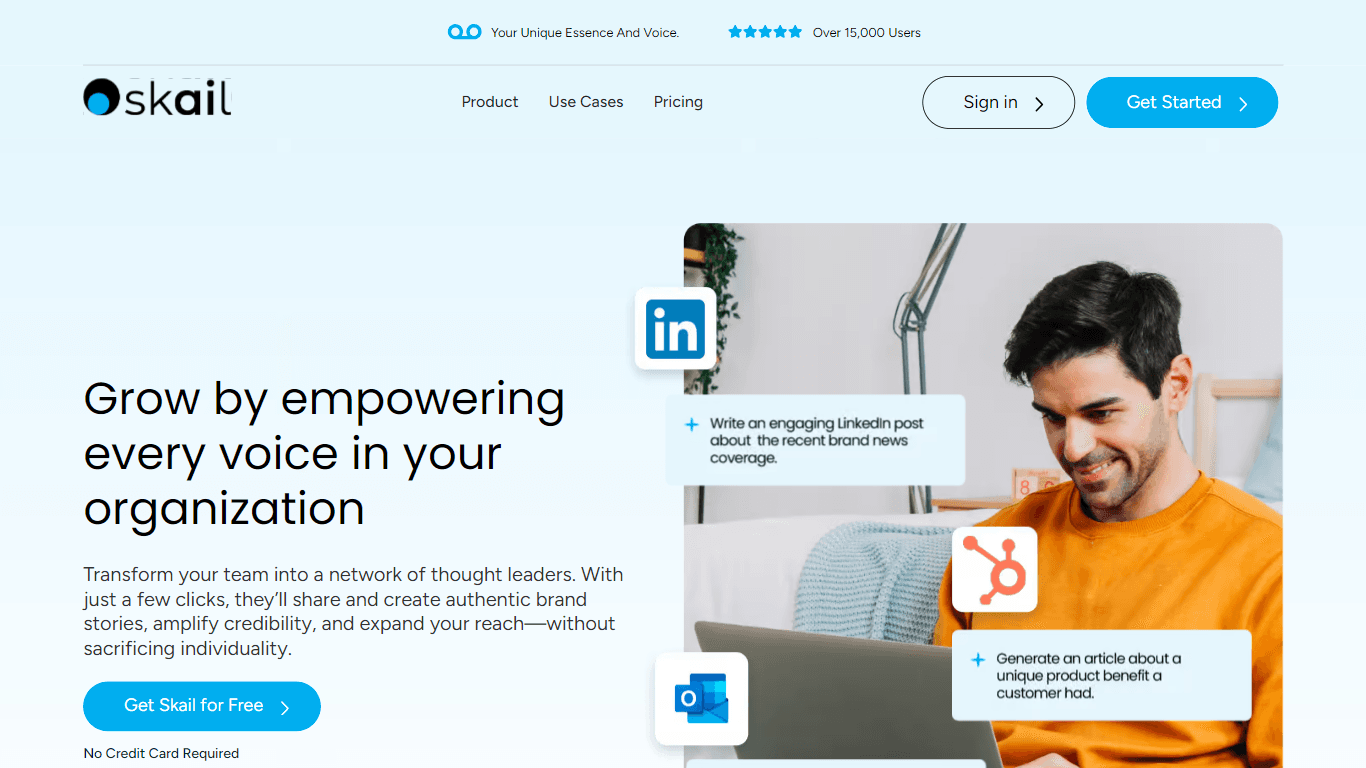
Skail is an AI-powered platform designed to help organizations empower their teams by enabling them to create personalized, human-like messages. The core functionality of Skail revolves around its pro

eNotify
eNotify is a powerful tool designed to replace unreliable SMS and cluttered emails with secure, one-click push notifications delivered directly to users' eNotify app. Its core functionality revolves a

Quilgo
Quilgo is an innovative online testing platform designed to streamline the process of creating and administering quizzes and tests. With a focus on simplicity and reliability, Quilgo integrates AI-pow

Insight Pipeline
Insight Pipeline is a tool designed to simplify the process of scheduling research calls with customers. Its core functionality revolves around automatically arranging these calls for validation, usab

Testsigma
Testsigma offers a cutting-edge cloud-based test automation platform that revolutionizes how QA teams approach testing. With the ability to automate tests for a wide range of applications—web, mobile,

Zight
Zight is a comprehensive screen recording tool designed for users across various platforms including Mac, Windows, Chrome, and iOS. Its core functionality revolves around enabling users to easily capt

Doc ai
Docai is a powerful tool designed to automate the generation of project documentation directly from JIRA releases. Its core functionality revolves around simplifying the documentation process, which i

HeyCloud
HeyCloud revolutionizes cloud management by allowing you to build and manage your AWS stack using plain English commands. It acts as an AI copilot for DevOps teams, streamlining cloud integration and

Hakanai
Hakanai is a powerful toolbox designed specifically for blogs of all sizes, catering to everyone from personal storytellers to large enterprises. Its core functionality revolves around providing a sin
Summit
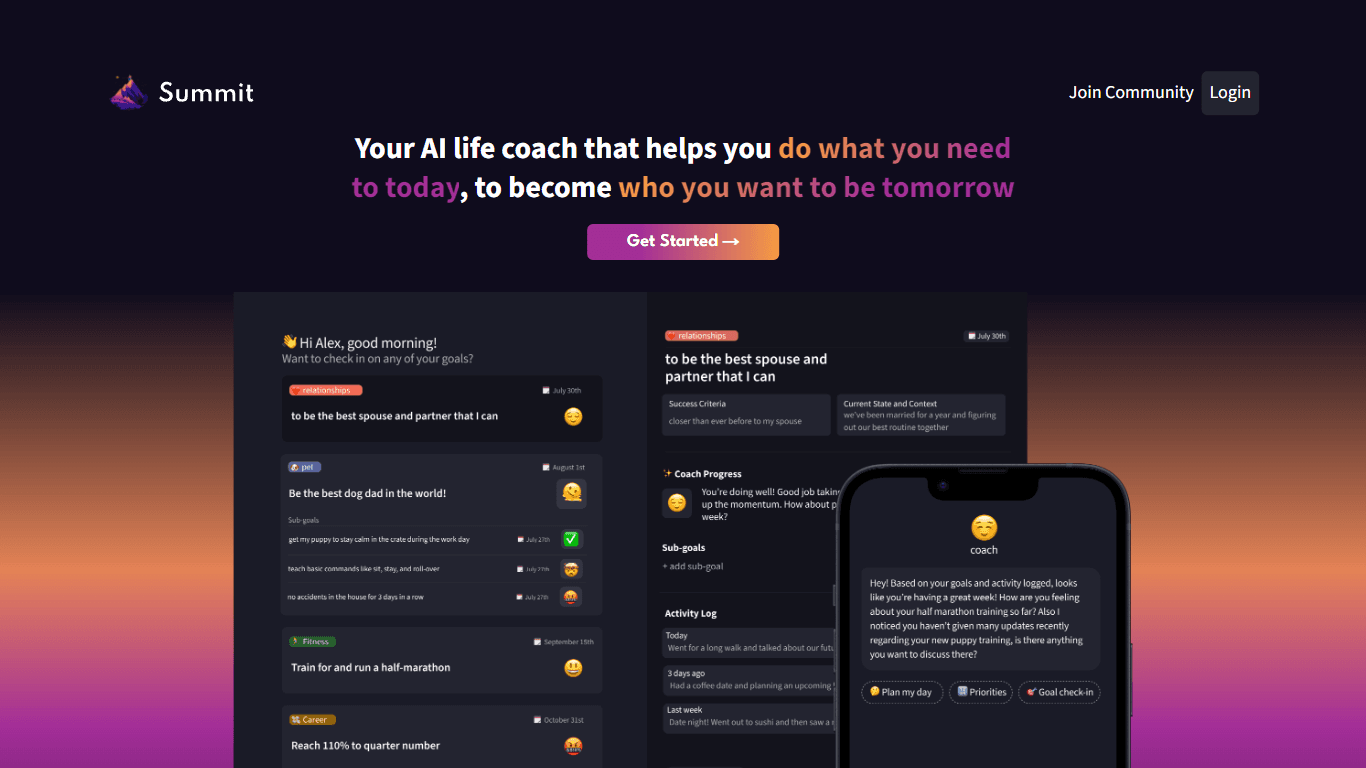
Summit is a comprehensive AI-powered platform designed to revolutionize the way businesses optimize their operations. With an array of cutting-edge features and advanced algorithms, Summit offers unpa
MEI
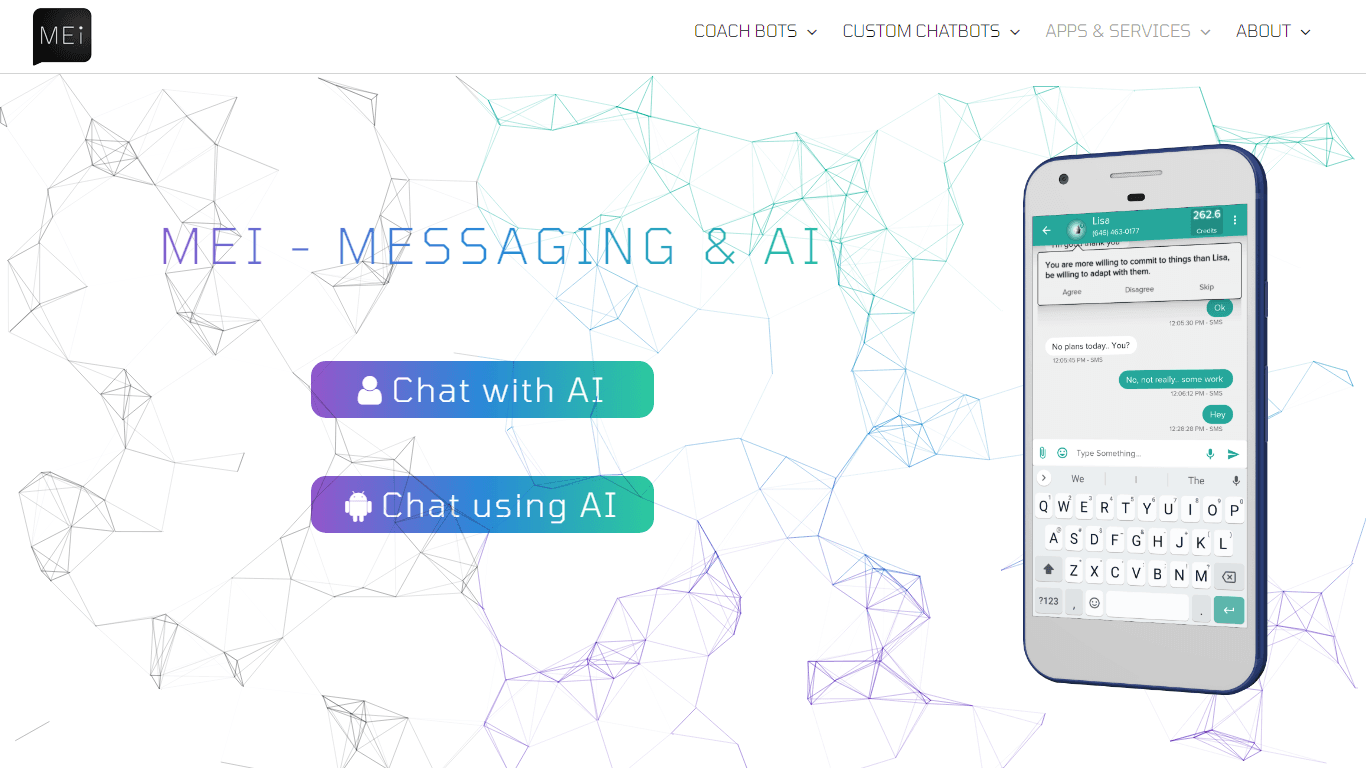
Elevate your communication with MEI, the platform that seamlessly integrates AI with messaging and chat. Our innovative products and services leverage cutting-edge AI technology to provide you with de
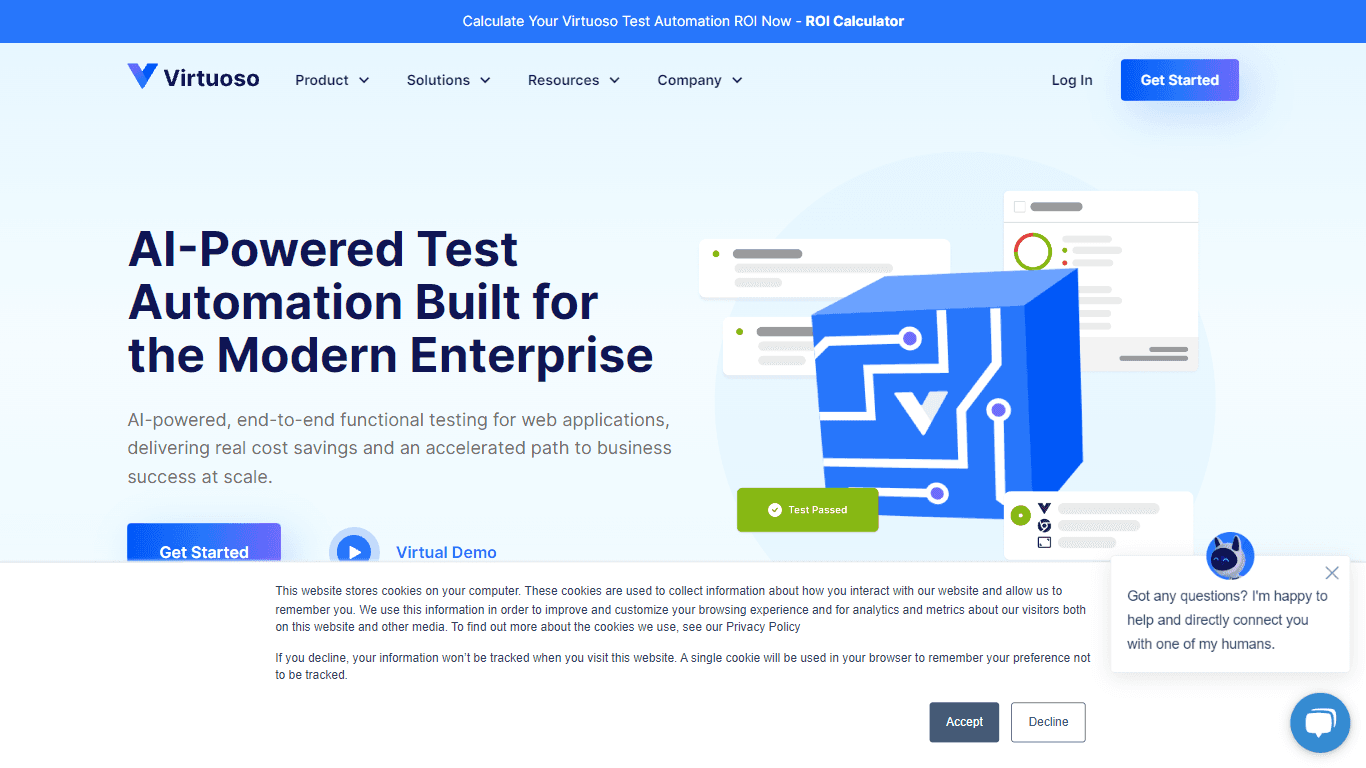
Virtuoso
Virtuoso is a cutting-edge QA automation testing tool that utilizes the power of Natural Language Programming (NLP), AI, and machine learning. With its unique combination of these advanced technologie