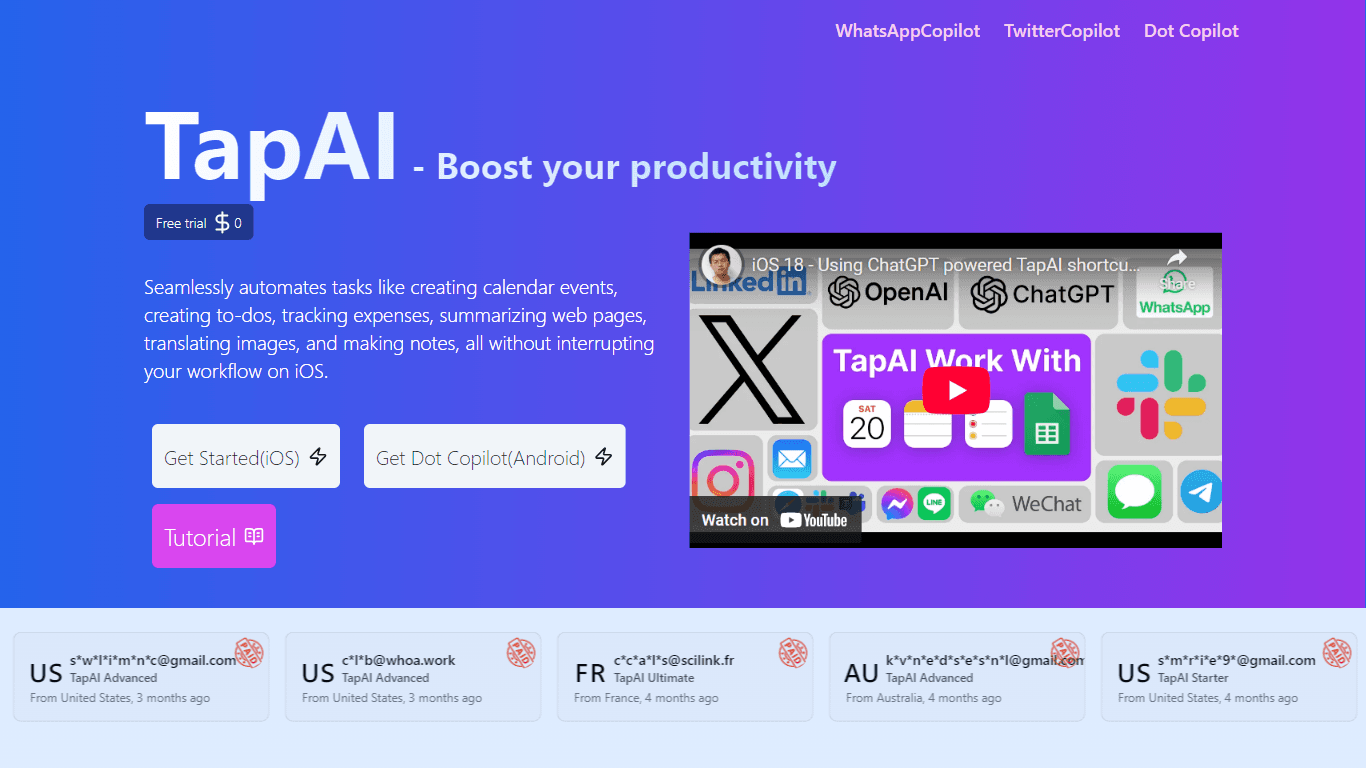
TapAI
TapAI is an innovative iOS productivity tool that leverages the capabilities of ChatGPT to enhance user efficiency through a simple double-tap gesture on the back of the iPhone. This application is de
17,773
Votes
22,121
Views
11,385
Bookmarks
About
TapAI is an innovative iOS productivity tool that leverages the capabilities of ChatGPT to enhance user efficiency through a simple double-tap gesture on the back of the iPhone. This application is designed for individuals seeking to streamline their daily tasks by integrating various functionalities such as scheduling, task management, and data organization. By processing text directly from the user's screen, TapAI allows for seamless interaction with applications like Apple Calendar, Apple Reminders, and Google Sheets, thereby simplifying the management of personal and professional commitments. The target audience for TapAI includes busy professionals, students, and anyone looking to optimize their productivity on iOS devices. Its unique value proposition lies in its ability to provide context-aware responses and evaluations, making it not just a tool for data entry but a smart assistant that understands user intent. This capability sets TapAI apart from traditional productivity apps, as it offers a more intuitive and responsive user experience. Key differentiators of TapAI include its activation method via a double-tap, which allows for quick access without navigating through multiple screens, and its integration with popular applications that users already rely on. Additionally, the app's ability to ask users how they would like to manage different types of data further enhances its adaptability and user-friendliness. Overall, TapAI represents a significant advancement in mobile productivity tools, combining AI technology with practical application to meet the needs of modern users.
Key Features
- Double-Tap Activation: Users can activate TapAI by simply double-tapping the back of their iPhone, providing a quick and convenient way to access productivity features without navigating through menus.
- Context-Aware Processing: TapAI utilizes ChatGPT to understand and process text from the user's screen, allowing for intelligent responses and actions based on the content.
- Integration with Apple Calendar: Users can easily add scheduling information to their Apple Calendar, streamlining the process of managing appointments and events.
- Task Management with Apple Reminders: TapAI enables users to add tasks directly to Apple Reminders, ensuring that important to-dos are captured and organized efficiently.
- Data Handling with Google Sheets: The app supports the integration of billing data into Google Sheets, allowing for seamless data management and organization.
FAQ
How to install TapAI shortcut commands?
To install TapAI shortcut commands, users can follow the instructions provided in the app's settings or visit the official website for detailed guidance on setup.
How do I activate TapAI on my iPhone?
TapAI can be activated by double-tapping the back of your iPhone, which triggers the app to process the current screen's text and respond accordingly.
What types of data can TapAI process?
TapAI can process various types of data, including scheduling information, tasks, and billing data. For other data types, it prompts users on how they would like to manage them.
How does TapAI integrate with other apps?
TapAI integrates with popular applications such as Apple Calendar, Apple Reminders, and Google Sheets, allowing for efficient data management across platforms.
How do you integrate TapAI with Google Sheets?
Users can integrate TapAI with Google Sheets by following the setup instructions within the app, which guide them on how to link their Google account and manage data.
What's special about the Ultimate plan?
The Ultimate plan offers advanced features and capabilities that enhance the user experience, including priority support and additional customization options for data handling.
You may also like
More tools in Productivity

Dify
A platform to develop and operate AI applications.
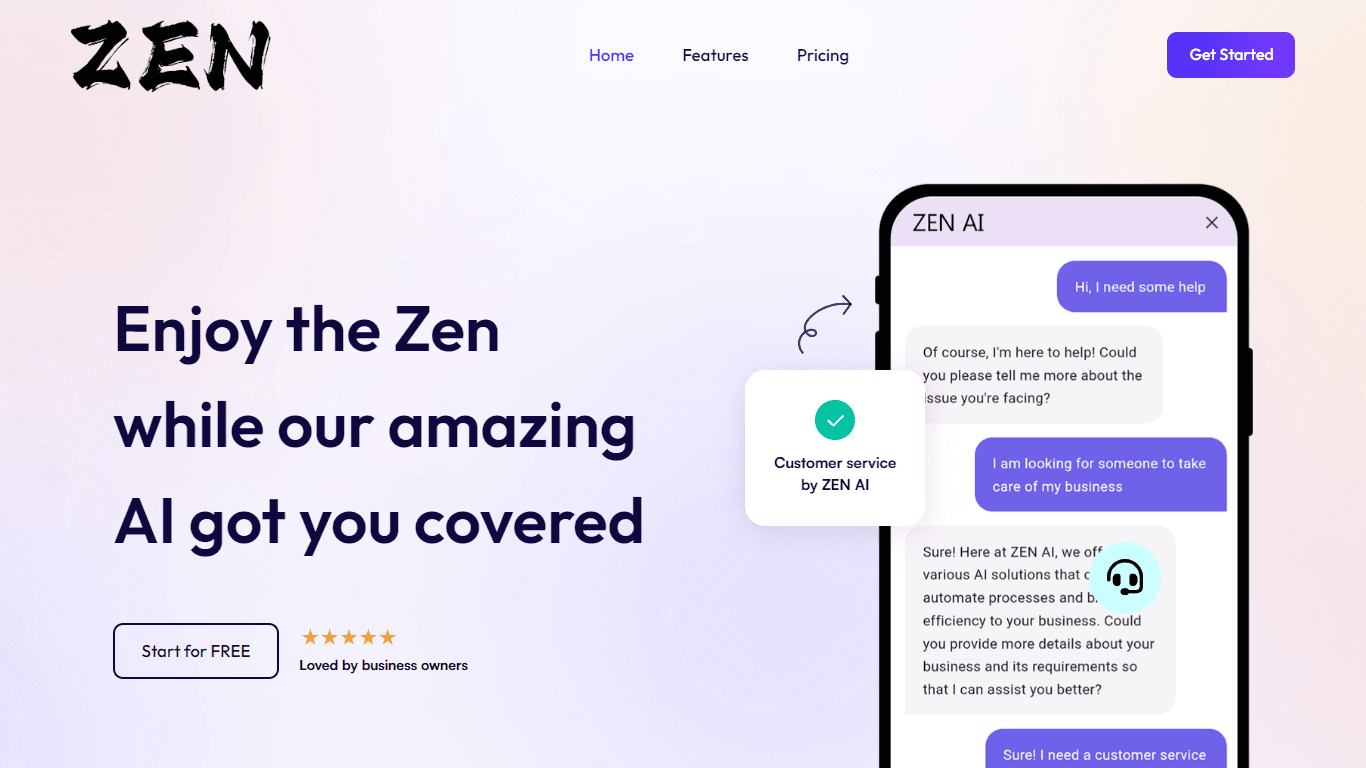
ZEN AI
Discover unparalleled customer service with ZEN AI, an intelligent customer support assistant designed for businesses of all sizes. ZEN AI operates around the clock, ensuring that your customers alway
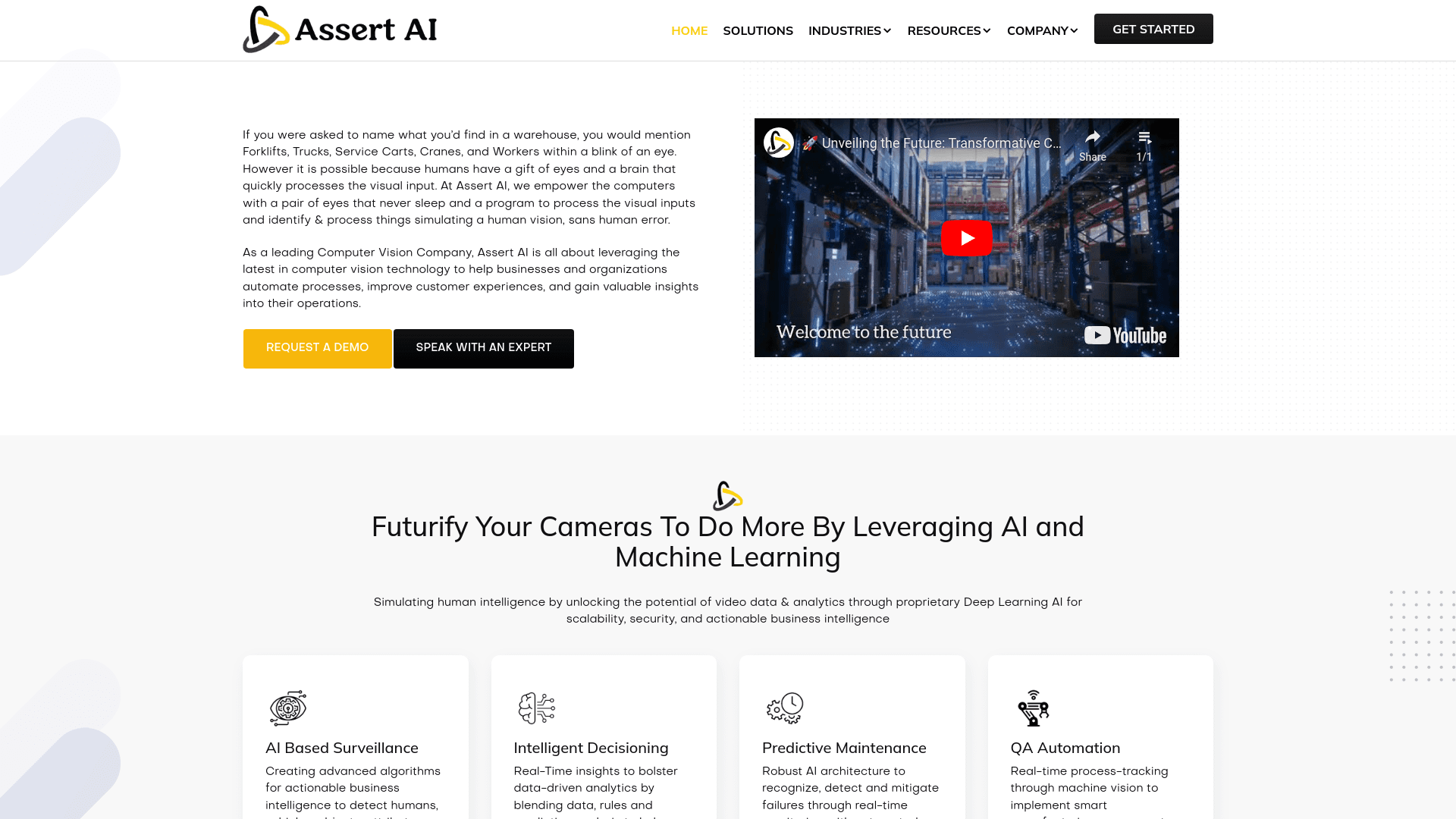
Assert AI
Automatically generates test cases, identifies bugs, and provides insights.
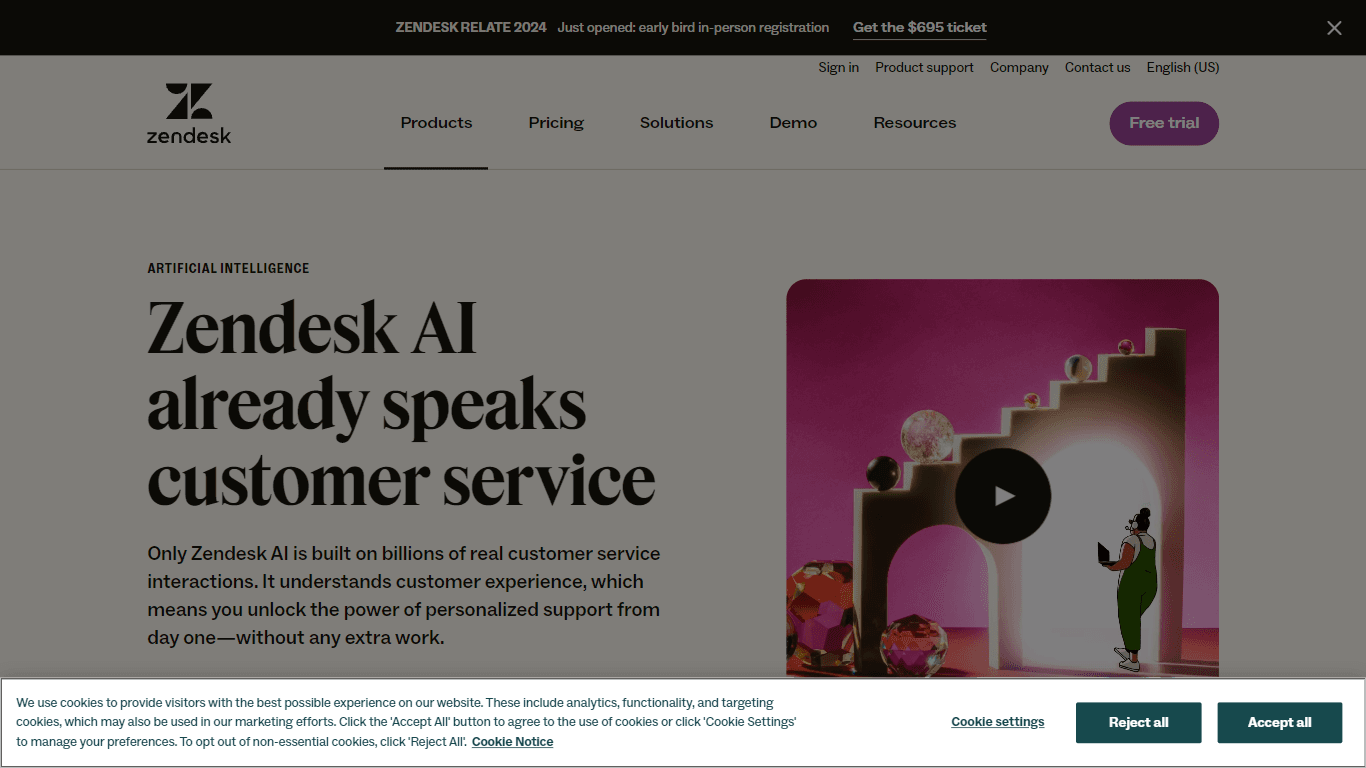
Zendesk AI
Explore the transformative power of AI-driven customer support with Zendesk AI. With a suite of intelligent tools, including sophisticated bots, enhanced self-service options, and a wealth of producti

Outreach
Optimize sales, enhance workflows, boost efficiency with AI-powered tools.

Convoso
A call center platform with dialing and omnichannel communication tools.
X-doc
X-doc is a cutting-edge AI-driven platform specializing in large-scale technical document translation. Its core functionality revolves around providing instant translations across 108 languages, ensur

Tektonic AI
Streamline sales and revenue operations with advanced AI-driven automation.

Align AI
Streamlines AI strategy alignment with business objectives.

Ada
Revolutionize customer service with AI across all digital platforms.

Supametas.AI
A tool to transform unstructured data into structured formats for AI models and knowledge bases.

Retell AI
Create lifelike AI voice agents, deploy anywhere, analyze real-time.