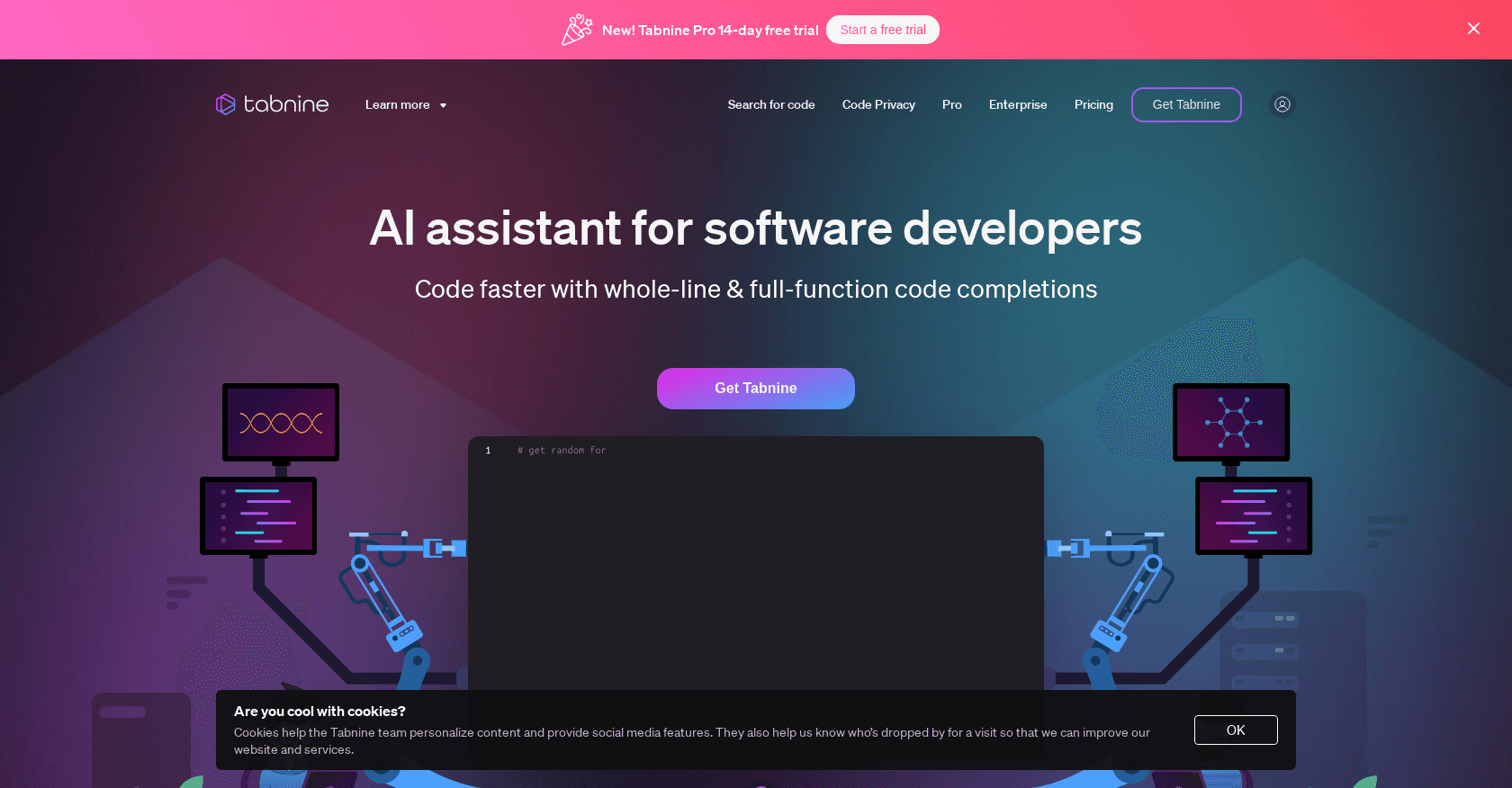
Tabnine
Unlock rapid, secure coding with AI-driven personalized suggestions across IDEs.
15,604
Votes
28,455
Views
11,261
Bookmarks
About
As someone who's always on the lookout for tools that can streamline the coding process, I was intrigued by Tabnine. This AI-powered coding assistant is designed to enhance the productivity of developers by offering personalized code completions and ensuring that the code remains safe and protected. Tabnine integrates seamlessly with popular IDEs, making it a versatile choice for developers who work across different platforms.
Key Features
- AI-Powered Code Completions: Tabnine uses machine learning algorithms to provide smart code suggestions, helping you code faster and more efficiently.
- Personalized Experience: The tool adapts to your coding style and preferences to offer tailored recommendations.
- Privacy-Focused: Tabnine emphasizes the importance of keeping your codebase private and secure, ensuring that your intellectual property is protected.
- Broad IDE Compatibility: Whether you use VSCode, IntelliJ, or any other popular IDE, Tabnine is designed to work smoothly with your development environment.
Pros
- Enhanced Productivity: With Tabnine, I've noticed a significant reduction in the time it takes to write code, thanks to its intelligent suggestions.
- Ease of Use: The tool is user-friendly and integrates effortlessly into the coding workflow.
- Privacy and Security: Tabnine's commitment to privacy means you don't have to worry about sensitive code being exposed.
- Customization: The ability to tailor the AI to your specific coding standards is a huge plus.
Cons
- Learning Curve: New users may need time to get accustomed to the AI's suggestions and integrate them into their coding process.
- Dependence on Internet: For the best performance, a stable internet connection is required, which might be a limitation in some scenarios.
- Resource Usage: Depending on the complexity of the project, Tabnine could potentially use a significant amount of system resources.
Who Uses It
- Software Development Companies: Streamlining the coding process for faster project turnaround.
- Freelance Developers: Enhancing productivity when working on diverse projects.
- Educational Institutions: Assisting students in learning coding practices and standards.
- AI Research Teams: Incorporating Tabnine for developing cutting-edge software applications.
- Uncommon Use Cases: Non-profit organizations using Tabnine to maintain their websites; bloggers integrating Tabnine to develop custom plugins for their platforms.
Pricing
- Free Plan: A no-cost option that provides core functionalities of Tabnine.
- Pro Plan: Advanced features and extended capabilities for professional developers.
You may also like
More tools in Code Tools

CodeGate
A local proxy that enhances security for AI-assisted coding.

Ovren
Turn GitHub tickets into reviewable production-ready code.

Symphony
Symphony is an innovative platform designed for users who want to streamline their interaction with programs through conversational interfaces. By enabling you to "write programs you can talk to," Sym

SQLFlash
SQLFlash is an AI-powered tool that automatically rewrites and optimizes SQL queries to improve database performance. It targets developers, database administrators, and enterprises seeking to reduce
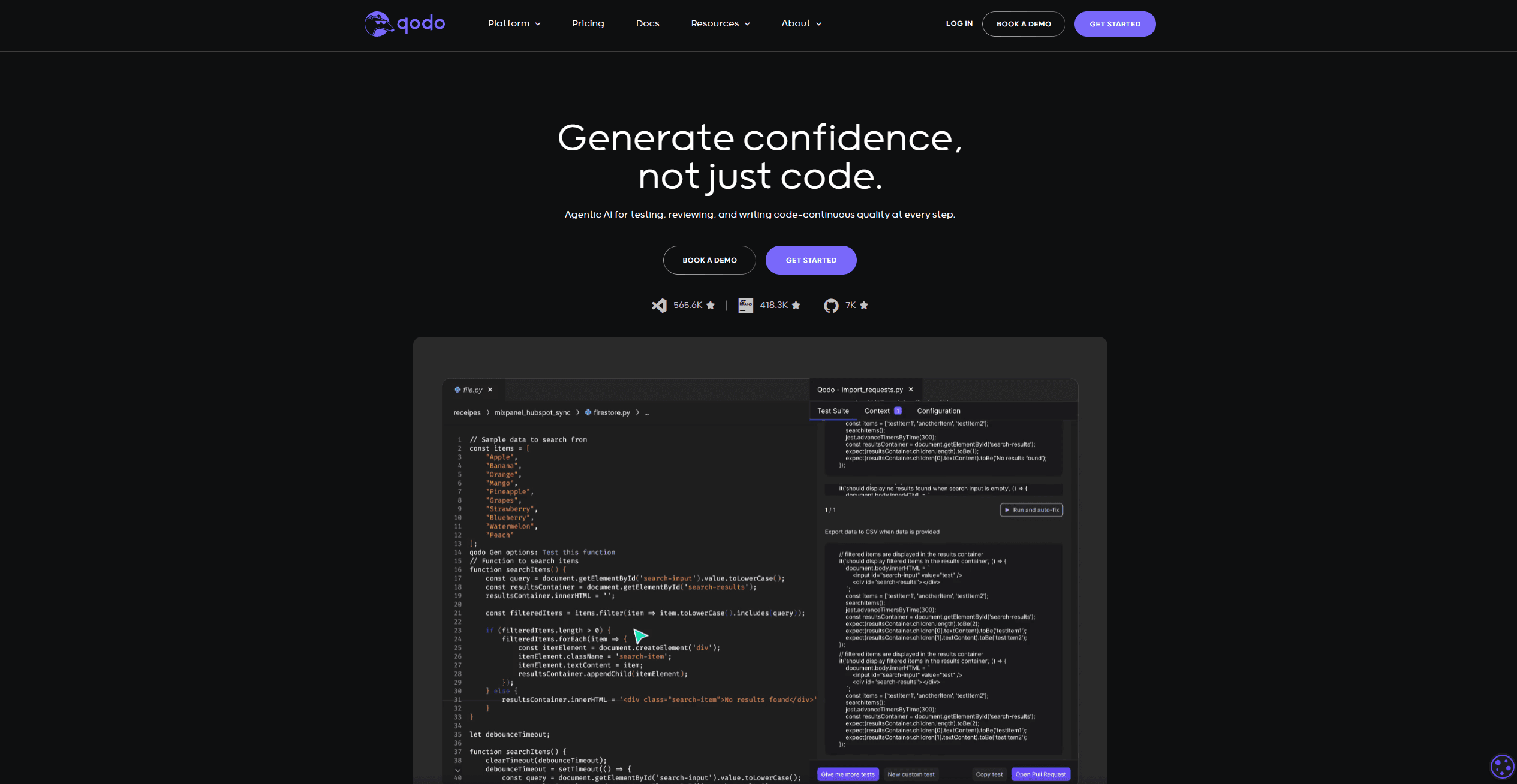
Qodo
Automates code reviews, test generation, and quality assurance.

Panto AI
A tool to review code and detect errors and vulnerabilities.
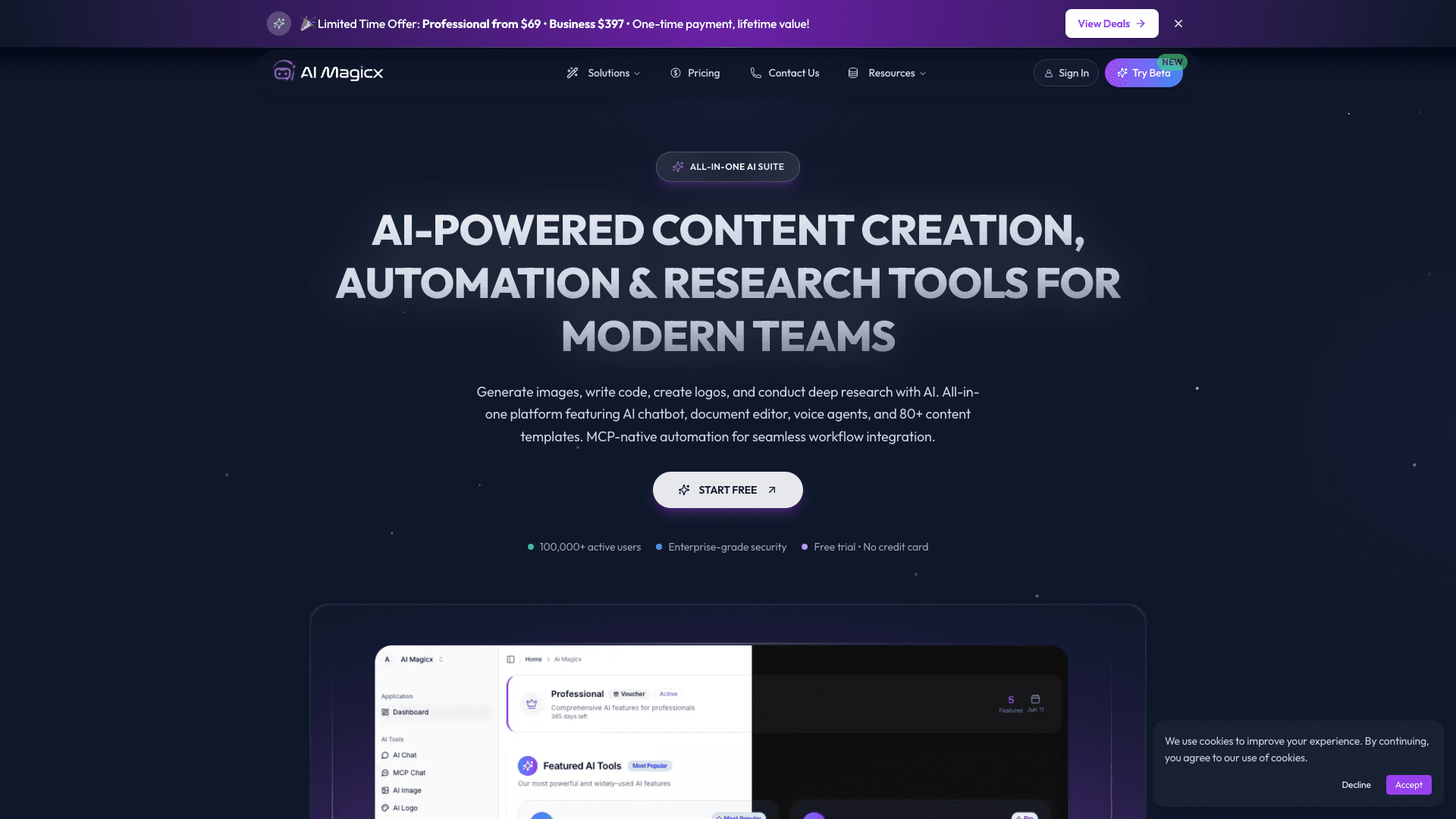
AI Magicx
AI Magicx enhances creativity with AI-driven design and coding.

BLACKBOX.AI
Revolutionize coding: AI generation, conversational code help, intuitive search.

10Web AI Website Builder
10Web AI Website Builder is a platform designed to help businesses and individuals create fully functional, production-ready WordPress websites quickly and without coding skills. Users simply describe
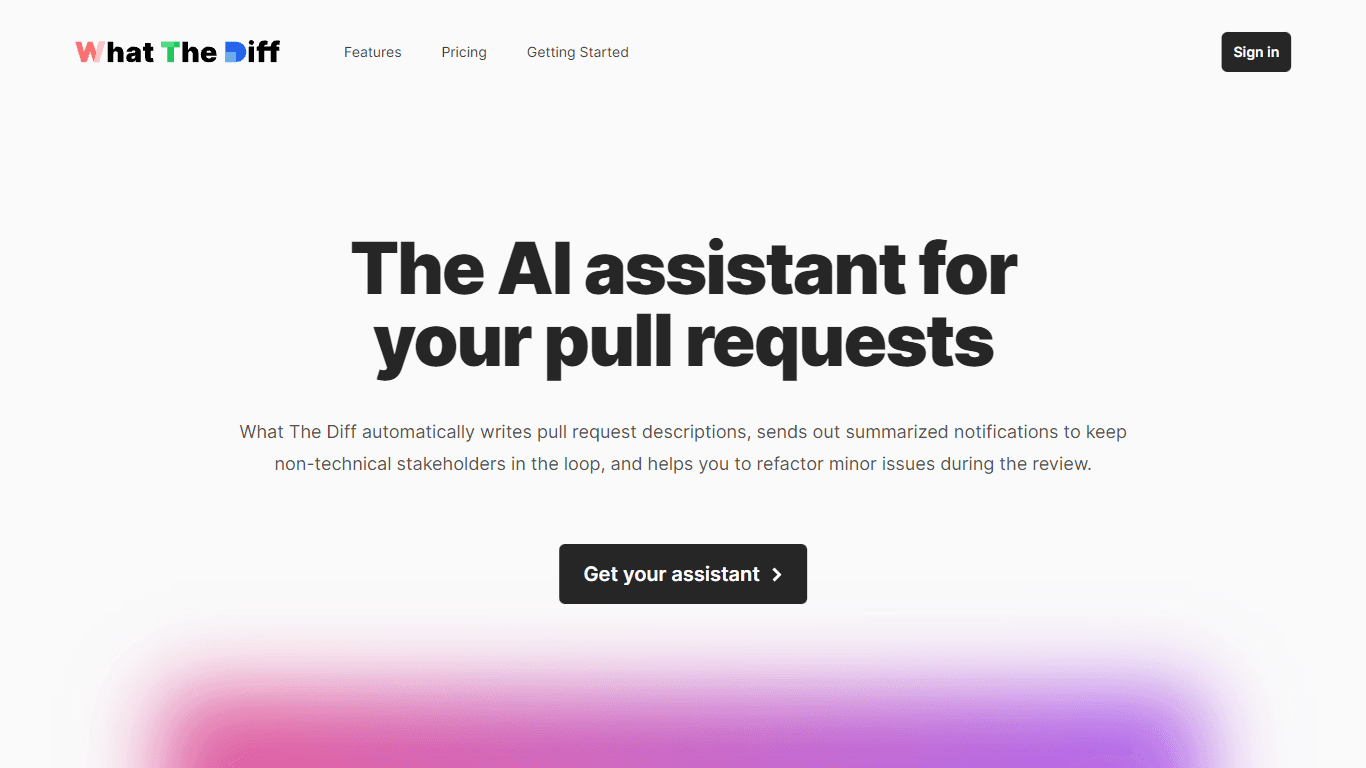
What The Diff
"What The Diff is an AI-powered code review assistant that helps streamline the pull request process. It automatically generates pull request descriptions, sends summarized notifications to non-techni
MakeForms
MakeForms’ AI Form Builder helps create responsive and customizable forms in just a few minutes by leveraging AI-powered suggestions for question types and form fields. Just provide the Form Name and

Orchids
Your fullstack AI engineer.