
Superforce
Superforce is a productivity tool designed specifically for Salesforce power users, aiming to enhance their efficiency while using Salesforce Lightning. The core functionality of Superforce revolves a
15,048
Votes
16,675
Views
11,352
Bookmarks
About
Superforce is a productivity tool designed specifically for Salesforce power users, aiming to enhance their efficiency while using Salesforce Lightning. The core functionality of Superforce revolves around providing users with a command palette, hotkeys, global search, and shortcuts, allowing them to perform tasks without the need to leave their keyboard. This tool is particularly beneficial for Salesforce administrators and CRM managers who often navigate through various records and settings, as it streamlines their workflow significantly. The target audience for Superforce includes Salesforce power users who are looking to optimize their productivity. By offering features that allow users to launch applications, navigate to list views, and search for records in mere milliseconds, Superforce caters to those who require quick access to information and tools within Salesforce. This is especially useful for users who manage large datasets or complex workflows, as it reduces the time spent on repetitive tasks. One of the unique value propositions of Superforce is its ability to save users countless hours by utilizing hotkeys and customizable navigation options. Users can quickly find any record, inspect fields, and even manage user permissions with just a few keystrokes. This level of efficiency is a game-changer for those who rely heavily on Salesforce for their daily operations, making it an essential tool for maximizing productivity. Key differentiators of Superforce include its powerful command capabilities that allow users to perform tasks more efficiently, such as converting IDs and building flows faster. Additionally, the tool provides insightful metadata views, enabling users to quickly navigate dependencies and explore object attributes. This functionality not only enhances the user experience but also supports a faster development workflow, making it a valuable asset for Salesforce developers as well. In terms of technical implementation, Superforce is a Chrome extension that integrates seamlessly with Salesforce. Users can activate the command palette with a simple keyboard shortcut, and the tool is designed to work in the background, allowing for uninterrupted workflow. With a focus on user-friendly design and functionality, Superforce is positioned as a must-have tool for anyone looking to enhance their Salesforce experience.
Key Features
- Command Palette: Quickly access applications and navigate Salesforce with a simple keyboard shortcut, saving time and effort.
- Global Search: Find any record and inspect all fields without leaving your current page, making it easier to manage data.
- User Management: Reset passwords, manage permissions, and perform user actions with just one shortcut, streamlining administrative tasks.
- Metadata Insights: View dependencies and explore object attributes quickly, enhancing the development workflow.
- Quick Create: Create records, reports, and dashboards rapidly, reducing the time spent on repetitive clicks.
FAQ
How do I use the command palette?
Once you install Superforce, press cmd+j (or ctrl+j for Windows) to activate the extension.
Can I customize the Superforce keyboard shortcut?
Yes, you can customize the keyboard shortcut by visiting chrome://extensions/shortcuts.
Is this available in Firefox? Edge? Safari?
Not yet, but you can send us an email if you'd like to be added to the waitlist.
Is there a free trial?
Yes! You can try Superforce Pro for 14 days free. You can cancel anytime before your trial ends by visiting the customer portal.
How do I hide the page names?
In Superforce, go to Settings and select Toggle Breadcrumbs.
Is there a user manual?
Yes! Check out our documentation page for more information.
You may also like
More tools in Other

WriteSmart
WriteSmart is an AI-powered tool that generates personalized and thoughtful comments to add value to conversations and build relationships on LinkedIn. With WriteSmart, you can boost engagement, warm

Postfluencer
Postfluencer is a cutting-edge online platform designed to empower individuals in enhancing their personal branding on Linkedin. With the capability to generate over 60,000 posts for users, Postfluenc

AI Img
aiimg.me is a comprehensive platform that integrates advanced AI imaging technologies to provide high-quality image generation, editing, and enhancement services. It allows users to create images from

ICBINP | Civitai
Experience hyperrealistic image generation with ICBINP - "I Can't Believe It's Not Photography" - a powerful checkpoint for the Stable Diffusion model available on Civitai. The ICBINP LCM checkpoint i

Yepp AI
Yepp AI is an innovative platform that brings the power of artificial intelligence to marketing. With this platform, businesses can tap into the wealth of data they already have and leverage it throug
MuseNet
MuseNet is a groundbreaking deep neural network that revolutionizes the way music is composed. With MuseNet, you have access to a powerful tool that can generate beautiful and intricate 4-minute music

Spikes Studio
Spikes helps creators extract captivating shorts from any video. Automatically get a title, description, hashtag recommendations, auto-captions, AI styling and quickly edit. Grow and give your audienc

SuperU AI
A nocode tool to create voice AI agents for customer communications.

ZAVATA
ZAVATA is revolutionizing the recruitment process with its sophisticated AI interview platform. With the motto "Automate Hiring with AI Interviewer," ZAVATA introduces a seamless hiring automation tha
Zeitpub
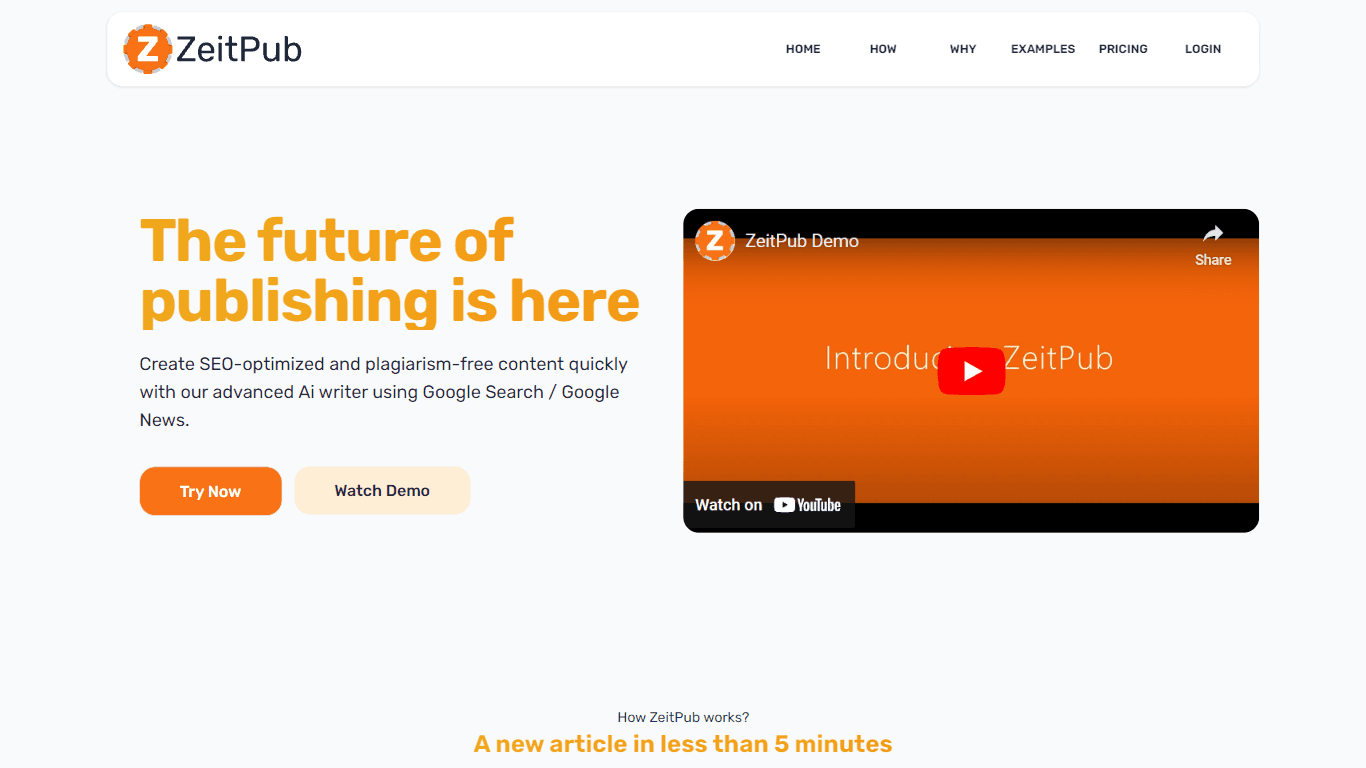
Zeitpub revolutionizes the publishing industry by offering an advanced AI writer that creates SEO-optimized and plagiarism-free content at an incredible pace. With just the click of a button, users ca

Verbacall
A platform that automatically answers, qualifies, and follows up on calls 24/7.

XLM
Discover the power of Cross-lingual Language Modeling with XLM, the original PyTorch implementation designed for pretraining language models that operate across multiple languages. XLM is a repository