
SQL Chat
SQL Chat is a chat-based SQL client and editor designed to simplify database interaction for developers, data analysts, and database administrators. It offers a conversational interface that lets user
17,868
Votes
22,497
Views
11,763
Bookmarks
About
SQL Chat is a chat-based SQL client and editor designed to simplify database interaction for developers, data analysts, and database administrators. It offers a conversational interface that lets users write, edit, and run SQL queries in a chat format, making database management more intuitive and less tedious. The tool supports popular SQL databases like Postgres, MySQL, and SQL Server, ensuring broad compatibility. It remembers previous conversation context, allowing users to build on earlier queries and provide follow-up corrections, which enhances workflow continuity. Connection settings are stored locally in the browser, improving security and user control. SQL Chat aims to reduce the complexity of writing SQL by providing examples, schema explanations, and step-by-step guidance within the chat. While it streamlines many tasks, users should be aware that it may occasionally generate incorrect or biased information, so verification remains important. Overall, SQL Chat offers a fresh approach to SQL editing by combining the familiarity of chat interfaces with powerful database management features.
Key Features
- 💬 Conversational SQL queries with memory of past interactions
- 🔄 Easy follow-up corrections to refine query results
- 🔒 Local browser storage for secure connection settings
- 📚 Provides example schemas and SQL usage guidance
- ⚙️ Supports multiple databases: Postgres, MySQL, SQL Server
Pros
- Interactive chat interface simplifies SQL query writing
- Supports multiple major SQL databases for flexibility
- Remembers conversation context for smoother workflows
- Local storage of connection details enhances security
- Provides examples and guidance for easier learning
Cons
- May occasionally produce incorrect or biased responses
- Limited to supported databases: Postgres, MySQL, SQL Server
FAQ
Can SQL Chat remember previous queries in a session?
Yes, SQL Chat remembers what you said earlier in the conversation to help build on previous queries.
Which databases does SQL Chat support?
SQL Chat supports popular databases including Postgres, MySQL, and SQL Server.
How does SQL Chat handle connection security?
Connection settings are stored locally in your browser, giving you control and improving security.
Can I correct or refine queries after running them?
Yes, SQL Chat allows you to provide follow-up corrections to improve query results.
Is SQL Chat suitable for beginners learning SQL?
Yes, it provides example schemas and guidance, making it helpful for those learning SQL.
Are there any limitations to the accuracy of SQL Chat's responses?
Occasionally, SQL Chat may generate incorrect or biased information, so users should verify outputs.
You may also like
More tools in Code Tools

CodeGate
A local proxy that enhances security for AI-assisted coding.

Ovren
Turn GitHub tickets into reviewable production-ready code.

Symphony
Symphony is an innovative platform designed for users who want to streamline their interaction with programs through conversational interfaces. By enabling you to "write programs you can talk to," Sym

SQLFlash
SQLFlash is an AI-powered tool that automatically rewrites and optimizes SQL queries to improve database performance. It targets developers, database administrators, and enterprises seeking to reduce
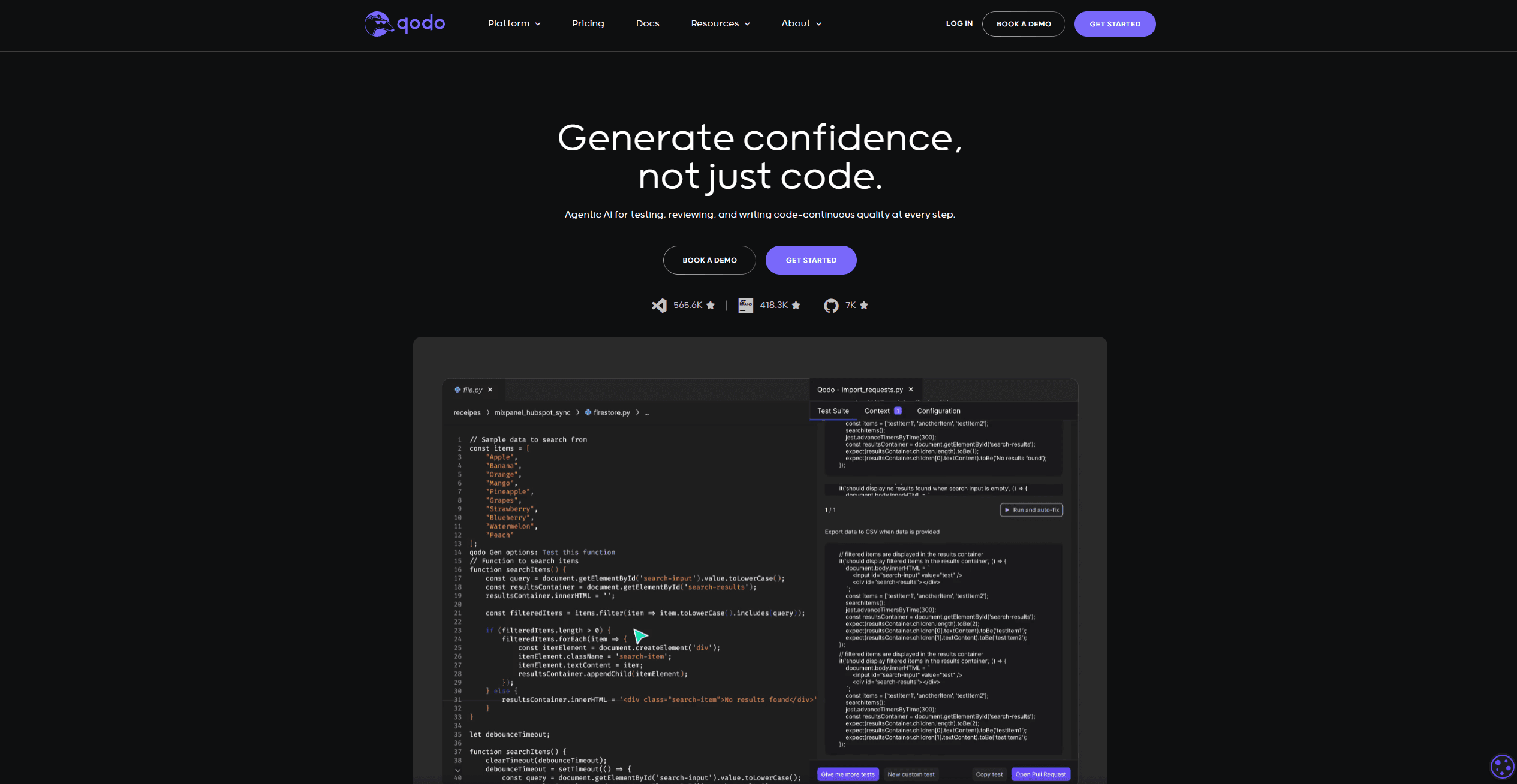
Qodo
Automates code reviews, test generation, and quality assurance.

Panto AI
A tool to review code and detect errors and vulnerabilities.
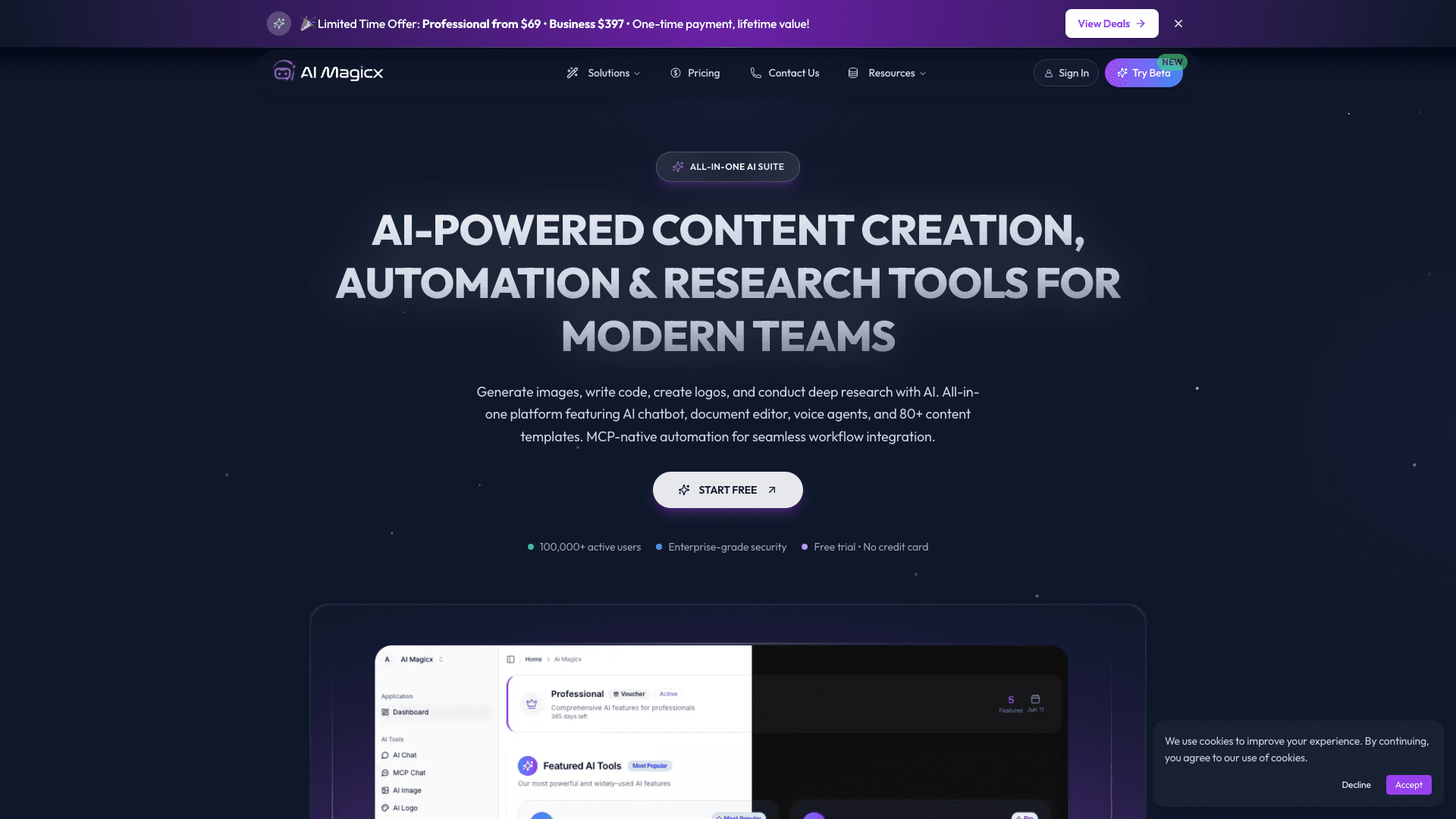
AI Magicx
AI Magicx enhances creativity with AI-driven design and coding.

BLACKBOX.AI
Revolutionize coding: AI generation, conversational code help, intuitive search.

10Web AI Website Builder
10Web AI Website Builder is a platform designed to help businesses and individuals create fully functional, production-ready WordPress websites quickly and without coding skills. Users simply describe

Orchids
Your fullstack AI engineer.
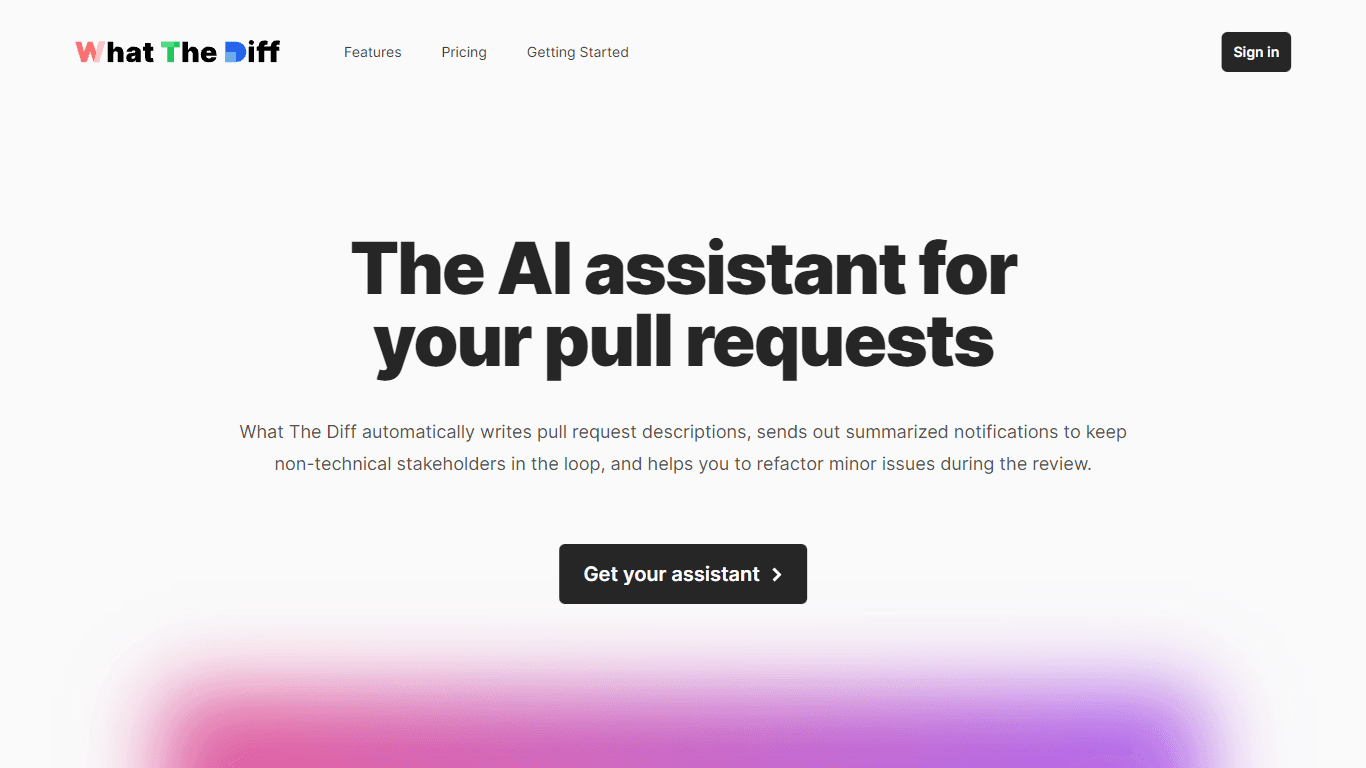
What The Diff
"What The Diff is an AI-powered code review assistant that helps streamline the pull request process. It automatically generates pull request descriptions, sends summarized notifications to non-techni
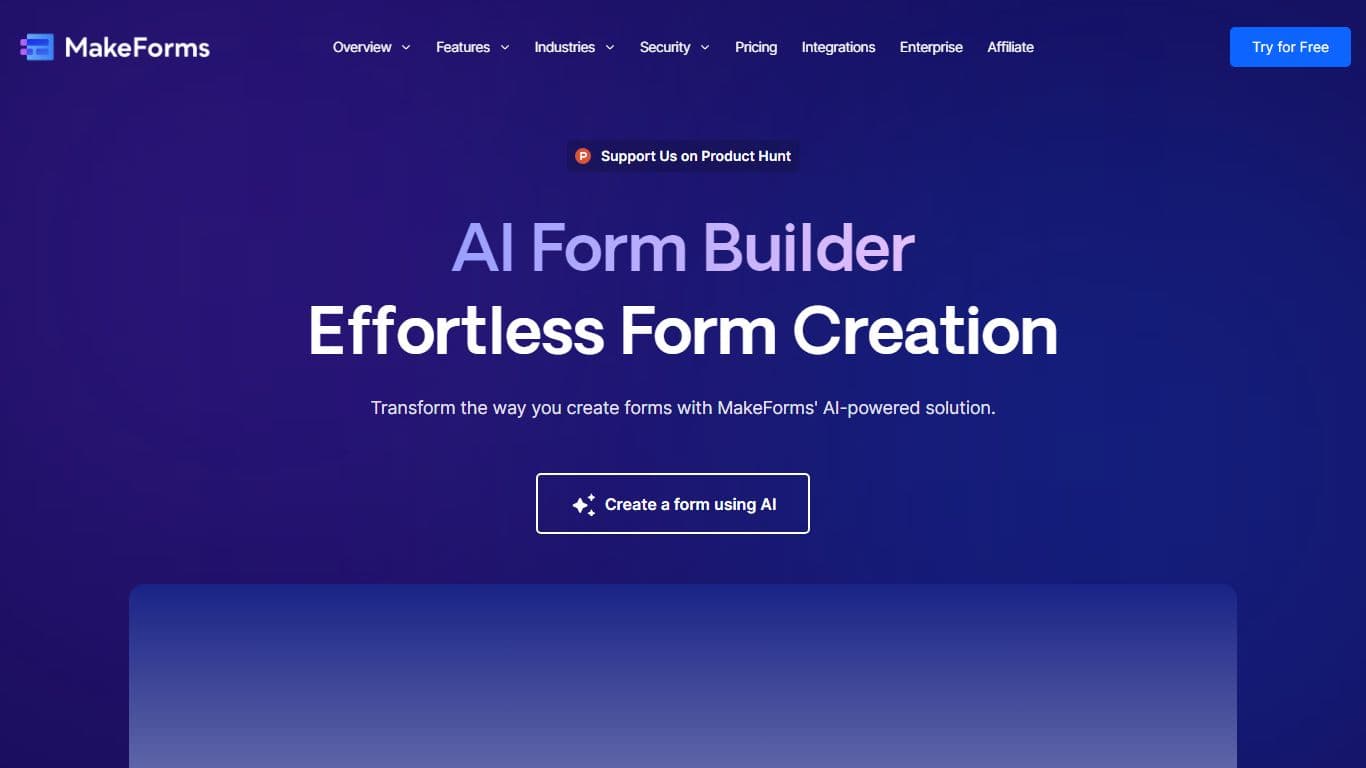
MakeForms
MakeForms’ AI Form Builder helps create responsive and customizable forms in just a few minutes by leveraging AI-powered suggestions for question types and form fields. Just provide the Form Name and