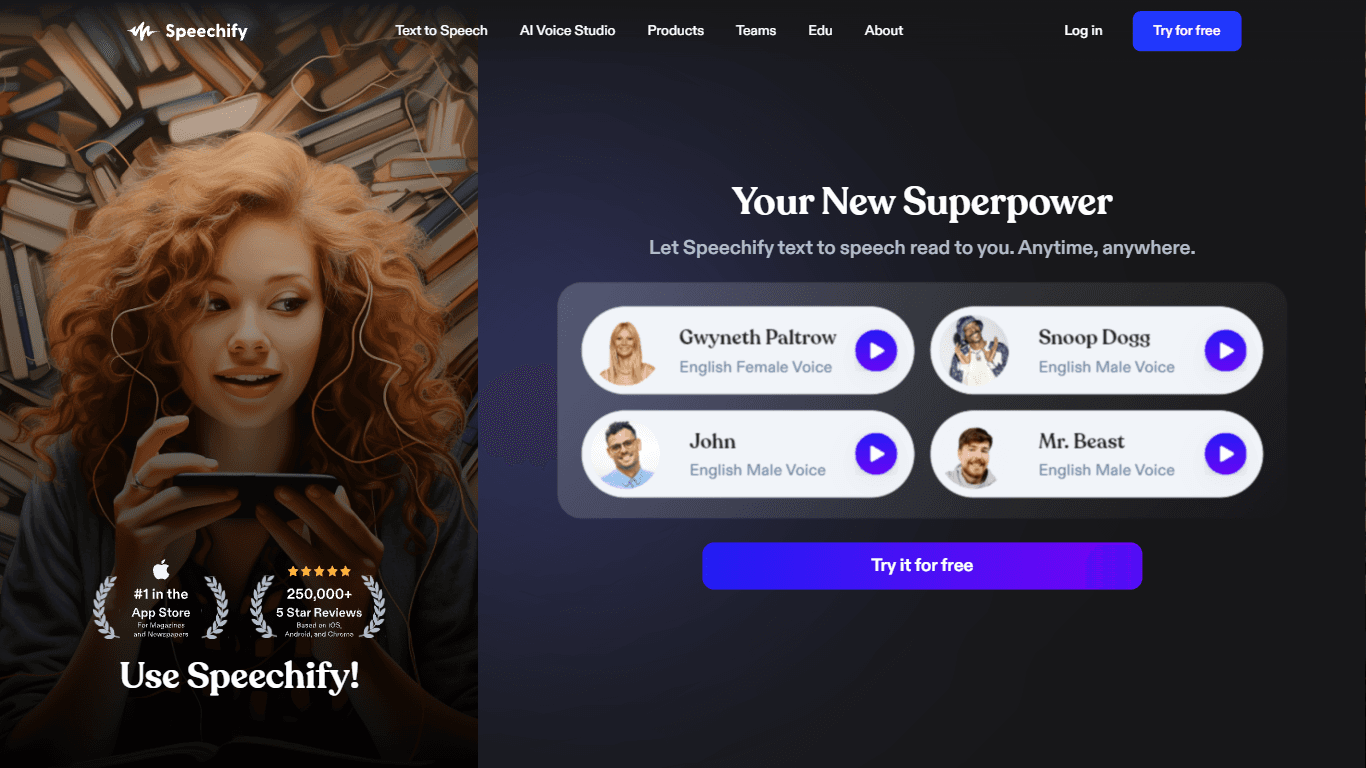
Speechify
Speechify transforms written text into natural-sounding audio, helping users listen to books, articles, PDFs, and web pages across devices. It supports over 1,000 AI voices in 60+ languages, including
19,067
Votes
28,933
Views
11,940
Bookmarks
About
Speechify transforms written text into natural-sounding audio, helping users listen to books, articles, PDFs, and web pages across devices. It supports over 1,000 AI voices in 60+ languages, including voice cloning to create personalized narrations. The platform offers adjustable reading speeds up to 4.5x, synchronized text highlighting, and AI-powered features like summaries and quizzes to boost comprehension. Speechify's AI dubbing tool enables users to localize videos into multiple languages with humanlike voices, expanding global reach. Available on iOS, Android, Mac, Chrome, Edge, and web, it suits students, professionals, and those with reading challenges like dyslexia or ADHD. The service also provides an API for developers and enterprise solutions with team collaboration and extensive media libraries. Speechify prioritizes ethical AI use and data privacy with SOC 2 Type II compliance and end-to-end encryption, making it a trusted tool for accessible and efficient audio content creation.
Key Features
- 🎧 Over 1,000 natural AI voices in 60+ languages for diverse listening
- ⏩ Listen up to 4.5x faster to save time and improve retention
- 📚 AI Summaries and quizzes help reinforce understanding
- 🎤 Voice cloning creates personalized narrations from your voice
- 🌍 AI dubbing localizes videos into multiple languages instantly
Pros
- Supports over 1,000 natural voices in 60+ languages and accents
- Includes AI-powered features like summaries and quizzes for better learning
- Offers voice cloning and AI dubbing for personalized and localized audio
- Available across multiple platforms including mobile, desktop, and browsers
- Strong focus on ethical AI use and data privacy compliance
Cons
- Premium features require subscription, which may be costly for some users
- AI dubbing and voice cloning may need learning for best results
FAQ
Can I use Speechify offline?
Yes, Premium users can download audio files to listen offline anytime.
How many languages does Speechify support?
Speechify supports over 60 languages with various regional accents and dialects.
What devices can I use Speechify on?
Speechify works on iOS, Android, Mac, Windows via web, and browser extensions for Chrome and Edge.
What is AI voice cloning in Speechify?
Voice cloning lets you create a digital version of your voice from a short recording to personalize audio content.
How does AI dubbing work?
AI dubbing automatically translates and voices videos into multiple languages with natural-sounding AI voices.
Is Speechify suitable for people with dyslexia or ADHD?
Yes, Speechify offers dyslexia-friendly tools and adjustable speeds to help users with reading challenges.
You may also like
More tools in Audio Generators

Noisee AI
Find powerful Noisee AI alternatives for creators.

Retell AI
Create lifelike AI voice agents, deploy anywhere, analyze real-time.

DaVinci Resolve
Unify editing, color, VFX, and audio post-production.
Vocallab AI
A tool to generate speech and clone voices from text.

PlexiGen AI
A tool to create videos with matching audio from text or images.
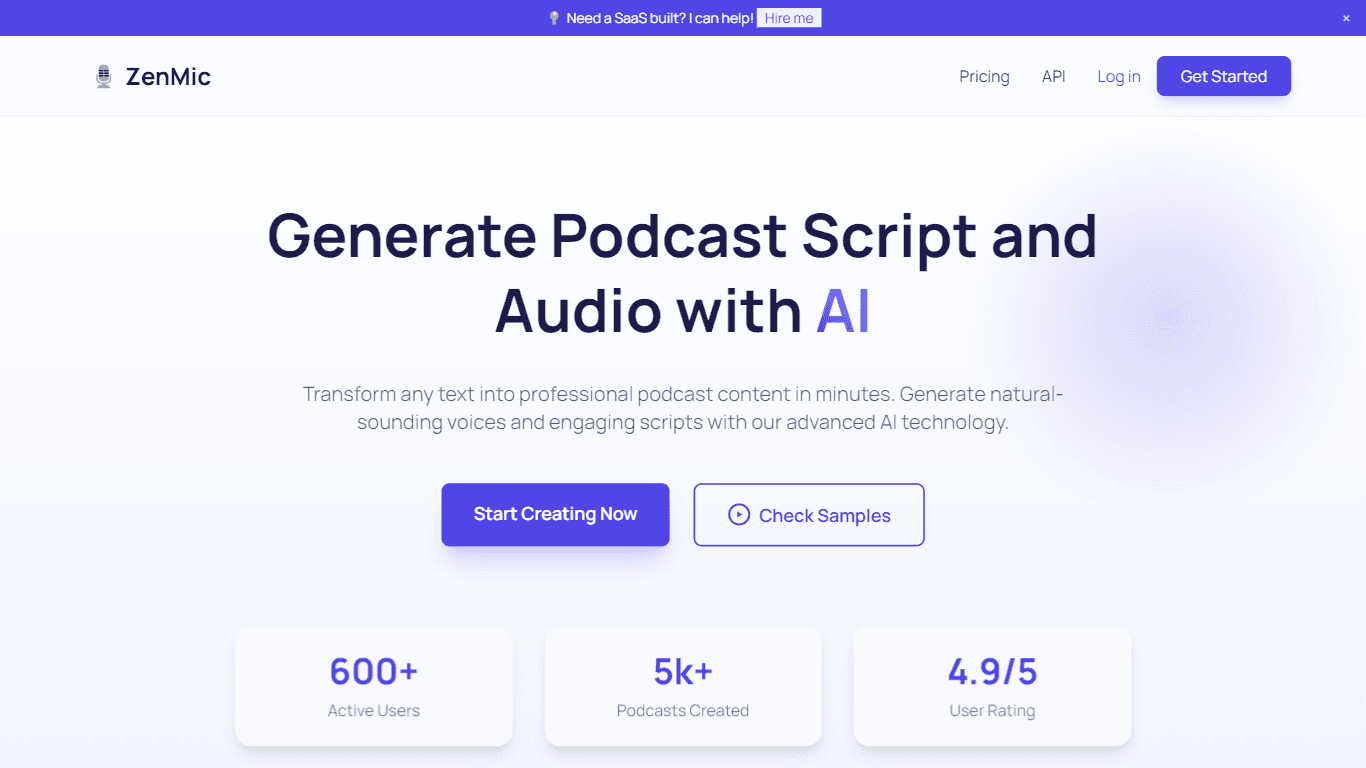
ZenMic
ZenMic is an innovative AI-driven podcast generator designed to transform any text into professional podcast content within minutes. The platform leverages advanced artificial intelligence technology

BanterAI
BanterAI offers a unique platform for influencers and personalities to engage with their audience like never before. By creating a personalized AI voice bot on Banter AI, users can monetize their pers

Smallest.ai
A tool with ultra-low latency text-to-speech and AI voice agents for conversational applications.
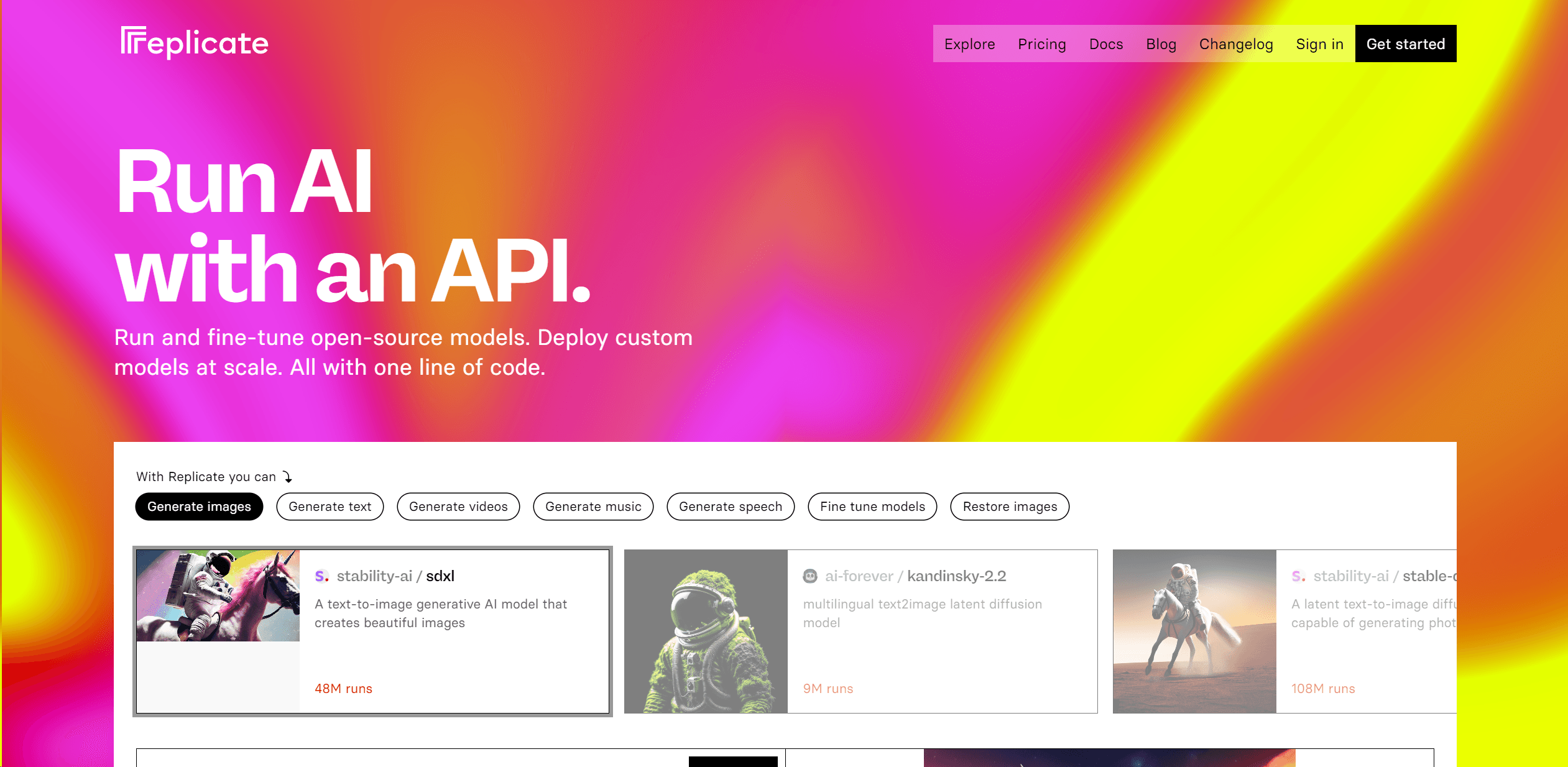
Replicate
Unlock AI's potential: run, fine-tune, deploy models easily and cost-effectively.

Heidi
Streamline healthcare admin tasks, and enhance patient focus.
11.ai
A tool to create voices through voice cloning and text-to-speech.
Camb.ai
Transforms video dubbing with nuanced voice preservation and 100+ languages.