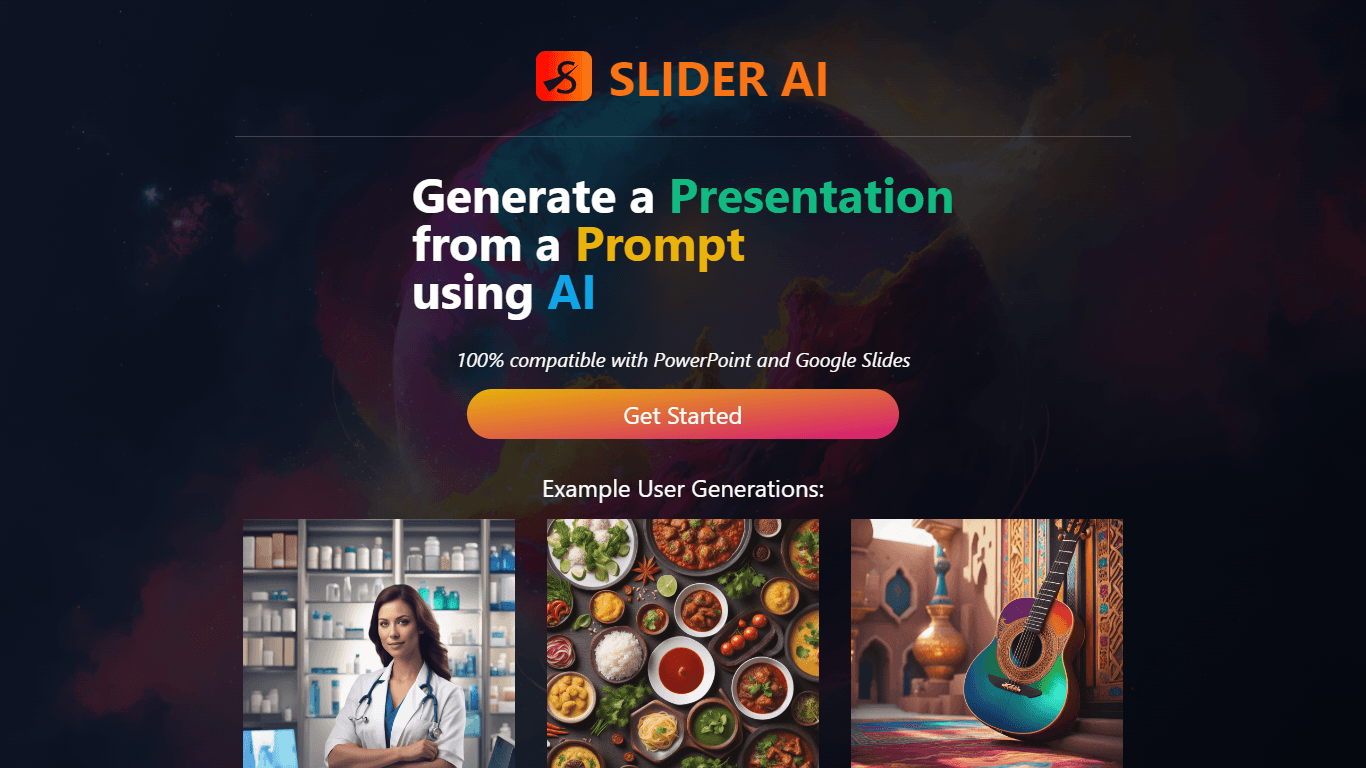
Slider AI
Slider AI is a cutting-edge platform that enables users to quickly generate presentations from written prompts with the help of artificial intelligence. The generated presentations are fully compatibl
17,611
Votes
25,864
Views
12,253
Bookmarks
About
Slider AI is a cutting-edge platform that enables users to quickly generate presentations from written prompts with the help of artificial intelligence. The generated presentations are fully compatible with PowerPoint and Google Slides, streamlining the process of visualizing ideas and crafting stories. The tool is designed to increase productivity by saving time on presentation creation, and it supports multiple languages, catering to a global audience. With AI-powered storytelling, users can bring their ideas to life with stunning AI-generated images, offering a unique, expressive, and engaging experience for any audience. Getting started with Slider AI is simple, providing users with easy setup and quick results, perfect for professionals, educators, students, and anyone in need of efficient presentation solutions.
Key Features
- AI-Powered Storytelling: Harness artificial intelligence to transform your prompts into compelling presentations.
- Visualize Your Ideas Instantly: Create visually stunning slides with AI-generated art to express your ideas clearly.
- Increase Productivity: Save time and create presentations efficiently with a platform optimized for speed.
- Multiple Languages: Support for presentations in various languages to cater to a global user base.
- Effortless Presentation Creation: User-friendly interface that simplifies the process of making presentations compatible with popular platforms like PowerPoint and Google Slides.
FAQ
What is Slider AI?
Slider AI is a tool that allows users to generate presentations from prompts using AI technology.
Are Slider AI presentations compatible with PowerPoint and Google Slides?
Yes, presentations created with Slider AI are 100% compatible with PowerPoint and Google Slides.
How do I use Slider AI?
To use Slider AI, simply input your prompt, select your desired language, specify the number of slides, and the AI will generate a presentation for you.
Does Slider AI support multiple languages?
Slider AI supports multiple languages, enabling users from all over the world to create presentations in their native language.
How do I get started with Slider AI?
You can start using Slider AI by visiting the SliderAI website and clicking the 'Get Started' button.
You may also like
More tools in Other

WriteSmart
WriteSmart is an AI-powered tool that generates personalized and thoughtful comments to add value to conversations and build relationships on LinkedIn. With WriteSmart, you can boost engagement, warm

Postfluencer
Postfluencer is a cutting-edge online platform designed to empower individuals in enhancing their personal branding on Linkedin. With the capability to generate over 60,000 posts for users, Postfluenc
AI Img
aiimg.me is a comprehensive platform that integrates advanced AI imaging technologies to provide high-quality image generation, editing, and enhancement services. It allows users to create images from

Yepp AI
Yepp AI is an innovative platform that brings the power of artificial intelligence to marketing. With this platform, businesses can tap into the wealth of data they already have and leverage it throug
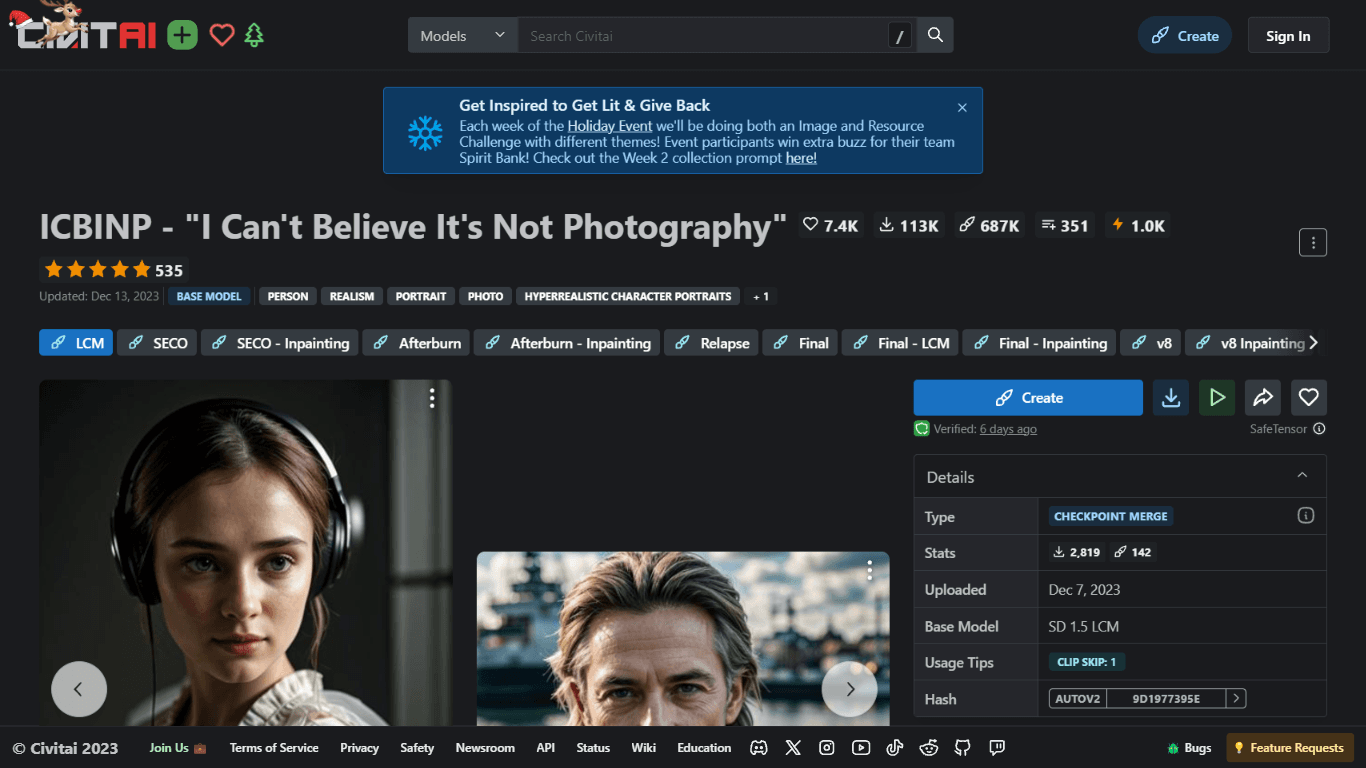
ICBINP | Civitai
Experience hyperrealistic image generation with ICBINP - "I Can't Believe It's Not Photography" - a powerful checkpoint for the Stable Diffusion model available on Civitai. The ICBINP LCM checkpoint i
MuseNet
MuseNet is a groundbreaking deep neural network that revolutionizes the way music is composed. With MuseNet, you have access to a powerful tool that can generate beautiful and intricate 4-minute music

Spikes Studio
Spikes helps creators extract captivating shorts from any video. Automatically get a title, description, hashtag recommendations, auto-captions, AI styling and quickly edit. Grow and give your audienc

SuperU AI
A nocode tool to create voice AI agents for customer communications.
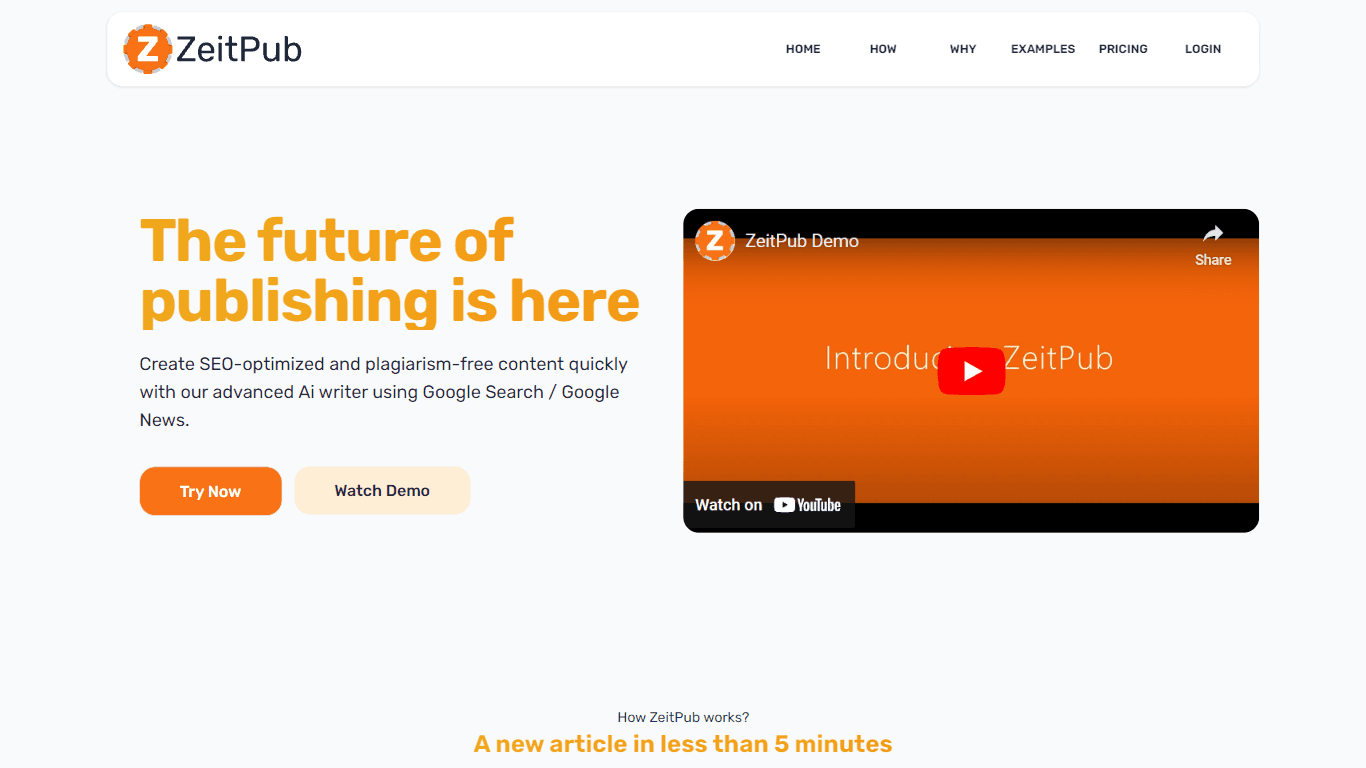
Zeitpub
Zeitpub revolutionizes the publishing industry by offering an advanced AI writer that creates SEO-optimized and plagiarism-free content at an incredible pace. With just the click of a button, users ca
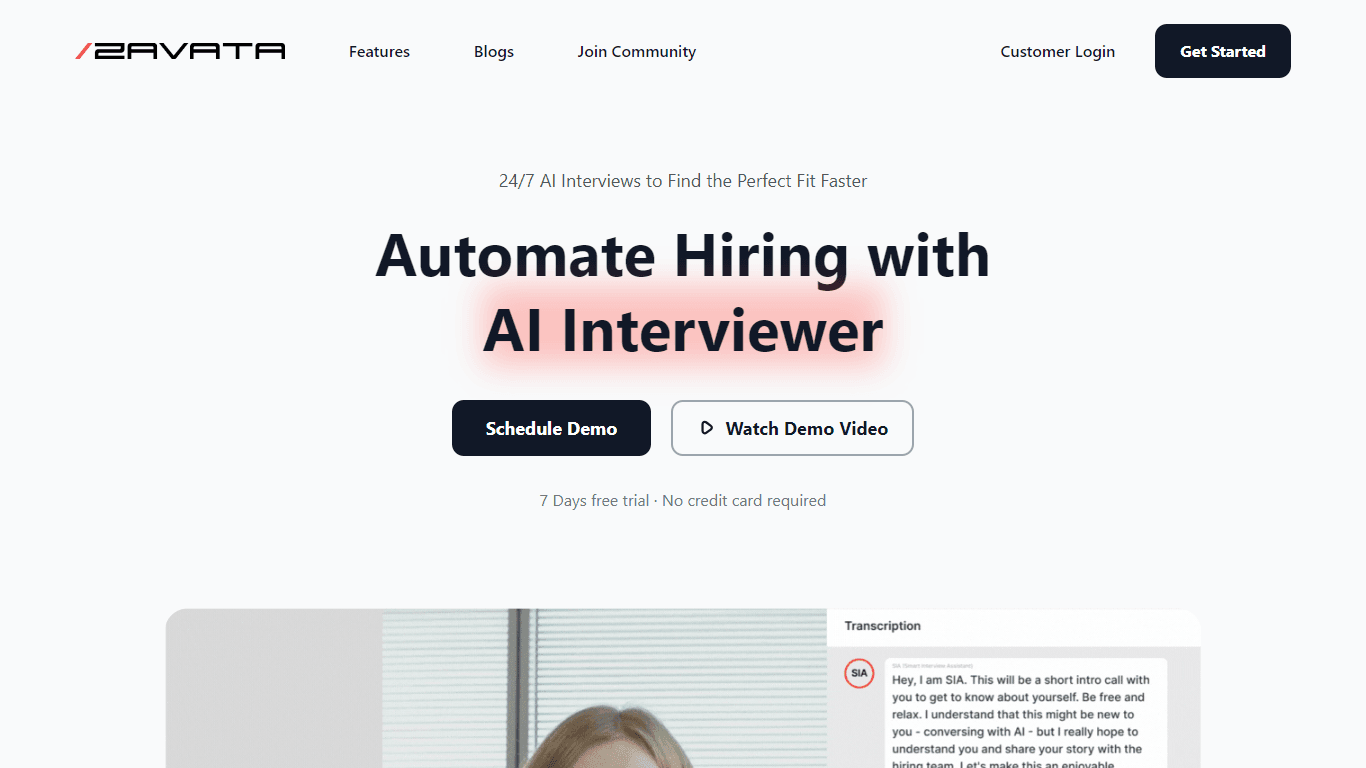
ZAVATA
ZAVATA is revolutionizing the recruitment process with its sophisticated AI interview platform. With the motto "Automate Hiring with AI Interviewer," ZAVATA introduces a seamless hiring automation tha

Verbacall
A platform that automatically answers, qualifies, and follows up on calls 24/7.

XLM
Discover the power of Cross-lingual Language Modeling with XLM, the original PyTorch implementation designed for pretraining language models that operate across multiple languages. XLM is a repository