Six Slides
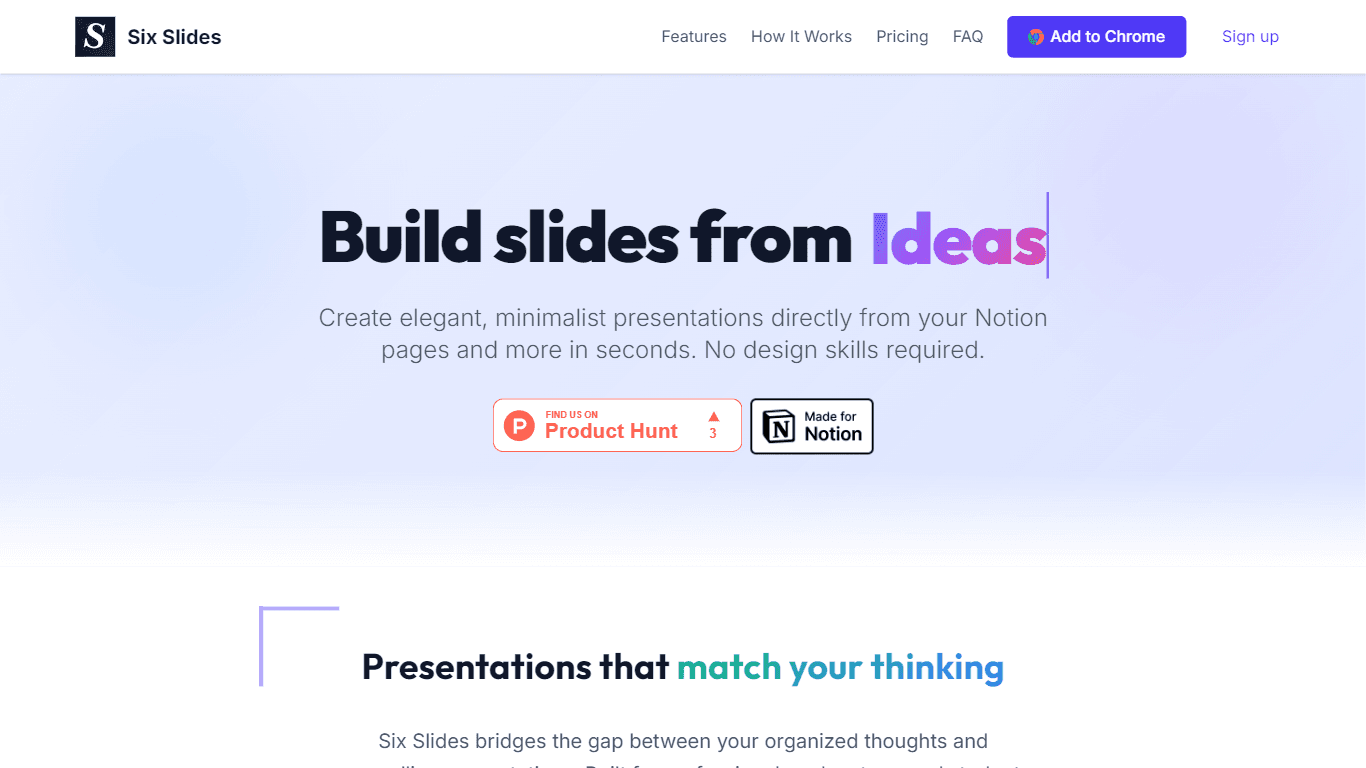
Six Slides is a powerful tool that allows users to convert their Notion pages into professional presentations with just a single click. This core functionality is designed to save time and effort for
16,507
Votes
16,510
Views
11,688
Bookmarks
About
Six Slides is a powerful tool that allows users to convert their Notion pages into professional presentations with just a single click. This core functionality is designed to save time and effort for professionals, educators, and students who need to create clean and focused slides without the hassle of complex design tools. By bridging the gap between organized thoughts and compelling presentations, Six Slides ensures that users can present their ideas effectively without needing extensive design skills. The target audience for Six Slides includes anyone who uses Notion for note-taking, project management, or content creation and needs to present that information in a visually appealing way. This includes professionals who want to create business presentations, educators preparing lectures, and students working on projects. The tool is particularly valuable for those who appreciate minimalist design and want their content to take center stage in their presentations. One of the unique value propositions of Six Slides is its one-click conversion feature, which transforms Notion pages into presentation-ready slides while maintaining the original content structure, formatting, and images. This ease of use sets it apart from other presentation tools that often require manual copying and pasting or complex formatting adjustments. Users can focus on their content rather than getting bogged down by design details. Key differentiators of Six Slides include its elegant themes that are specifically designed for readability and visual impact, as well as its privacy-first approach. The tool processes everything locally in the user's browser, ensuring that no data is collected or stored on external servers. This commitment to user privacy is a significant advantage for those concerned about data security. In terms of technical implementation, Six Slides operates as a browser extension that integrates seamlessly with Notion. Users simply navigate to their Notion page, click the Six Slides icon, and their presentation is generated instantly. This straightforward process allows for a smooth user experience, making it easy for anyone to create professional presentations without needing advanced technical skills.
Key Features
- One-Click Conversion: Transform any Notion page into a presentation with a single click, keeping your content structure and images intact.
- Elegant Themes: Choose from a collection of minimalist themes that enhance readability and visual appeal for your presentations.
- Presentation Mode: Present directly in your browser with a clean interface, allowing you to focus on your content without distractions.
- Privacy First: Your content is processed locally in your browser, ensuring maximum privacy and security without data collection.
- Customization Options: Free users can select from basic themes, while Pro users have access to additional premium themes for more customization.
FAQ
How does Six Slides work?
Six Slides reads your Notion page content directly in your browser and converts it into a presentation format. Headings become slide titles, and images are preserved.
Does this work with private Notion pages?
Yes! Six Slides works with all your Notion pages, including private ones. You don't need to make your pages public.
Why isn't my Notion page converting properly?
For best results, use minimal formatting. Make sure to use Heading 1 for slide titles and Heading 2 for subslides.
Can I customize the presentation themes?
Yes! Free users can choose from basic themes, while Pro users have access to additional premium themes.
Is my data secure?
Yes, your data never leaves your browser. Everything is processed locally, and we don't store or transmit your content.
Can I share my presentations with others?
You can share your screen to present live, and there's an export feature to download your presentation.
You may also like
More tools in Productivity

Dify
A platform to develop and operate AI applications.
ZEN AI
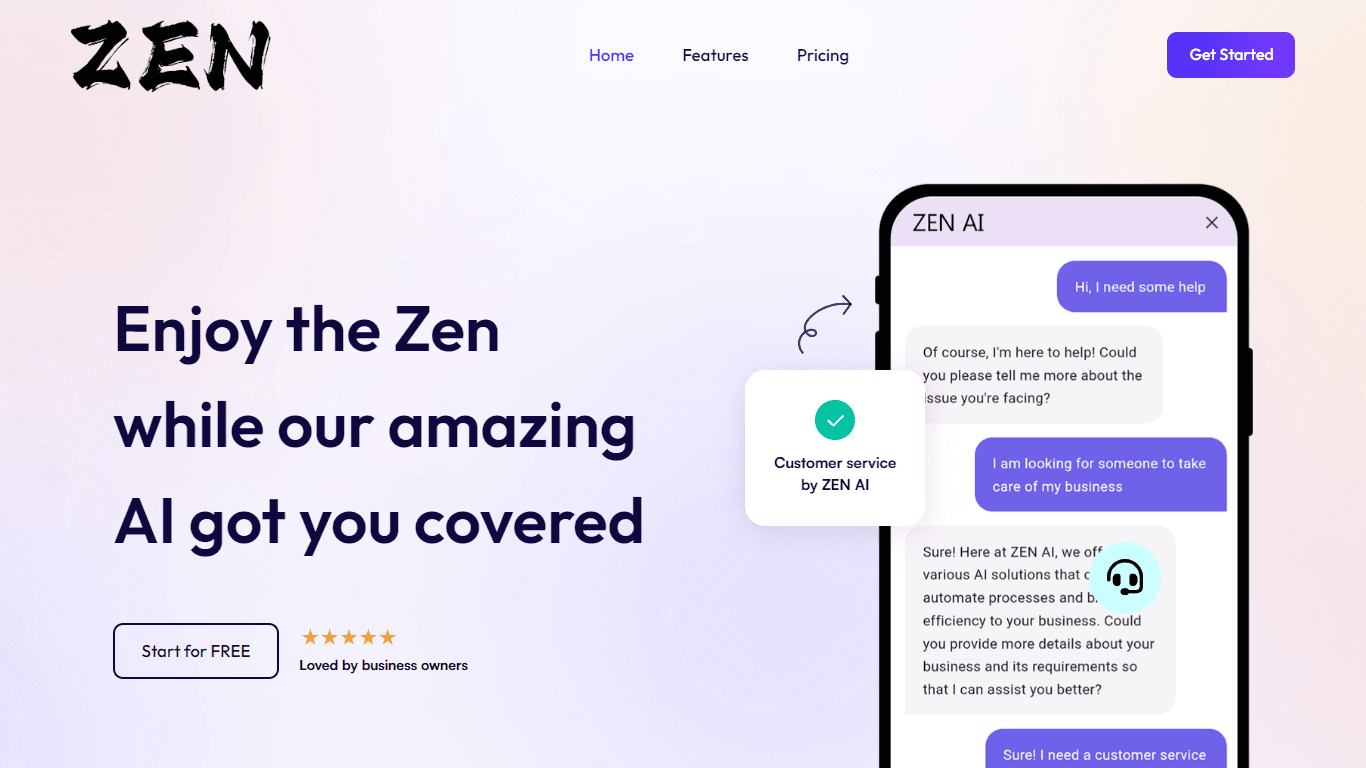
Discover unparalleled customer service with ZEN AI, an intelligent customer support assistant designed for businesses of all sizes. ZEN AI operates around the clock, ensuring that your customers alway

Assert AI
Automatically generates test cases, identifies bugs, and provides insights.

Outreach
Optimize sales, enhance workflows, boost efficiency with AI-powered tools.
Zendesk AI
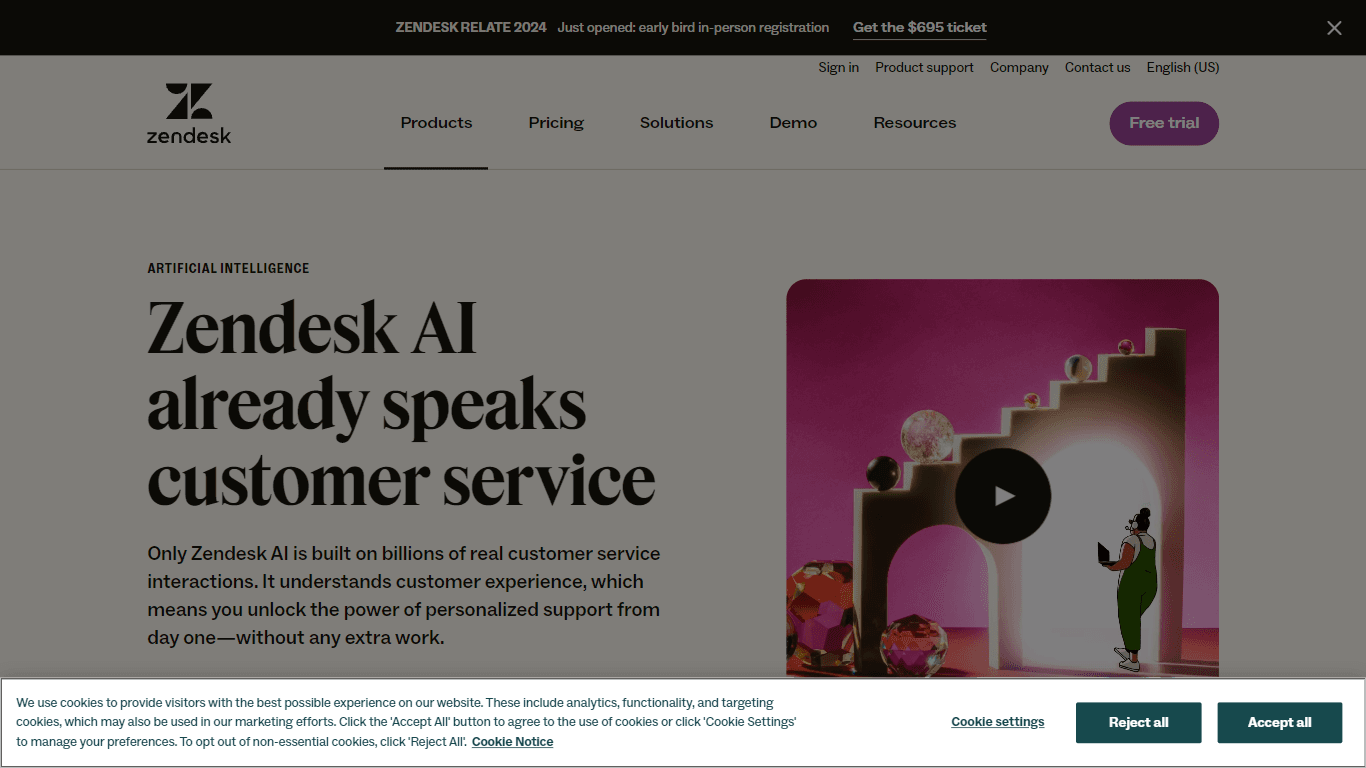
Explore the transformative power of AI-driven customer support with Zendesk AI. With a suite of intelligent tools, including sophisticated bots, enhanced self-service options, and a wealth of producti

Convoso
A call center platform with dialing and omnichannel communication tools.
X-doc
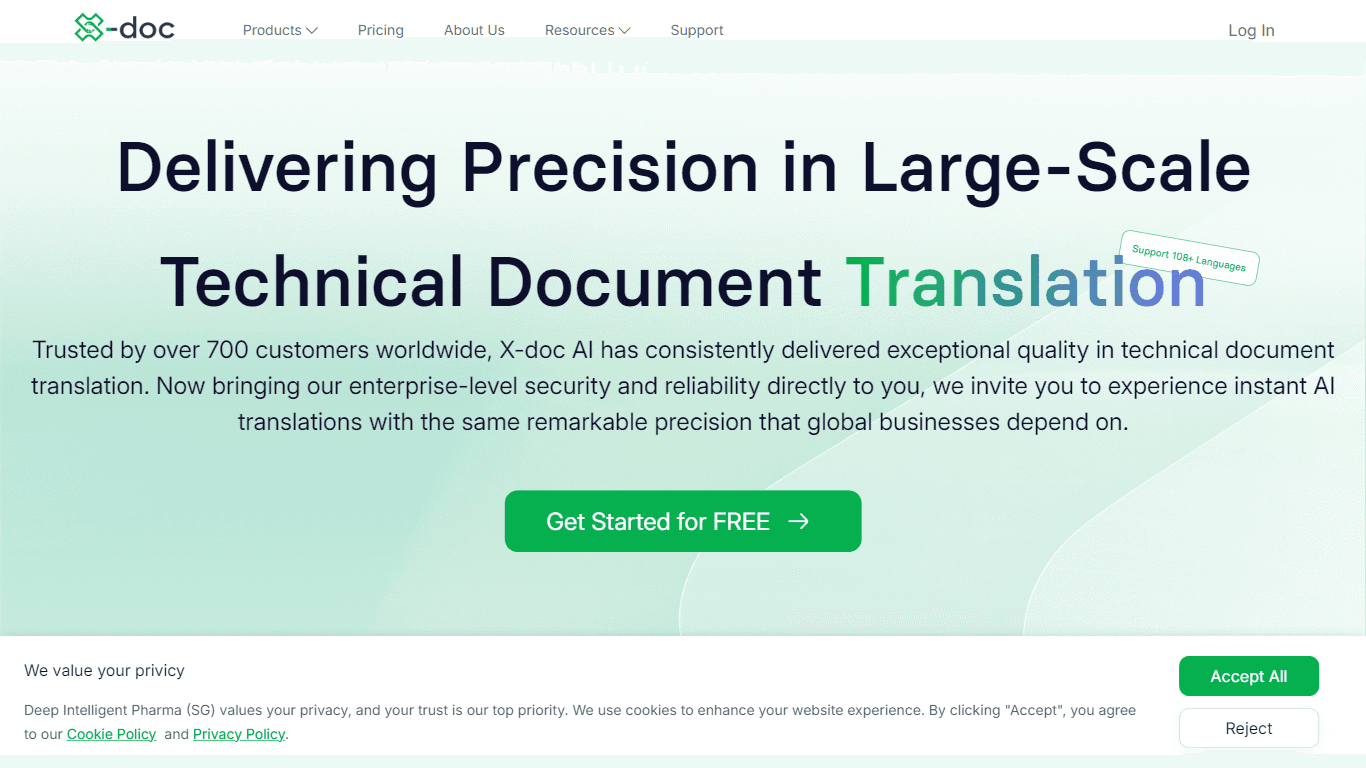
X-doc is a cutting-edge AI-driven platform specializing in large-scale technical document translation. Its core functionality revolves around providing instant translations across 108 languages, ensur

Align AI
Streamlines AI strategy alignment with business objectives.

Tektonic AI
Streamline sales and revenue operations with advanced AI-driven automation.

Ada
Revolutionize customer service with AI across all digital platforms.

Supametas.AI
A tool to transform unstructured data into structured formats for AI models and knowledge bases.

Retell AI
Create lifelike AI voice agents, deploy anywhere, analyze real-time.