Screen Studio
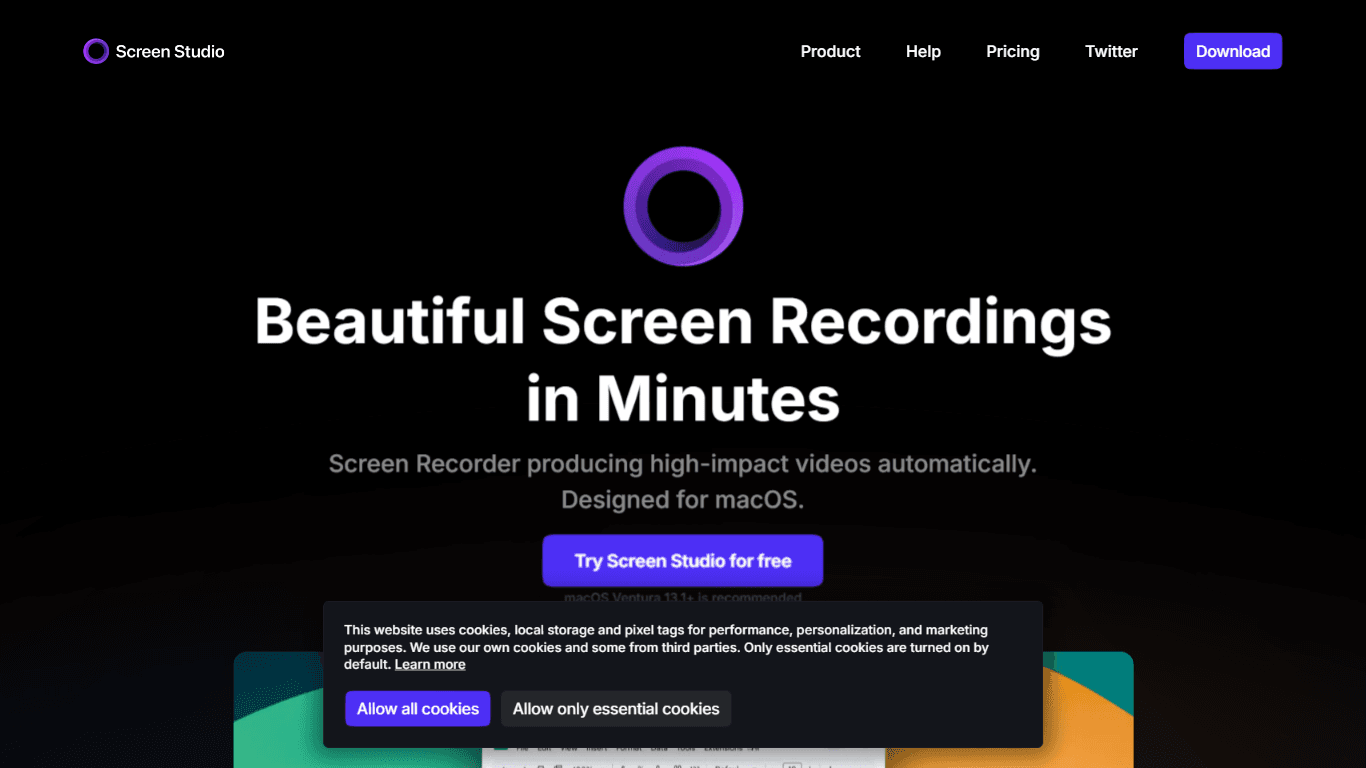
Screen Studio is a professional screen recorder designed specifically for macOS, enabling users to create high-quality videos effortlessly. Its core functionality revolves around recording screen acti
16,536
Votes
18,699
Views
12,136
Bookmarks
About
Screen Studio is a professional screen recorder designed specifically for macOS, enabling users to create high-quality videos effortlessly. Its core functionality revolves around recording screen activities, which can be used for product demos, tutorials, and social media content. The tool is tailored for educators, marketers, and content creators who seek to produce engaging visual content without the need for extensive video editing skills. With its user-friendly interface, Screen Studio allows users to focus on their content while the software handles the technical aspects of video production. The unique value proposition of Screen Studio lies in its ability to automate many of the tedious tasks associated with video recording and editing. For instance, it features automatic zooming on mouse actions, which enhances viewer engagement by making it easier to follow along with the content. This feature is particularly beneficial for users creating tutorials or demos, as it helps to highlight important actions on the screen. Additionally, the software offers a range of customization options, allowing users to add their branding and style to the videos they create. Key differentiators of Screen Studio include its smooth cursor movement and the ability to change cursor size even after recording. These features ensure that the final video is polished and professional-looking, which is essential for maintaining viewer interest. Furthermore, the tool supports high-quality exports, including options for social media and GIF formats, making it versatile for various platforms. The automatic adjustments for different output formats save users time and effort, allowing them to focus on content creation. Technical implementation details are not extensively covered in the content, but it is clear that Screen Studio is built to be fast, reliable, and easy to use on macOS. The software integrates seamlessly with the operating system, providing a smooth user experience. Users can record not only their screens but also audio from their microphone and system, making it a comprehensive solution for video creation. In summary, Screen Studio stands out as a powerful tool for anyone looking to create engaging video content on macOS. Its combination of automation, customization, and ease of use makes it an ideal choice for educators, marketers, and content creators alike. With thousands of users already benefiting from its features, Screen Studio is positioned as a go-to solution for professional screen recording.
Key Features
- Automatic zoom on mouse actions to enhance viewer engagement and focus on important tasks.
- Smooth cursor movement that transforms shaky actions into a professional glide, making videos look polished.
- Easy editing with drag-and-drop functionality for zooms, allowing users to adjust their videos without manual work.
- High-quality exports in various formats, including 4K and GIFs, optimized for social media sharing.
- Customizable branding options that let users change backgrounds, shadows, and spacing to match their style.
FAQ
What can I record with Screen Studio?
You can record your screen, webcam, microphone, and system audio. This makes it easy to create tutorials and demos.
How does automatic zoom work?
Screen Studio automatically zooms in on your mouse actions to make your videos easier to follow, especially on smaller screens.
Can I customize my video output?
Yes, you can change the background, spacing, and other visual elements to match your branding.
What formats can I export my videos in?
You can export your videos in up to 4K 60fps or as optimized GIFs for easy sharing.
Is there a way to hide my cursor in the final video?
Yes, Screen Studio can automatically hide the cursor if it doesn't add value to your video.
Can I record my iPhone or iPad screen?
Yes, you can connect your iOS device with a USB cable and start recording directly from your Mac.
You may also like
More tools in Productivity

Dify
A platform to develop and operate AI applications.
ZEN AI
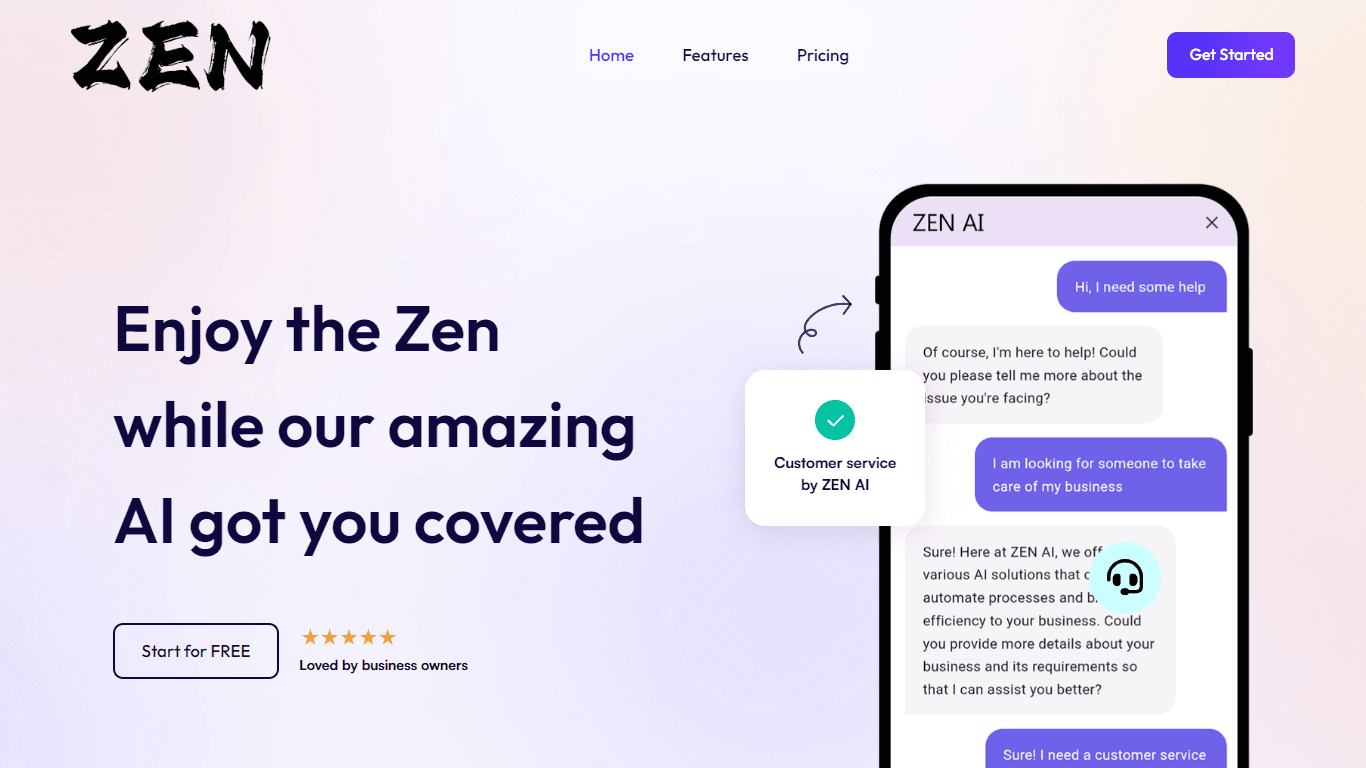
Discover unparalleled customer service with ZEN AI, an intelligent customer support assistant designed for businesses of all sizes. ZEN AI operates around the clock, ensuring that your customers alway

Assert AI
Automatically generates test cases, identifies bugs, and provides insights.
Zendesk AI
Explore the transformative power of AI-driven customer support with Zendesk AI. With a suite of intelligent tools, including sophisticated bots, enhanced self-service options, and a wealth of producti

Outreach
Optimize sales, enhance workflows, boost efficiency with AI-powered tools.

Convoso
A call center platform with dialing and omnichannel communication tools.

Tektonic AI
Streamline sales and revenue operations with advanced AI-driven automation.

X-doc
X-doc is a cutting-edge AI-driven platform specializing in large-scale technical document translation. Its core functionality revolves around providing instant translations across 108 languages, ensur

Ada
Revolutionize customer service with AI across all digital platforms.

Align AI
Streamlines AI strategy alignment with business objectives.

ChatGPT for Google
ChatGPT response alongside search engine results

Supametas.AI
A tool to transform unstructured data into structured formats for AI models and knowledge bases.