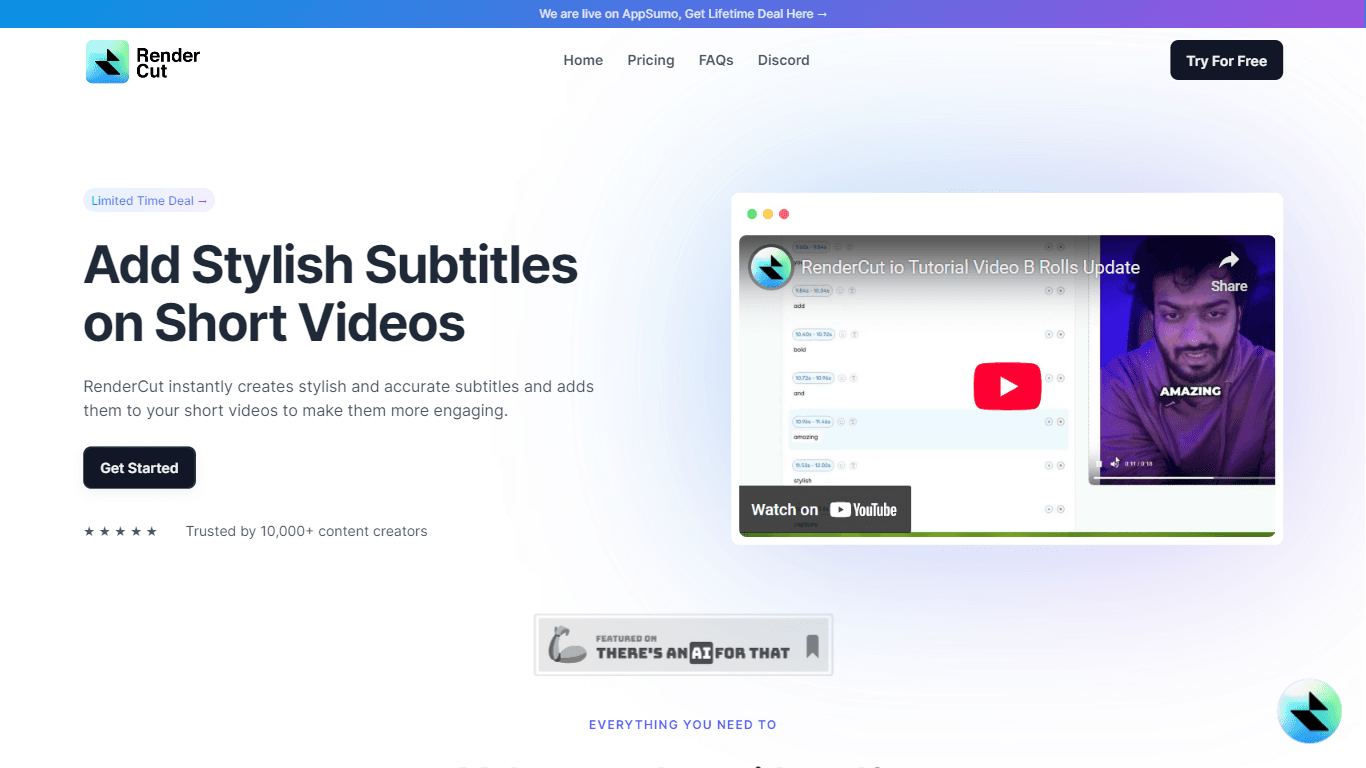
RenderCut
RenderCut is a sophisticated tool designed to generate stylish and accurate subtitles for short videos in a matter of minutes. Its core functionality revolves around automating the captioning process,
16,590
Votes
18,639
Views
12,349
Bookmarks
About
RenderCut is a sophisticated tool designed to generate stylish and accurate subtitles for short videos in a matter of minutes. Its core functionality revolves around automating the captioning process, allowing content creators to enhance their videos with engaging subtitles without the tedious manual effort typically required. The platform is particularly beneficial for video editors, marketers, and businesses looking to improve audience engagement and accessibility through well-crafted captions. The target audience for RenderCut includes freelance content creators, social media marketers, and businesses that produce video content. By providing a user-friendly interface and a range of customization options, RenderCut caters to individuals and organizations seeking to elevate their video production quality. The tool's unique value proposition lies in its ability to deliver precise subtitles that sync perfectly with audio, regardless of language or accent, thereby ensuring a seamless viewing experience. Key differentiators of RenderCut include its multilingual support, allowing users to add captions in various languages, and its extensive customization features that enable users to tailor fonts, sizes, colors, and backgrounds to match their brand identity. Additionally, RenderCut's commitment to continuous improvement, as evidenced by user feedback and feature requests, positions it as a forward-thinking solution in the competitive landscape of video editing tools.
Key Features
- Accurate Captioning: RenderCut ensures spot-on subtitles that sync perfectly with audio, accommodating various languages and accents for a global audience.
- Extensive Customization: Users can customize fonts, sizes, colors, and backgrounds, allowing for a personalized touch that aligns with their brand identity.
- Multilingual Support: The tool supports multiple languages, enabling content creators to reach a wider audience by adding captions in various languages effortlessly.
- User-Friendly Interface: Designed for ease of use, RenderCut allows users to generate and customize subtitles quickly, saving valuable time in the video editing process.
- Continuous Improvement: RenderCut actively seeks user feedback to enhance its features, ensuring that it remains a relevant and effective tool for video creators.
FAQ
What types of videos can I use RenderCut for?
RenderCut is designed for short videos, making it ideal for social media content, marketing videos, and any other video format where engaging subtitles can enhance viewer experience.
How accurate are the subtitles generated by RenderCut?
RenderCut prides itself on delivering highly accurate subtitles that sync perfectly with audio, regardless of the language or accent, ensuring a seamless viewing experience.
Can I customize the appearance of the subtitles?
Yes, RenderCut offers extensive customization options, allowing users to modify fonts, sizes, colors, and backgrounds to match their desired aesthetic.
Is there support for multiple languages?
Absolutely, RenderCut supports multiple languages, enabling users to add captions in various languages effortlessly, thus broadening their audience reach.
How long does it take to generate subtitles?
RenderCut is designed for speed, allowing users to generate stylish subtitles in a matter of minutes, significantly reducing the time spent on manual captioning.
Is RenderCut suitable for beginners?
Yes, RenderCut features a user-friendly interface that makes it accessible for users of all skill levels, from beginners to experienced video editors.
You may also like
More tools in Other

WriteSmart
WriteSmart is an AI-powered tool that generates personalized and thoughtful comments to add value to conversations and build relationships on LinkedIn. With WriteSmart, you can boost engagement, warm

Postfluencer
Postfluencer is a cutting-edge online platform designed to empower individuals in enhancing their personal branding on Linkedin. With the capability to generate over 60,000 posts for users, Postfluenc
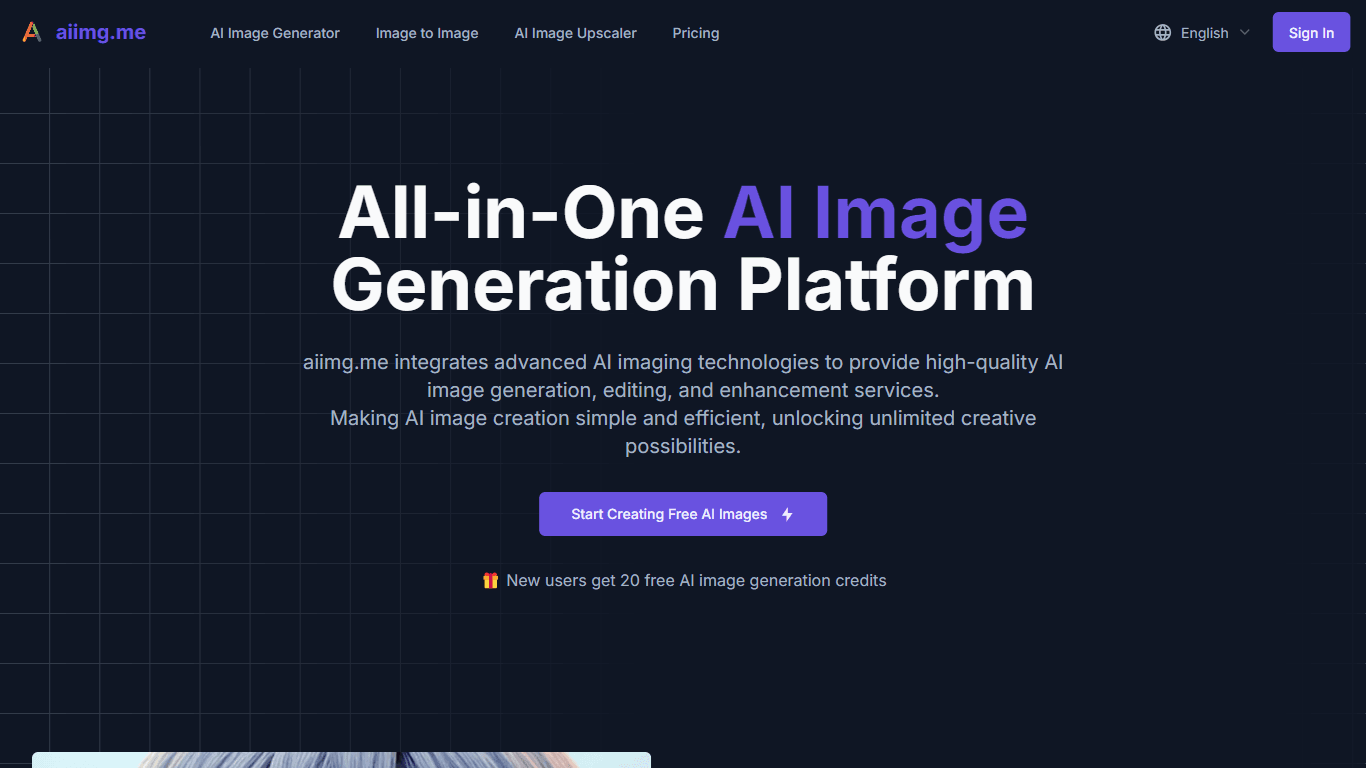
AI Img
aiimg.me is a comprehensive platform that integrates advanced AI imaging technologies to provide high-quality image generation, editing, and enhancement services. It allows users to create images from

Yepp AI
Yepp AI is an innovative platform that brings the power of artificial intelligence to marketing. With this platform, businesses can tap into the wealth of data they already have and leverage it throug
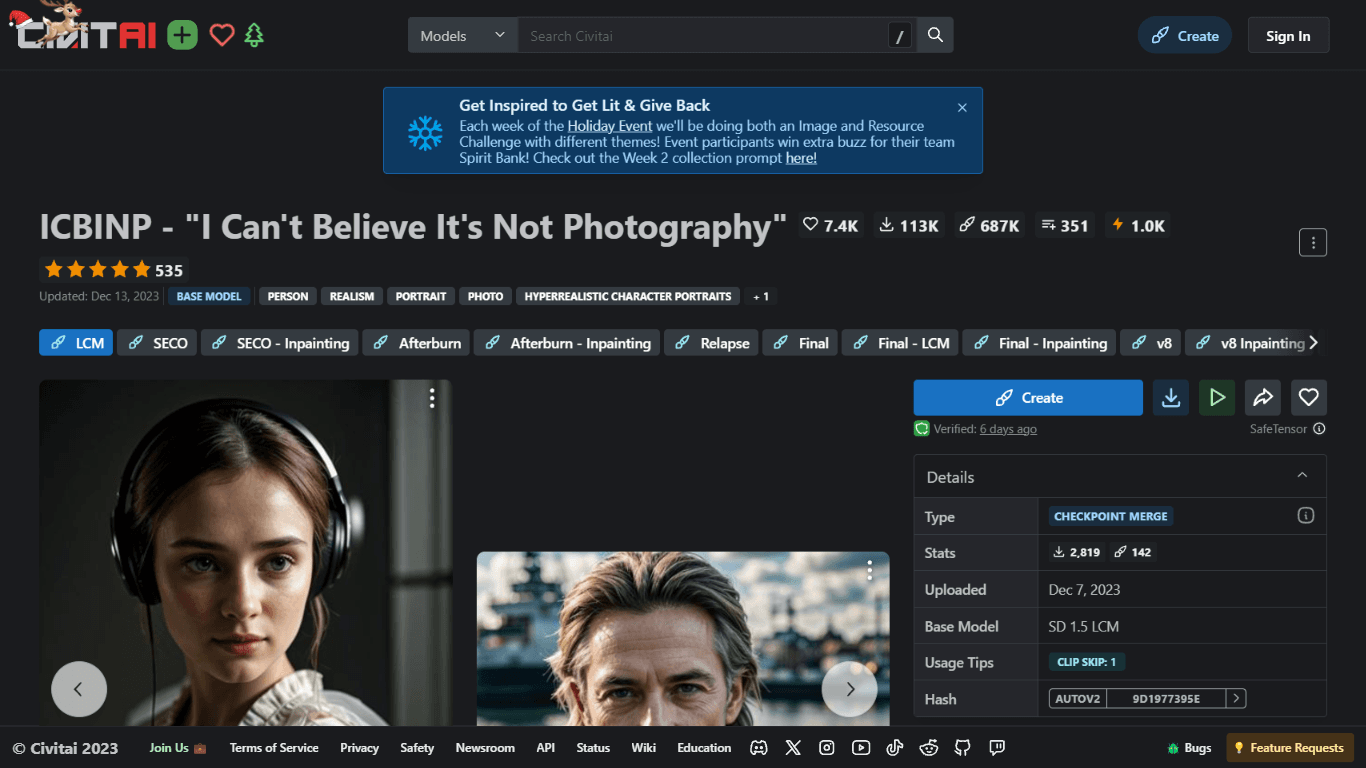
ICBINP | Civitai
Experience hyperrealistic image generation with ICBINP - "I Can't Believe It's Not Photography" - a powerful checkpoint for the Stable Diffusion model available on Civitai. The ICBINP LCM checkpoint i

MuseNet
MuseNet is a groundbreaking deep neural network that revolutionizes the way music is composed. With MuseNet, you have access to a powerful tool that can generate beautiful and intricate 4-minute music
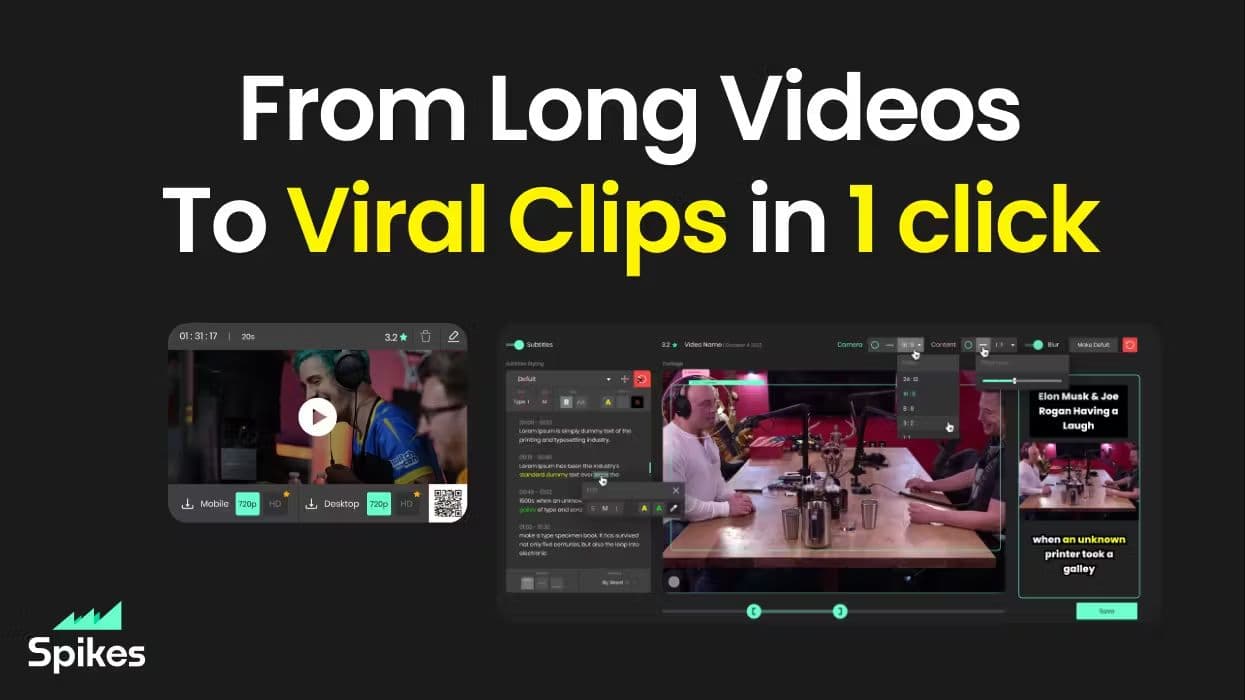
Spikes Studio
Spikes helps creators extract captivating shorts from any video. Automatically get a title, description, hashtag recommendations, auto-captions, AI styling and quickly edit. Grow and give your audienc

SuperU AI
A nocode tool to create voice AI agents for customer communications.

ZAVATA
ZAVATA is revolutionizing the recruitment process with its sophisticated AI interview platform. With the motto "Automate Hiring with AI Interviewer," ZAVATA introduces a seamless hiring automation tha
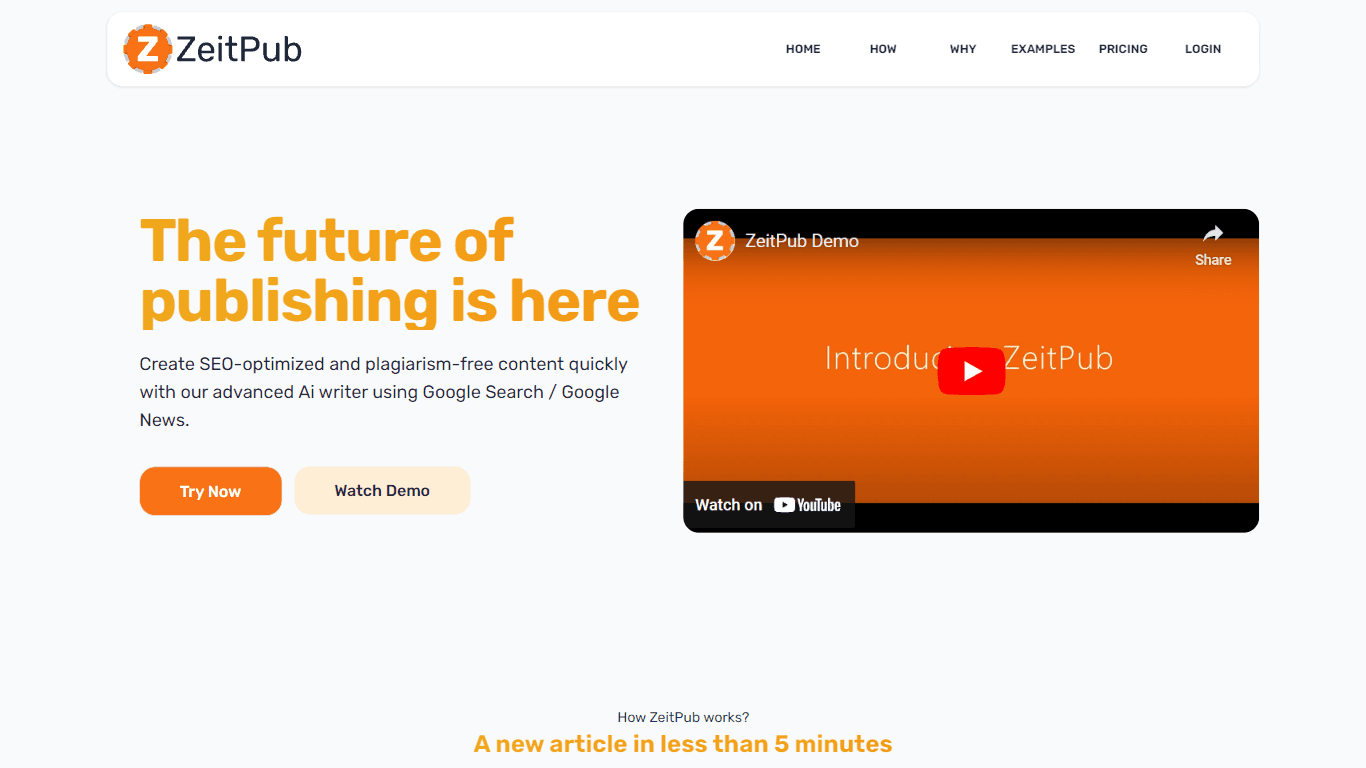
Zeitpub
Zeitpub revolutionizes the publishing industry by offering an advanced AI writer that creates SEO-optimized and plagiarism-free content at an incredible pace. With just the click of a button, users ca

Verbacall
A platform that automatically answers, qualifies, and follows up on calls 24/7.

Tortus
Transform healthcare with AI-driven EHR efficiency and support.