
Renamify
Renamify is a powerful tool designed to simplify the process of renaming multiple files at once. Its core functionality revolves around intelligent batch renaming, which allows users to efficiently or
18,810
Votes
19,116
Views
11,358
Bookmarks
About
Renamify is a powerful tool designed to simplify the process of renaming multiple files at once. Its core functionality revolves around intelligent batch renaming, which allows users to efficiently organize their files, whether they are photos, documents, or media files. By leveraging smart AI suggestions, Renamify helps users choose the best naming conventions for their files, making it easier to find and manage them later. This tool is particularly beneficial for individuals and businesses that deal with large volumes of files and need a quick and effective way to keep them organized. The target audience for Renamify includes photographers, content creators, and anyone who frequently handles large sets of files. These users often face challenges in keeping their files organized and easily accessible. Renamify addresses these challenges by providing a user-friendly interface that simplifies the renaming process. With its focus on batch renaming, it saves users time and effort, allowing them to focus on their core tasks rather than getting bogged down by file management. One of the unique value propositions of Renamify is its ability to offer intelligent suggestions based on the content of the files. This feature sets it apart from traditional renaming tools that may require manual input for each file. By using AI to analyze file content, Renamify can propose relevant names that enhance organization and retrieval. This not only improves efficiency but also reduces the likelihood of errors that can occur with manual renaming. Key differentiators of Renamify include its ease of use and the speed at which it operates. Users can quickly select multiple files and apply renaming rules without needing extensive technical knowledge. The tool is designed to be intuitive, making it accessible to a wide range of users, from beginners to advanced professionals. Additionally, the smart AI suggestions provide a level of automation that is not commonly found in other file renaming tools. In terms of technical implementation, Renamify utilizes advanced algorithms to analyze file content and generate naming suggestions. While specific technologies are not detailed in the content, the emphasis on AI indicates a reliance on machine learning techniques to enhance user experience. Overall, Renamify stands out as a practical solution for anyone looking to streamline their file organization process with minimal effort.
Key Features
- Intelligent Batch Renaming: This feature allows users to rename multiple files at once, saving time and effort in organizing their files.
- Smart AI Suggestions: Renamify provides intelligent naming suggestions based on file content, helping users choose the best names for their files.
- User-Friendly Interface: The tool is designed to be easy to use, making it accessible for everyone, regardless of technical skill level.
- Quick File Selection: Users can quickly select multiple files for renaming, streamlining the process and enhancing productivity.
- Error Reduction: By using AI for suggestions, Renamify minimizes the chances of errors that can occur with manual renaming.
FAQ
What is Renamify?
Renamify is a tool that helps you rename multiple files at once using smart AI suggestions.
Who can use Renamify?
Anyone who needs to organize files, like photographers or content creators, can use Renamify.
How does Renamify help with file organization?
It allows you to rename files in batches, making it easier to find and manage your files later.
What makes Renamify different from other renaming tools?
Renamify uses AI to suggest names based on file content, which is not common in other tools.
Is Renamify easy to use?
Yes, it has a user-friendly interface that makes it simple for anyone to use.
Can I rename many files at once?
Yes, Renamify allows you to select and rename multiple files at the same time.
You may also like
More tools in Productivity

Dify
A platform to develop and operate AI applications.

ZEN AI
Discover unparalleled customer service with ZEN AI, an intelligent customer support assistant designed for businesses of all sizes. ZEN AI operates around the clock, ensuring that your customers alway

Assert AI
Automatically generates test cases, identifies bugs, and provides insights.
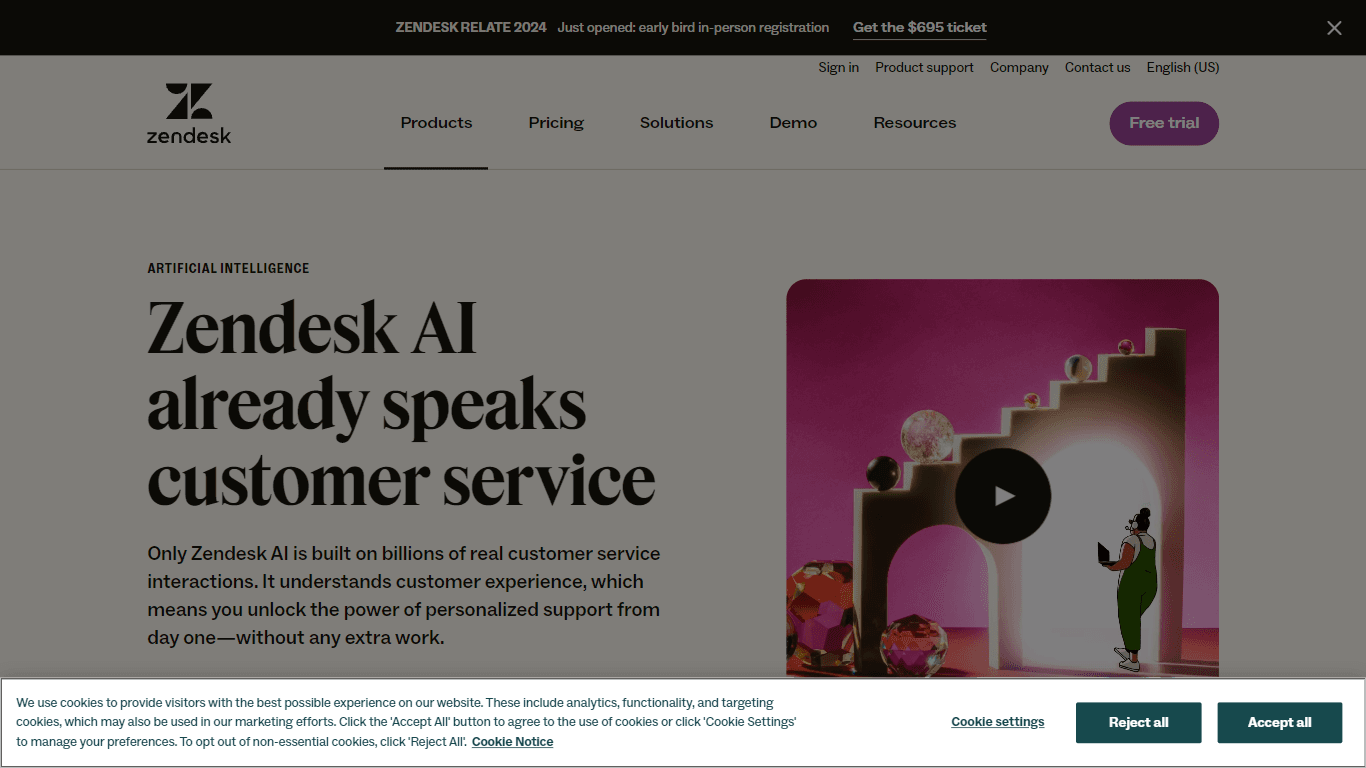
Zendesk AI
Explore the transformative power of AI-driven customer support with Zendesk AI. With a suite of intelligent tools, including sophisticated bots, enhanced self-service options, and a wealth of producti

Outreach
Optimize sales, enhance workflows, boost efficiency with AI-powered tools.

Convoso
A call center platform with dialing and omnichannel communication tools.

Tektonic AI
Streamline sales and revenue operations with advanced AI-driven automation.

X-doc
X-doc is a cutting-edge AI-driven platform specializing in large-scale technical document translation. Its core functionality revolves around providing instant translations across 108 languages, ensur

Ada
Revolutionize customer service with AI across all digital platforms.

Align AI
Streamlines AI strategy alignment with business objectives.

Retell AI
Create lifelike AI voice agents, deploy anywhere, analyze real-time.

Supametas.AI
A tool to transform unstructured data into structured formats for AI models and knowledge bases.