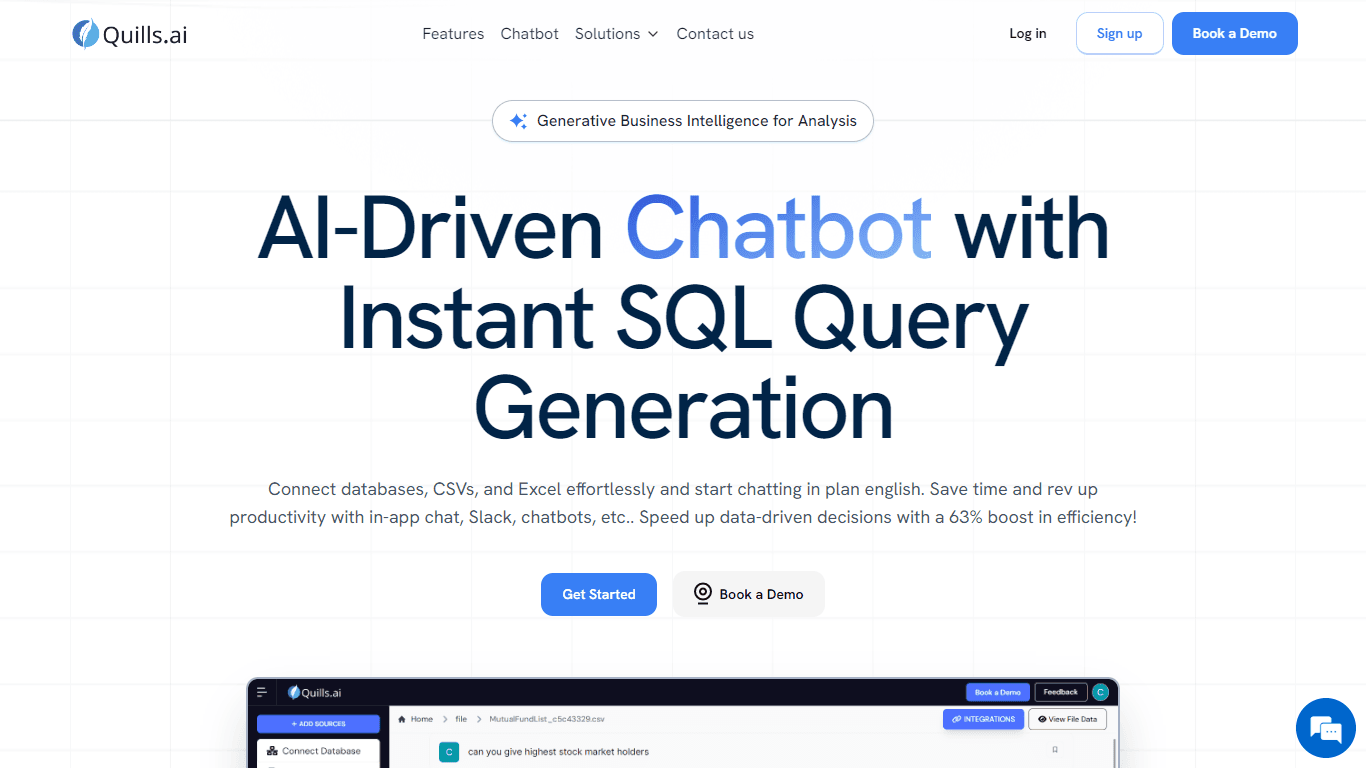
Quills AI
Quills AI is an AI-powered assistant designed to simplify data analysis by generating SQL queries from natural language. Users can connect databases, CSVs, Excel files, and other document formats like
15,880
Votes
25,014
Views
11,710
Bookmarks
About
Quills AI is an AI-powered assistant designed to simplify data analysis by generating SQL queries from natural language. Users can connect databases, CSVs, Excel files, and other document formats like PDF and DOCX, enabling easy data exploration without needing SQL expertise. The platform supports both conversational query generation and direct SQL input for advanced users. It targets a broad audience including data analysts, business teams, and industries such as retail, e-commerce, and life sciences. Quills AI helps users quickly extract insights, create visualizations, and export data for further use. Integration with Slack and website chatbots allows teams to collaborate and access data insights within their workflows. The platform emphasizes customization, allowing users to tailor chatbot interactions and data presentations to specific business needs. Real-time data monitoring and predictive analytics features support dynamic decision-making and operational efficiency. Quills AI supports multiple data sources and file types, consolidating data for comprehensive analysis. Its interactive visualizations include charts and tables that can be downloaded for offline review. The tool boosts productivity by enabling users to interact with data in plain English, reducing reliance on technical skills. Security measures are incorporated to protect data integrity and prevent unauthorized access. The system is designed to empower both SQL novices and experts, making data-driven decisions more accessible across roles and industries. Overall, Quills AI combines natural language processing, SQL generation, and data visualization into a single platform that enhances data workflows and collaboration.
Key Features
- 🗣️ Natural Language Queries: Ask questions in plain English to generate SQL without coding.
- 📊 Interactive Visualizations: Create charts and tables instantly to understand data better.
- 📁 Multi-Source Support: Connect databases and upload files like CSV, Excel, PDF, DOCX easily.
- 💬 Slack & Web Chatbot Integration: Access data insights directly within team chats and websites.
- ⚙️ Customizable Chatbots: Tailor chatbot responses and data portals to fit your business needs.
Pros
- Supports multiple data sources including databases and various file formats.
- Enables both natural language and direct SQL query input for flexibility.
- Integrates with Slack and websites for collaborative data access.
- Offers customizable chatbots and data portals for tailored user experiences.
- Provides interactive visualizations with export options for offline analysis.
Cons
- AI-generated queries may occasionally produce errors requiring user verification.
- Some advanced features may require familiarity with SQL or data concepts.
- Customization options might need setup time for complex business needs.
FAQ
Can I connect multiple data sources to Quills AI?
Yes, Quills AI supports connecting various databases and uploading files like CSV, Excel, PDF, and DOCX for comprehensive analysis.
Do I need to know SQL to use Quills AI?
No, you can use natural language to generate SQL queries, but if you know SQL, you can also input queries directly for more control.
How does Quills AI integrate with Slack?
You can add Quills AI's chatbot to your Slack workspace to ask data questions and get insights directly within your team channels.
Can I customize the chatbot for my business needs?
Yes, Quills AI allows you to tailor chatbot interactions and data portals to fit your specific project requirements.
What file formats does Quills AI support for upload?
You can upload CSV, Excel, PDF, DOC, and DOCX files to analyze and visualize data within Quills AI.
Is it possible to export visualizations and data from Quills AI?
Yes, you can download graphs as images and export data previews as CSV or Excel files for offline use.
You may also like
More tools in Code Tools

CodeGate
A local proxy that enhances security for AI-assisted coding.

Ovren
Turn GitHub tickets into reviewable production-ready code.

Symphony
Symphony is an innovative platform designed for users who want to streamline their interaction with programs through conversational interfaces. By enabling you to "write programs you can talk to," Sym
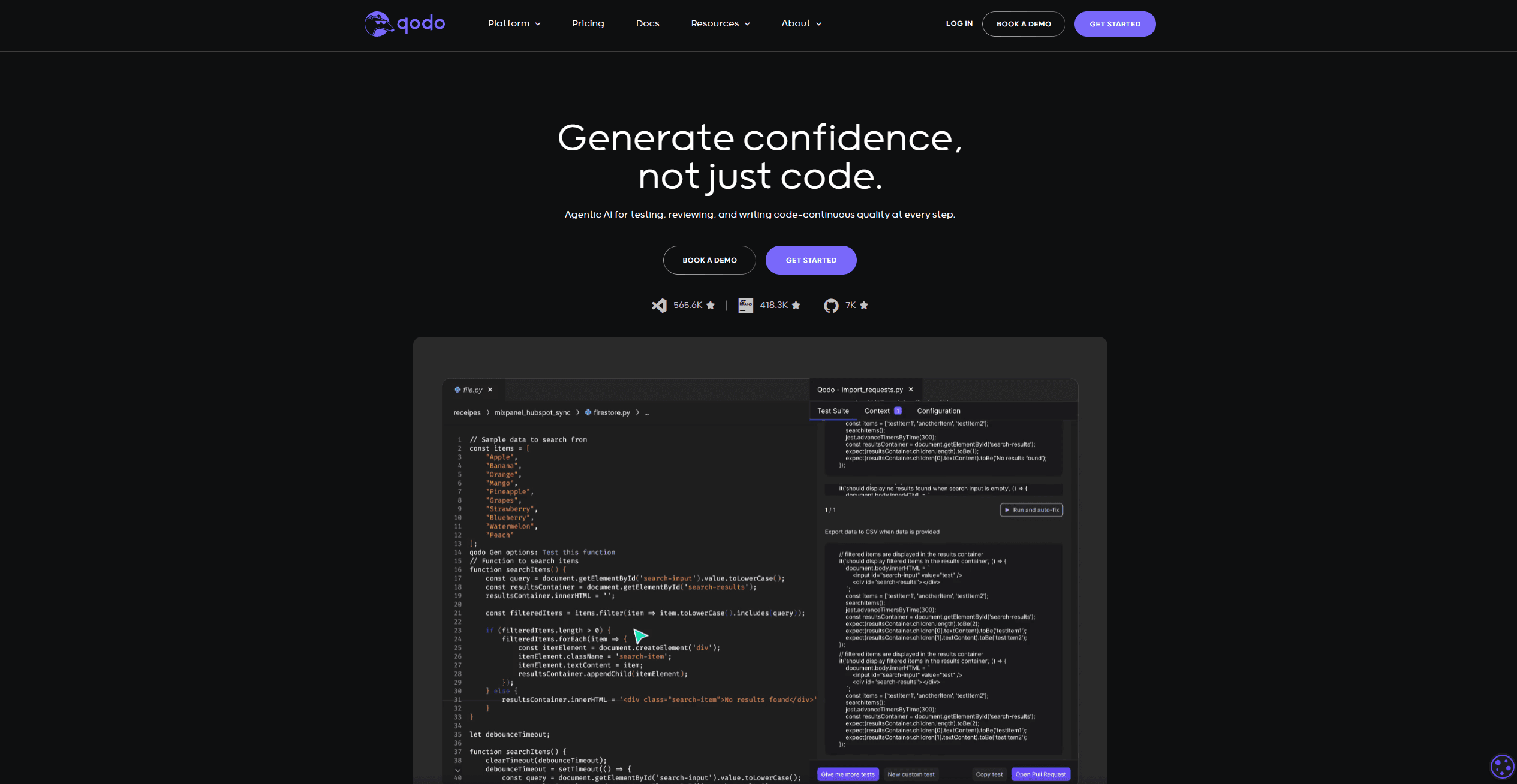
Qodo
Automates code reviews, test generation, and quality assurance.

SQLFlash
SQLFlash is an AI-powered tool that automatically rewrites and optimizes SQL queries to improve database performance. It targets developers, database administrators, and enterprises seeking to reduce

Panto AI
A tool to review code and detect errors and vulnerabilities.
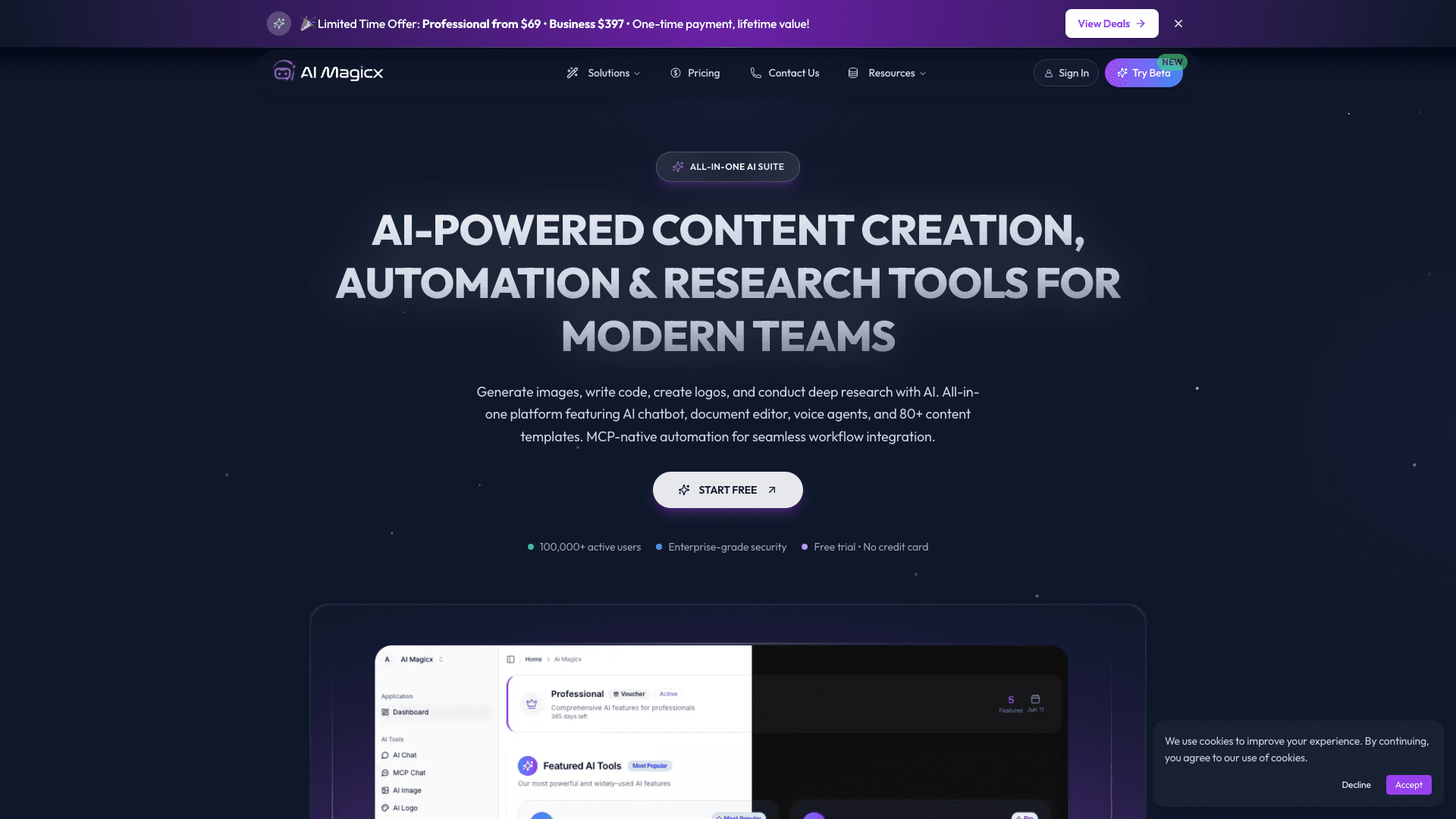
AI Magicx
AI Magicx enhances creativity with AI-driven design and coding.

BLACKBOX.AI
Revolutionize coding: AI generation, conversational code help, intuitive search.

10Web AI Website Builder
10Web AI Website Builder is a platform designed to help businesses and individuals create fully functional, production-ready WordPress websites quickly and without coding skills. Users simply describe
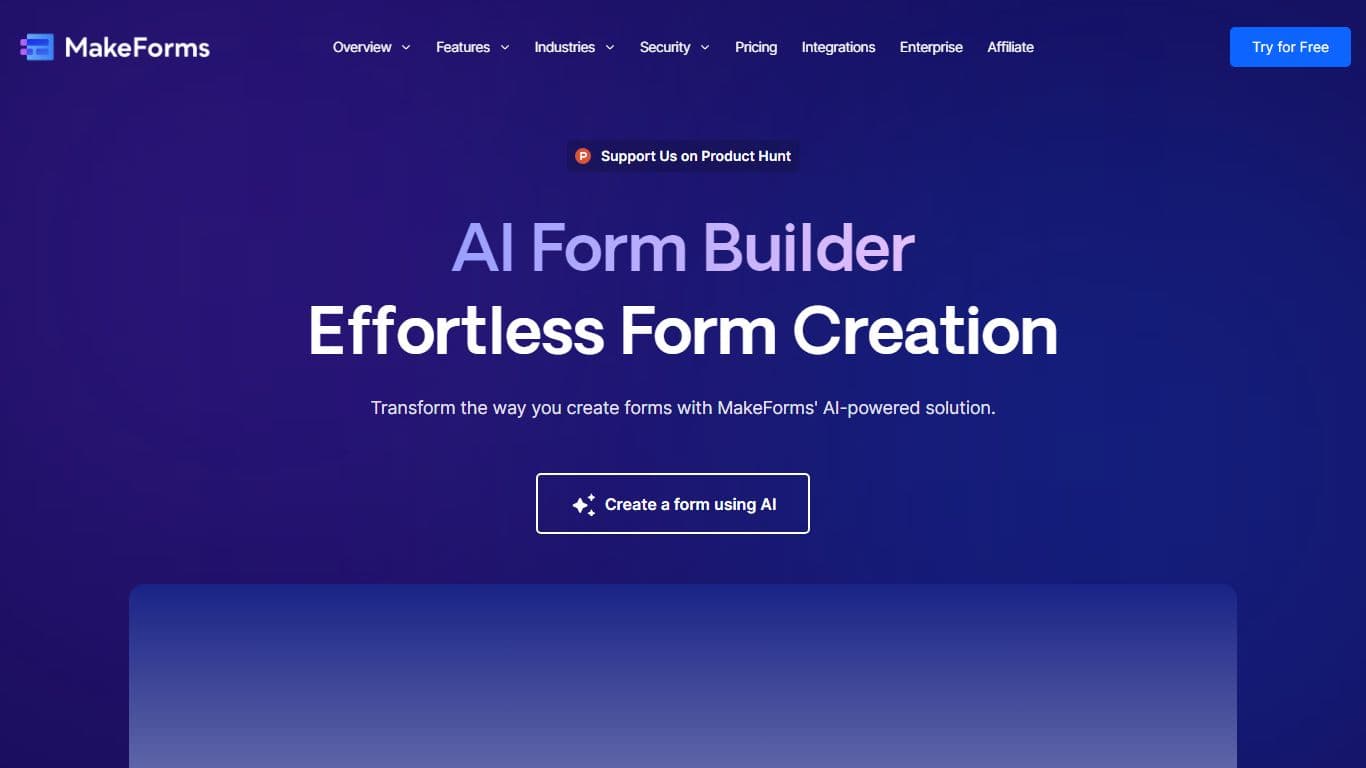
MakeForms
MakeForms’ AI Form Builder helps create responsive and customizable forms in just a few minutes by leveraging AI-powered suggestions for question types and form fields. Just provide the Form Name and
What The Diff
"What The Diff is an AI-powered code review assistant that helps streamline the pull request process. It automatically generates pull request descriptions, sends summarized notifications to non-techni
Ref Tools
A tool to provide documentation context for AI coding agents.