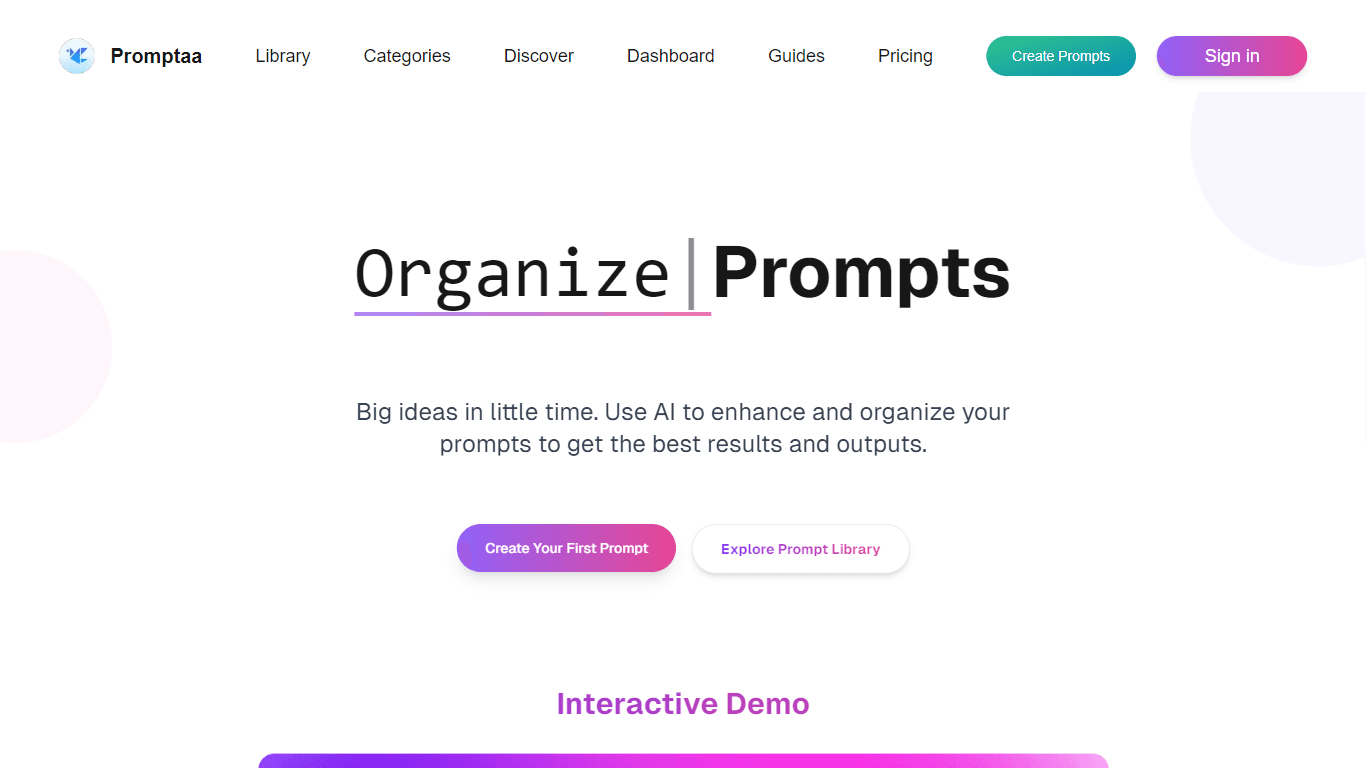
Promptaa
Promptaa is a user-friendly platform designed to help individuals create, manage, and share AI prompts effectively. Its core functionality revolves around providing users with tools to save their best
15,323
Votes
22,848
Views
11,696
Bookmarks
About
Promptaa is a user-friendly platform designed to help individuals create, manage, and share AI prompts effectively. Its core functionality revolves around providing users with tools to save their best prompts in one centralized location, making it easier to access and utilize them. The platform is particularly beneficial for writers, developers, and anyone who relies on AI for generating content, as it streamlines the process of prompt creation and organization. By offering a structured approach to prompt management, Promptaa enhances the overall user experience and productivity. The target audience for Promptaa includes content creators, marketers, educators, and developers who seek to optimize their interactions with AI models. These users often require specific and effective prompts to achieve desired outcomes from AI-generated content. Promptaa addresses this need by providing a platform that not only allows for the creation of prompts but also offers features that enhance their quality and effectiveness. This makes it an invaluable tool for anyone looking to leverage AI technology in their work. One of the unique value propositions of Promptaa is its AI enhancement feature, which automatically improves prompts by adding context, structure, and relevant examples. This feature sets Promptaa apart from other prompt management tools, as it actively assists users in refining their prompts to achieve better results. Additionally, the ability to categorize prompts by topic or use case allows users to organize their library in a way that suits their specific needs, further enhancing the platform's usability. Key differentiators of Promptaa include its community features, which enable users to share their prompts publicly and discover prompts created by others. This collaborative aspect fosters a sense of community among users, allowing them to learn from each other and improve their prompt engineering skills. Furthermore, the platform's intuitive interface and straightforward navigation make it accessible to users of all skill levels, ensuring that everyone can benefit from its capabilities. In terms of technical implementation, Promptaa utilizes a combination of user-friendly design and advanced AI algorithms to deliver its services. The platform is built to ensure that users can easily sign in, create accounts, and start building their prompt libraries without any technical hurdles. With features like version history and easy categorization, Promptaa is designed to provide a seamless experience for users looking to enhance their AI interactions.
Key Features
- AI Enhancement: Automatically improves your prompts by adding context and structure, helping you get better results from AI models.
- Prompt Organization: Create categories to organize your prompts by topic or use case, making it easy to find what you need.
- Community Sharing: Share your prompts with the community and discover prompts created by others, fostering collaboration and learning.
- Version History: Keep track of changes made to your prompts, allowing you to compare different versions and choose the best one.
- Easy Copying: Quickly copy any prompt with a single click to use with your favorite AI tools, saving you time and effort.
FAQ
How do I create an account?
To create an account, simply visit the Promptaa website and click on the sign-in button. Follow the prompts to set up your account.
Can I share my prompts with others?
Yes, you can mark your prompts as public to share them with the community. This allows others to discover and use your prompts.
What is the AI enhancement feature?
The AI enhancement feature automatically improves your prompts by adding context and structure, helping you achieve better results.
How can I organize my prompts?
You can create categories for your prompts based on topics or use cases, making it easier to manage and find them later.
Is there a way to track changes to my prompts?
Yes, Promptaa includes a version history feature that allows you to keep track of changes made to your prompts.
What types of prompts can I create?
You can create various types of prompts, including those for content writing, code generation, business analysis, and more.
You may also like
More tools in Code Tools

CodeGate
A local proxy that enhances security for AI-assisted coding.

Ovren
Turn GitHub tickets into reviewable production-ready code.

Symphony
Symphony is an innovative platform designed for users who want to streamline their interaction with programs through conversational interfaces. By enabling you to "write programs you can talk to," Sym

SQLFlash
SQLFlash is an AI-powered tool that automatically rewrites and optimizes SQL queries to improve database performance. It targets developers, database administrators, and enterprises seeking to reduce

Panto AI
A tool to review code and detect errors and vulnerabilities.
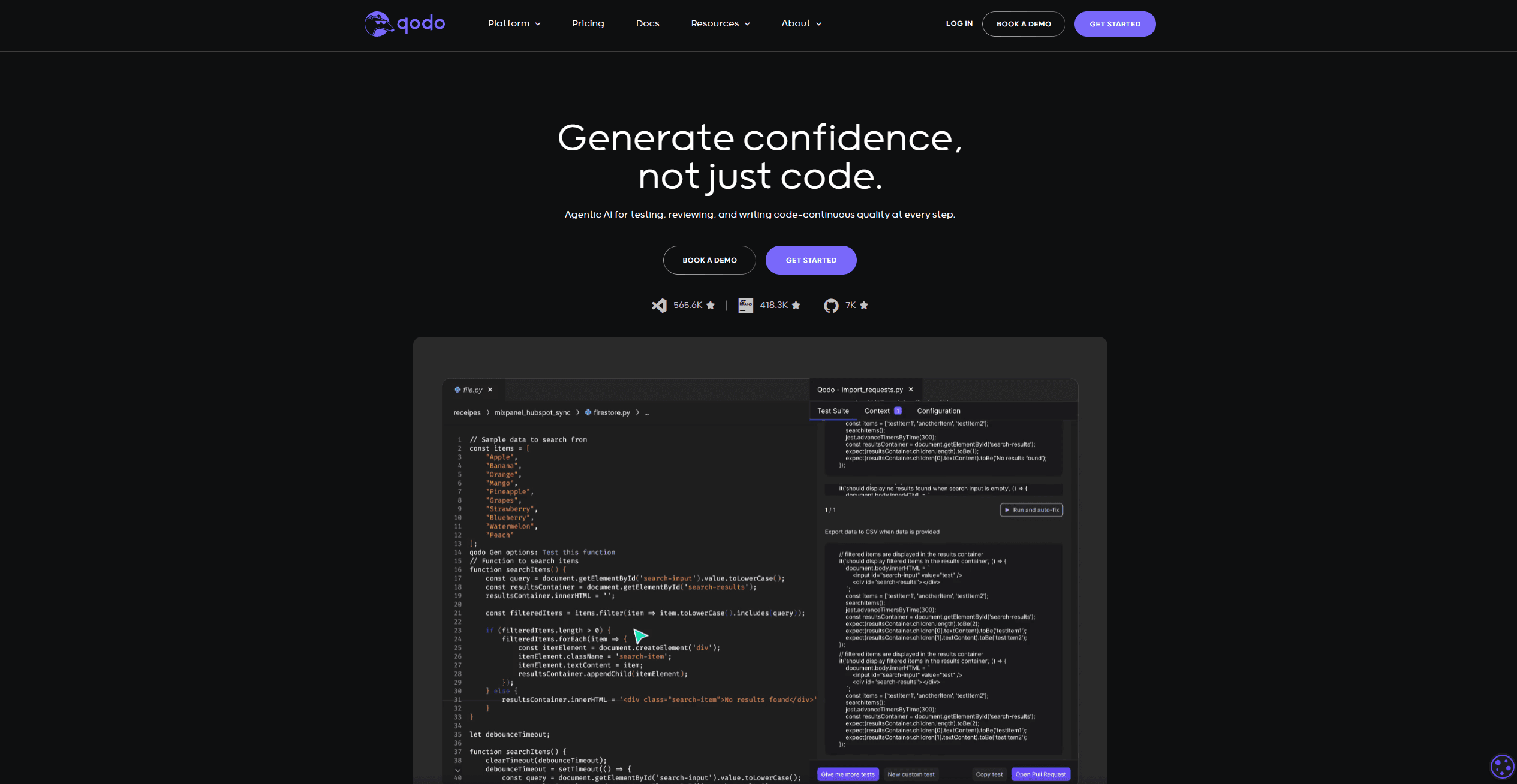
Qodo
Automates code reviews, test generation, and quality assurance.
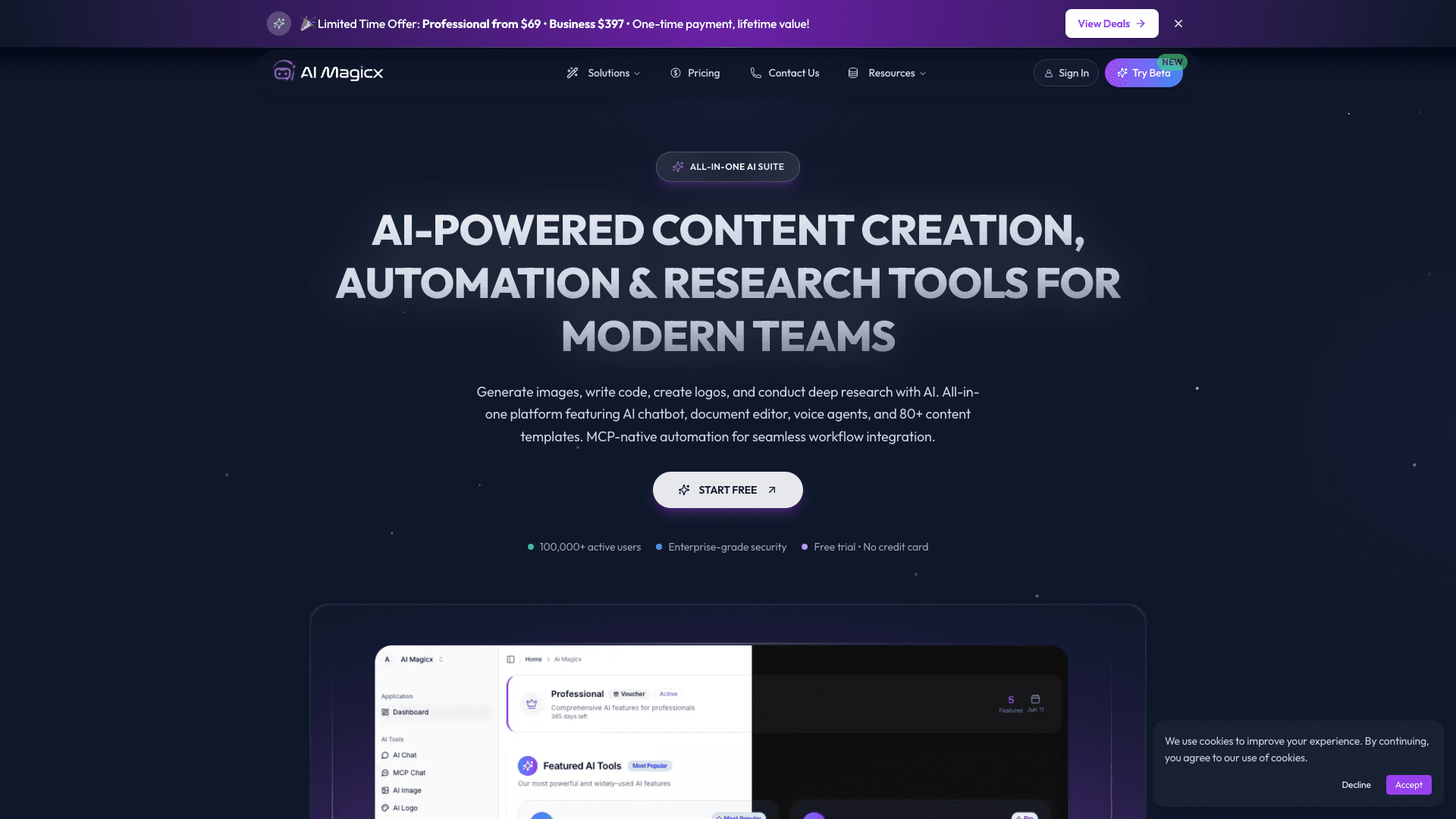
AI Magicx
AI Magicx enhances creativity with AI-driven design and coding.

BLACKBOX.AI
Revolutionize coding: AI generation, conversational code help, intuitive search.

10Web AI Website Builder
10Web AI Website Builder is a platform designed to help businesses and individuals create fully functional, production-ready WordPress websites quickly and without coding skills. Users simply describe
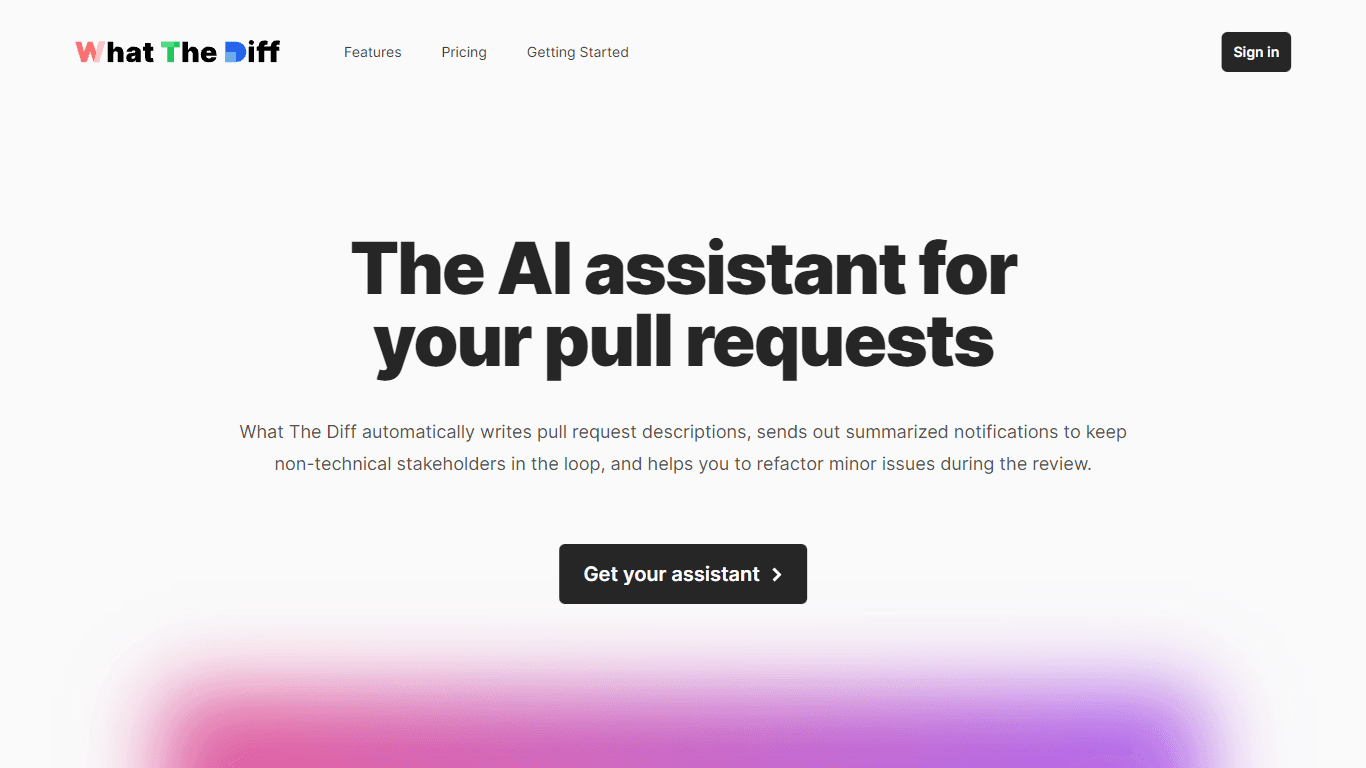
What The Diff
"What The Diff is an AI-powered code review assistant that helps streamline the pull request process. It automatically generates pull request descriptions, sends summarized notifications to non-techni
MakeForms
MakeForms’ AI Form Builder helps create responsive and customizable forms in just a few minutes by leveraging AI-powered suggestions for question types and form fields. Just provide the Form Name and

Orchids
Your fullstack AI engineer.