Porcupine
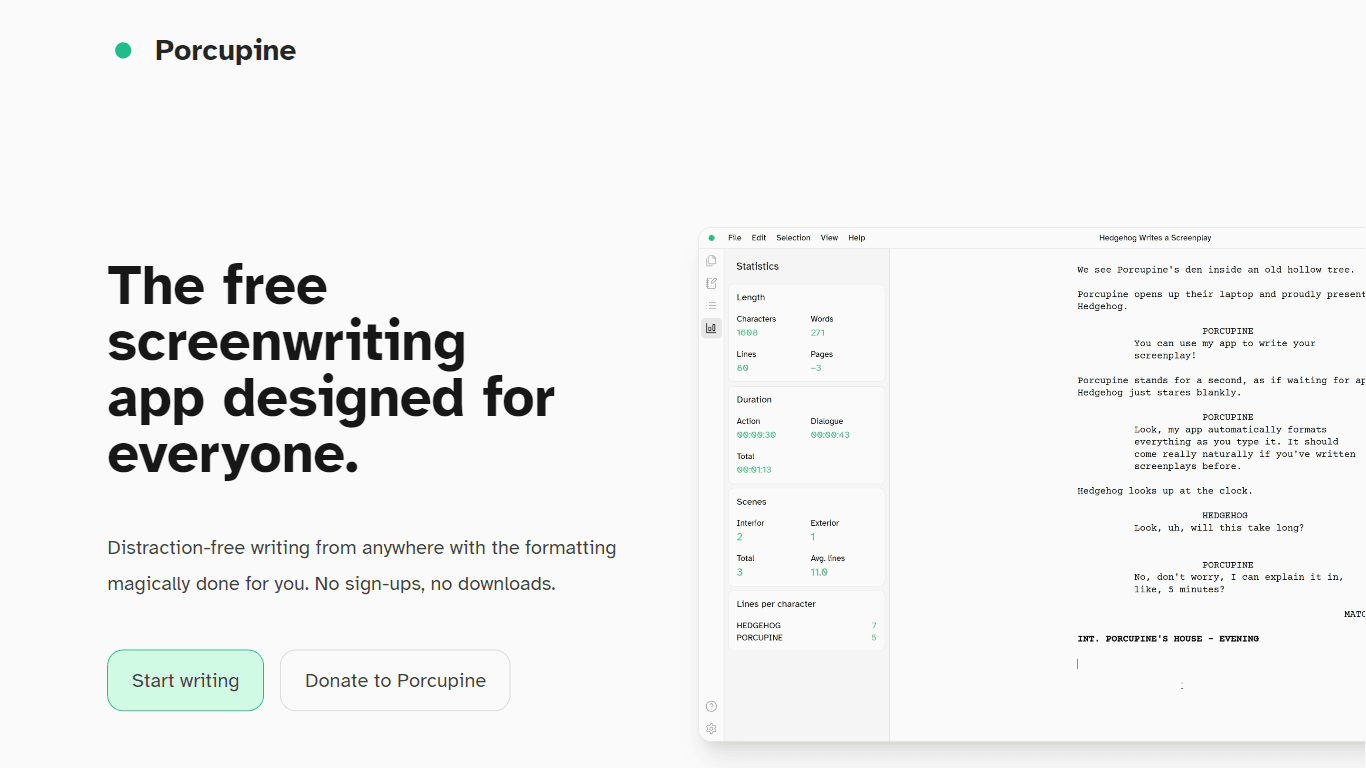
Porcupine is a free screenwriting app designed for everyone, making it accessible to writers of all levels. Its core functionality revolves around providing a distraction-free writing environment wher
14,509
Votes
28,049
Views
11,858
Bookmarks
About
Porcupine is a free screenwriting app designed for everyone, making it accessible to writers of all levels. Its core functionality revolves around providing a distraction-free writing environment where users can focus on their storytelling without the hassle of formatting. The app automatically formats the screenplay as the user writes, eliminating the need to memorize shortcuts or manually style the text. This feature allows writers to concentrate on their ideas and narratives, making the writing process smoother and more enjoyable. The target audience for Porcupine includes aspiring screenwriters, seasoned professionals, and anyone interested in writing for film, TV, or the internet. By removing barriers such as sign-ups and downloads, Porcupine invites a diverse range of users to engage with the platform. Its simplicity and ease of use cater to those who may feel overwhelmed by more complex screenwriting software, thus broadening its appeal. Porcupine's unique value proposition lies in its commitment to user privacy and data security. Unlike many other writing tools, Porcupine does not collect or upload user files, ensuring that all work remains on the user's device. This feature not only protects the writer's intellectual property but also fosters a sense of trust and reliability in the app. Users can write freely, knowing their ideas are safe and secure. Key differentiators of Porcupine include its automatic formatting capabilities, minimalist design, and compatibility across various platforms. The app runs on any modern desktop browser, including Windows, Mac, and Chromebooks, and can even be used offline as a web app. This flexibility allows writers to work from anywhere, whether at home or on the go. Additionally, the built-in essentials, such as a notepad and scene overview panel, provide valuable tools for organizing thoughts and tracking progress. In terms of technical implementation, Porcupine utilizes modern web technologies to deliver a seamless user experience. The app is built with frameworks like Svelte and Tailwind CSS, ensuring a responsive and visually appealing interface. With its focus on quality of life features inspired by popular text editors, Porcupine aims to enhance the writing experience while keeping the process straightforward and enjoyable.
Key Features
- Automatic Formatting: Porcupine formats your screenplay as you write, so you can focus on your story without worrying about styles or shortcuts.
- Distraction-Free Design: The app offers a clean and simple interface, allowing you to hide unnecessary elements and concentrate on your writing.
- Cross-Platform Compatibility: You can use Porcupine on any modern desktop browser, including Windows, Mac, and Chromebooks, or even offline as a web app.
- Easy Export Options: Instantly export your screenplays as Fountain files or PDFs, making it easy to share or print your work.
- Built-in Essentials: Use the notepad and scene overview panel to jot down ideas and organize your screenplay effectively.
FAQ
Do I need to create an account to use Porcupine?
No, you don't need to create an account. Just open the app and start writing right away.
Can I use Porcupine offline?
Yes, Porcupine can be used offline as a web app, so you can write anywhere without an internet connection.
What file formats can I export my screenplay to?
You can export your screenplay as Fountain files or industry-standard PDFs.
Is my work safe with Porcupine?
Yes, Porcupine does not collect or upload your files, so everything stays on your computer.
What platforms can I use Porcupine on?
Porcupine runs on any modern desktop browser, including Windows, Mac, and Chromebooks.
Are there any costs associated with using Porcupine?
No, Porcupine is completely free to use.
You may also like
More tools in Other

WriteSmart
WriteSmart is an AI-powered tool that generates personalized and thoughtful comments to add value to conversations and build relationships on LinkedIn. With WriteSmart, you can boost engagement, warm

Postfluencer
Postfluencer is a cutting-edge online platform designed to empower individuals in enhancing their personal branding on Linkedin. With the capability to generate over 60,000 posts for users, Postfluenc

AI Img
aiimg.me is a comprehensive platform that integrates advanced AI imaging technologies to provide high-quality image generation, editing, and enhancement services. It allows users to create images from

Yepp AI
Yepp AI is an innovative platform that brings the power of artificial intelligence to marketing. With this platform, businesses can tap into the wealth of data they already have and leverage it throug

ICBINP | Civitai
Experience hyperrealistic image generation with ICBINP - "I Can't Believe It's Not Photography" - a powerful checkpoint for the Stable Diffusion model available on Civitai. The ICBINP LCM checkpoint i
Spikes Studio
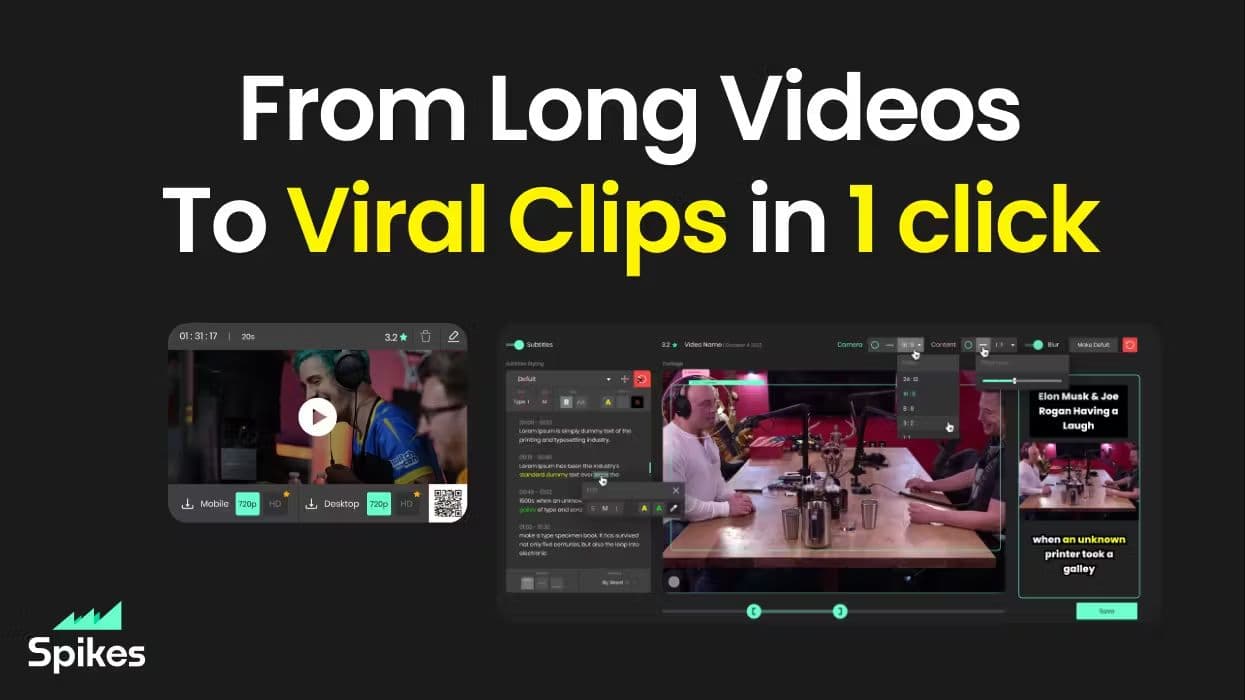
Spikes helps creators extract captivating shorts from any video. Automatically get a title, description, hashtag recommendations, auto-captions, AI styling and quickly edit. Grow and give your audienc
MuseNet
MuseNet is a groundbreaking deep neural network that revolutionizes the way music is composed. With MuseNet, you have access to a powerful tool that can generate beautiful and intricate 4-minute music

SuperU AI
A nocode tool to create voice AI agents for customer communications.

ZAVATA
ZAVATA is revolutionizing the recruitment process with its sophisticated AI interview platform. With the motto "Automate Hiring with AI Interviewer," ZAVATA introduces a seamless hiring automation tha

Verbacall
A platform that automatically answers, qualifies, and follows up on calls 24/7.
Zeitpub
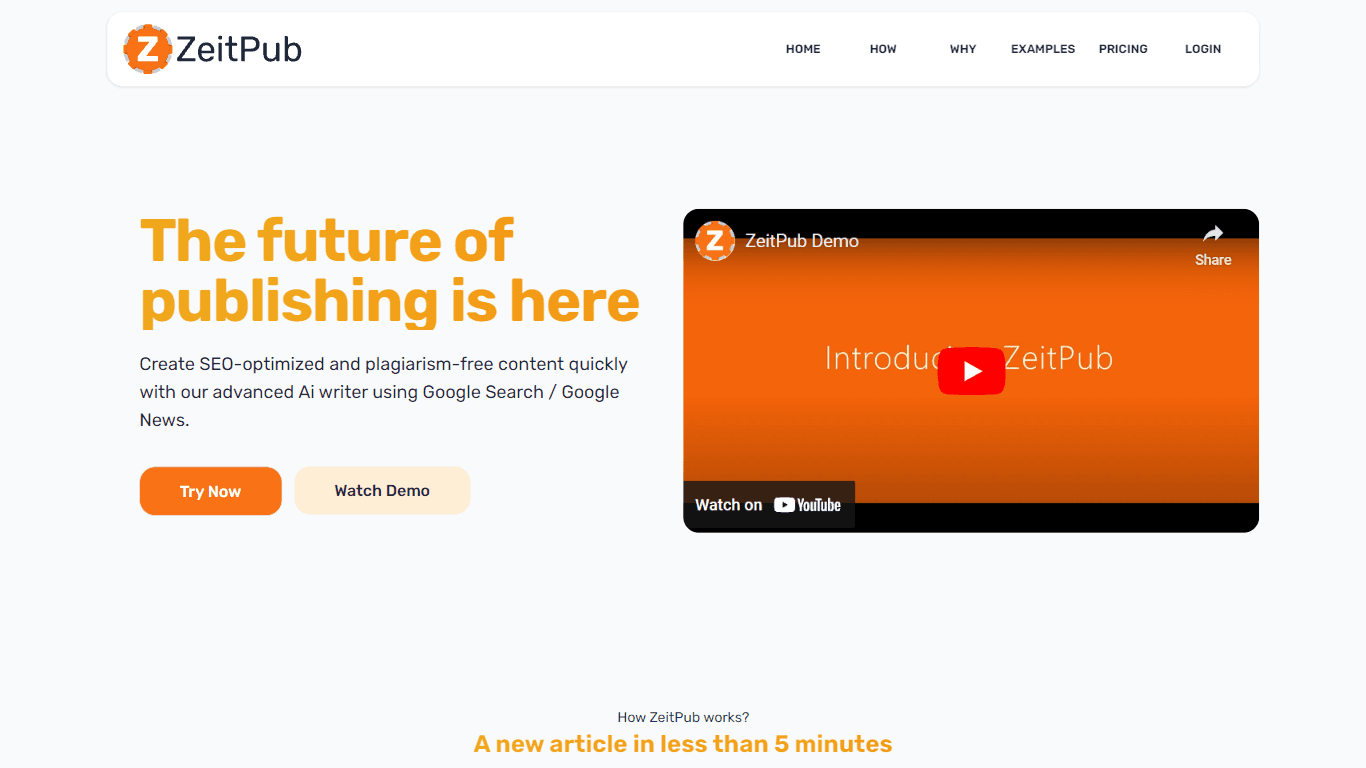
Zeitpub revolutionizes the publishing industry by offering an advanced AI writer that creates SEO-optimized and plagiarism-free content at an incredible pace. With just the click of a button, users ca

XLM
Discover the power of Cross-lingual Language Modeling with XLM, the original PyTorch implementation designed for pretraining language models that operate across multiple languages. XLM is a repository