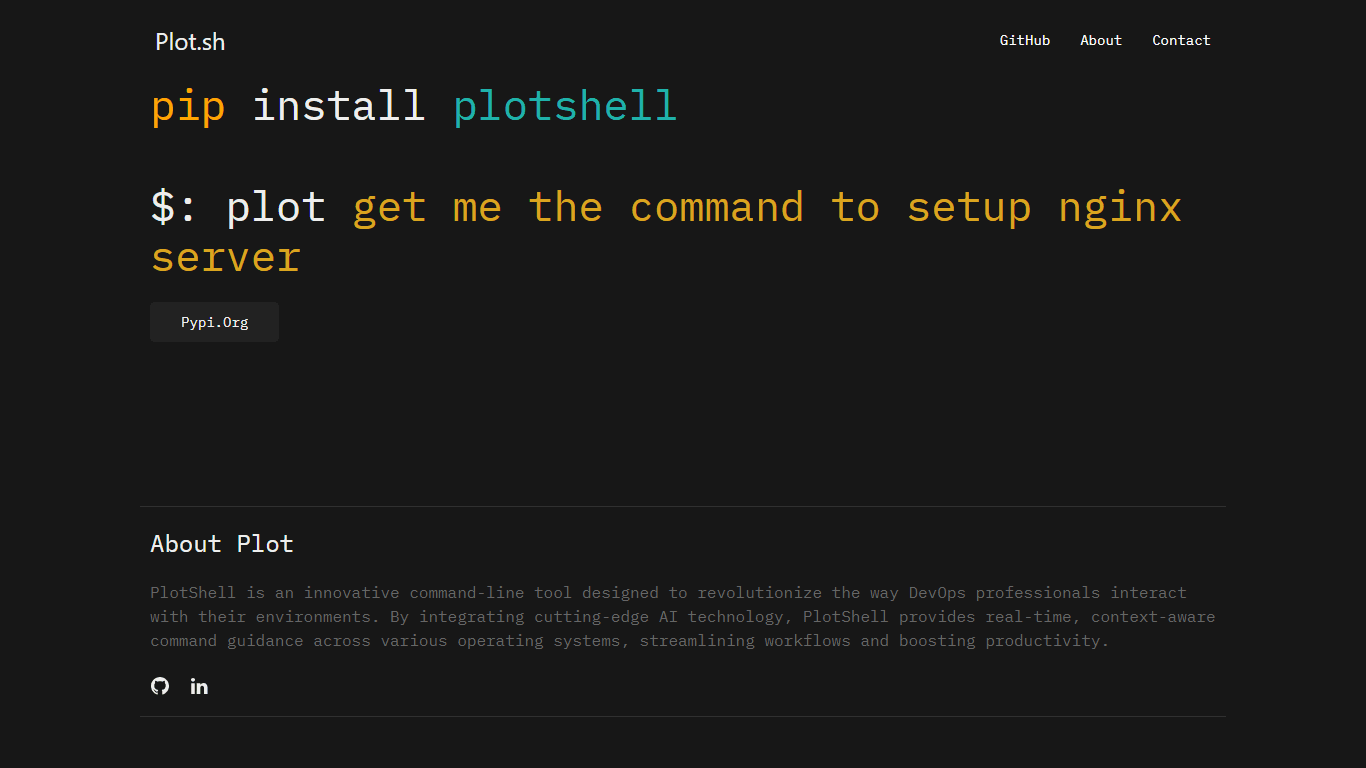
PlotShell
PlotShell is an AI-Assisted Command Line Tool created for DevOps professionals to enhance their workflow efficiency. The tool integrates advanced AI, specifically OpenAI's GPT models, to provide real-
14,794
Votes
16,802
Views
11,970
Bookmarks
About
PlotShell is an AI-Assisted Command Line Tool created for DevOps professionals to enhance their workflow efficiency. The tool integrates advanced AI, specifically OpenAI's GPT models, to provide real-time, context-aware command guidance across a variety of operating systems. DevOps experts can simply type in their command or query and receive immediate, intelligent suggestions that are sensitive to their specific requirements. PlotShell is engineered for compatibility with Linux, macOS, and Windows, streamlining tasks by adapting its recommendations to the system's unique command line tools and utilities. Installation is straightforward by using pip, after which users configure Plot Summary with their API key from OpenAI for a secure, customized experience.
Key Features
- AI-Driven Command Suggestions: OpenAI's GPT models power PlotShell to provide accurate command guidance tailored to user-specific needs.
- Multi-OS Compatibility: PlotShell operates smoothly across Linux, macOS, and Windows, adapting to each platform's command-line specifics.
- Easy to Install and Use: With a simple pip install command, users can quickly set up PlotShell and integrate it into their system.
- Security Focused: Designed with a strong emphasis on security, PlotShell maintains user data privacy and ensures data security.
- Productivity Enhancement: By streamlining DevOps workflows, PlotShell boosts productivity with its intelligent command and question interpretation.
FAQ
What AI technology does PlotShell use?
PlotShell integrates AI, particularly OpenAI's GPT models, to provide real-time command guidance and suggestions on the command line.
Which operating systems is PlotShell compatible with?
PlotShell functions on Linux, macOS, and Windows, automatically adjusting its command suggestions based on the specific operating system.
How do I install PlotShell?
Install PlotShell by running a simple pip install command and then configure it with your OpenAI API key.
How does PlotShell ensure my data's security?
PlotShell prioritizes security by safeguarding your data privacy and ensuring system security in its operations.
Can I use PlotShell for tasks like setting up servers and deploying applications?
Yes, you can use PlotShell for various tasks including setting up servers, configuring firewalls, and deploying applications, as it provides command-line assistance for a broad range of DevOps activities.
You may also like
More tools in Code Tools

CodeGate
A local proxy that enhances security for AI-assisted coding.

Ovren
Turn GitHub tickets into reviewable production-ready code.

Symphony
Symphony is an innovative platform designed for users who want to streamline their interaction with programs through conversational interfaces. By enabling you to "write programs you can talk to," Sym

SQLFlash
SQLFlash is an AI-powered tool that automatically rewrites and optimizes SQL queries to improve database performance. It targets developers, database administrators, and enterprises seeking to reduce
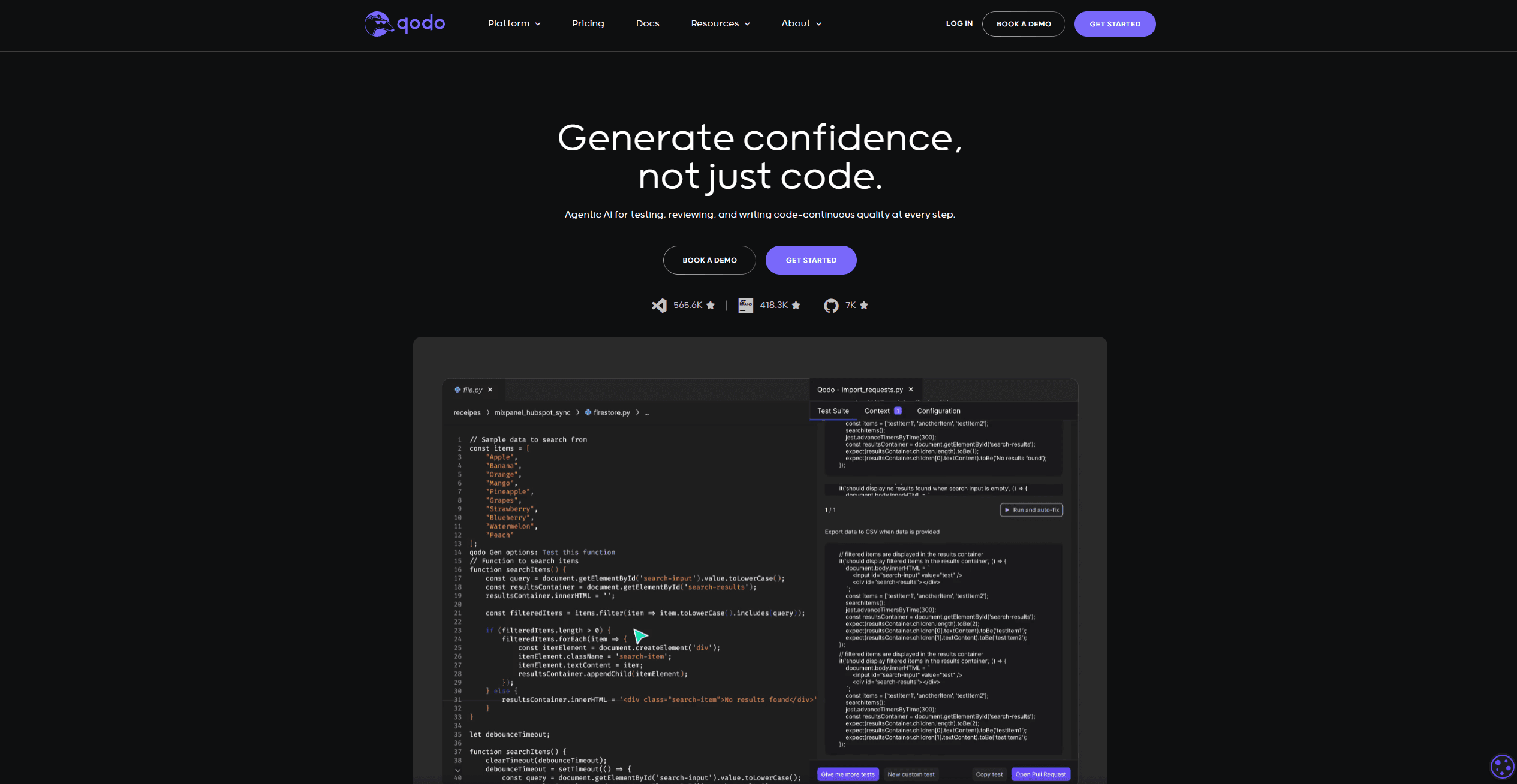
Qodo
Automates code reviews, test generation, and quality assurance.

Panto AI
A tool to review code and detect errors and vulnerabilities.
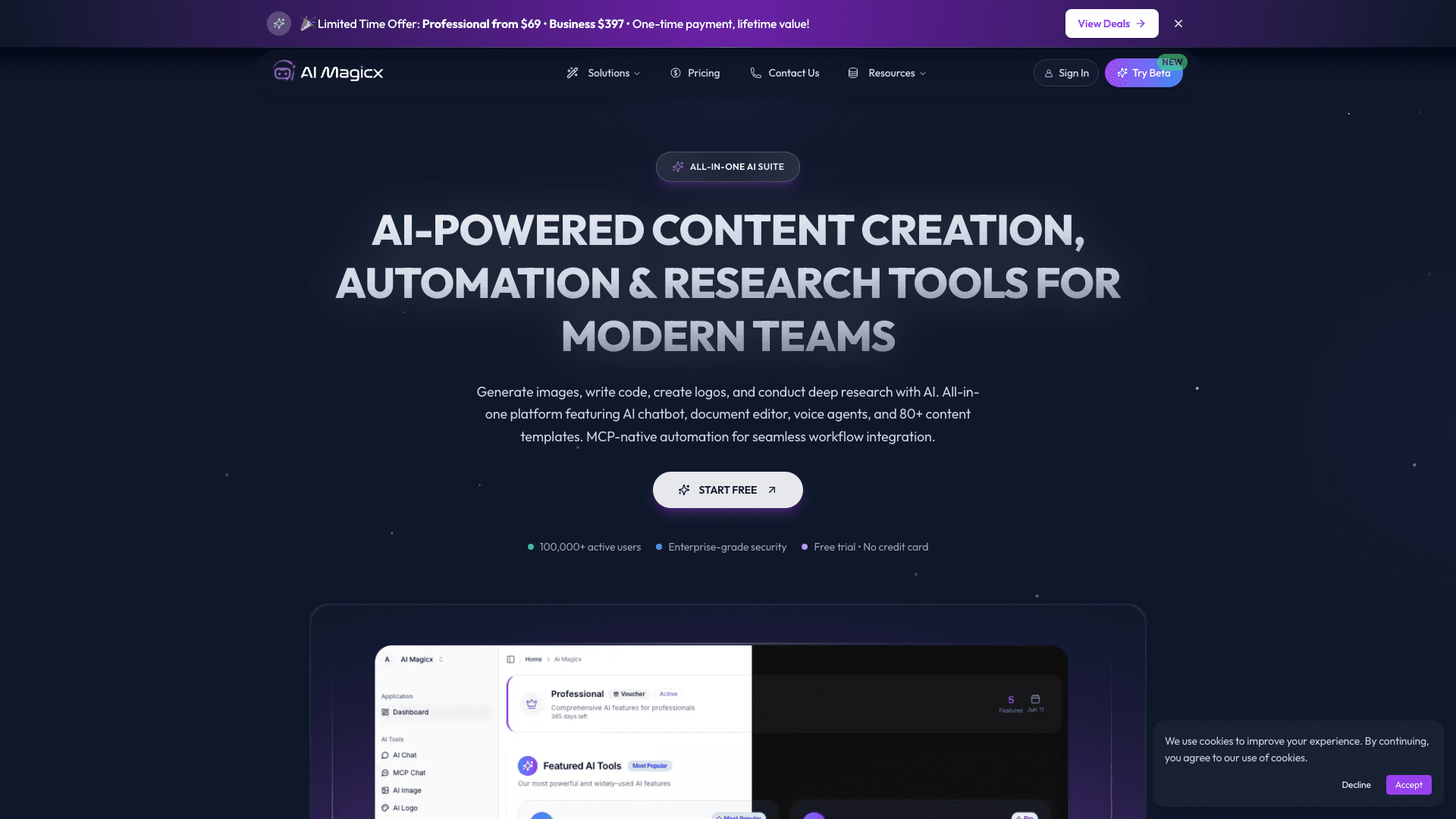
AI Magicx
AI Magicx enhances creativity with AI-driven design and coding.

BLACKBOX.AI
Revolutionize coding: AI generation, conversational code help, intuitive search.

10Web AI Website Builder
10Web AI Website Builder is a platform designed to help businesses and individuals create fully functional, production-ready WordPress websites quickly and without coding skills. Users simply describe
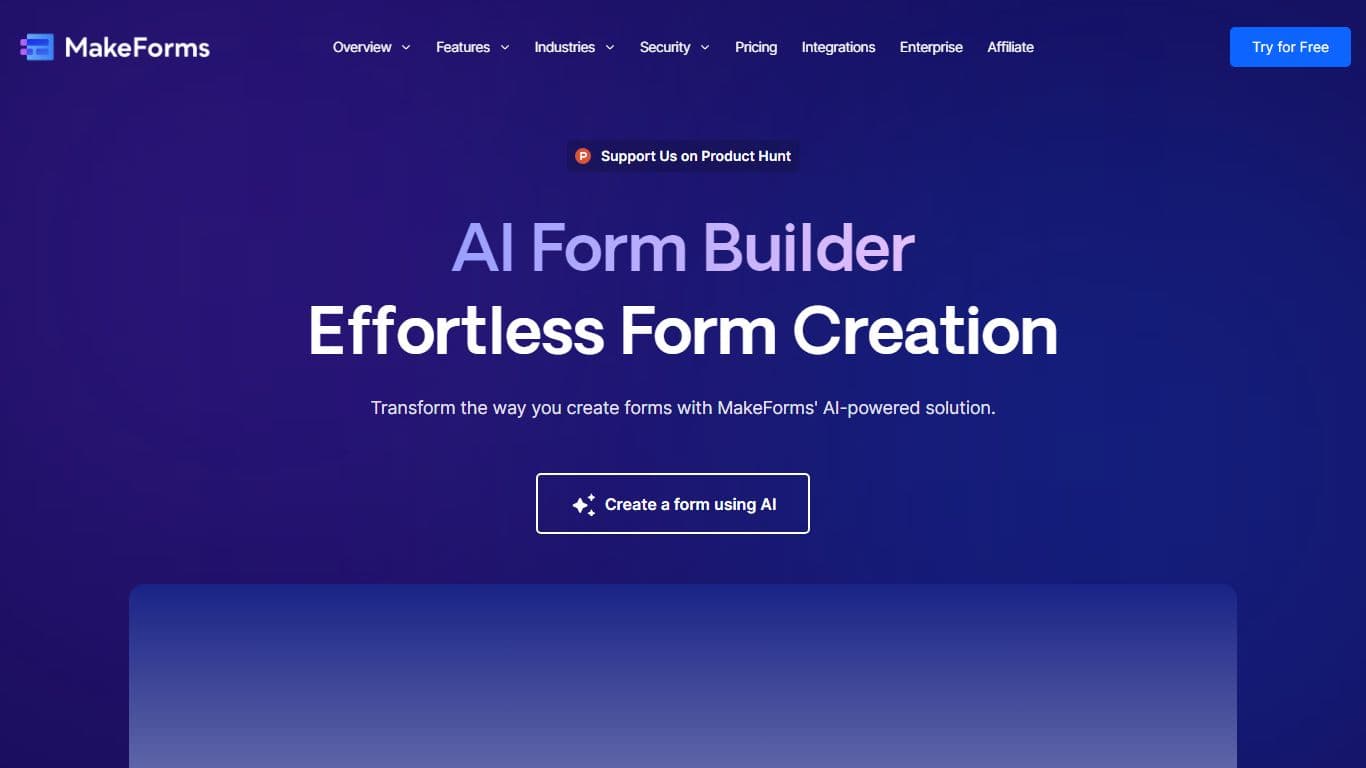
MakeForms
MakeForms’ AI Form Builder helps create responsive and customizable forms in just a few minutes by leveraging AI-powered suggestions for question types and form fields. Just provide the Form Name and
What The Diff
"What The Diff is an AI-powered code review assistant that helps streamline the pull request process. It automatically generates pull request descriptions, sends summarized notifications to non-techni

Orchids
Your fullstack AI engineer.