
Pie ChartMaker AI
The Pie Chart Maker is an online tool designed to facilitate the creation of pie charts quickly and efficiently. Its core functionality allows users to upload data in various formats, such as Excel an
15,949
Votes
17,688
Views
12,070
Bookmarks
About
The Pie Chart Maker is an online tool designed to facilitate the creation of pie charts quickly and efficiently. Its core functionality allows users to upload data in various formats, such as Excel and CSV, or manually enter data to generate visually appealing pie charts. This tool is particularly beneficial for individuals and professionals who require a straightforward solution for data visualization without the need for complex software or extensive design skills. The target audience for the Pie Chart Maker includes students, educators, business professionals, marketers, analysts, researchers, and content creators. Each of these groups can leverage the tool to transform raw data into clear, understandable visual representations, enhancing their presentations, reports, and publications. The unique value proposition of this tool lies in its accessibility; it is completely free to use, requires no sign-up, and operates directly in the user's web browser, making it an ideal choice for those seeking a hassle-free experience. Key differentiators of the Pie Chart Maker include its user-friendly interface, which allows for drag-and-drop functionality, and its ability to create professional-quality pie charts in mere seconds. The tool emphasizes simplicity and efficiency, ensuring that users can focus on their data rather than the complexities of chart creation. Additionally, the Pie Chart Maker provides guidance on best practices for pie chart design, such as limiting the number of slices for optimal readability, further enhancing its usability.
Key Features
- User-Friendly Interface: The tool features a drag-and-drop interface that allows users to easily upload data files or enter data manually, streamlining the chart creation process.
- Multiple Data Formats: Supports various data formats including Excel and CSV, enabling users to work with their existing datasets without conversion.
- Instant Chart Generation: Users can create pie charts in seconds, providing immediate visual feedback and allowing for quick adjustments as needed.
- Customization Options: The tool offers customization features for colors, labels, and chart styles, allowing users to tailor their pie charts to specific presentation needs.
- No Sign-Up Required: The Pie Chart Maker is completely free to use with no sign-up necessary, ensuring a hassle-free experience for all users.
FAQ
What types of data formats are supported by the Pie Chart Maker?
The Pie Chart Maker supports various data formats, including Excel and CSV. Users can either upload their data files or manually enter data into the tool.
Is there a cost associated with using the Pie Chart Maker?
No, the Pie Chart Maker is completely free to use. There are no hidden costs or sign-up requirements, making it accessible to everyone.
Can I customize the appearance of my pie charts?
Yes, the Pie Chart Maker offers customization options for colors, labels, and chart styles, allowing users to create visually appealing charts that meet their specific needs.
Who can benefit from using the Pie Chart Maker?
The Pie Chart Maker is beneficial for a wide range of users, including students, educators, business professionals, marketers, analysts, researchers, and content creators.
What is the recommended number of slices for a pie chart?
For maximum readability, it is recommended to keep the number of slices in a pie chart between 5 to 7 categories. Smaller segments can be combined into an 'Other' category.
Do I need any design skills to use the Pie Chart Maker?
No, the Pie Chart Maker is designed to be user-friendly, requiring no design skills. Its intuitive interface allows anyone to create pie charts easily.
You may also like
More tools in Data & Analytics

ZEN AI
Discover unparalleled customer service with ZEN AI, an intelligent customer support assistant designed for businesses of all sizes. ZEN AI operates around the clock, ensuring that your customers alway
Teamcamp
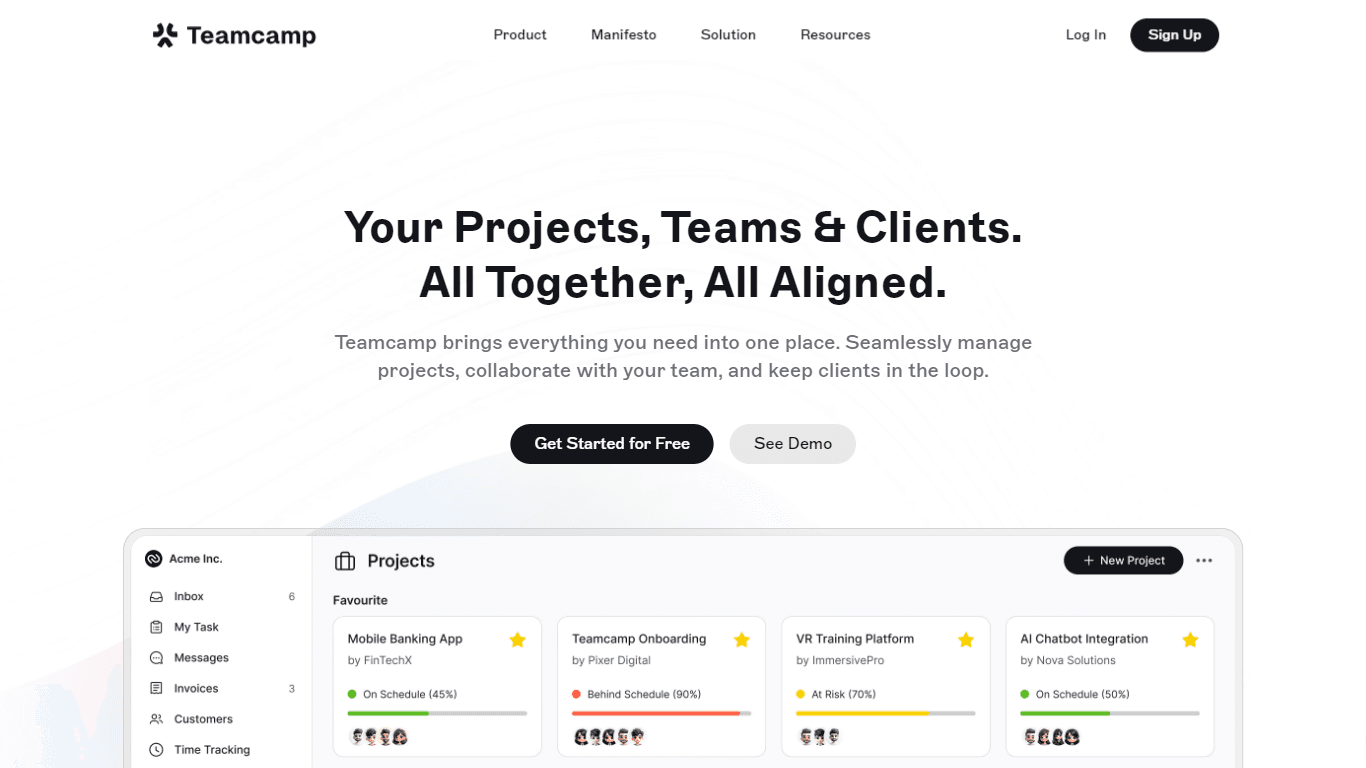
Teamcamp is a comprehensive project management tool designed to streamline the workflow for teams in various sectors, including IT, marketing, freelancers, and agencies. Its core functionality revolve

The North
North is an intuitive platform designed to simplify the management of Objectives and Key Results (OKRs), Strategy, and Initiatives for businesses of all sizes. It is a tool that directs teams to trans
Align AI
Streamlines AI strategy alignment with business objectives.

Supametas.AI
A tool to transform unstructured data into structured formats for AI models and knowledge bases.
Zia
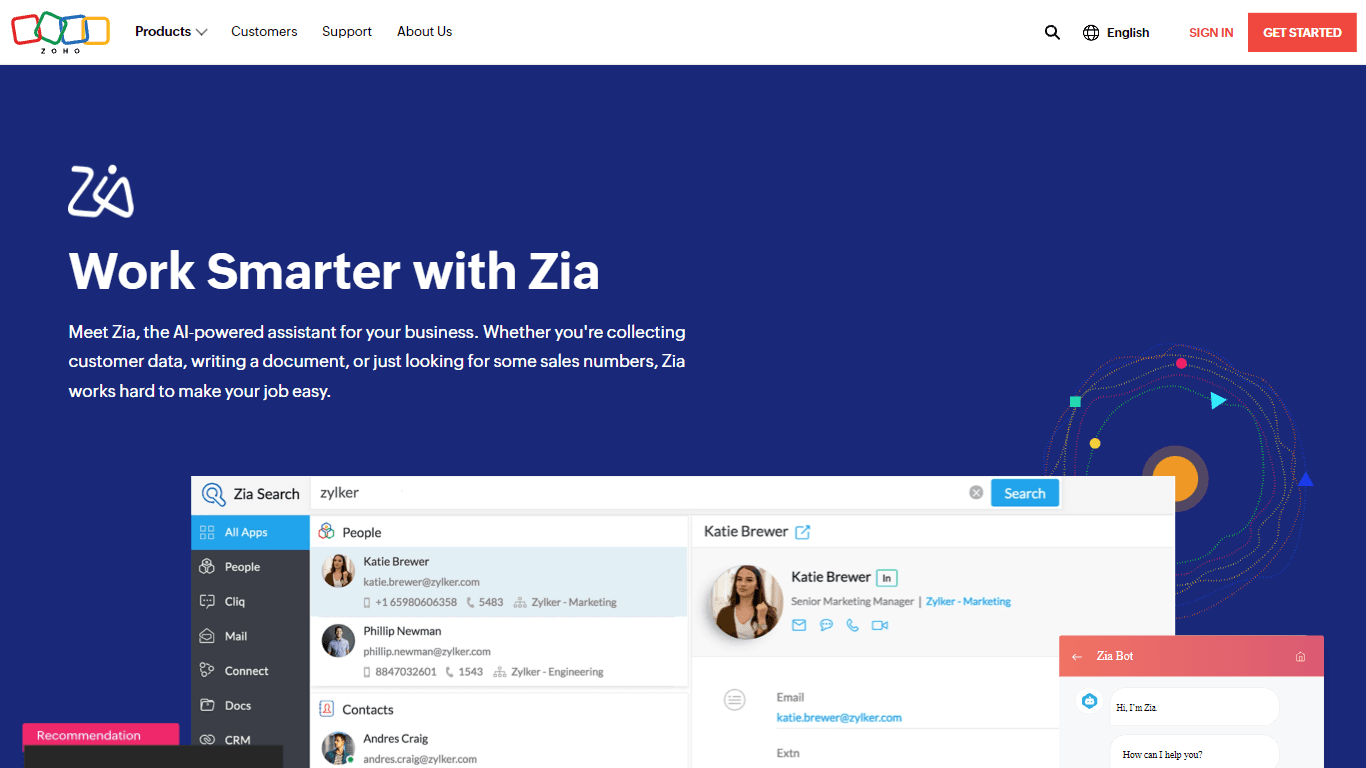
Maximize your business efficiency with Zia, Zoho's advanced AI assistant designed to streamline your business operations across various functions. Zia acts as a dynamic tool, providing tailored recomm

AICosts.ai
A tool to centralize tracking and optimization of spending across multiple AI services.

ZeroGPT
ZeroGPT.com stands out as the premier destination for AI detection, setting the gold standard in safeguarding digital landscapes. With cutting-edge algorithms and advanced machine learning models, Zer

Yuma
Yuma is revolutionizing customer support through the power of automation. By leveraging ChatGPT, we have developed an innovative solution that seamlessly integrates with help desk software to provide
Notta
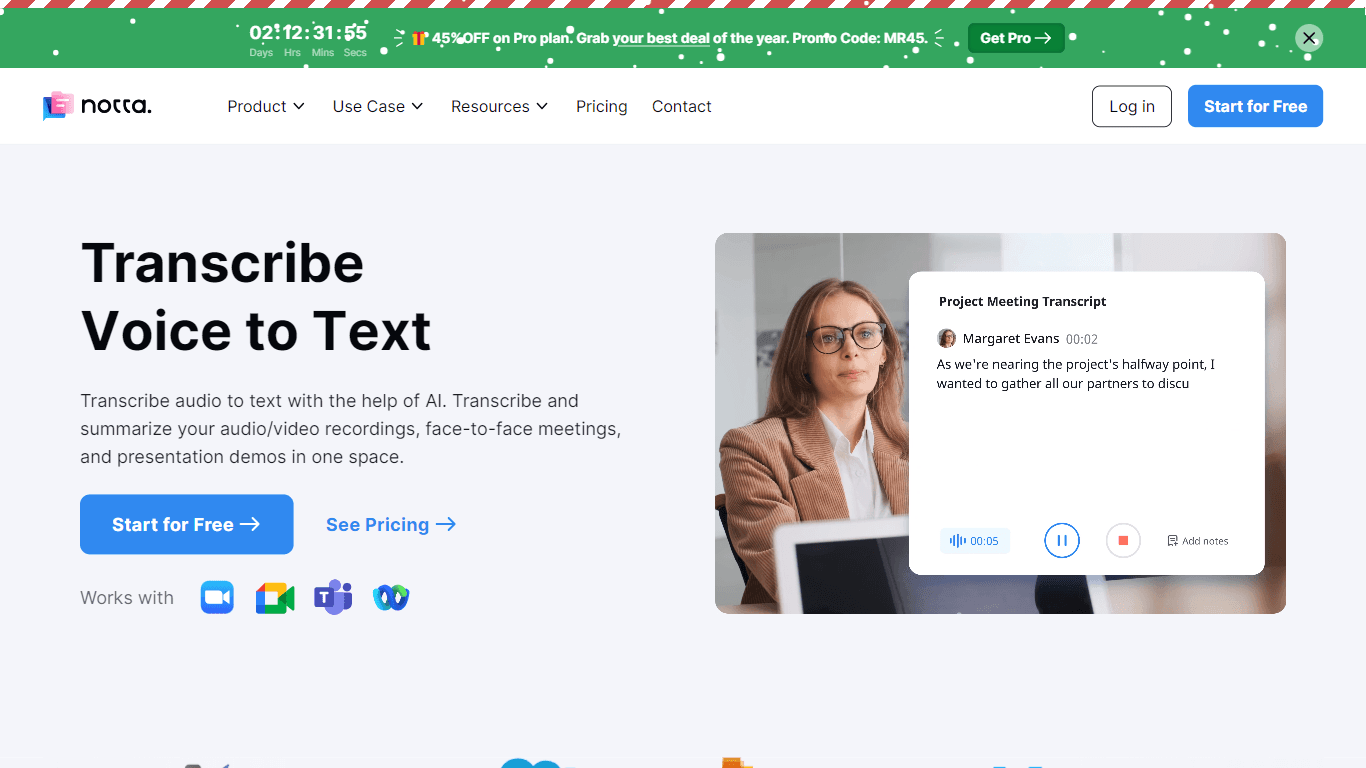
Notta offers a comprehensive solution for converting audio to text using advanced AI technology. With Notta, users can transcribe and summarize audio/video recordings, live meetings, and presentations

Refgrow
Refgrow is a native affiliate software designed to seamlessly integrate into modern products, allowing businesses to launch their own affiliate programs in just minutes. The core functionality of Refg

10Web AI Website Builder
10Web AI Website Builder is a platform designed to help businesses and individuals create fully functional, production-ready WordPress websites quickly and without coding skills. Users simply describe