Photo Editor AI
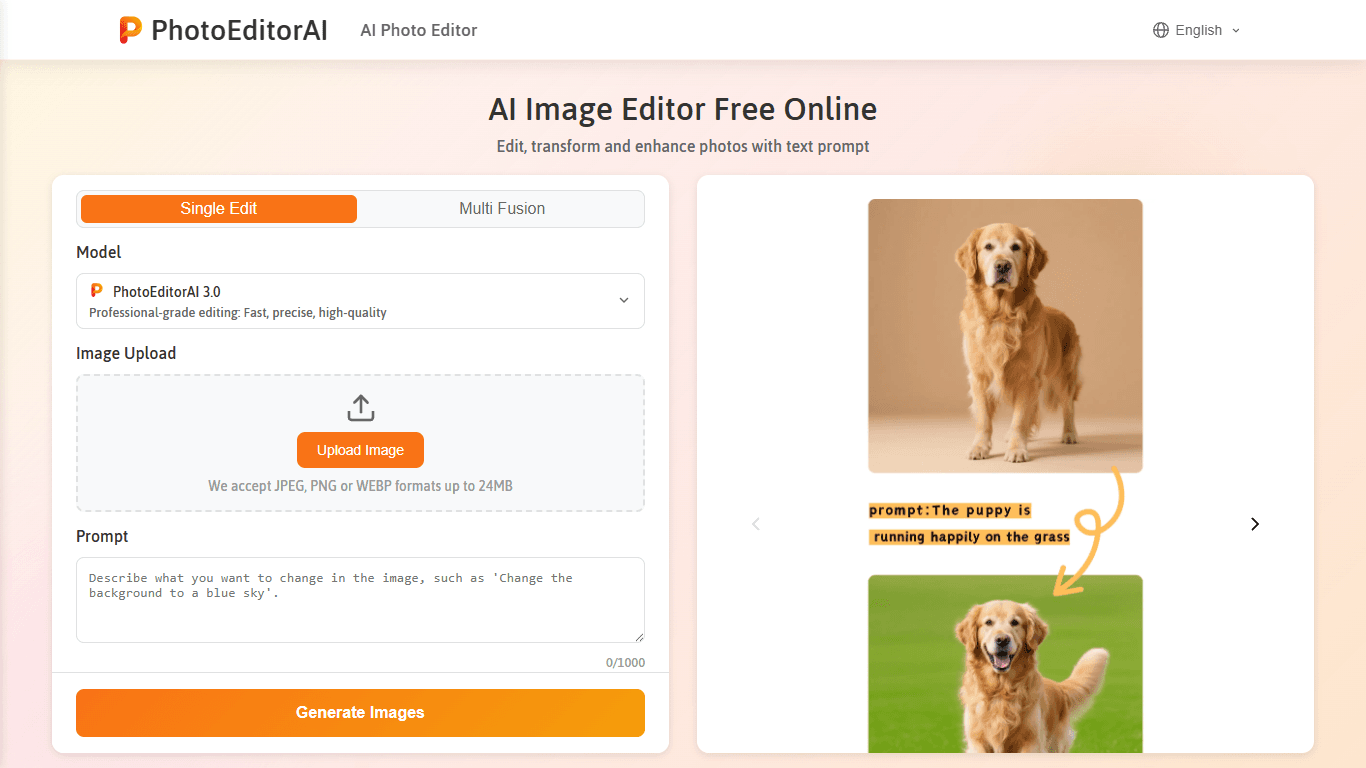
PhotoEditorAI is a free online AI-powered photo editor designed to simplify and enhance photo editing tasks through text prompts. It targets a wide range of users including content creators, marketers
18,292
Votes
26,865
Views
11,635
Bookmarks
About
PhotoEditorAI is a free online AI-powered photo editor designed to simplify and enhance photo editing tasks through text prompts. It targets a wide range of users including content creators, marketers, e-commerce sellers, and casual photographers who want professional-quality edits without complex software. The tool stands out by offering multiple AI models tailored for different editing needs, such as ultra-clear high-resolution edits, consistent portrait enhancements, and balanced professional results. Users can upload images in common formats like JPEG, PNG, GIF, and WEBP, and apply edits such as background removal, object erasing, face retouching, style transfer, and text editing directly in their browser without signing up. The platform emphasizes maintaining visual consistency, especially for characters across scenes, making it suitable for storytelling and branding projects. It also ensures user privacy by encrypting uploads and deleting images after a few days. Overall, PhotoEditorAI combines advanced AI features into an accessible, browser-based tool that delivers studio-level results quickly and easily.
Key Features
- Consistent character editing keeps faces uniform across scenes 🧑🎨
- Precision editing targets specific areas like eyes or logos 🎯
- Seamless text editing adds or removes captions naturally ✍️
- Creative style transfer matches colors and textures from reference images 🎨
- Easy background replacement creates perfect scenes quickly 🖼️
Pros
- No signup required to access all editing features instantly
- Supports multiple AI models for varied editing needs
- Handles common image formats up to 50MB with high resolution
- Maintains visual consistency for storytelling and branding
- Protects user data with encryption and automatic deletion
Cons
- Limited to images up to 50MB and 4096x4096 resolution
- No offline or desktop application available
FAQ
Can I use PhotoEditorAI without creating an account?
Yes, PhotoEditorAI lets you edit photos instantly in your browser without any signup or registration.
What image formats does PhotoEditorAI support?
The editor supports JPEG, PNG, GIF, and WEBP formats up to 50MB and 4096x4096 pixels.
Is it possible to use the edited images for commercial purposes?
Yes, images edited with PhotoEditorAI can be used commercially for ads, branding, and digital campaigns.
How does PhotoEditorAI maintain character consistency across images?
It uses AI to keep faces, proportions, and styles uniform across different poses and backgrounds for visual continuity.
What kind of AI models does PhotoEditorAI offer?
It offers three models: ByteDance Seedream 4.0 for high-resolution edits, Google Nano Banana for consistent portraits, and Flux Kontext Dev for balanced results.
Are my photos secure when using PhotoEditorAI?
Yes, photos are encrypted during upload and processing, and all images are deleted after a few days to protect your privacy.
You may also like
More tools in Auth & Security

HTTPie
Open source API testing tool

Vizcom
Vizcom is a cutting-edge product visualization tool that takes your design concepts from imagination to reality in a matter of seconds. With its high-quality photorealism, creative discovery, and cont

eNotify
eNotify is a powerful tool designed to replace unreliable SMS and cluttered emails with secure, one-click push notifications delivered directly to users' eNotify app. Its core functionality revolves a
ZeroTax.ai
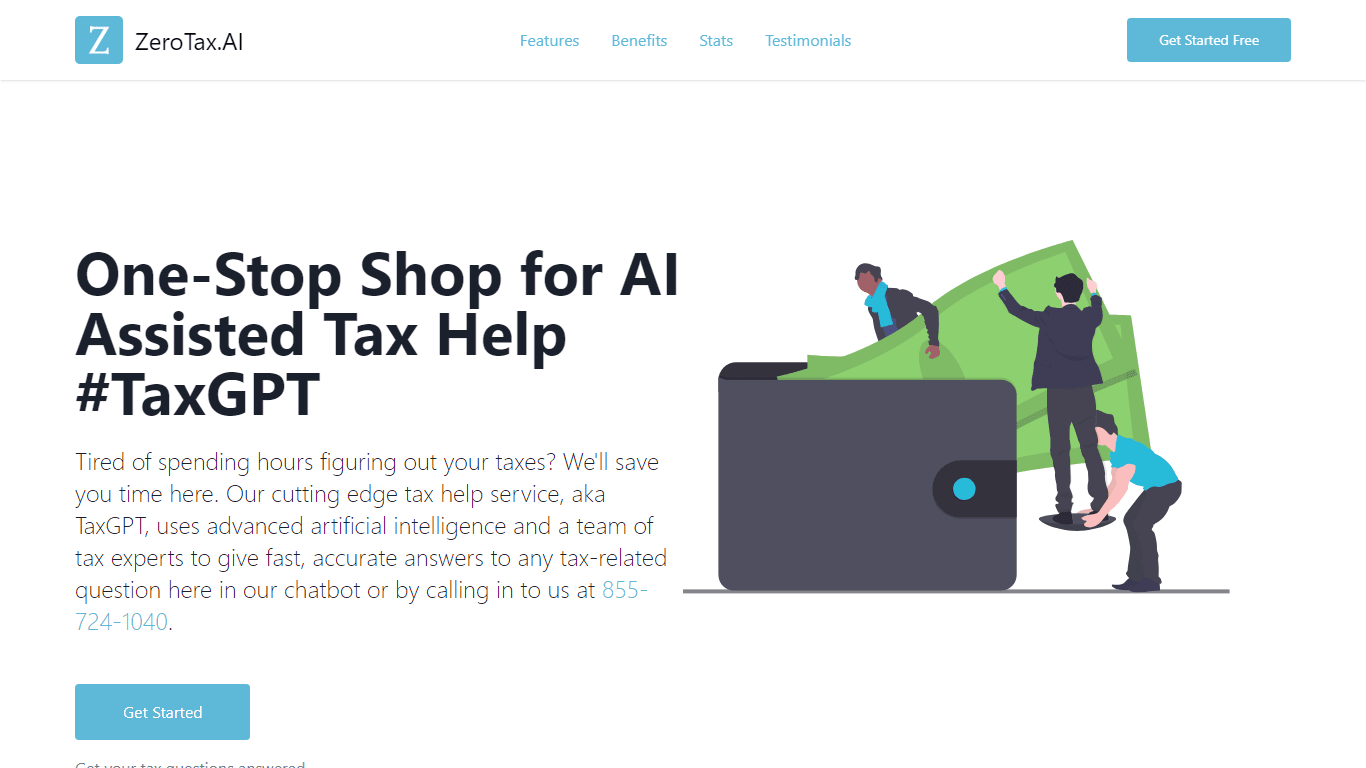
Discover hassle-free tax solutions with ZeroTax.ai — your ultimate destination for AI-assisted tax help. This innovative platform offers a one-stop shop experience that revolutionizes the way tax-rela

Amplify Security
A tool that detects and fixes code vulnerabilities.

Ovren
Turn GitHub tickets into reviewable production-ready code.

PDF Guru
It also offers a wide range of features such as annotating, filling out forms, rotating, and organizing PDF pages. PDF Guru supports converting numerous file formats such as Word, Excel, JPG, and PNG

ace.me
ace.me is a platform that combines website creation, email services, and cloud storage into a single, easy-to-use solution. It targets individuals and small businesses who want to establish an online

Bardeen AI
Automate workflows and enhance GTM productivity.

AI for Database
A tool to query databases and generate dashboards without SQL.
Qodo
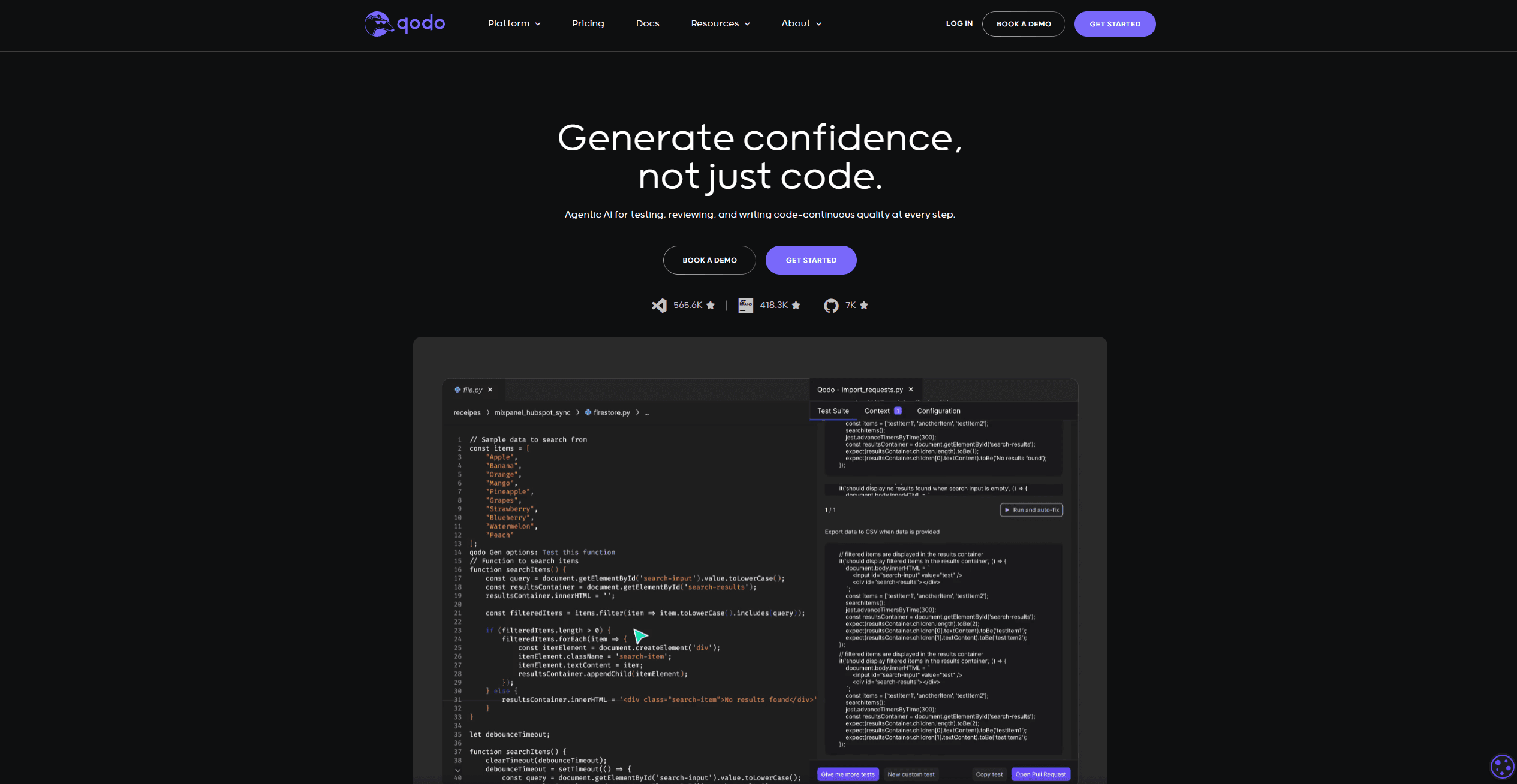
Automates code reviews, test generation, and quality assurance.

BLACKBOX.AI
Revolutionize coding: AI generation, conversational code help, intuitive search.