Perimeter
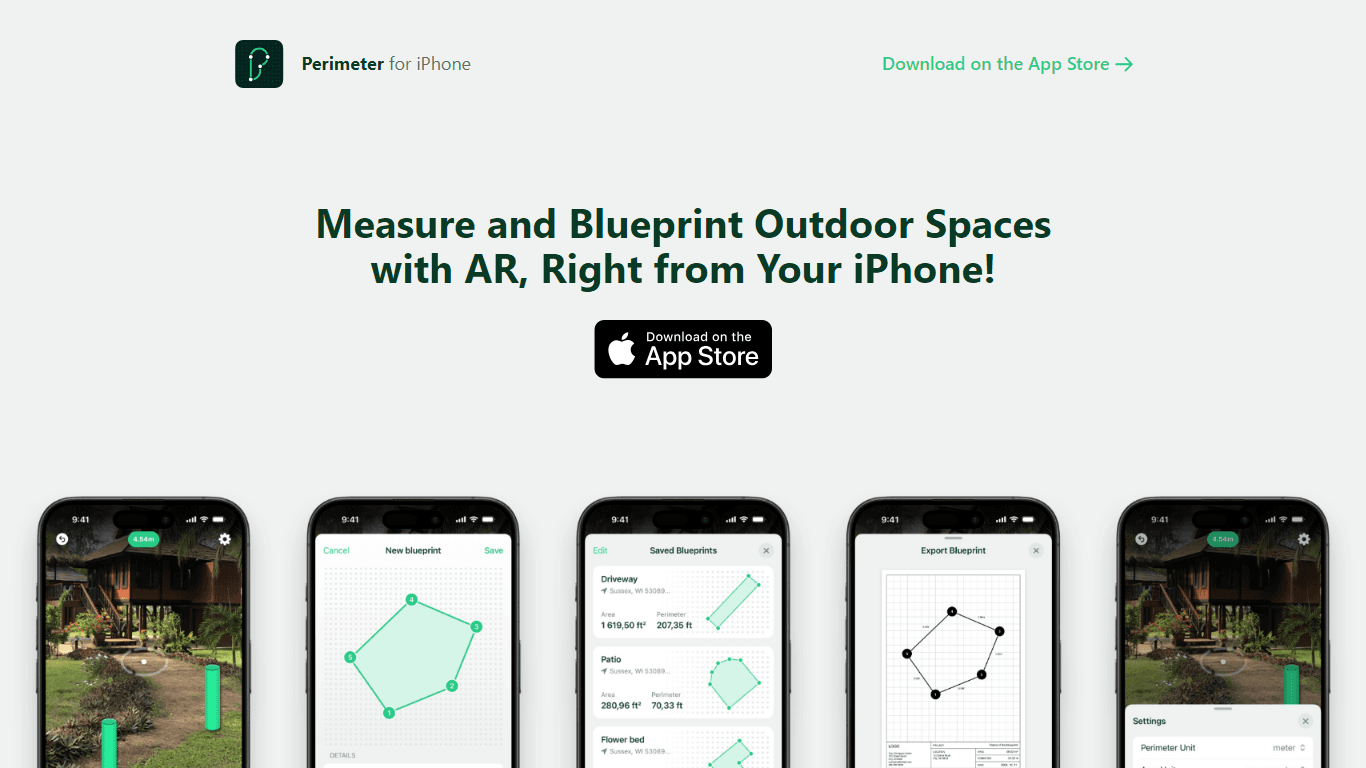
Perimeter is an innovative augmented reality (AR) measuring app designed specifically for iPhone users. Its core functionality allows users to measure the area and perimeter of outdoor spaces by simpl
14,868
Votes
27,871
Views
11,916
Bookmarks
About
Perimeter is an innovative augmented reality (AR) measuring app designed specifically for iPhone users. Its core functionality allows users to measure the area and perimeter of outdoor spaces by simply walking around and placing markers in AR. This intuitive approach makes it easy for anyone to obtain accurate measurements without the need for traditional measuring tools. The app is particularly beneficial for professionals in landscaping, gardening, and construction, as it streamlines the measuring process and enhances productivity. The target audience for Perimeter includes gardeners, landscapers, general contractors, and concrete companies who require precise measurements for their projects. By leveraging AR technology, the app provides a user-friendly experience that caters to both seasoned professionals and casual users alike. This accessibility is a key aspect of its appeal, as it allows users to engage with the app without needing extensive technical knowledge or experience. One of the unique value propositions of Perimeter is its ability to save measurements and blueprints for future access. Users can easily revisit their work, ensuring that they have a reliable reference for ongoing projects. Additionally, the app allows users to export their measurements as detailed PDF blueprints, complete with their business logo and information. This feature not only enhances the professionalism of the user's output but also provides a tangible deliverable for clients or stakeholders. Key differentiators of Perimeter include its high accuracy, typically within a 1-2% difference of actual distances, and its focus on outdoor measurements. While other measuring apps may cater to indoor spaces, Perimeter is specifically designed for larger outdoor areas, making it a specialized tool for its intended audience. The app's performance can be influenced by factors such as lighting conditions and surface steadiness, which users are advised to consider for optimal results. In terms of technical implementation, Perimeter utilizes advanced AR technology to deliver its measurement capabilities. Users are encouraged to use the app in well-lit conditions and on clear, flat surfaces to achieve the best accuracy. The app is free to download, with an option to upgrade to a PRO version for a one-time in-app purchase, allowing users to save their measurements and blueprints. This pricing model makes it accessible to a wide range of users, from hobbyists to professionals.
Key Features
- Augmented Reality Measurement: Users can measure areas and perimeters by walking around and placing markers in AR, making it easy to get accurate measurements without traditional tools.
- Save Blueprints: Users can save their measurements for future access, allowing them to revisit their work whenever needed.
- PDF Export: The app allows users to generate detailed PDF blueprints that include their business logo and information, providing a professional output for clients.
- Volume Calculation: Based on the measured area, users can quickly calculate the volume in various units, helping them plan their projects more effectively.
- High Accuracy: Perimeter delivers measurements with a typical accuracy of 1-2% difference from actual distances, ensuring reliable results for outdoor projects.
FAQ
How accurate are the measurements?
Perimeter uses advanced AR technology to provide measurements that are typically within a 1-2% difference of actual distances. However, factors like lighting and surface conditions can affect accuracy.
Can I use Perimeter indoors?
Yes, you can use Perimeter indoors, but it is designed primarily for larger outdoor areas. It works best for users like gardeners and landscapers.
Is there a subscription fee for the app?
No, Perimeter is free to download. You can upgrade to the PRO version with a one-time in-app purchase to save your measurements and blueprints.
What should I consider for best accuracy?
For the best results, use Perimeter in well-lit conditions and on clear, flat surfaces. If there are large elevation changes, scan multiple smaller areas.
Who can benefit from using Perimeter?
Perimeter is ideal for gardeners, landscapers, general contractors, and concrete companies who need precise measurements for their projects.
What features does the PRO version offer?
The PRO version allows users to save their measurements and blueprints, providing a convenient way to revisit their work.
You may also like
More tools in Productivity

Dify
A platform to develop and operate AI applications.
ZEN AI
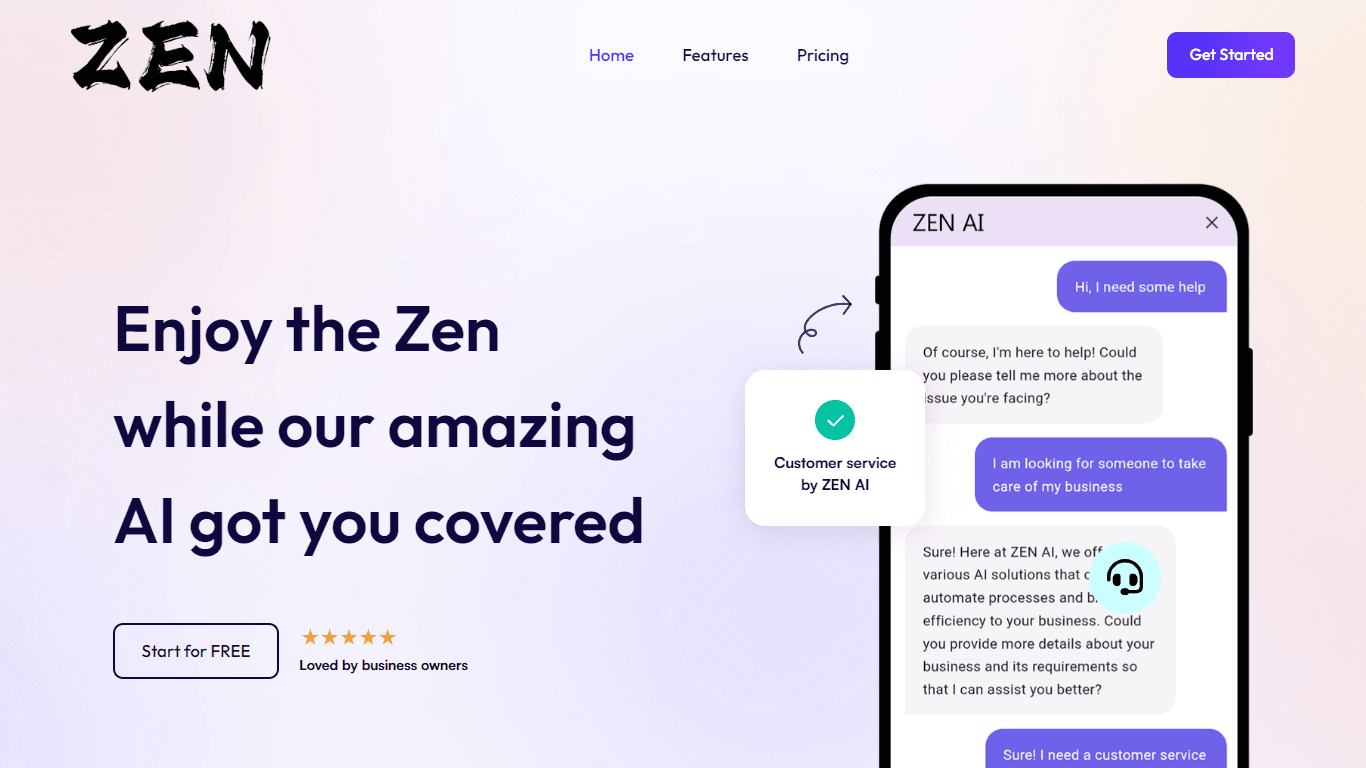
Discover unparalleled customer service with ZEN AI, an intelligent customer support assistant designed for businesses of all sizes. ZEN AI operates around the clock, ensuring that your customers alway

Assert AI
Automatically generates test cases, identifies bugs, and provides insights.
Zendesk AI
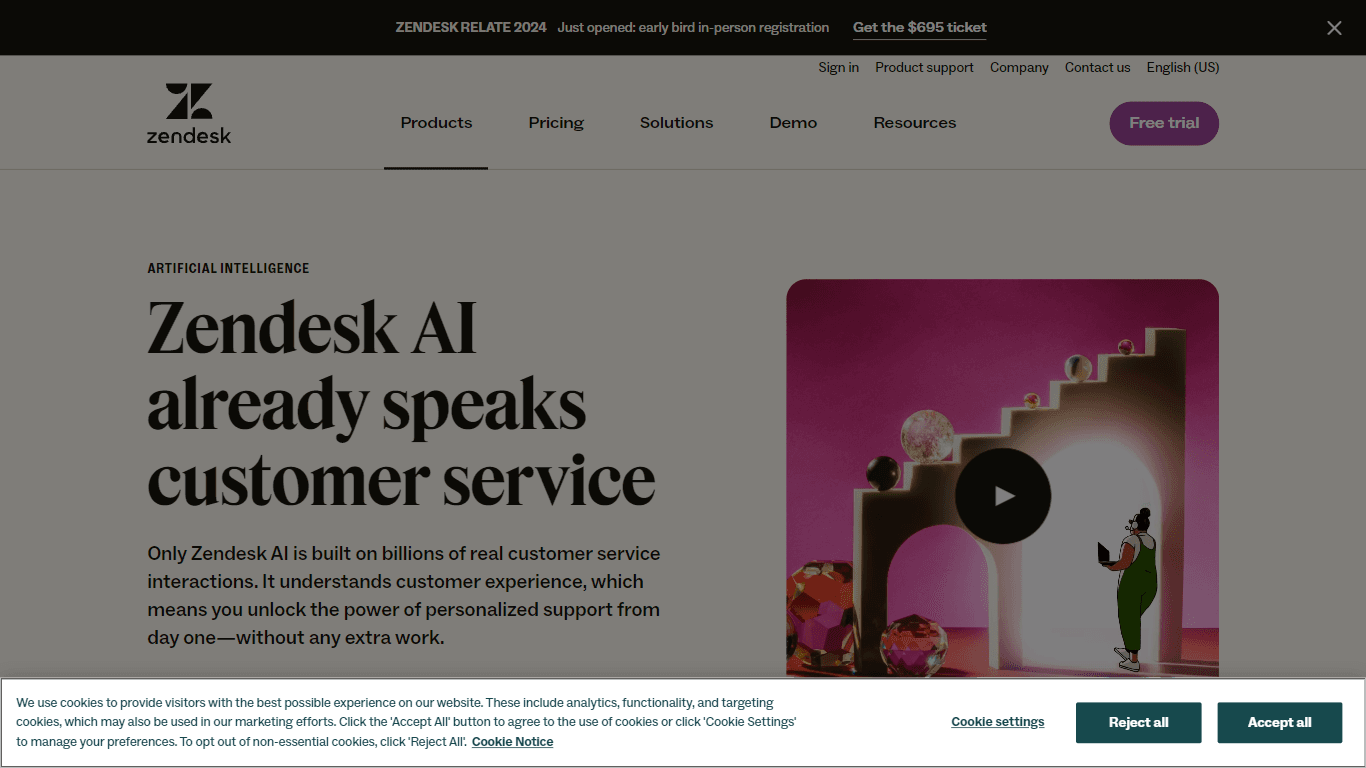
Explore the transformative power of AI-driven customer support with Zendesk AI. With a suite of intelligent tools, including sophisticated bots, enhanced self-service options, and a wealth of producti

Outreach
Optimize sales, enhance workflows, boost efficiency with AI-powered tools.

Convoso
A call center platform with dialing and omnichannel communication tools.
X-doc
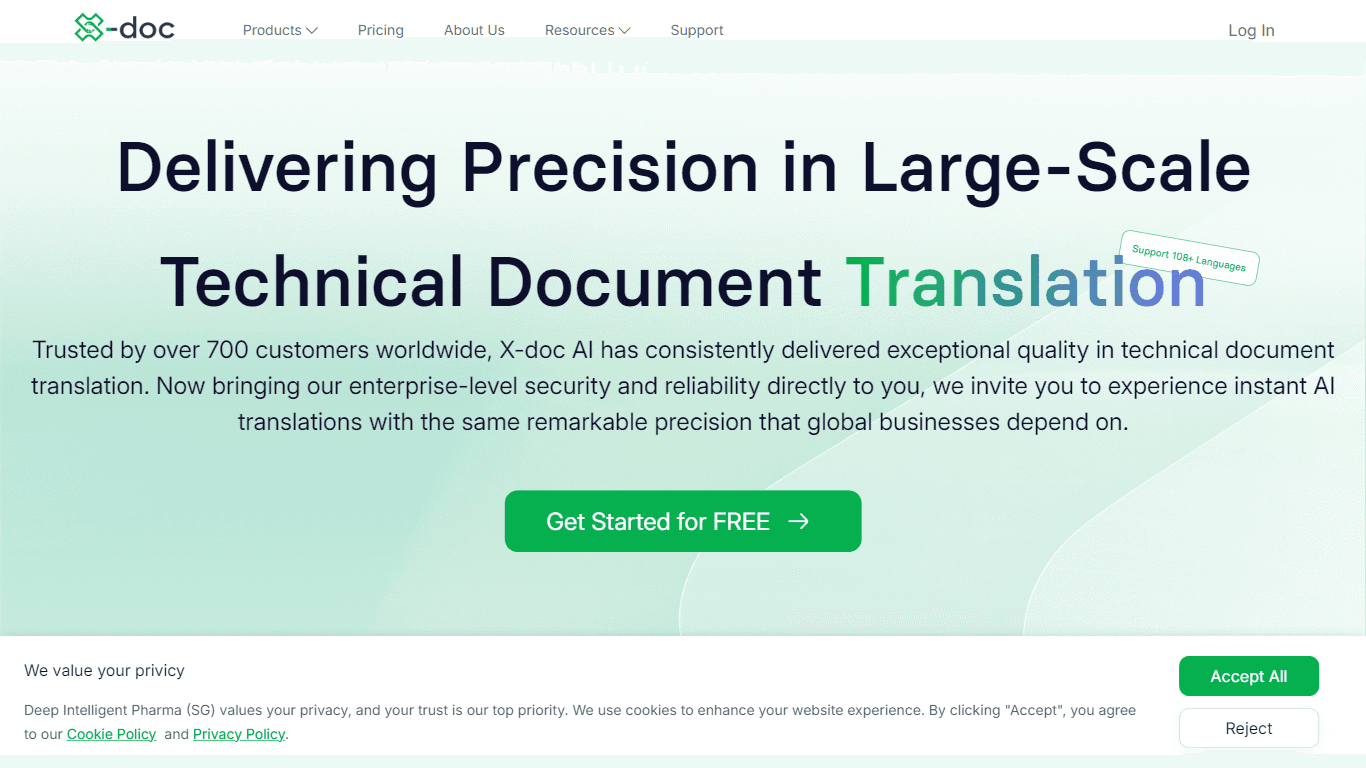
X-doc is a cutting-edge AI-driven platform specializing in large-scale technical document translation. Its core functionality revolves around providing instant translations across 108 languages, ensur

Tektonic AI
Streamline sales and revenue operations with advanced AI-driven automation.

Align AI
Streamlines AI strategy alignment with business objectives.

Ada
Revolutionize customer service with AI across all digital platforms.

Retell AI
Create lifelike AI voice agents, deploy anywhere, analyze real-time.

Supametas.AI
A tool to transform unstructured data into structured formats for AI models and knowledge bases.