Overchat AI
Chat, write, design images, craft short videos together
17,161
Votes
26,949
Views
12,268
Bookmarks
About
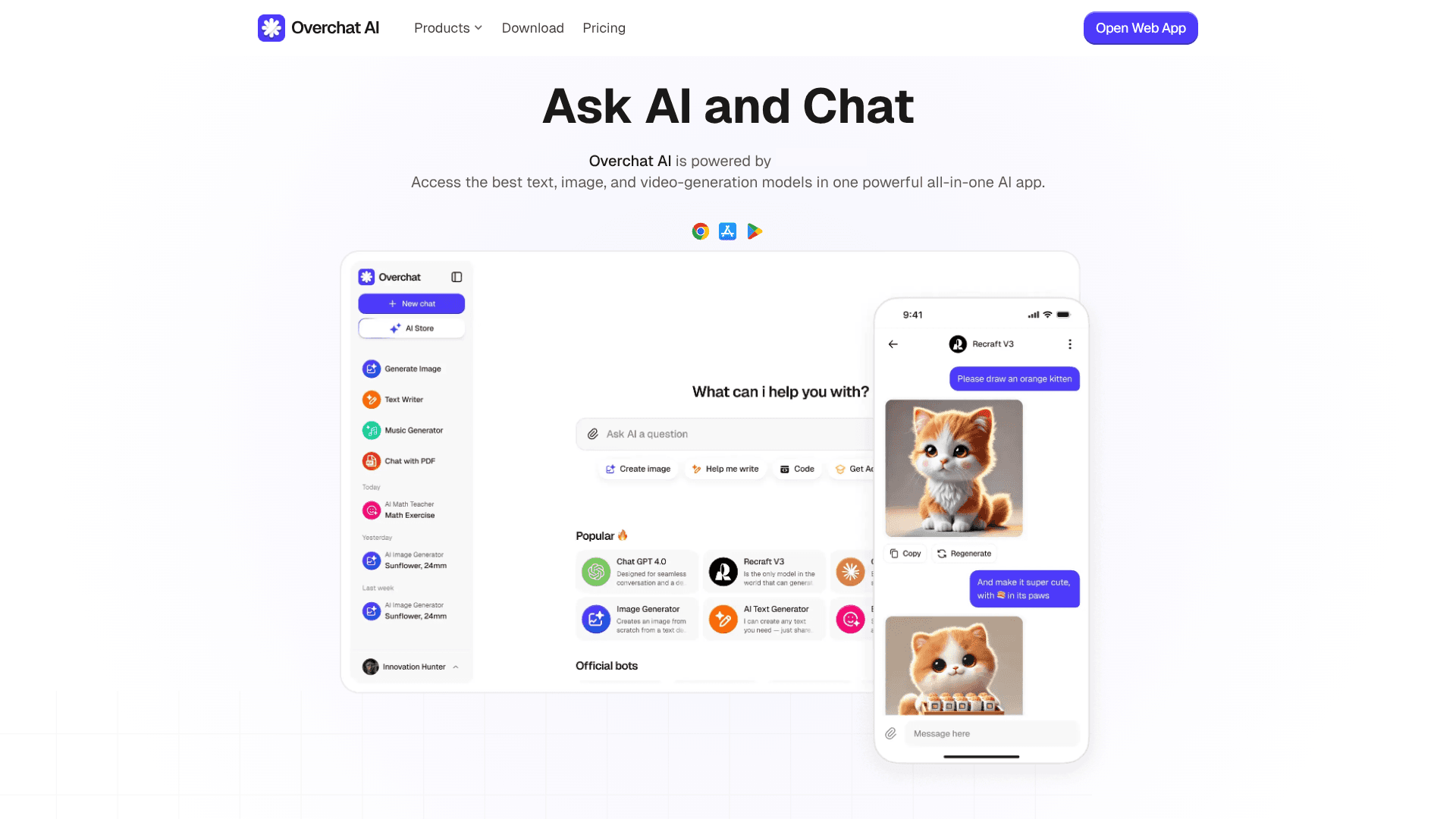
Overchat AI is an all‑in‑one “AI super app” that brings many leading text, image, and video models into a single interface. Instead of juggling separate subscriptions for ChatGPT, Claude, Gemini, DeepSeek, Grok, and others, users can chat, write, generate images, and create short videos inside one environment. It targets people who want powerful models, but prefer one login, one billing setup, and a privacy‑conscious wrapper around the underlying AI providers.
Key Features
- Multi‑model hub: Access advanced models such as GPT‑4o and GPT‑5.x, Claude 4.x Sonnet, Gemini 3 Pro, DeepSeek V3, Llama 4, Mistral, and Grok‑4.1, all selectable per chat or task.
- Text, image, and video generation: Supports GPT‑Image‑1, Nano Banana, FLUX, Stable Diffusion, Recraft, Seedream, plus video tools like Sora 2, Veo 3.1, Kling, Runway, and more.
- Task‑specific AI tools: Built‑in utilities for writing, paraphrasing, summarizing, translation, product descriptions, scripts, essays, email, math and homework solving, PDF chat, and various AI detectors.
- Prebuilt chatbots: Dozens of role‑based bots such as AI Writer, Career Coach, Math AI, and travel or brainstorming assistants to skip manual prompt crafting.
- Cross‑platform access: Web app live today, with Android and iOS apps available and desktop apps plus browser extensions listed as “coming soon.”
- Privacy and security stack: AES‑256 encryption, SSL, GDPR and CCPA compliance, and a “no usage tracking” stance for chat histories across platforms.
Pros
- One subscription for many frontier models: Very attractive for users who want GPT, Claude, Gemini, and more without separate accounts.
- Strong creative toolkit: Image‑to‑image, style filters, photo editing, and video generators make it appealing for designers, social creators, and marketers.
- Good language coverage: Supports 25+ languages, so non‑English users are not treated as an afterthought.
- Security‑forward messaging: Clear encryption claims, regulatory compliance, and explicit statements about not tracking chats.
Cons
- Interface density: The sheer number of tools and models can feel overwhelming for beginners.
- Model availability dependencies: Access depends on upstream providers; some models or features may vary by region or change over time.
- Usage limits still exist: Even with “unlimited chat,” image and video credits, or specific model caps, can confuse users expecting totally open‑ended use.
Who Uses It
- Content Creators and Solo Entrepreneurs: Using it to draft scripts, social captions, ad copy, thumbnails, and quick video concepts from one place.
- Marketing Teams and Agencies: Relying on multi‑model copywriting, image generation, and short‑form video tools to speed up campaign production.
- Students and Educators: Applying the homework solvers, PDF chat, and summarizers for studying, lesson prep, and quick explanations.
- Software Developers and Tech Professionals: Tapping into coding‑aware models plus documentation summarization and AI detectors for faster experimentation.
- Uncommon Use Cases: Adopted by librarians building in‑house research helpers; used by HR teams to prototype internal policy chatbots and training content.
Pricing
- Free: $0. Includes 20 credits per day, 20 daily accesses to basic models, GPT-4o, ChatGPT 4.1 Nano, limited trial image generation, and basic model-driven smart writing, translation, and summary.
- Pro Access: $59.99 per year. Includes unlimited AI chat, access to basic models (GPT-4o mini and DeepSeek V3), access to advanced models (GPT-5.1, Claude 4.5 Sonnet, Gemini 3 Pro, Llama 4, Mistral, and Grok-41), image generation (GPT-Image-1, Nano Banana Pro, Flux 2, and Seedream 4), and advanced custom chatbots for writing, translation, summary, search, and ChatPDF.
You may also like
More tools in AI Chatbots

UiPath
Streamline workflows with AI-driven automation and seamless integration.

One AI
Boost website engagement and sales with adaptive AI-driven interactions.

Spoke.ai
AI-powered tool revolutionizes team communication and project management.

Tektonic AI
Streamline sales and revenue operations with advanced AI-driven automation.

Retell AI
Create lifelike AI voice agents, deploy anywhere, analyze real-time.

Ada
Revolutionize customer service with AI across all digital platforms.

Inworld
Elevate game development with dynamic NPCs, immersive worlds, and AI-driven content creation.
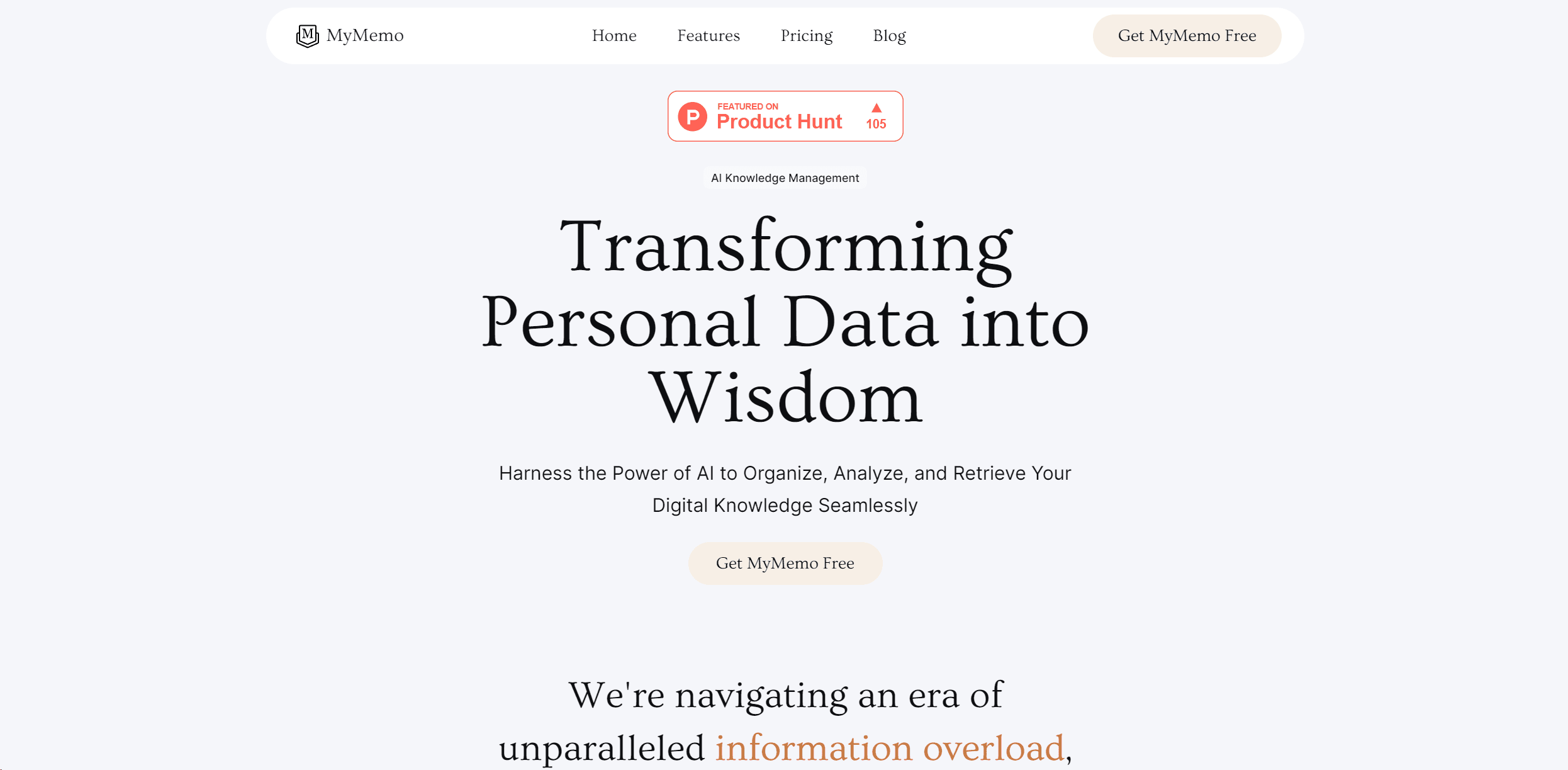
MyMemo AI
Transform digital chaos into an organized, AI-enhanced knowledge oasis.
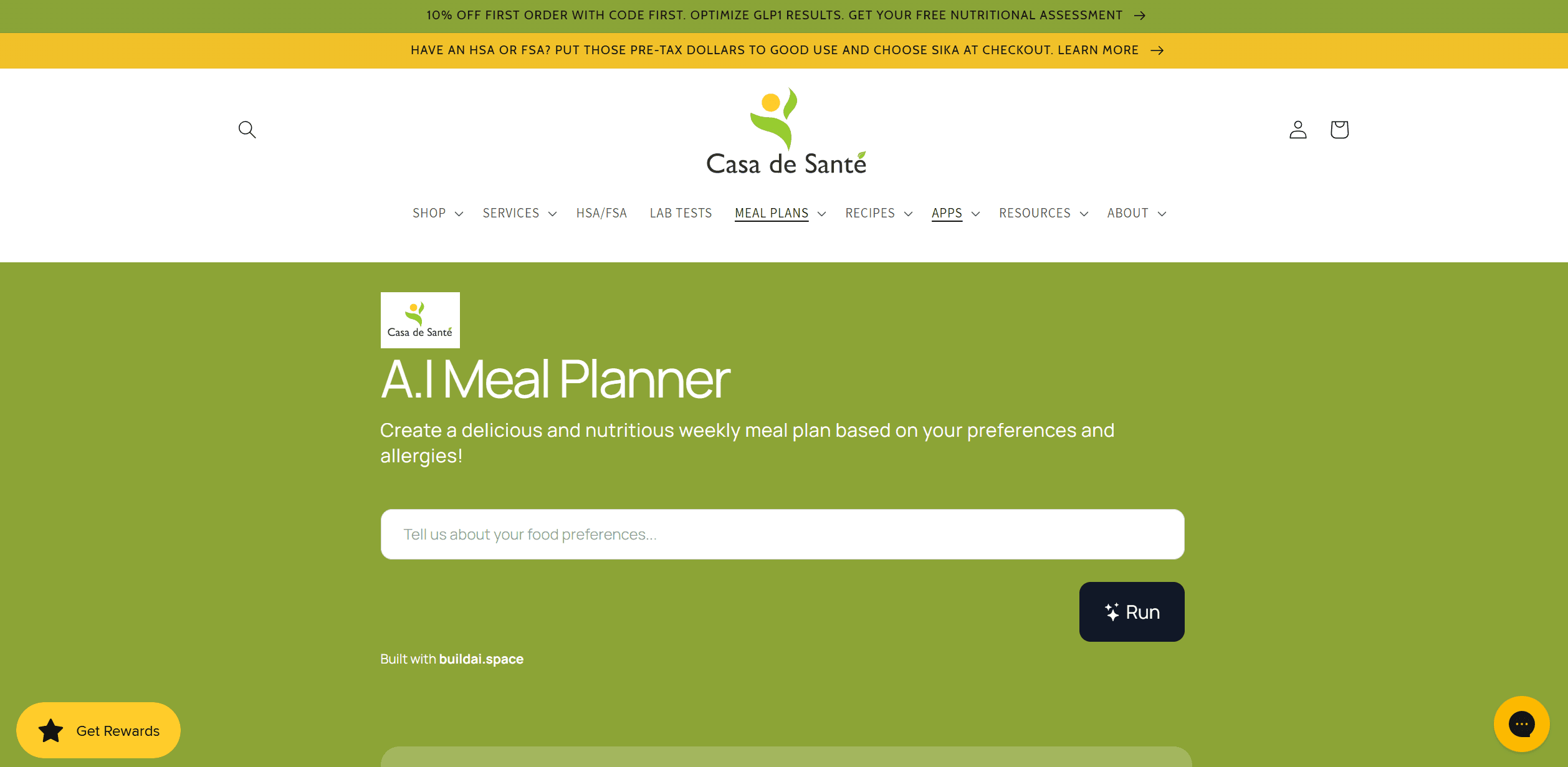
AI Meal Planner
Personalized meal plans tailored to individual dietary needs.
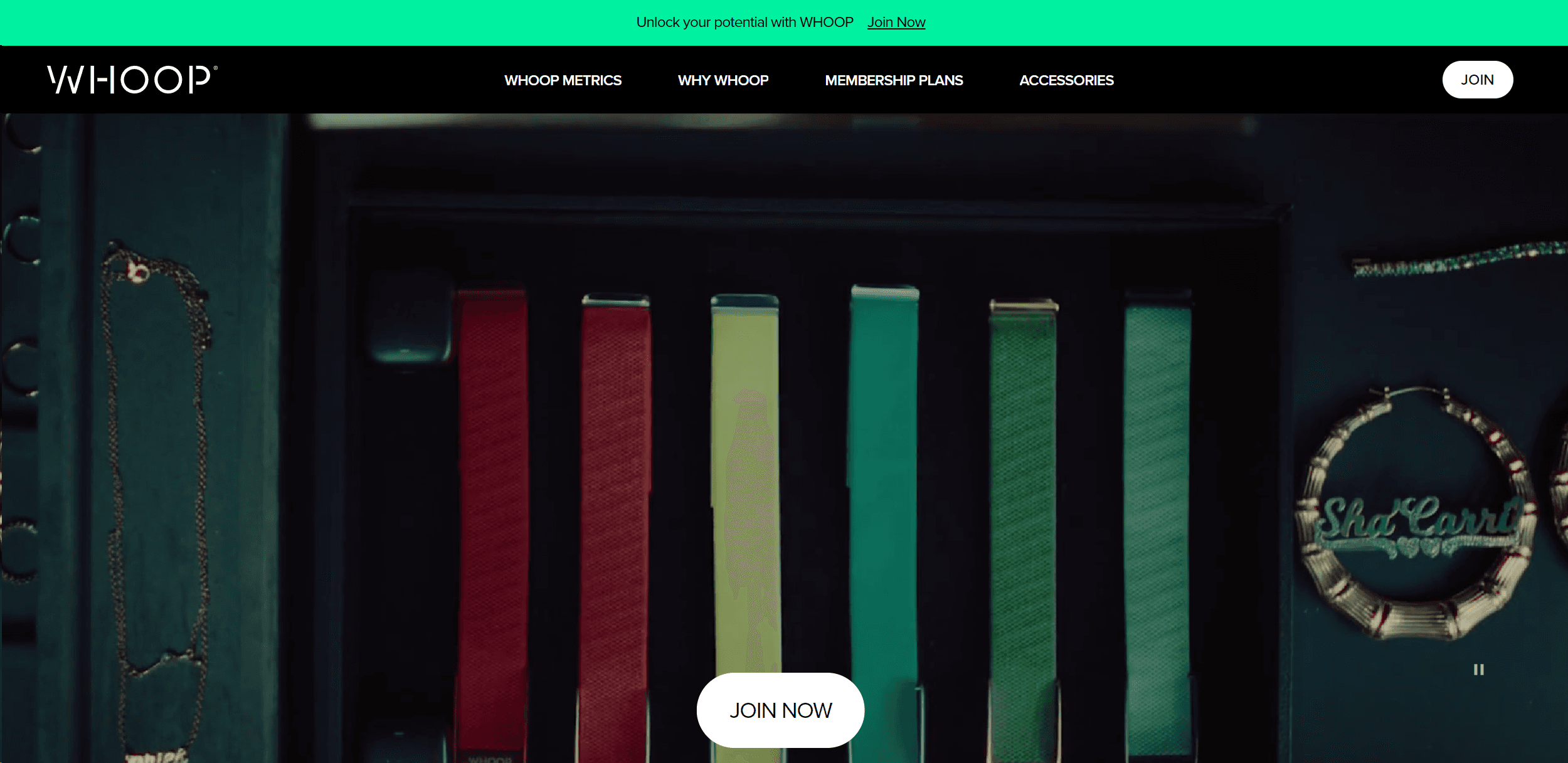
Whoop
Optimize fitness, sleep, and recovery with real-time health insights.
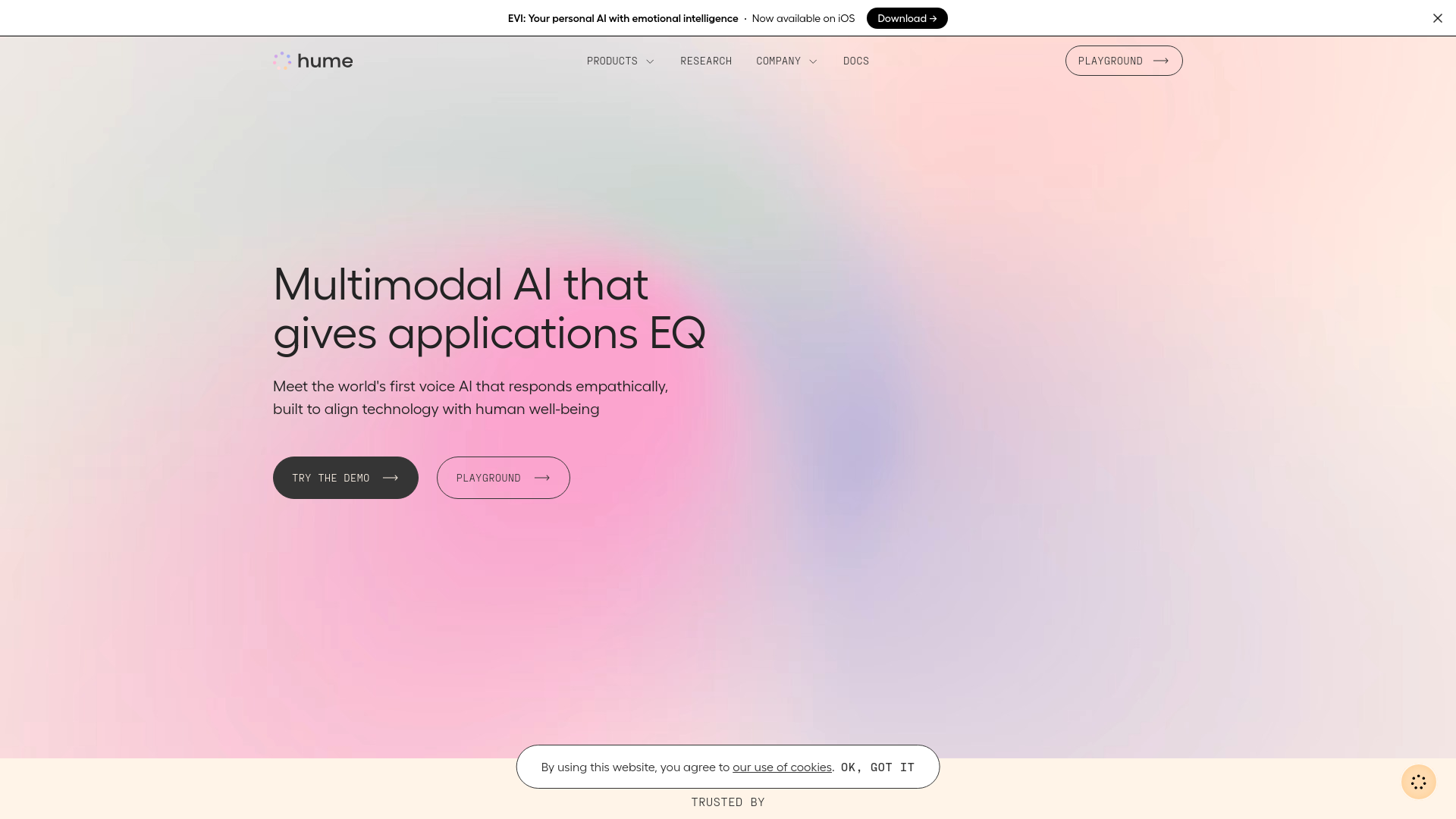
Hume AI
Transforms AI with emotional intelligence for natural, empathetic interactions.
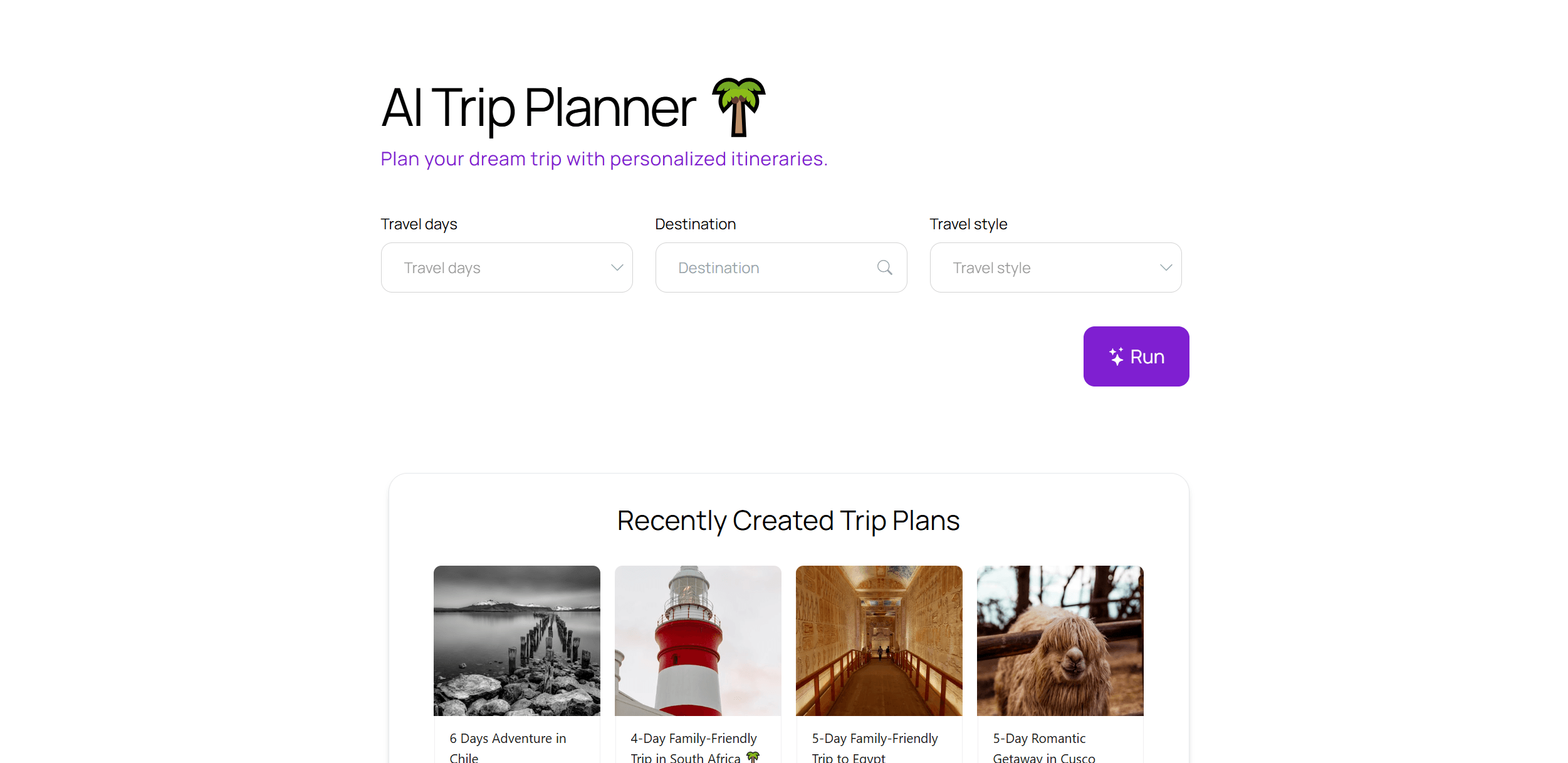
AI Trip Planner
AI-driven tool for personalized, efficient travel itinerary creation.