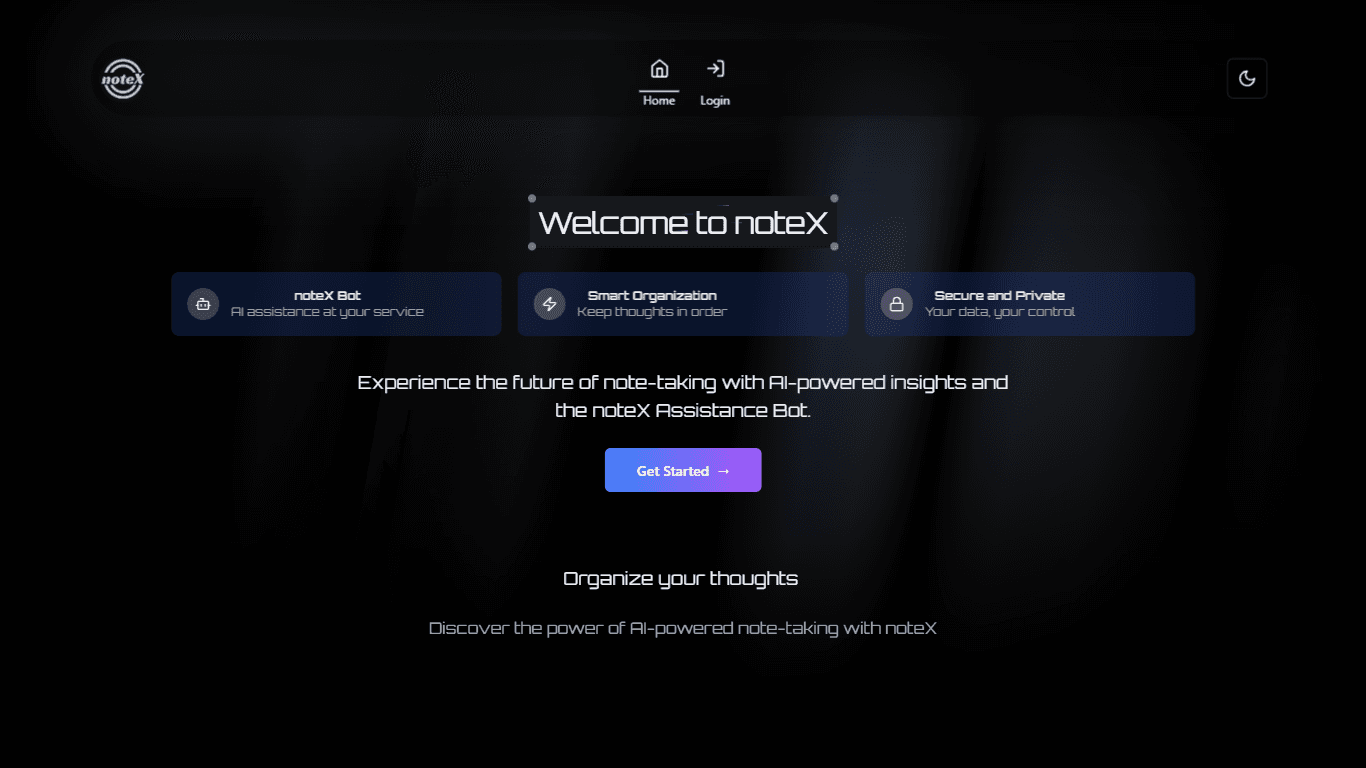
noteX
noteX is a versatile note-taking application designed to help users capture, organize, and manage their thoughts efficiently. Its core functionality revolves around providing a user-friendly interface
15,672
Votes
29,025
Views
11,256
Bookmarks
About
noteX is a versatile note-taking application designed to help users capture, organize, and manage their thoughts efficiently. Its core functionality revolves around providing a user-friendly interface that allows individuals to create notes, categorize them, and access them easily across devices. This makes it an ideal tool for students, professionals, and anyone who needs to keep track of their ideas and tasks in a structured manner. The application is particularly beneficial for those who value organization and clarity in their note-taking process. The target audience for noteX includes students, educators, and professionals who require a reliable platform for note management. Whether you are in a classroom setting, a business meeting, or simply brainstorming ideas, noteX caters to a wide range of users looking for an effective way to document their thoughts. Its intuitive design ensures that even those who are not tech-savvy can navigate the application with ease, making it accessible to a broader audience. One of the unique value propositions of noteX is its seamless synchronization feature, which allows users to access their notes from any device at any time. This flexibility ensures that users can stay organized and productive, regardless of where they are or what device they are using. Additionally, noteX offers a clean and distraction-free interface, enabling users to focus on their content without unnecessary interruptions. Key differentiators of noteX include its robust categorization system and the ability to integrate multimedia elements into notes. Users can not only type text but also add images, audio recordings, and links, making their notes more dynamic and engaging. This feature is particularly useful for students who may want to include lecture recordings or visual aids in their study materials. Furthermore, noteX prioritizes user privacy and data security, ensuring that all notes are stored safely and are only accessible to the user. In terms of technical implementation, noteX utilizes cloud storage technology to ensure that all notes are backed up and easily retrievable. This means that users do not have to worry about losing their important information due to device malfunctions or accidental deletions. The application is designed to be lightweight and fast, providing a smooth user experience without compromising on performance. Overall, noteX stands out as a comprehensive solution for anyone looking to enhance their note-taking experience.
Key Features
- User-friendly interface that makes it easy to create and organize notes.
- Seamless synchronization across devices, allowing access to notes anytime, anywhere.
- Robust categorization system to help users keep their notes organized and easy to find.
- Ability to integrate multimedia elements like images and audio recordings into notes.
- Strong focus on user privacy and data security, ensuring notes are safe and accessible only to the user.
FAQ
What devices can I use noteX on?
You can use noteX on any device that has internet access, including smartphones, tablets, and computers.
Is my data safe with noteX?
Yes, noteX prioritizes user privacy and data security, ensuring that your notes are stored safely.
Can I access my notes offline?
NoteX requires an internet connection to access your notes, as it uses cloud storage for synchronization.
How do I categorize my notes in noteX?
You can easily categorize your notes using folders or tags, making it simple to organize and find them later.
Is there a limit to how many notes I can create?
There is no specific limit to the number of notes you can create in noteX, allowing you to document as much as you need.
Can I share my notes with others?
Yes, noteX allows you to share your notes with others, making collaboration easy.
You may also like
More tools in Productivity

Dify
A platform to develop and operate AI applications.
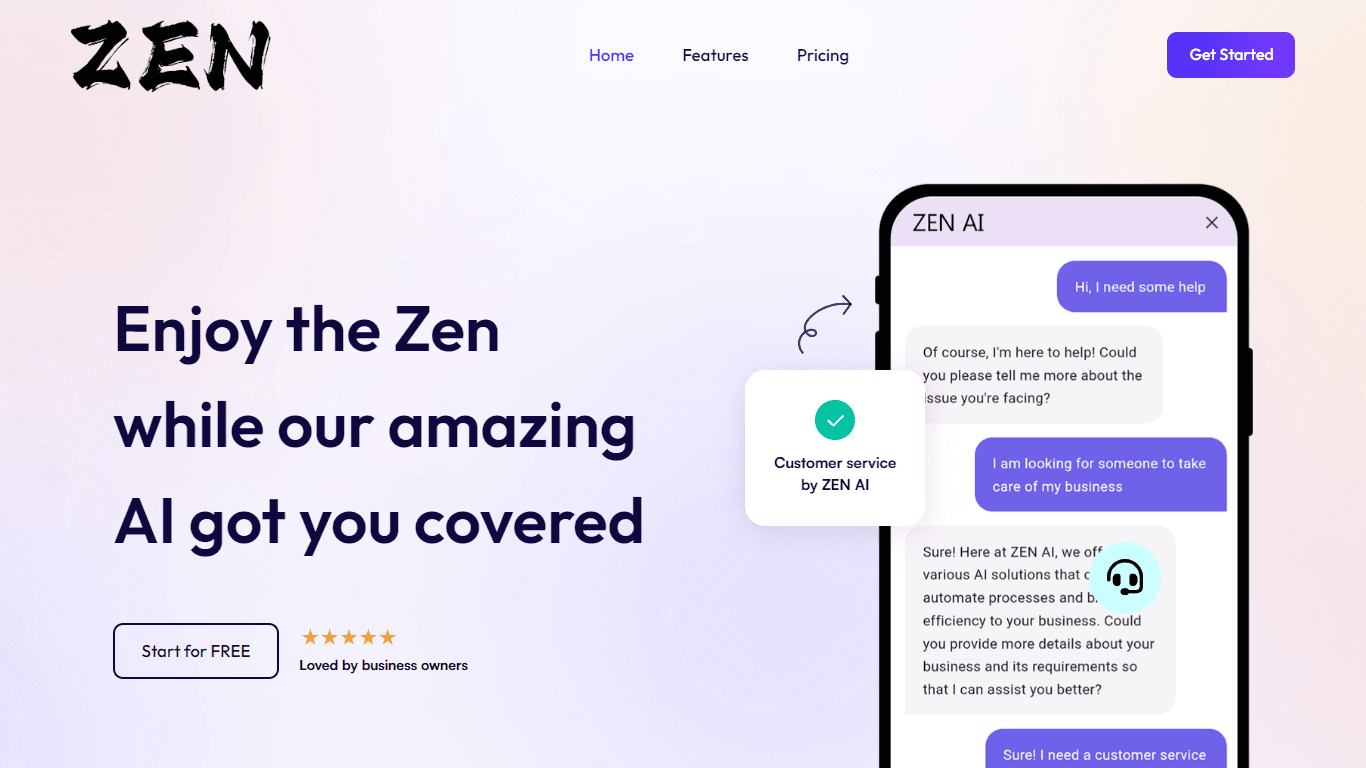
ZEN AI
Discover unparalleled customer service with ZEN AI, an intelligent customer support assistant designed for businesses of all sizes. ZEN AI operates around the clock, ensuring that your customers alway
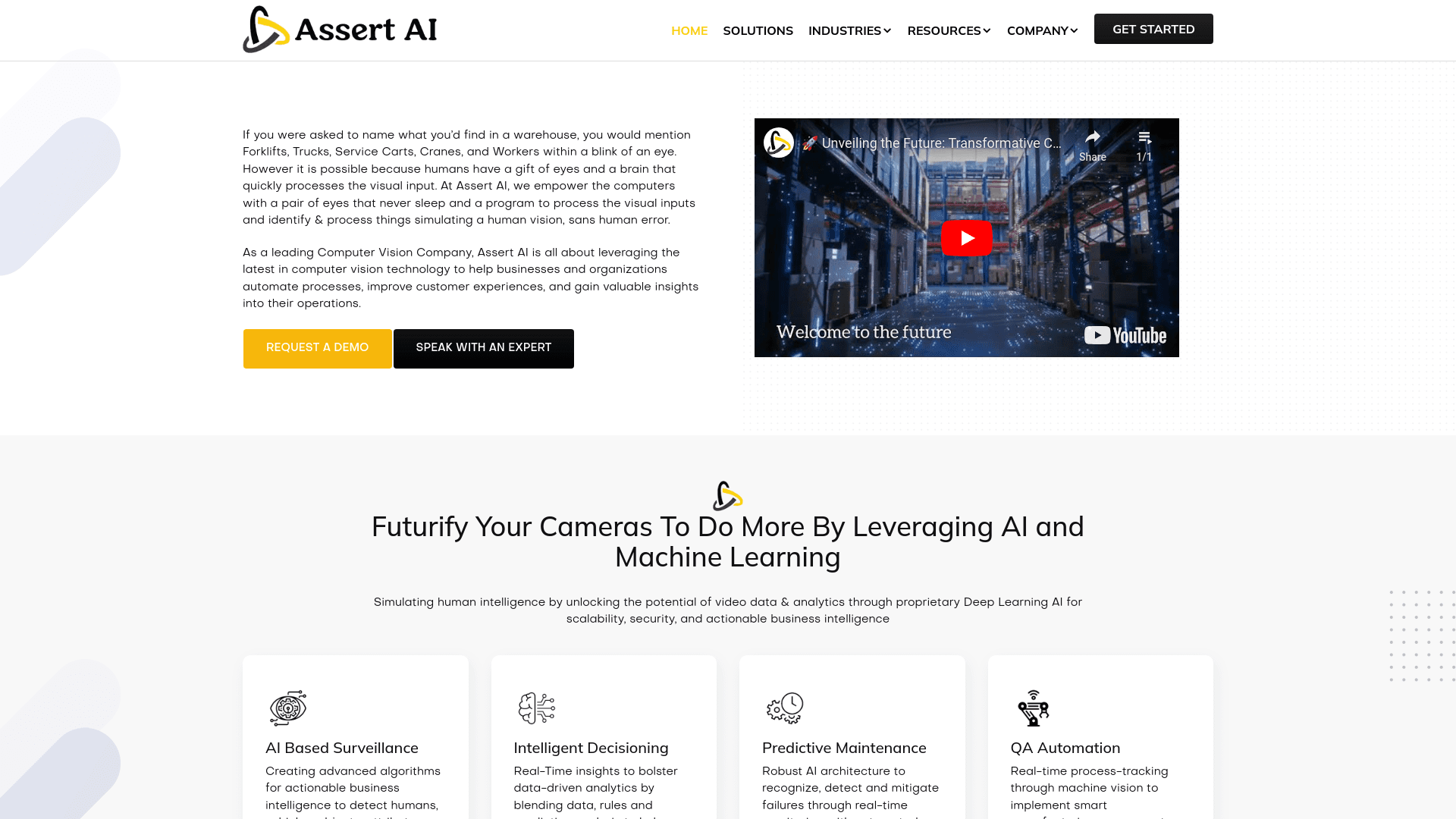
Assert AI
Automatically generates test cases, identifies bugs, and provides insights.
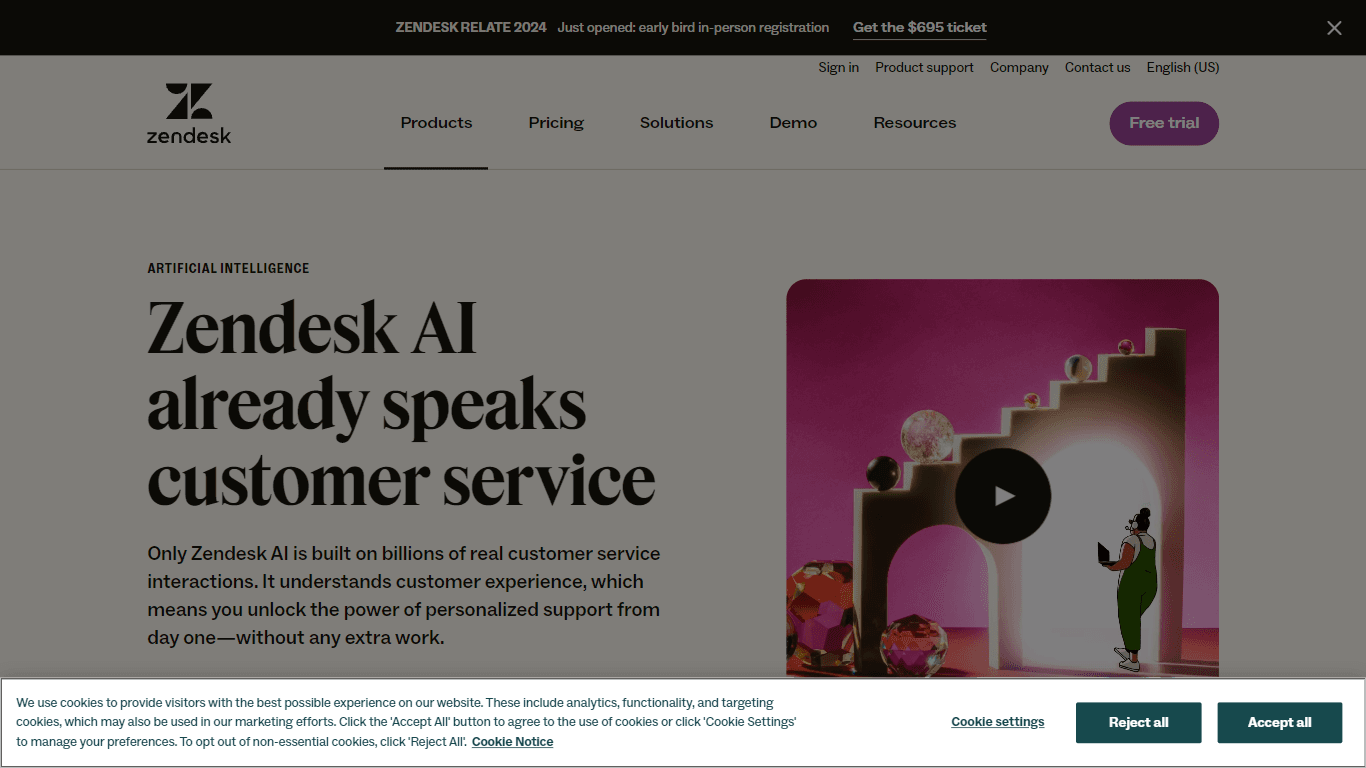
Zendesk AI
Explore the transformative power of AI-driven customer support with Zendesk AI. With a suite of intelligent tools, including sophisticated bots, enhanced self-service options, and a wealth of producti

Outreach
Optimize sales, enhance workflows, boost efficiency with AI-powered tools.

Convoso
A call center platform with dialing and omnichannel communication tools.
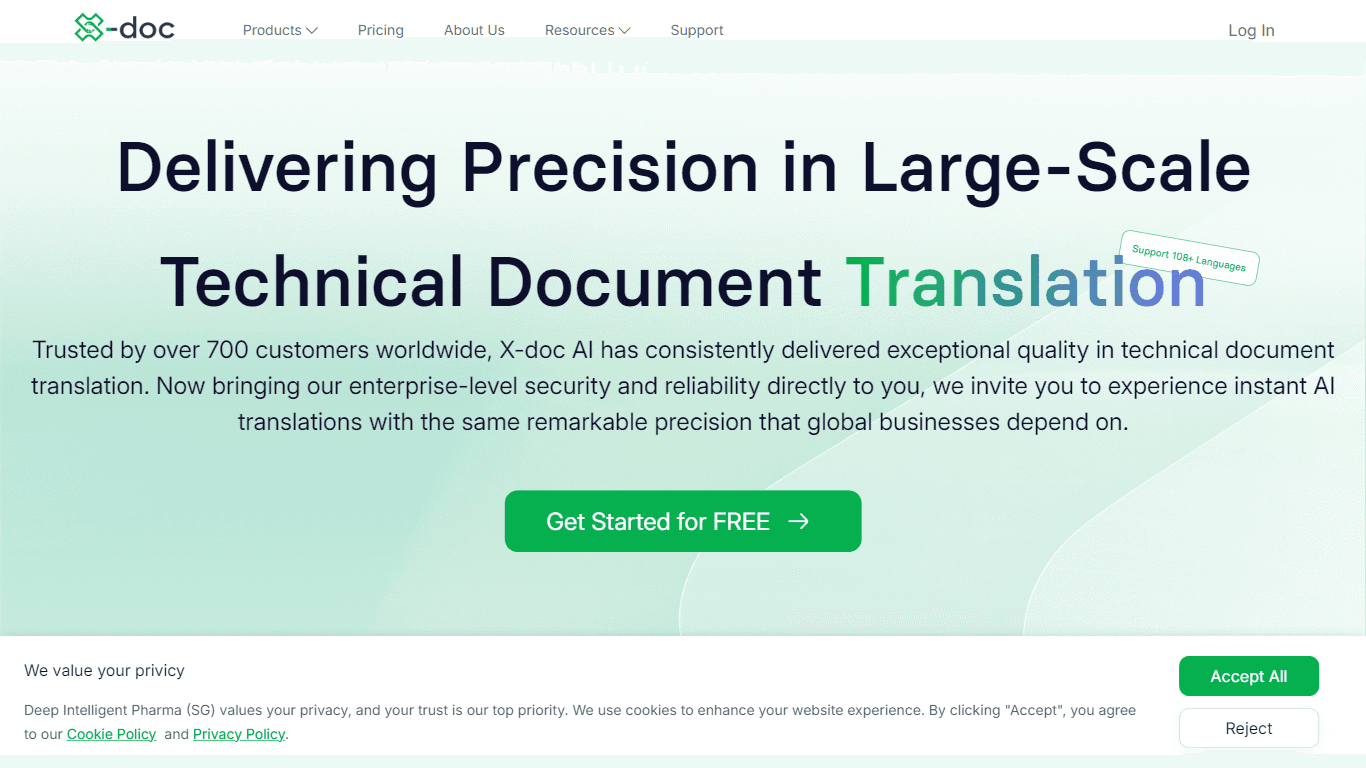
X-doc
X-doc is a cutting-edge AI-driven platform specializing in large-scale technical document translation. Its core functionality revolves around providing instant translations across 108 languages, ensur

Tektonic AI
Streamline sales and revenue operations with advanced AI-driven automation.

Align AI
Streamlines AI strategy alignment with business objectives.

Ada
Revolutionize customer service with AI across all digital platforms.

Supametas.AI
A tool to transform unstructured data into structured formats for AI models and knowledge bases.

Retell AI
Create lifelike AI voice agents, deploy anywhere, analyze real-time.