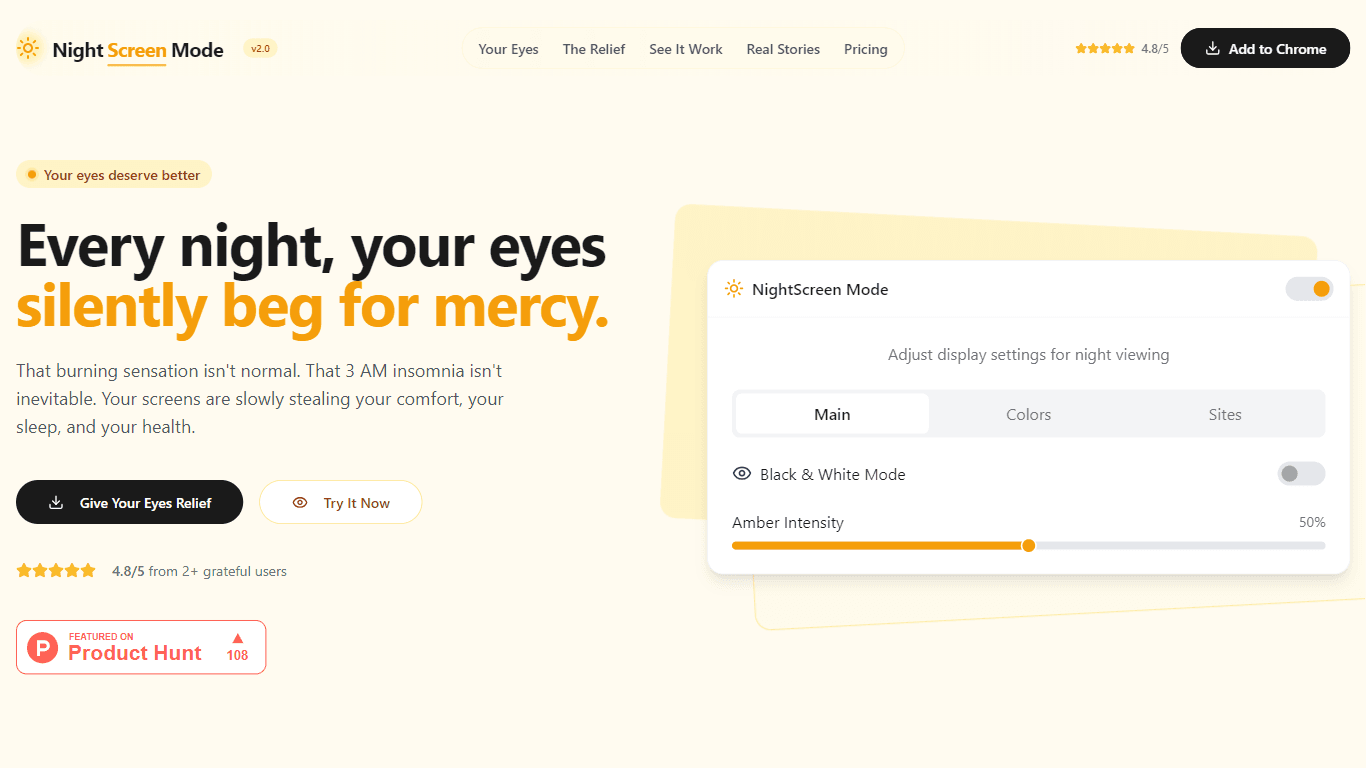
NightScreen Mode
NightScreen Mode is designed to adjust your display settings to provide relief for your eyes during night-time screen usage. Its core functionality revolves around applying amber filters and dark mode
16,058
Votes
26,946
Views
11,410
Bookmarks
About
NightScreen Mode is designed to adjust your display settings to provide relief for your eyes during night-time screen usage. Its core functionality revolves around applying amber filters and dark mode to reduce eye strain caused by blue light emitted from screens. This is particularly beneficial for individuals who spend long hours in front of screens, especially during the evening. The target audience includes anyone who experiences discomfort from digital eye strain, including professionals, students, and casual users alike. The unique value proposition of NightScreen Mode lies in its ability to create a more comfortable viewing experience by mimicking natural light patterns. Unlike standard screen filters, NightScreen Mode not only reduces blue light but also preserves color accuracy where it matters, ensuring that users can still enjoy their content without compromising on quality. This makes it a standout choice for those who require both comfort and visual fidelity. Key differentiators of NightScreen Mode include its focus on circadian rhythm protection, which helps signal to the brain that it's time to wind down for sleep. By creating a digital sunset effect, it aids in regulating sleep-wake cycles and hormone release, making it a holistic solution for night-time screen users. Additionally, the ease of use—requiring no account setup and working instantly—adds to its appeal. From a technical implementation perspective, NightScreen Mode utilizes advanced algorithms to filter out harmful blue light wavelengths while maintaining the integrity of colors that are essential for various tasks. This ensures that users can work or relax without the adverse effects typically associated with prolonged screen exposure. The product is also backed by a money-back guarantee, reflecting confidence in its effectiveness and commitment to customer satisfaction.
Key Features
- Amber Filter: Reduces harmful blue light while keeping color accuracy, helping users see better without straining their eyes.
- Circadian Rhythm Protection: Signals to your brain that it's time to prepare for rest, improving sleep quality after evening screen time.
- Instant Setup: Takes only 5 seconds to activate, providing immediate relief without the need for an account.
- Affordable Pricing: One-time payment with no subscription fees, making it accessible for everyone.
- User Testimonials: Positive feedback from users who have experienced significant relief from eye strain, enhancing credibility.
FAQ
What is NightScreen Mode?
NightScreen Mode is a tool that adjusts your screen settings to reduce eye strain during night-time use by applying amber filters and dark mode.
How does NightScreen Mode help with sleep?
It helps with sleep by reducing blue light exposure, which can delay melatonin production and disrupt your sleep cycle.
Is there a trial period for NightScreen Mode?
Yes, there is a 7-day money-back guarantee, allowing you to try it risk-free.
Do I need to create an account to use NightScreen Mode?
No, you can start using NightScreen Mode instantly without needing to create an account.
Can NightScreen Mode be used on any device?
Yes, NightScreen Mode is designed to work on various devices, making it versatile for different users.
How long does it take to set up NightScreen Mode?
It takes only 5 seconds to set up NightScreen Mode and start enjoying its benefits.
You may also like
More tools in Productivity

Dify
A platform to develop and operate AI applications.
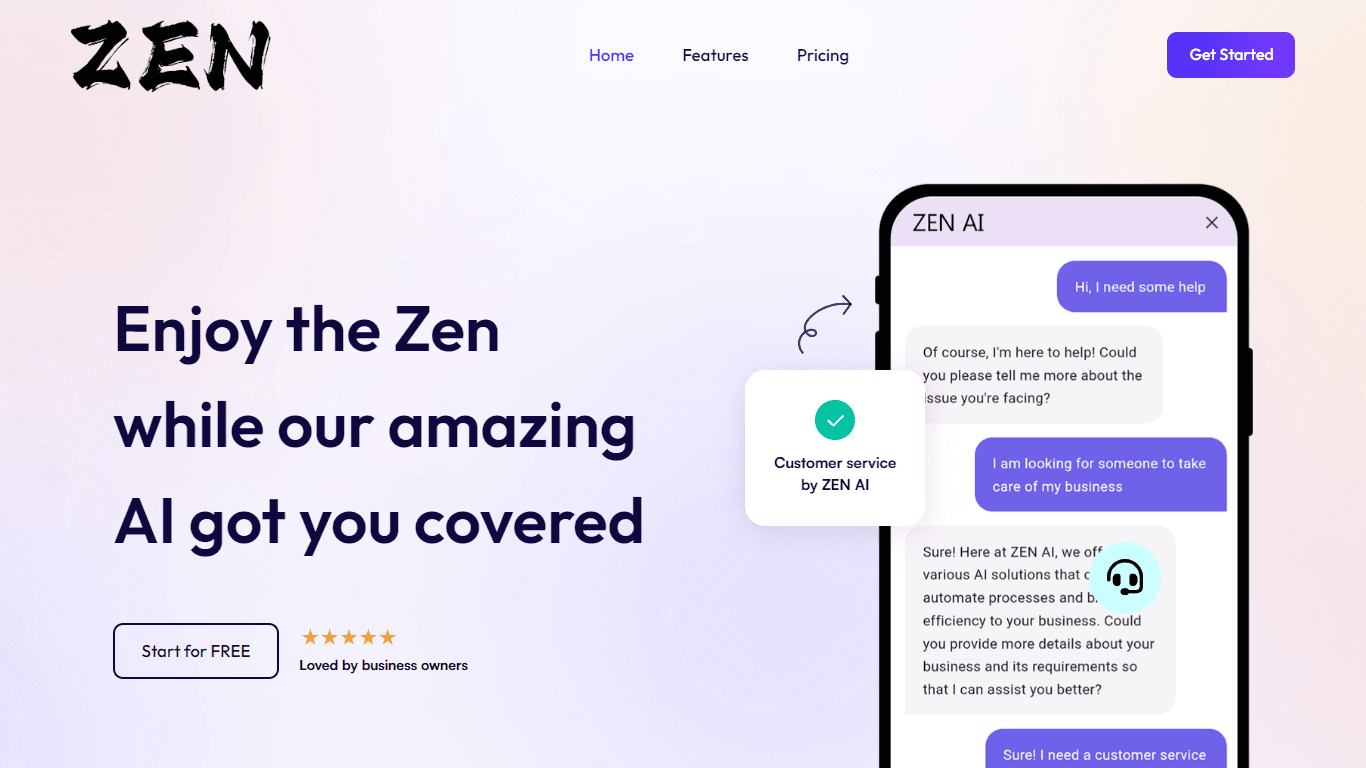
ZEN AI
Discover unparalleled customer service with ZEN AI, an intelligent customer support assistant designed for businesses of all sizes. ZEN AI operates around the clock, ensuring that your customers alway
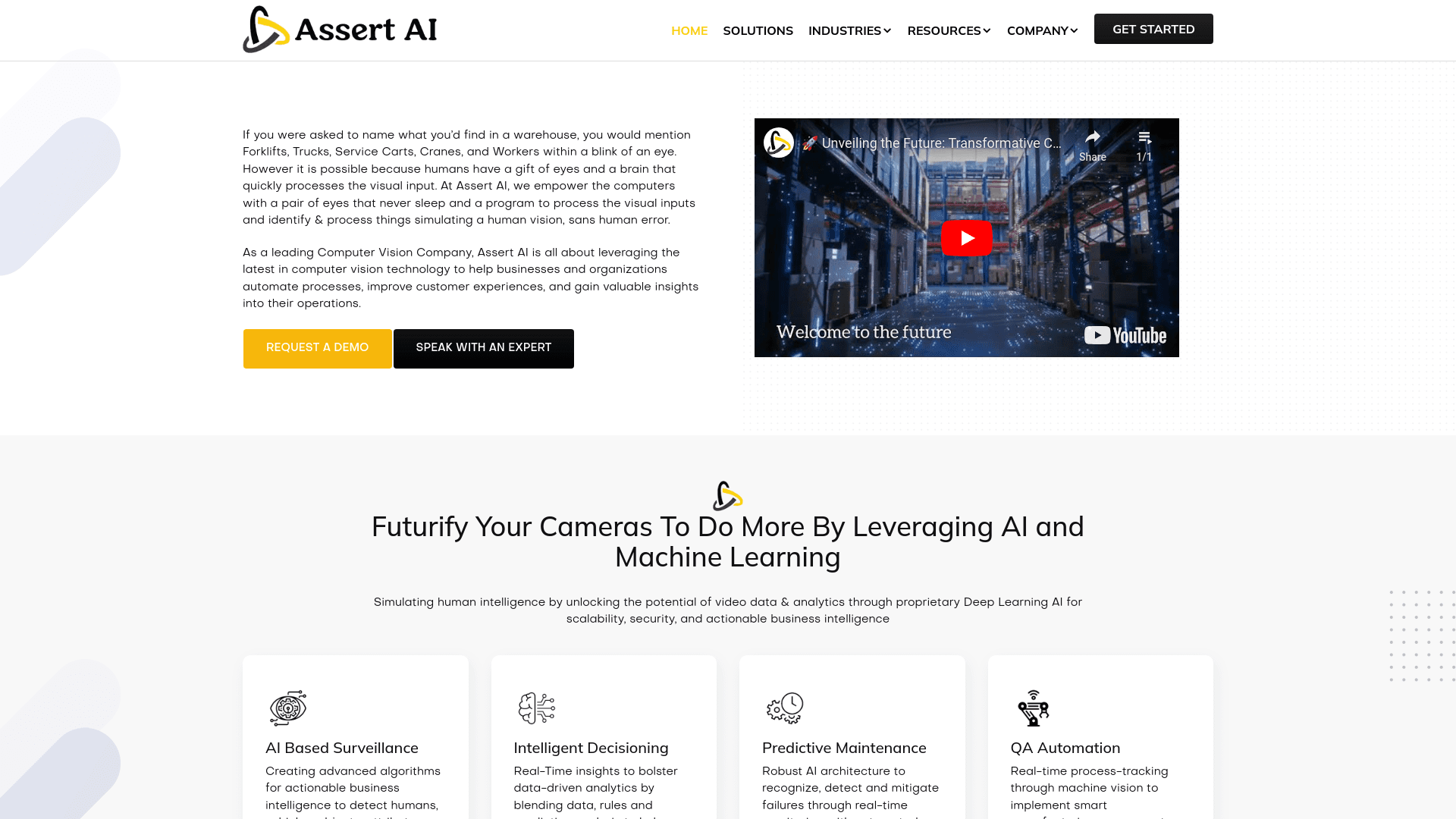
Assert AI
Automatically generates test cases, identifies bugs, and provides insights.
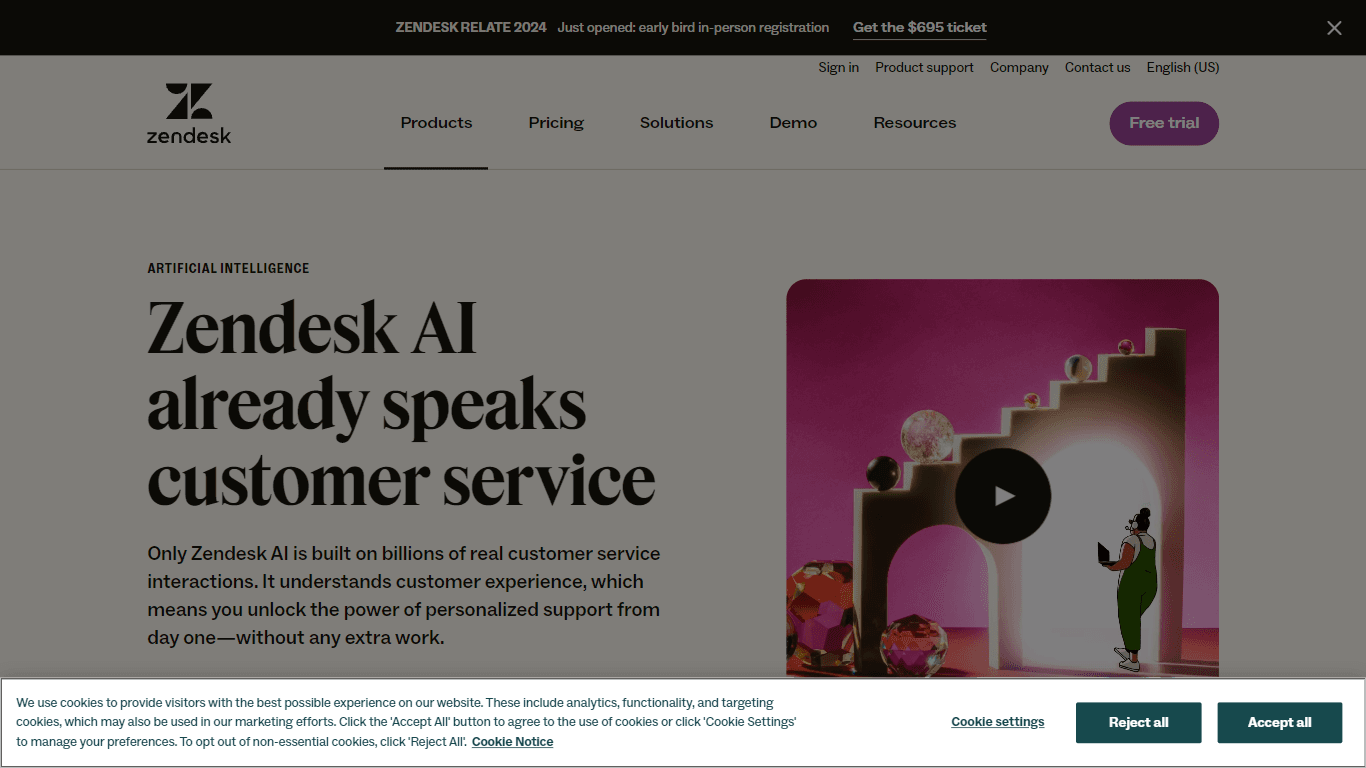
Zendesk AI
Explore the transformative power of AI-driven customer support with Zendesk AI. With a suite of intelligent tools, including sophisticated bots, enhanced self-service options, and a wealth of producti

Outreach
Optimize sales, enhance workflows, boost efficiency with AI-powered tools.

Convoso
A call center platform with dialing and omnichannel communication tools.

Tektonic AI
Streamline sales and revenue operations with advanced AI-driven automation.
X-doc
X-doc is a cutting-edge AI-driven platform specializing in large-scale technical document translation. Its core functionality revolves around providing instant translations across 108 languages, ensur

Retell AI
Create lifelike AI voice agents, deploy anywhere, analyze real-time.

Ada
Revolutionize customer service with AI across all digital platforms.

Align AI
Streamlines AI strategy alignment with business objectives.

Supametas.AI
A tool to transform unstructured data into structured formats for AI models and knowledge bases.