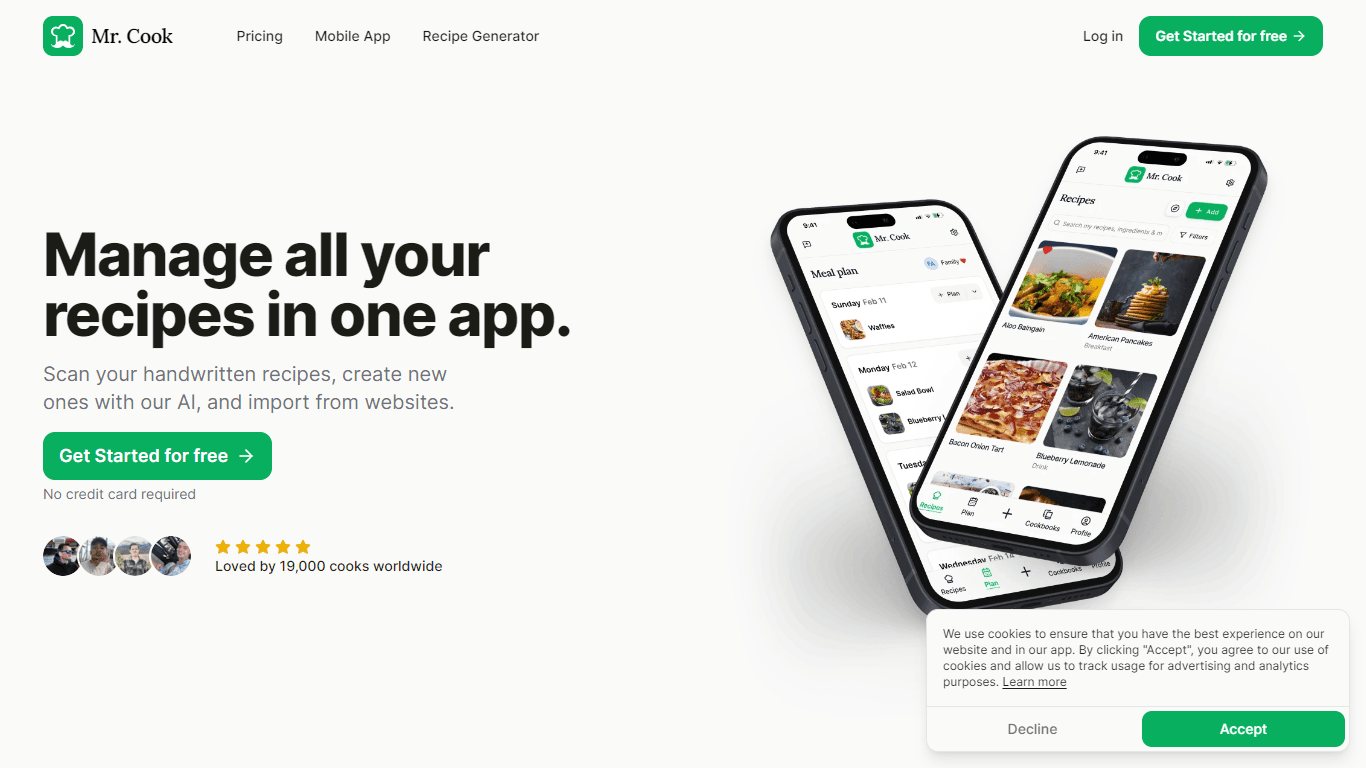
Mr. Cook
Mr. Cook is a comprehensive recipe management application designed to simplify the way you store and organize your culinary creations. With Mr. Cook, you can easily scan your handwritten recipes, impo
11,859
Votes
19,435
Views
6,760
Bookmarks
About
Mr. Cook is a comprehensive recipe management application designed to simplify the way you store and organize your culinary creations. With Mr. Cook, you can easily scan your handwritten recipes, import your favorite ones from over 296 websites, and even craft new recipes using the innovative AI Recipe Generator. The app is designed by Matt Farley, and it emphasizes ease of use with its clean design, making it suitable for both novice cooks and professional chefs alike. Mr. Cook supports a multitude of features such as meal planning, creating shopping lists, sharing recipes with friends and family, and organizing your recipes with customizable tags. It's available on all devices, including iOS and Android mobile apps as well as a web app for any browser, with automatic sync across all platforms. Begin your enhanced cooking experience today with Mr. Cook’s free version or explore more advanced features with one of the affordable premium plans.
Key Features
- Scan Handwritten Recipes: Easily turn your physical recipe notes into digital form.
- AI Recipe Generator: Create new recipes based on your taste preferences and available ingredients.
- Cross-Platform Availability: Access your recipes on iOS, Android, and web browsers, with automatic syncing.
- Meal Planning and Shopping Lists: Plan your meals for the week and automatically generate shopping lists.
- Recipe Sharing: Share your recipes with friends and family, or create shared cookbooks.
FAQ
What is Mr. Cook?
It's a recipe management application that makes saving, sharing, and organizing recipes a breeze.
How much does it cost?
The app has an extensive free tier and affordable paid plans. The goal is to make a product you'll love. Learn more on our pricing page.
How do I get started?
Go to the login page to get started with Mr. Cook. If you want to stay up to date with Mr. Cook, you can subscribe to our newsletter.
How do I import a recipe?
Just click the 'Import' button in the upper right corner and enter the link of the recipe you want to import.
How do I share my recipes?
Go to the recipe you want to share and click the 'Share' button at the top. You can also share your recipes with friends and family by creating a team.
You may also like
More tools in Other

PureCode.ai
A tool to automate coding tasks through codebase-aware code generation.

@kuki_ai
Welcome to the world of Kuki, an award-winning artificial intelligence designed to bring entertainment to the digital age. Dive into engaging conversations with AI that's crafted to provide not just r

Spikes Studio
Spikes helps creators extract captivating shorts from any video. Automatically get a title, description, hashtag recommendations, auto-captions, AI styling and quickly edit. Grow and give your audienc
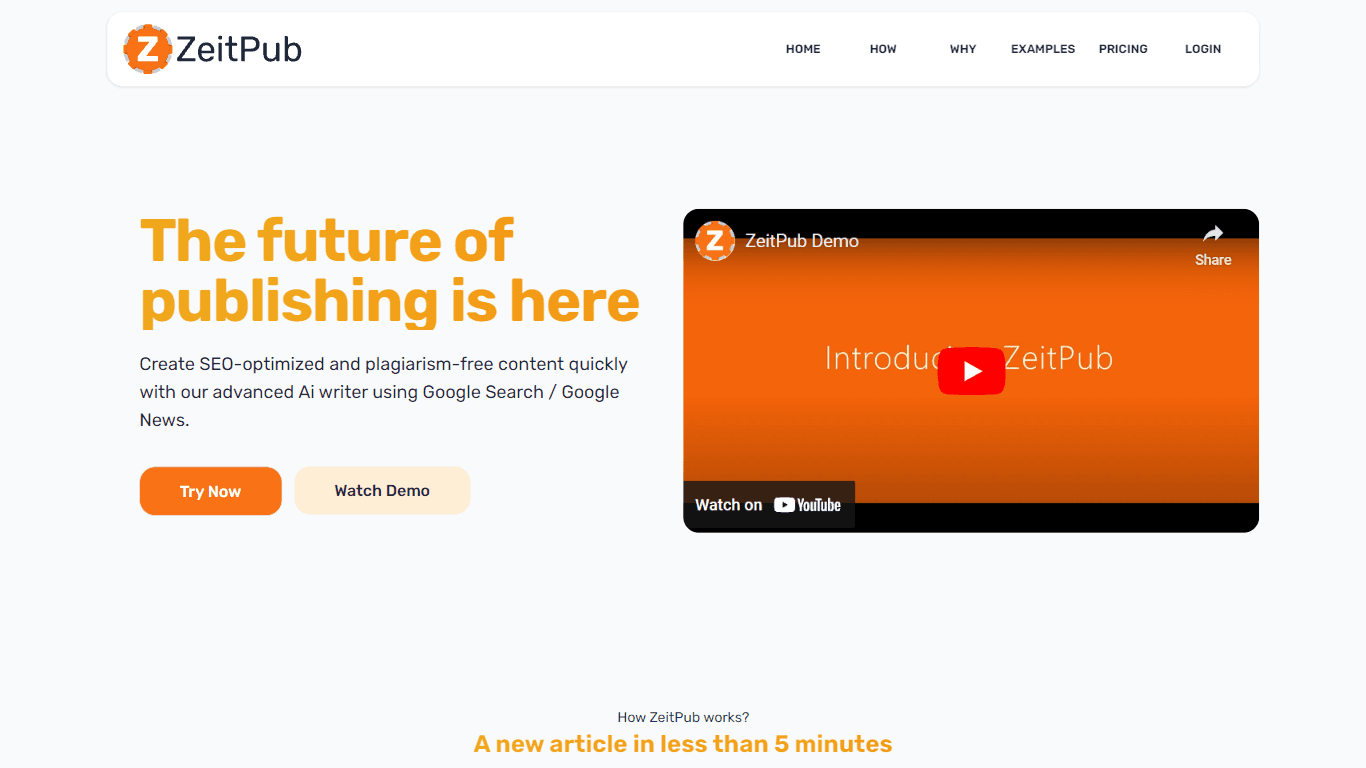
Zeitpub
Zeitpub revolutionizes the publishing industry by offering an advanced AI writer that creates SEO-optimized and plagiarism-free content at an incredible pace. With just the click of a button, users ca

Verbacall
A platform that automatically answers, qualifies, and follows up on calls 24/7.
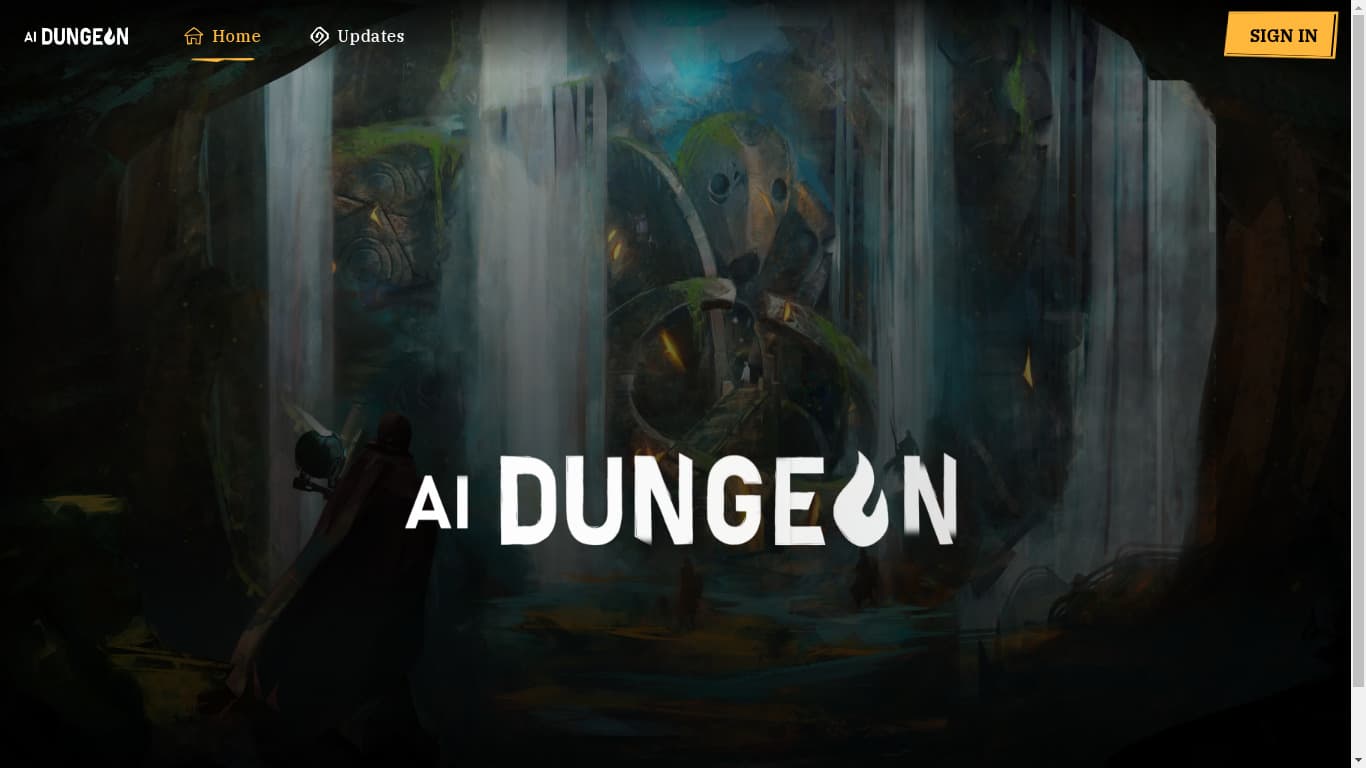
AI Dungeon
AI Dungeon is a text-based adventure game where you lead the story and the AI creates the world around you. It offers endless possibilities by generating unique characters, settings, and scenarios bas

Hermes 3
A tool to perform complex creative and analytical tasks with long-term context.

PrompTessor
A tool that optimizes text for clarity, tone, and grammar without requiring prompt engineering skills.

AptlyStar.AI
A tool to create and manage AI bots for businesses.

SuperU AI
A nocode tool to create voice AI agents for customer communications.

Integral Calculator - Wolfram|Alpha
The Integral Calculator provided by Wolfram|Alpha is a comprehensive tool designed for professionals, educators, students, and anyone with a need to solve complex mathematical integrals. By leveraging
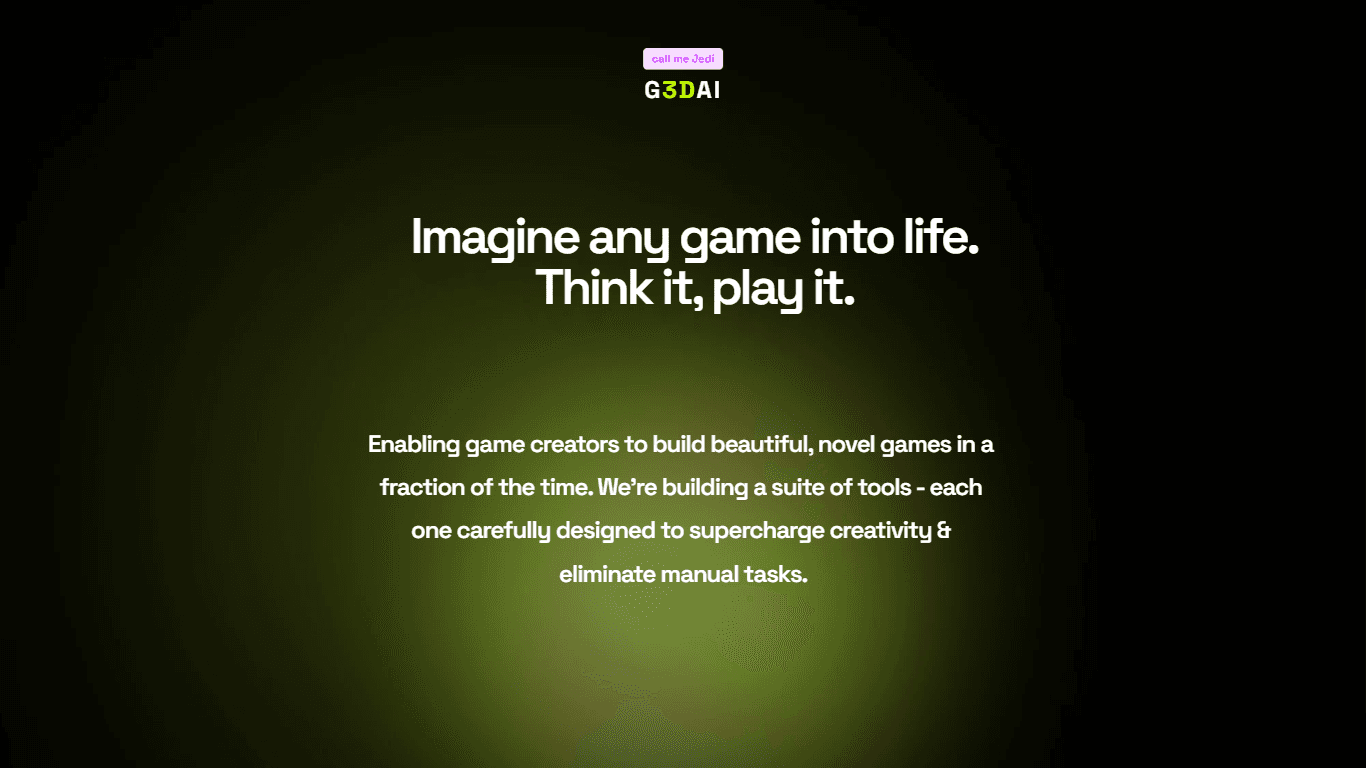
G3D.AI {Jedi}
G3D.AI {Jedi} is a generative AI tool for game creation that enables game creators to build beautiful and novel games in a fraction of the time. With a suite of tools designed to supercharge creativit