
Moio
Moio is an innovative design tool that integrates interface creation with interaction prototyping, enabling users to build functional product experiences rather than mere visual designs. It is tailore
18,568
Votes
19,816
Views
11,788
Bookmarks
About
Moio is an innovative design tool that integrates interface creation with interaction prototyping, enabling users to build functional product experiences rather than mere visual designs. It is tailored for designers, product managers, and developers who seek to streamline the product development process by bridging the gap between mockups and final products. Moio's unique value proposition lies in its ability to facilitate high-fidelity prototyping, allowing users to craft interactive prototypes that closely resemble the final product without the need for coding. This capability not only enhances the design process but also accelerates iteration and refinement, making it an essential tool for modern product development. The platform stands out due to its comprehensive feature set, which includes professional-grade vector tools, flexible layouts, and the ability to import assets from popular design software such as Figma, Sketch, or Adobe XD. Moio empowers users to create fully interactive experiences, incorporating micro-interactions and responsive graphics that engage users and reinforce brand identity. Additionally, the tool's intuitive visual interface allows for the setup of complex interactions and conditions, enabling designers to create context-aware designs that adapt to user behavior and app states. This level of interactivity and customization is a key differentiator in the competitive landscape of design tools.
Key Features
- High-Fidelity Prototyping: Create interactive prototypes that mimic real user interactions, allowing for rapid iteration without coding.
- Micro Interactions: Design subtle, engaging elements that enhance user experience and brand identity throughout the interface.
- Interactive Graphics: Build responsive visual content that reacts to user input, enabling dynamic infographics and illustrations.
- Visual Interaction Designer: Transform static designs into dynamic interfaces using visual tools, eliminating the need for coding.
- Dynamic UI Components: Develop UI components that adapt to user actions, creating intuitive and responsive interfaces.
FAQ
What types of projects can I create with Moio?
Moio is versatile and can be used to design and prototype user interfaces for apps, games, and websites, allowing for a wide range of project types.
Is coding required to use Moio?
No, Moio is designed to enable users to create fully interactive experiences without any coding knowledge, utilizing visual tools instead.
Can I import designs from other software?
Yes, Moio supports importing assets from popular design tools like Figma, Sketch, and Adobe XD, facilitating a smooth transition for users.
What are micro-interactions and how can I use them in Moio?
Micro-interactions are subtle animations or design elements that enhance user engagement. Moio allows you to design and implement these interactions easily within your projects.
How does Moio support collaboration among team members?
Moio includes features like multiplayer editing, enabling real-time collaboration among team members, which enhances the design process.
What is the benefit of high-fidelity prototyping?
High-fidelity prototyping allows designers to create realistic representations of their products, facilitating better user testing and feedback before final development.
You may also like
More tools in Design

Vizcom
Vizcom is a cutting-edge product visualization tool that takes your design concepts from imagination to reality in a matter of seconds. With its high-quality photorealism, creative discovery, and cont
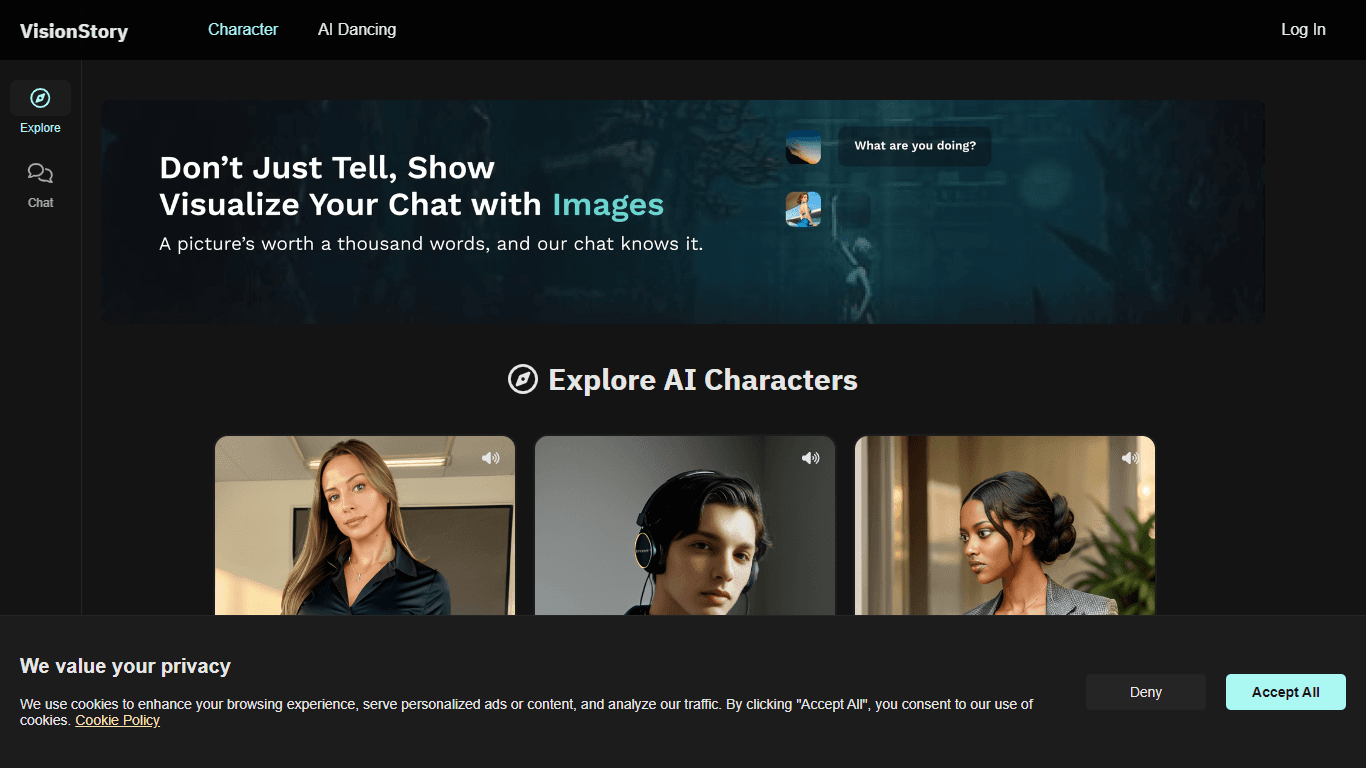
VisionStory
VisionStory is an innovative platform designed to enhance your chat experience by adding a visual dimension. With VisionStory, you can go beyond just text and engage your audience using images that te
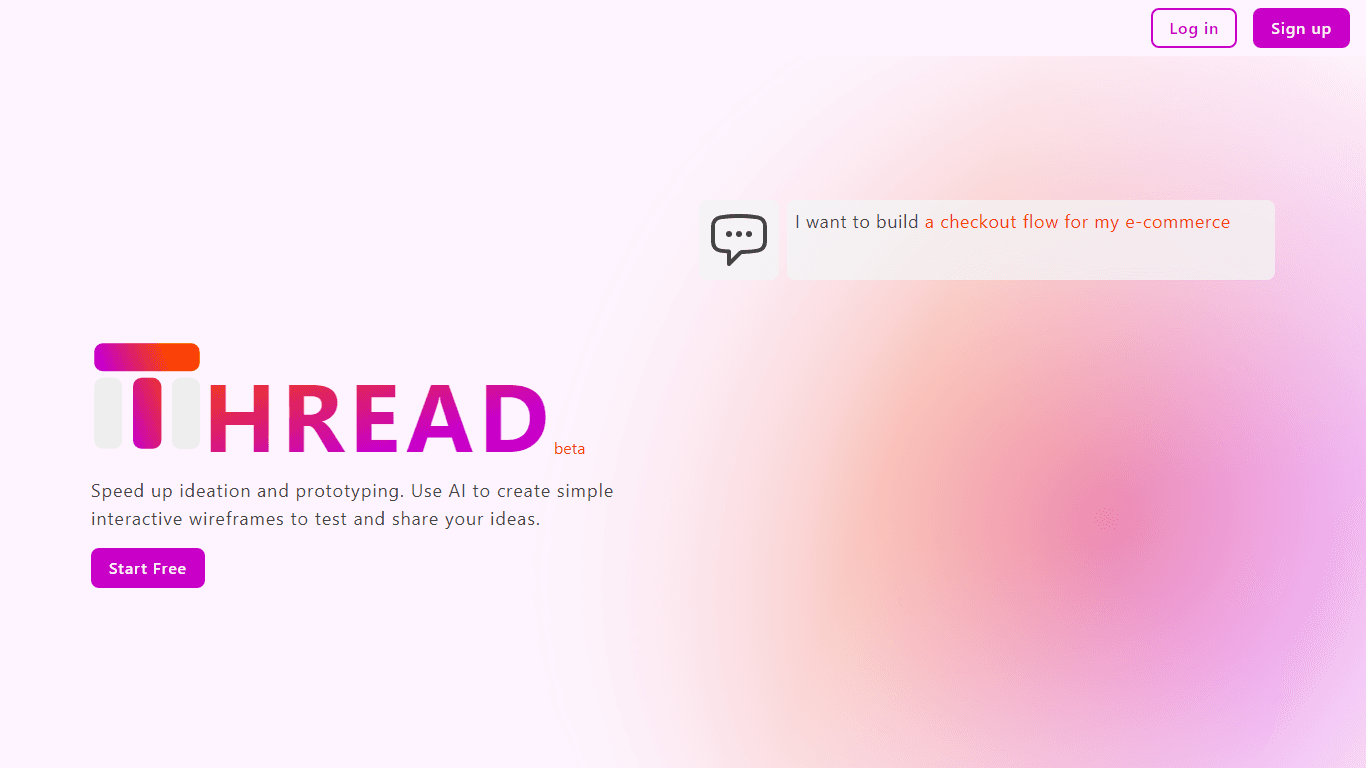
Thread App
Thread App is a pioneering tool designed for designers, developers, and product managers who aim to enhance their design process through rapid wireframe prototyping. With Thread App, users can instant

Ticket Artisan
Ticket Artisan revolutionizes the way designs are transformed into development tasks by turning your visuals into actionable user stories. It provides a seamless bridge between design and development,
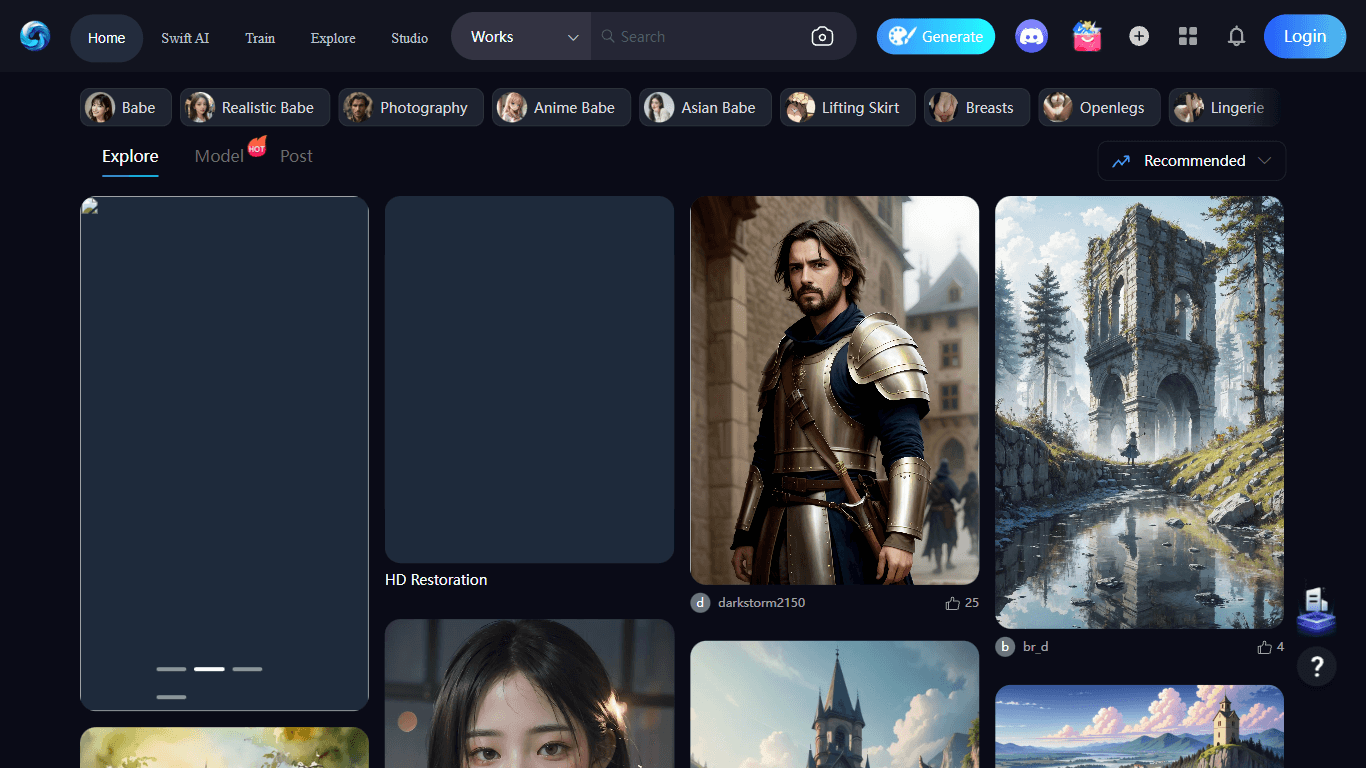
SeaArt
SeaArt is a website that offers a diverse collection of art pieces inspired by the sea. Whether you are looking for stunning paintings, intricate sculptures, or unique photography, SeaArt has somethin
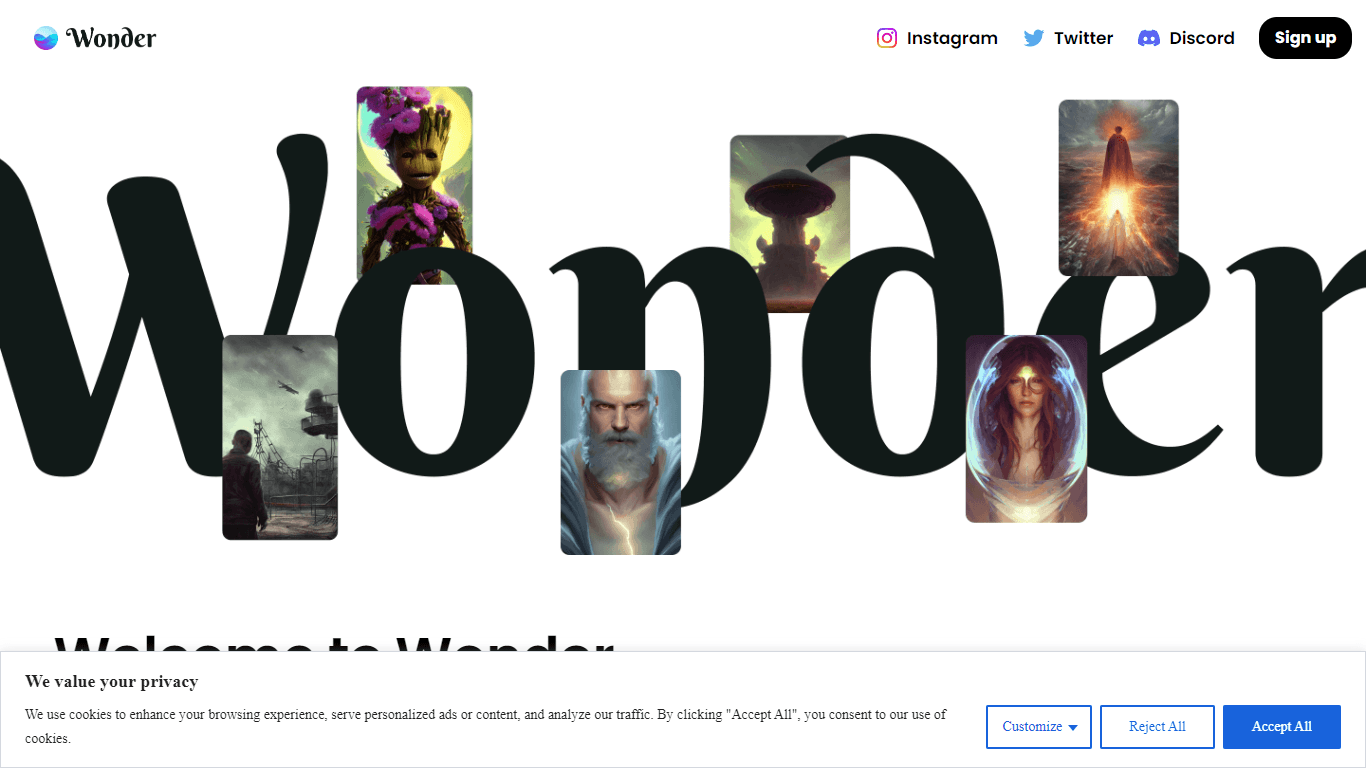
Wonder AI
Wonder AI is a transformative platform that enables users to create stunning digital artworks with ease. By simply entering a text prompt and choosing an art style, Wonder AI works its magic to turn y
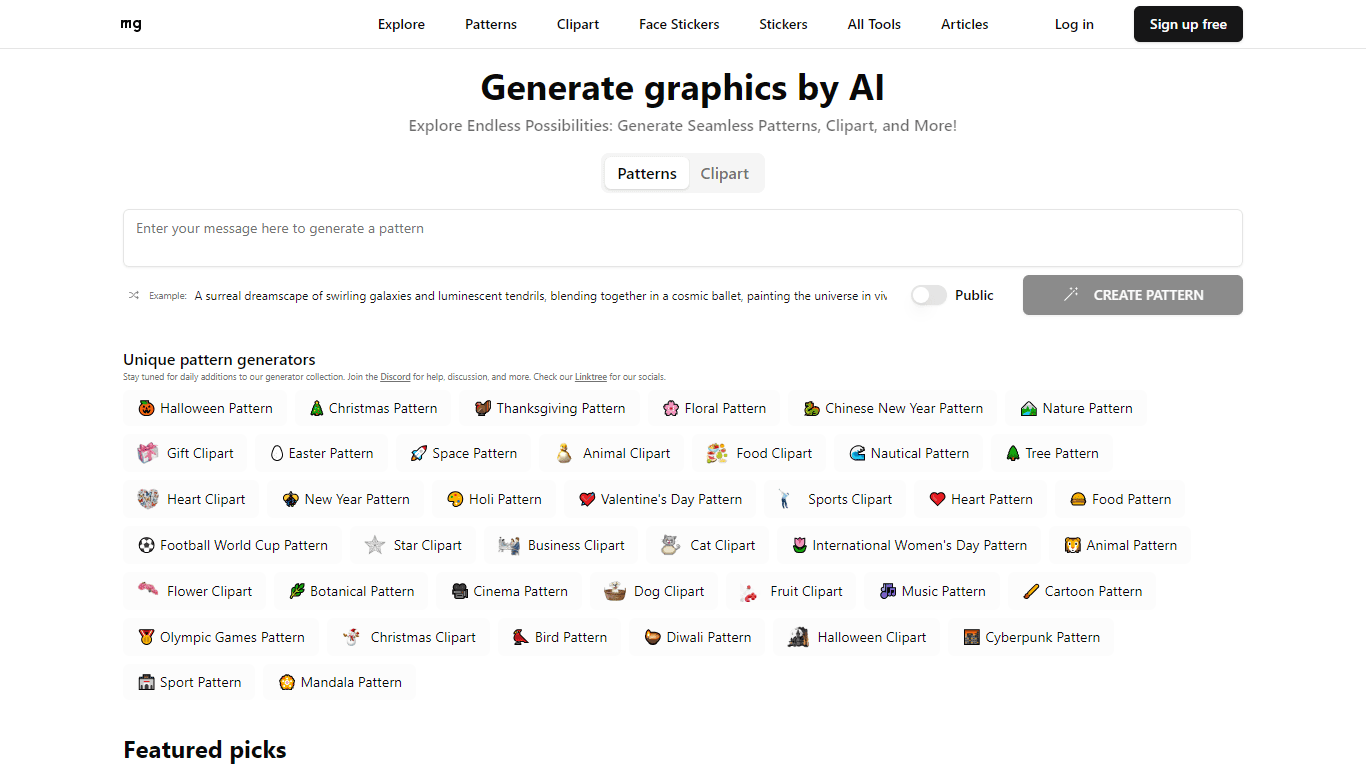
more.graphics
Unlock a world of artistic possibilities with more.graphics, your go-to platform for AI generative graphics tools that amplifies your creativity. more.graphics offers a vast collection of easy-to-use
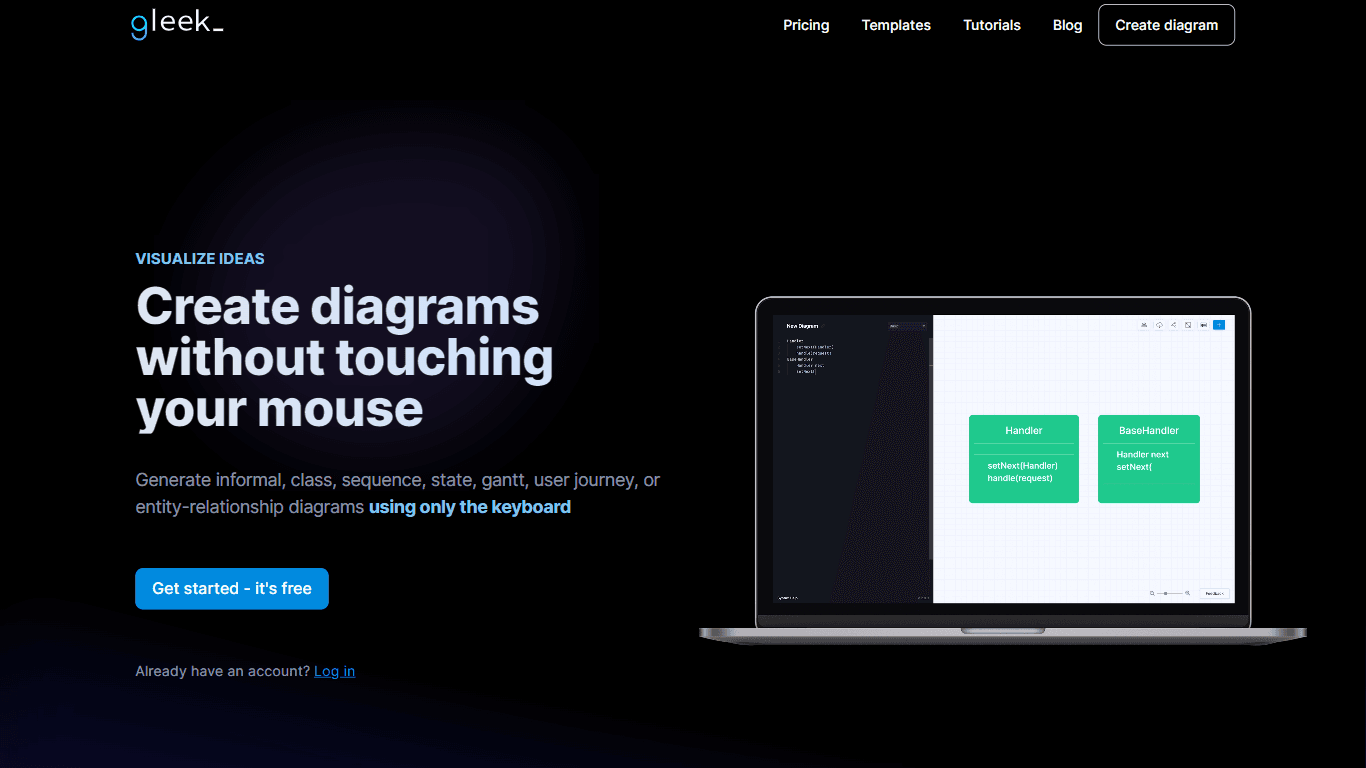
Gleek
Gleek is a unique diagram-making tool designed specifically for developers who prefer working with keyboards over mice. It provides a powerful way to visualize ideas and create various types of diagra
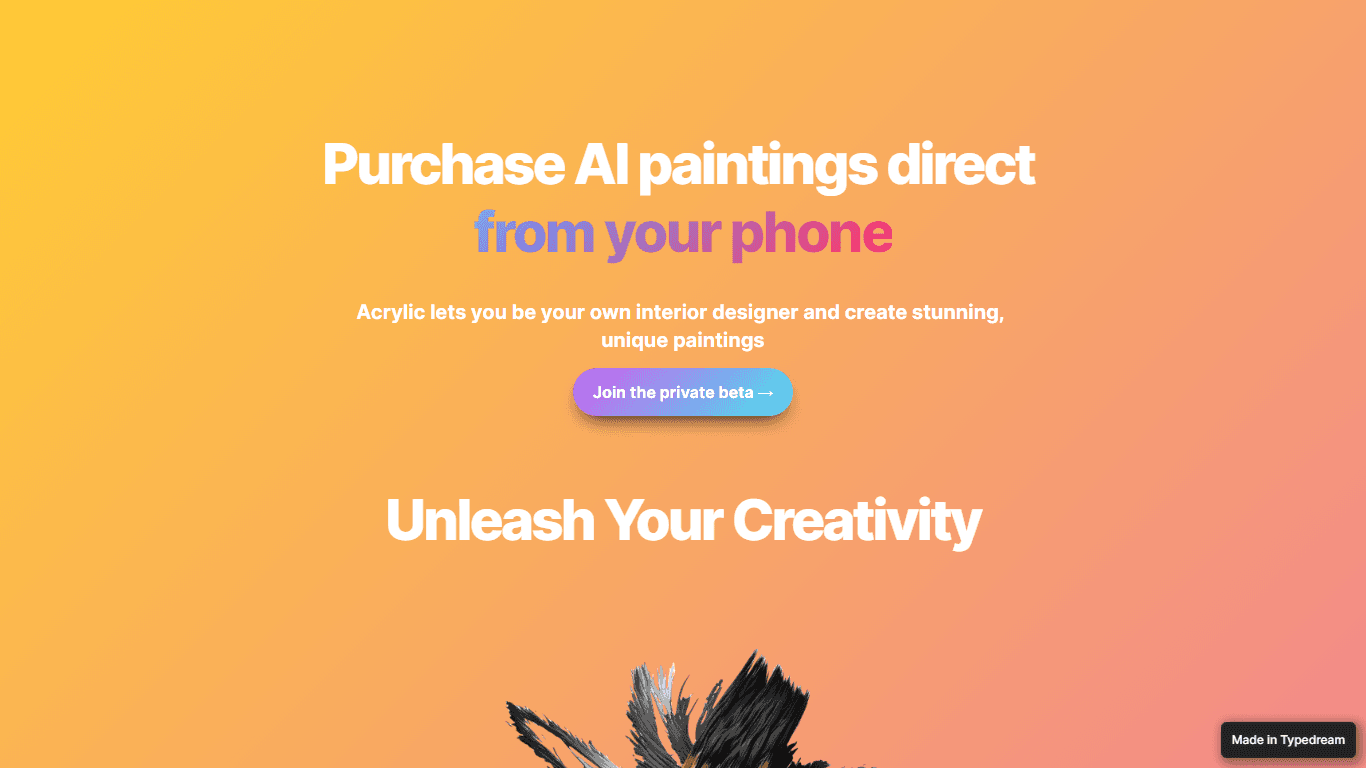
Acrylic
Transform your living space into an art gallery with Acrylic’s AI-powered interior design app. Our platform empowers you to create custom, unique paintings directly from your phone. Acrylic utilizes a

Virtual Renovation
Discover the transformative power of Virtual Renovation, an AI-powered interior design platform that unlocks a world of creative possibilities for your home renovation projects. With a simple upload

tldraw
Experience the innovative interface design-to-reality software, makereal.tldraw.com, a unique platform that combines the artistic freedom of tldraw with the intelligent capabilities of GPT-4V. This gr

TMRA
TMRA sets a new standard in gaming by merging fully cooperative AI-driven narratives with state-of-the-art graphics to create a groundbreaking experience for players. With its innovative 'choose you