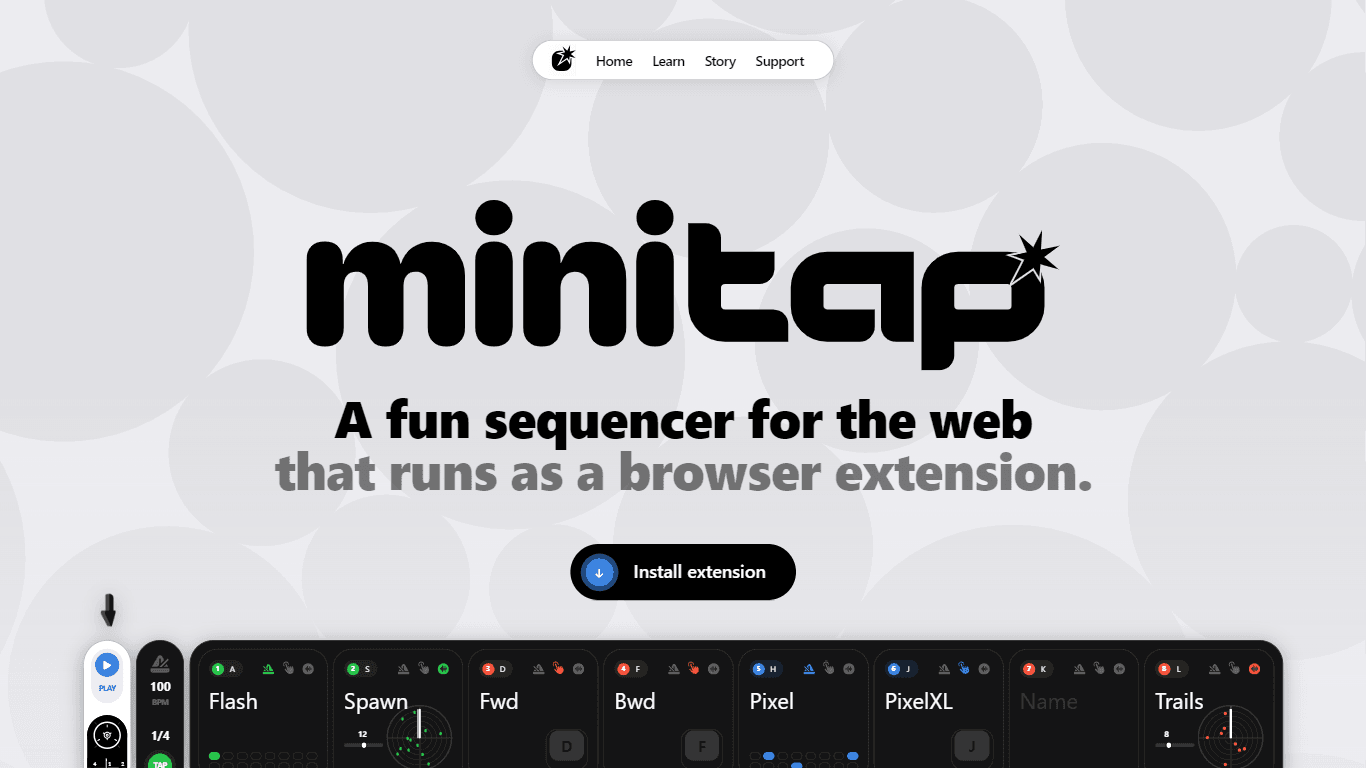
MiniTAP
MiniTAP is a web-based sequencer that operates as a browser extension, designed to provide users with a fun and interactive way to create music. It features 8 channels, each of which can be set to tri
16,926
Votes
28,414
Views
12,285
Bookmarks
About
MiniTAP is a web-based sequencer that operates as a browser extension, designed to provide users with a fun and interactive way to create music. It features 8 channels, each of which can be set to trigger in three different modes: on the beat, on keystroke, or randomly. This flexibility allows users to experiment with various musical styles and techniques, making it suitable for both beginners and experienced musicians alike. The core functionality revolves around its ability to send events to the current tab, enabling users to create dynamic soundscapes directly from their browser. The target audience for MiniTAP includes musicians, music producers, and anyone interested in creating music in a playful and engaging manner. Its design caters to live performance settings, where users can utilize their keyboard for expressive control without the need for a mouse. This makes it particularly appealing for live performers who want to maintain a fluid and hands-on approach to their music creation process. One of the unique value propositions of MiniTAP is its open-source nature, which allows users to modify and adapt the tool to their specific needs. This fosters a community of collaboration and innovation, as users can share their customizations and enhancements. Additionally, the advanced tempo controls enable users to tap along to the beat and fine-tune the tempo using arrow keys, providing a level of precision that enhances the overall user experience. Key differentiators of MiniTAP include its intuitive interface and the ability to operate entirely within a web browser. This eliminates the need for complex installations or setups, making it accessible to a wider audience. The focus on keyboard controls for live settings further sets it apart from other sequencers that may rely heavily on mouse interactions. Overall, MiniTAP combines fun, functionality, and flexibility, making it a valuable tool for anyone looking to explore music creation in a digital environment. In terms of technical implementation, MiniTAP leverages web technologies to function seamlessly as a browser extension. This allows it to integrate smoothly with various web applications, enhancing its usability and reach. The ability to post messages to the window means that users can interact with other web content while using MiniTAP, creating a versatile platform for musical exploration.
Key Features
- 8 Channels: Users can create complex musical arrangements by utilizing 8 different channels, allowing for layered sounds and rhythms.
- Three Trigger Modes: Each channel can trigger sounds on the beat, by keystroke, or randomly, providing flexibility in music creation.
- Keyboard Control: Designed for expressive usage, users can control the sequencer entirely with their keyboard, making it ideal for live performances.
- Advanced Tempo Controls: Users can tap to guess the BPM and fine-tune the tempo using arrow keys, ensuring precise timing in their music.
- Open Source: Being open source allows users to modify and customize the tool, fostering a community of collaboration and innovation.
FAQ
What is MiniTAP?
MiniTAP is a web-based sequencer that runs as a browser extension, allowing users to create music using their keyboard.
How many channels does MiniTAP have?
MiniTAP features 8 channels that can be used to create layered musical arrangements.
What are the trigger modes available in MiniTAP?
Each channel in MiniTAP can trigger sounds on the beat, by keystroke, or randomly.
Is MiniTAP suitable for live performances?
Yes, MiniTAP is designed for live settings, allowing users to control it entirely with their keyboard.
Can I customize MiniTAP?
Yes, MiniTAP is open source, which means you can modify and customize it to fit your needs.
How do I control the tempo in MiniTAP?
You can tap to guess the BPM and use the arrow keys for fine-tuning the tempo.
You may also like
More tools in Productivity

Dify
A platform to develop and operate AI applications.
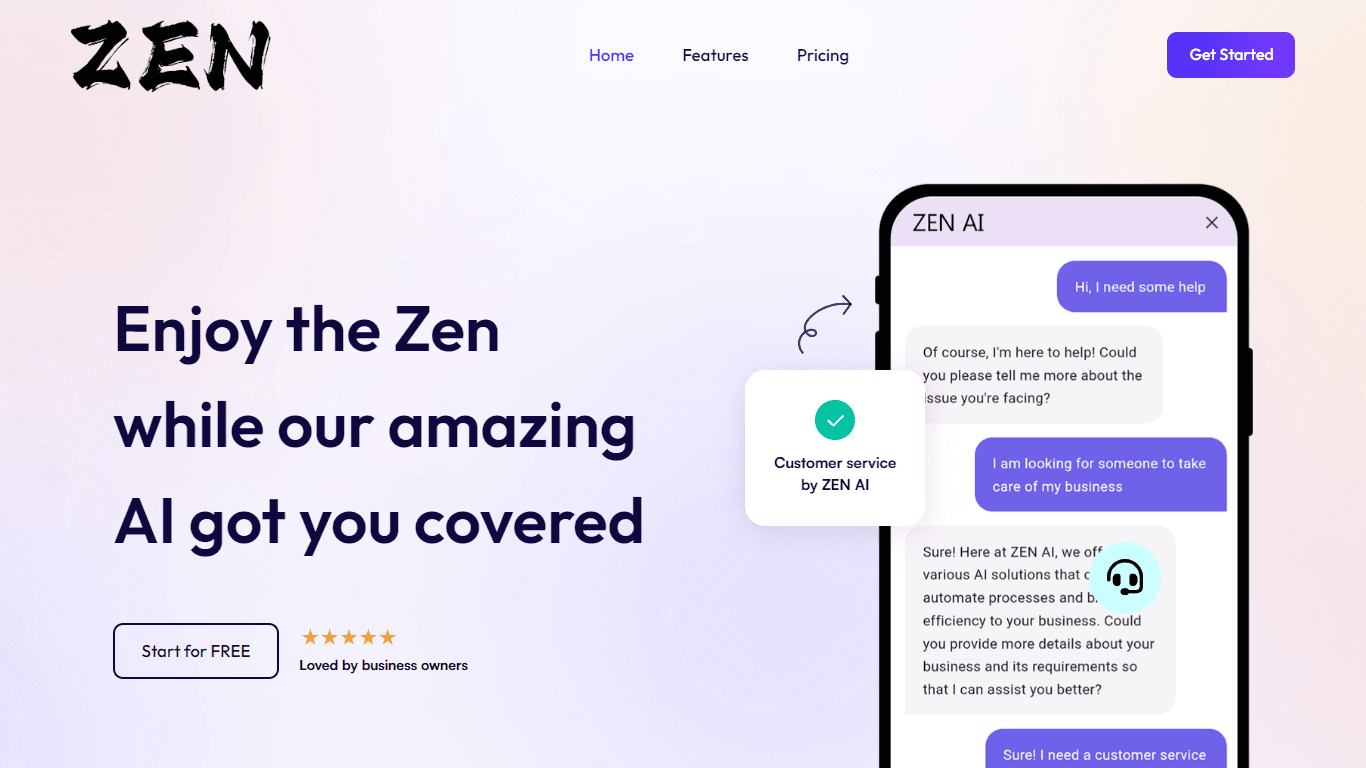
ZEN AI
Discover unparalleled customer service with ZEN AI, an intelligent customer support assistant designed for businesses of all sizes. ZEN AI operates around the clock, ensuring that your customers alway

Assert AI
Automatically generates test cases, identifies bugs, and provides insights.

Outreach
Optimize sales, enhance workflows, boost efficiency with AI-powered tools.
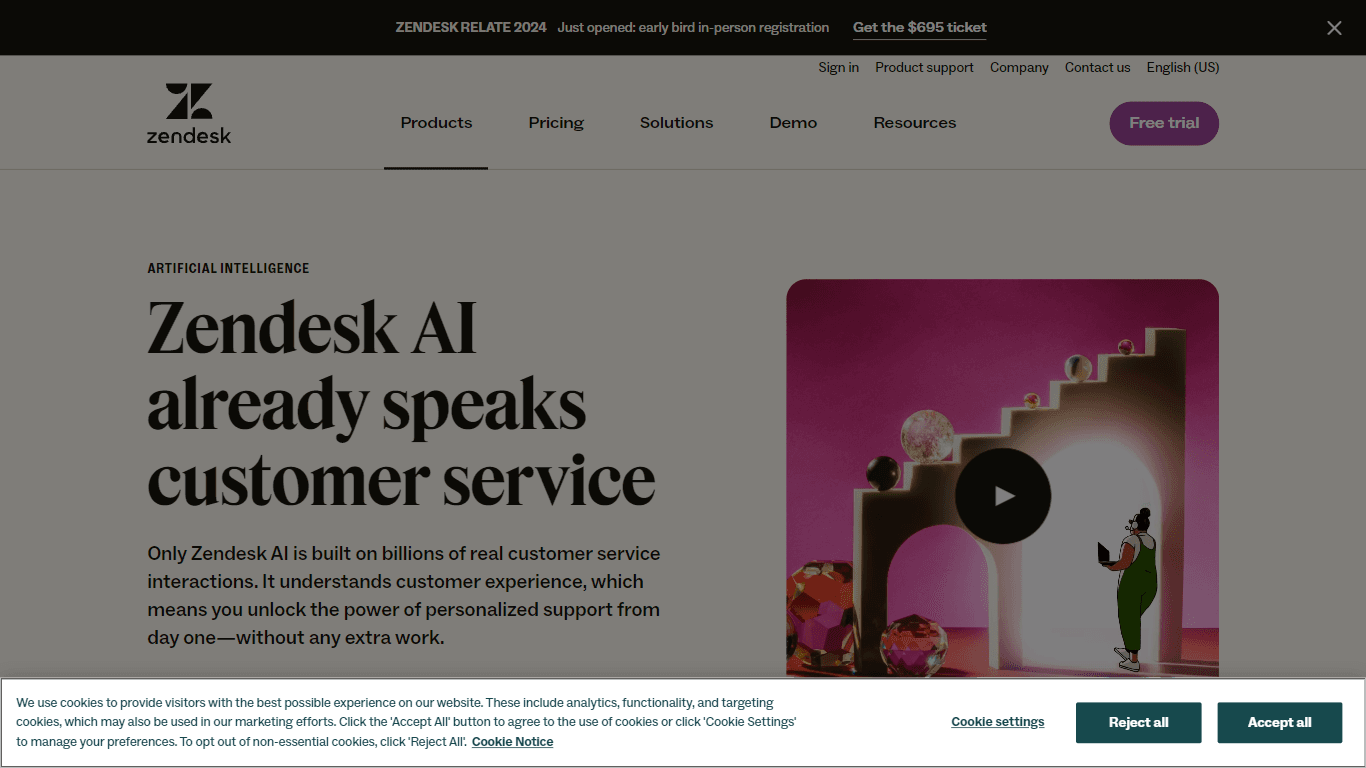
Zendesk AI
Explore the transformative power of AI-driven customer support with Zendesk AI. With a suite of intelligent tools, including sophisticated bots, enhanced self-service options, and a wealth of producti

Convoso
A call center platform with dialing and omnichannel communication tools.
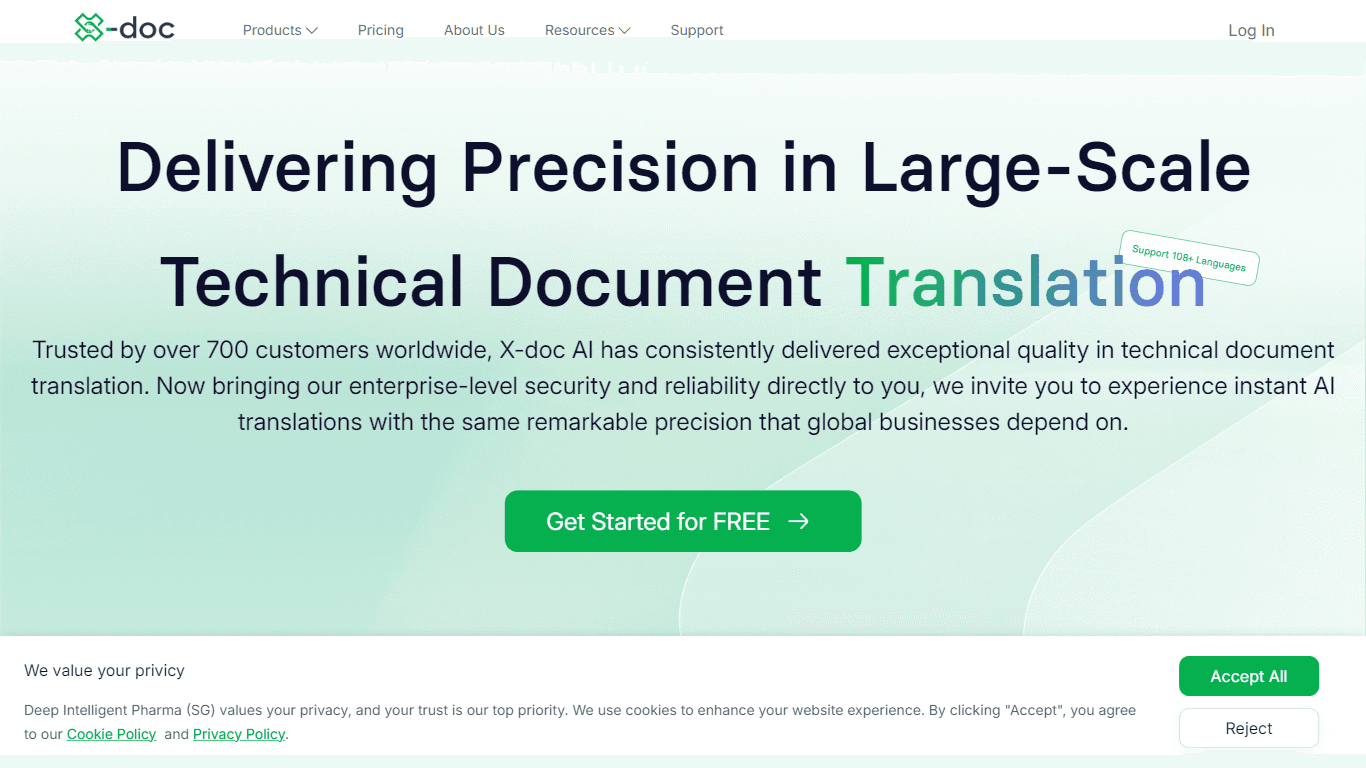
X-doc
X-doc is a cutting-edge AI-driven platform specializing in large-scale technical document translation. Its core functionality revolves around providing instant translations across 108 languages, ensur

Ada
Revolutionize customer service with AI across all digital platforms.

Align AI
Streamlines AI strategy alignment with business objectives.

Tektonic AI
Streamline sales and revenue operations with advanced AI-driven automation.

Supametas.AI
A tool to transform unstructured data into structured formats for AI models and knowledge bases.

ChatGPT for Google
ChatGPT response alongside search engine results