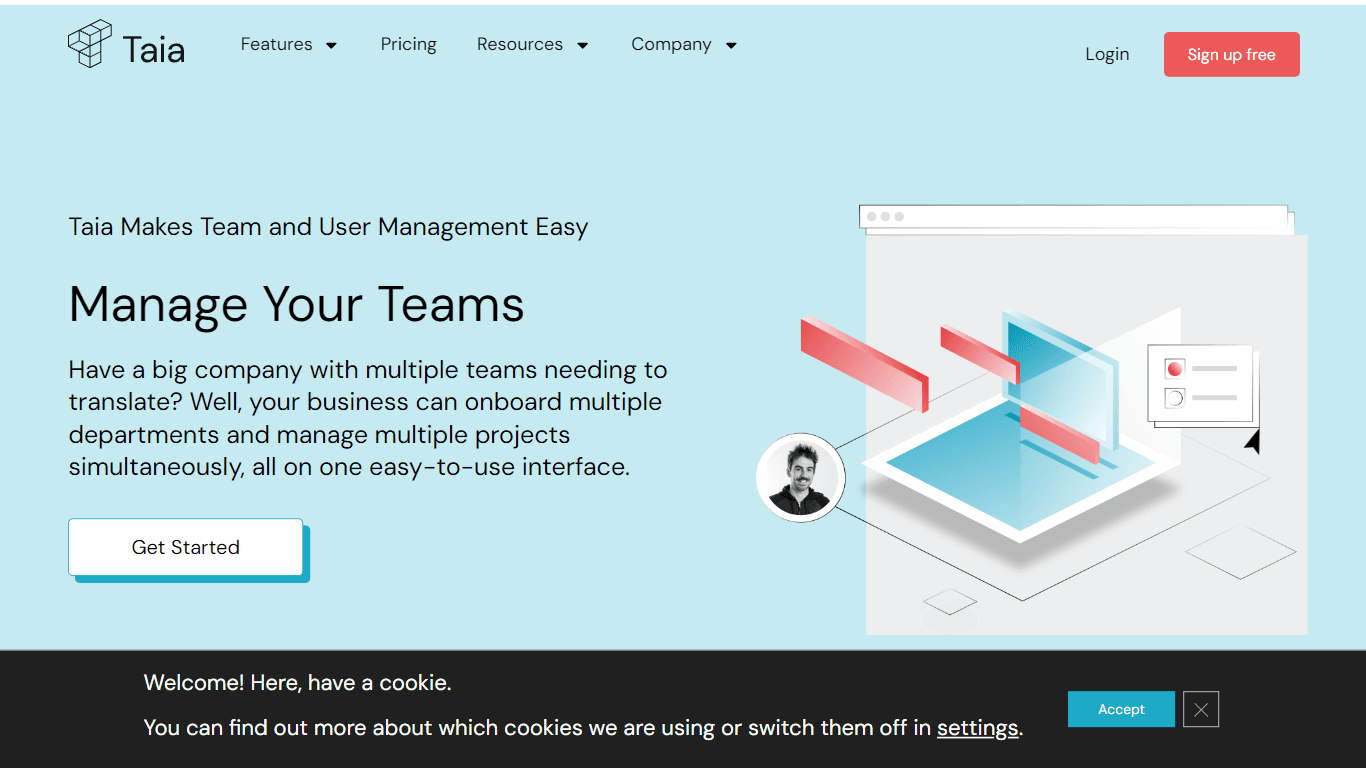
Manage Your Teams | Taia
Taia provides a comprehensive platform designed to streamline team and translation project management for businesses. With the capability to onboard multiple departments, Taia offers an easy-to-use in
18,292
Votes
22,813
Views
11,623
Bookmarks
About
Taia provides a comprehensive platform designed to streamline team and translation project management for businesses. With the capability to onboard multiple departments, Taia offers an easy-to-use interface that allows for the management of multiple translation projects simultaneously. Key features include Professional Language Services, Translation Quality on Demand, and customizable delivery dates. Additionally, Taia supports thorough Project and Team Management, enabling businesses to translate by themselves or via API integration, and offers translation services in supported languages. The platform also facilitates billing by department and project status tracking, empowering businesses with detailed oversight and control over their translation processes.
Key Features
- Professional Language Services: Access expert language services for translation needs.
- Customizable Delivery Dates: Set delivery dates to meet project timelines.
- Team Management: Oversee multiple teams and their translation projects on one platform.
- API Integration: Integrate translation services into existing workflows with API.
- Supported Languages: Benefit from translation services available in various languages.
FAQ
Does My Business Need the Team Management Feature?
The Team Management feature is suitable for businesses with multiple departments that need to manage translation projects, especially when different budgets, bank accounts, or VAT numbers are involved.
What is the Difference Between User and Team Management?
User Management entails managing the roles and permissions of individual users, while Team Management allows for the creation of separate teams or departments with individual project management and billing.
Do I Automatically have the Team Management and User Management Features Included in my Plan?
These features may not be included in all plans. It's recommended to check package details or contact the team for guidance if these features are needed.
How Do I Know If I Have The Team And User Management Features?
You can see these features on the left side of your dashboard if they are included in your plan. If they are not visible, you may need to upgrade or get in touch with the support team.
You may also like
More tools in Data & Analytics
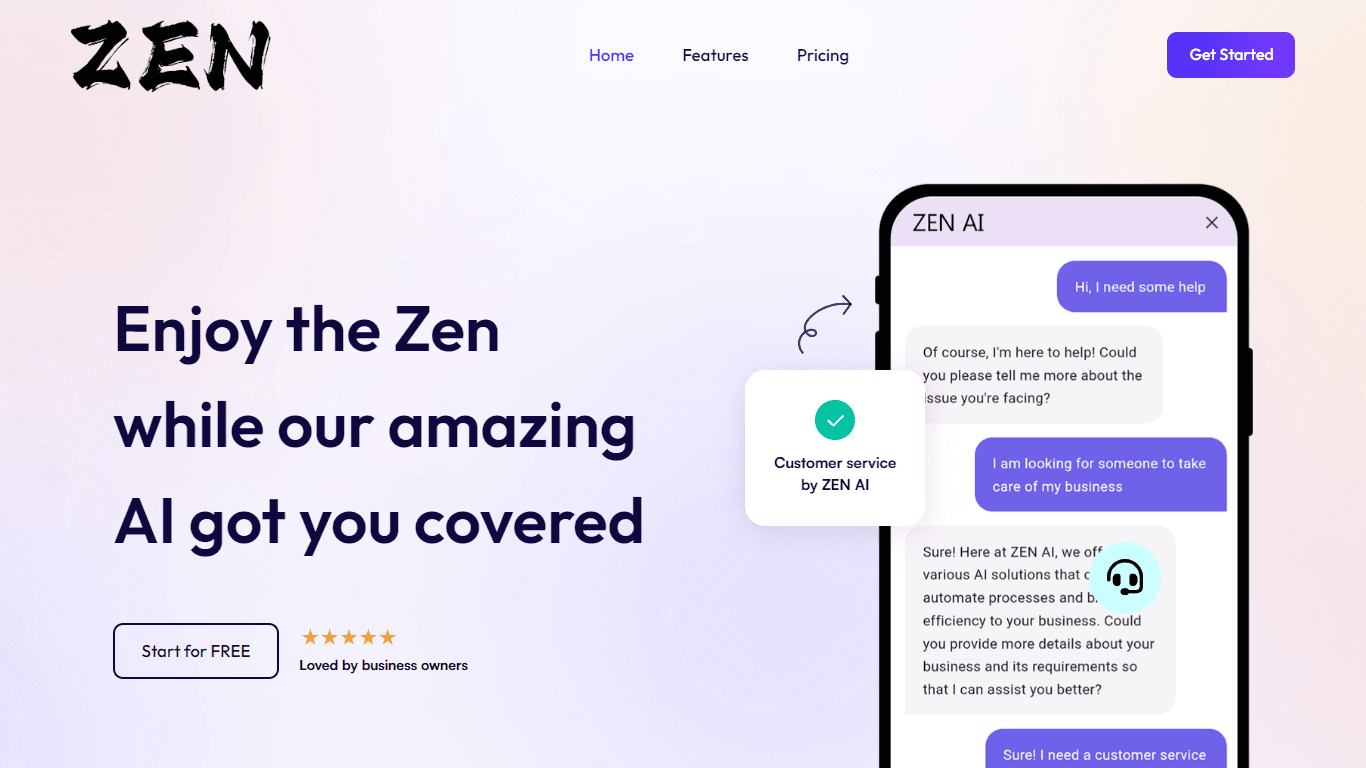
ZEN AI
Discover unparalleled customer service with ZEN AI, an intelligent customer support assistant designed for businesses of all sizes. ZEN AI operates around the clock, ensuring that your customers alway
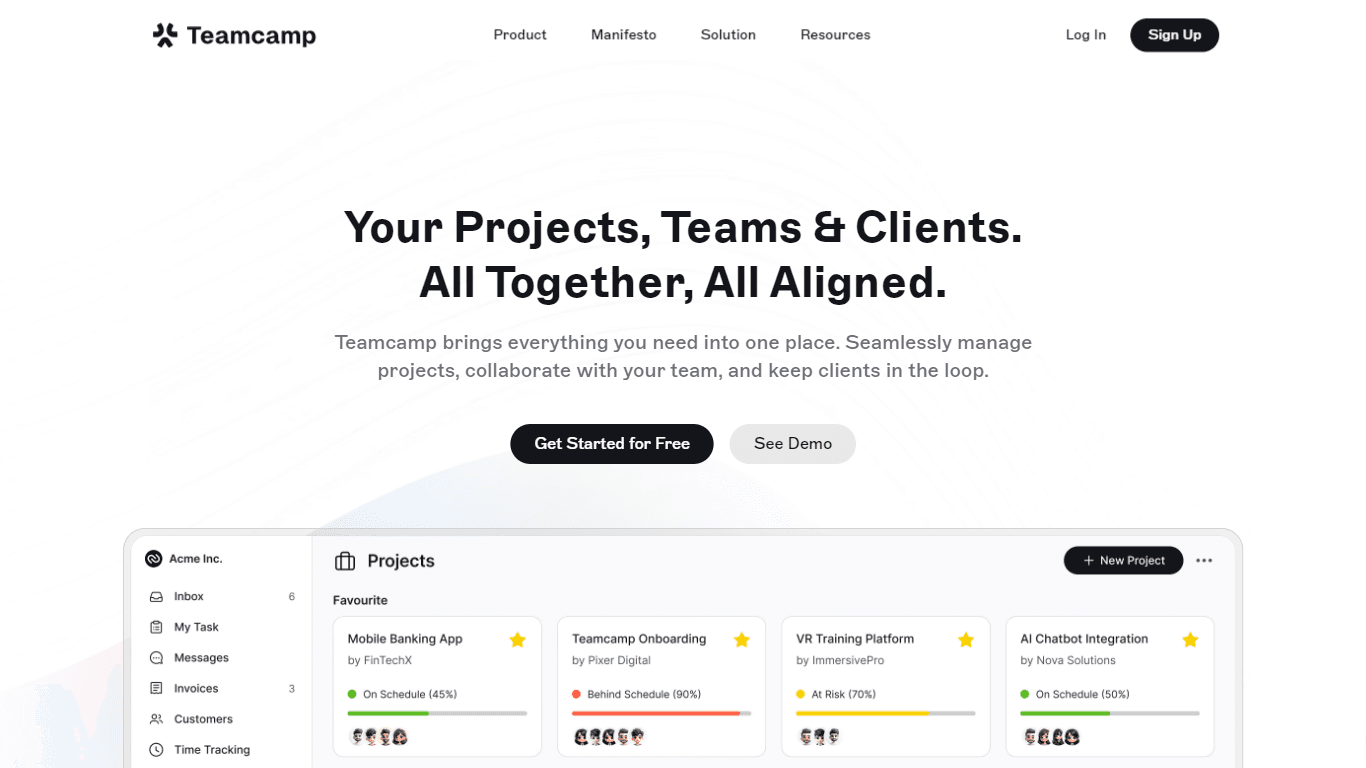
Teamcamp
Teamcamp is a comprehensive project management tool designed to streamline the workflow for teams in various sectors, including IT, marketing, freelancers, and agencies. Its core functionality revolve

Align AI
Streamlines AI strategy alignment with business objectives.

Supametas.AI
A tool to transform unstructured data into structured formats for AI models and knowledge bases.

The North
North is an intuitive platform designed to simplify the management of Objectives and Key Results (OKRs), Strategy, and Initiatives for businesses of all sizes. It is a tool that directs teams to trans
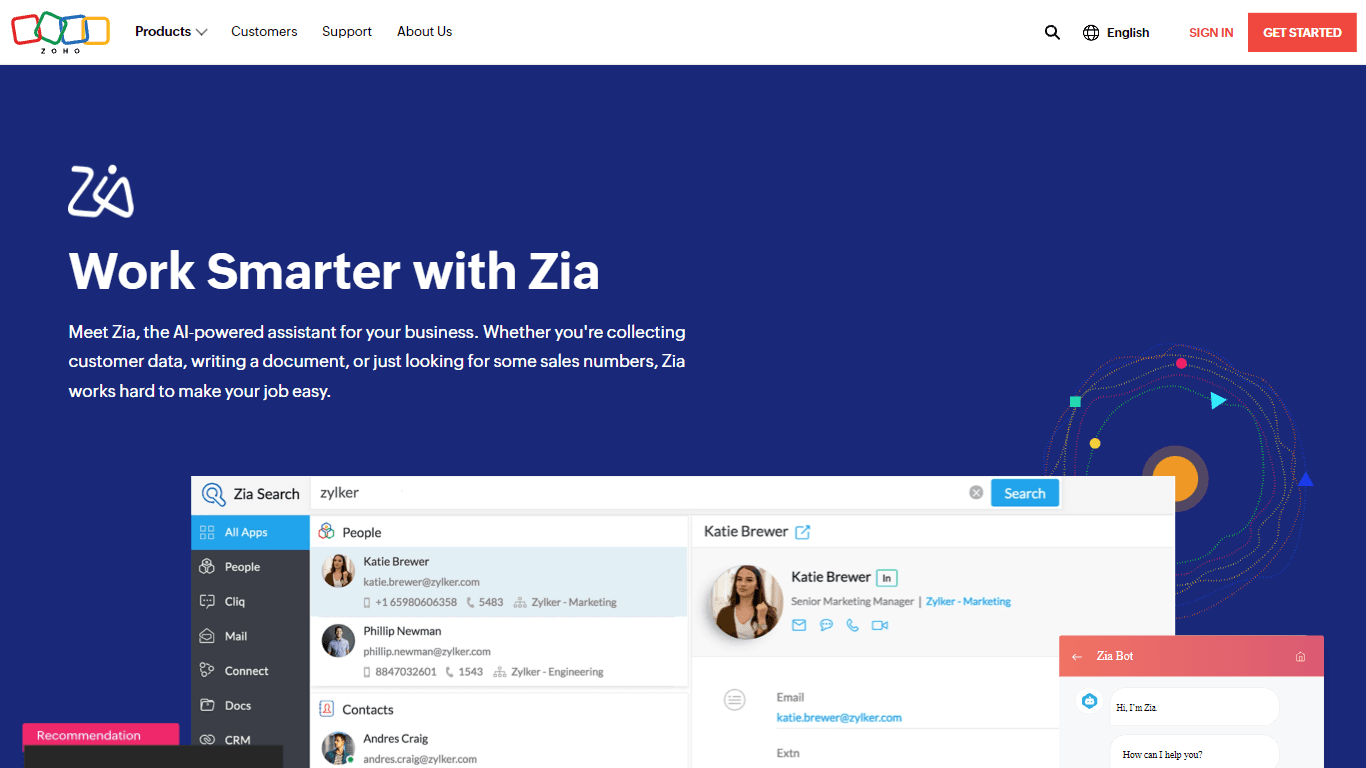
Zia
Maximize your business efficiency with Zia, Zoho's advanced AI assistant designed to streamline your business operations across various functions. Zia acts as a dynamic tool, providing tailored recomm

AICosts.ai
A tool to centralize tracking and optimization of spending across multiple AI services.

Yuma
Yuma is revolutionizing customer support through the power of automation. By leveraging ChatGPT, we have developed an innovative solution that seamlessly integrates with help desk software to provide
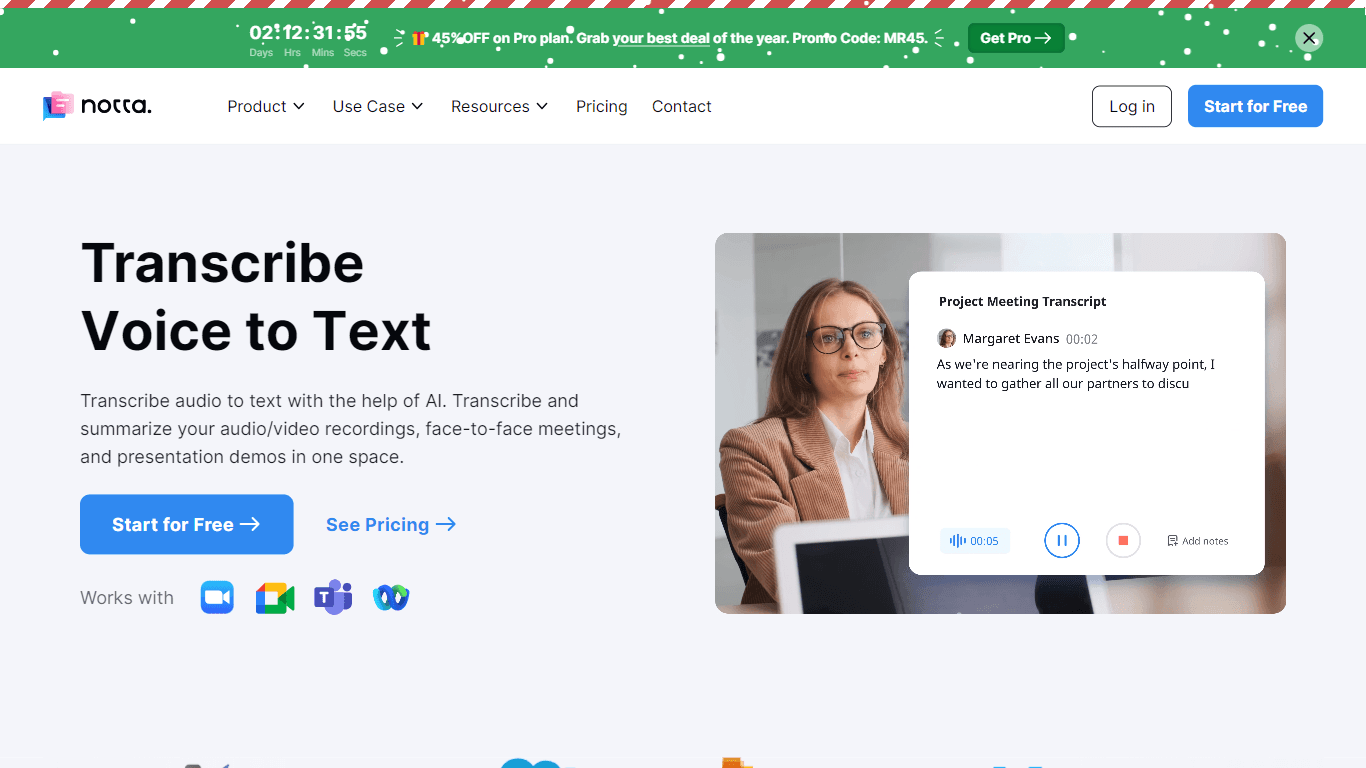
Notta
Notta offers a comprehensive solution for converting audio to text using advanced AI technology. With Notta, users can transcribe and summarize audio/video recordings, live meetings, and presentations

ZeroGPT
ZeroGPT.com stands out as the premier destination for AI detection, setting the gold standard in safeguarding digital landscapes. With cutting-edge algorithms and advanced machine learning models, Zer

SPUN
SPUN offers an innovative platform designed to streamline the global permit and visa application process through AI and automation. Aimed at helping individuals and organizations to efficiently pursue

10Web AI Website Builder
10Web AI Website Builder is a platform designed to help businesses and individuals create fully functional, production-ready WordPress websites quickly and without coding skills. Users simply describe