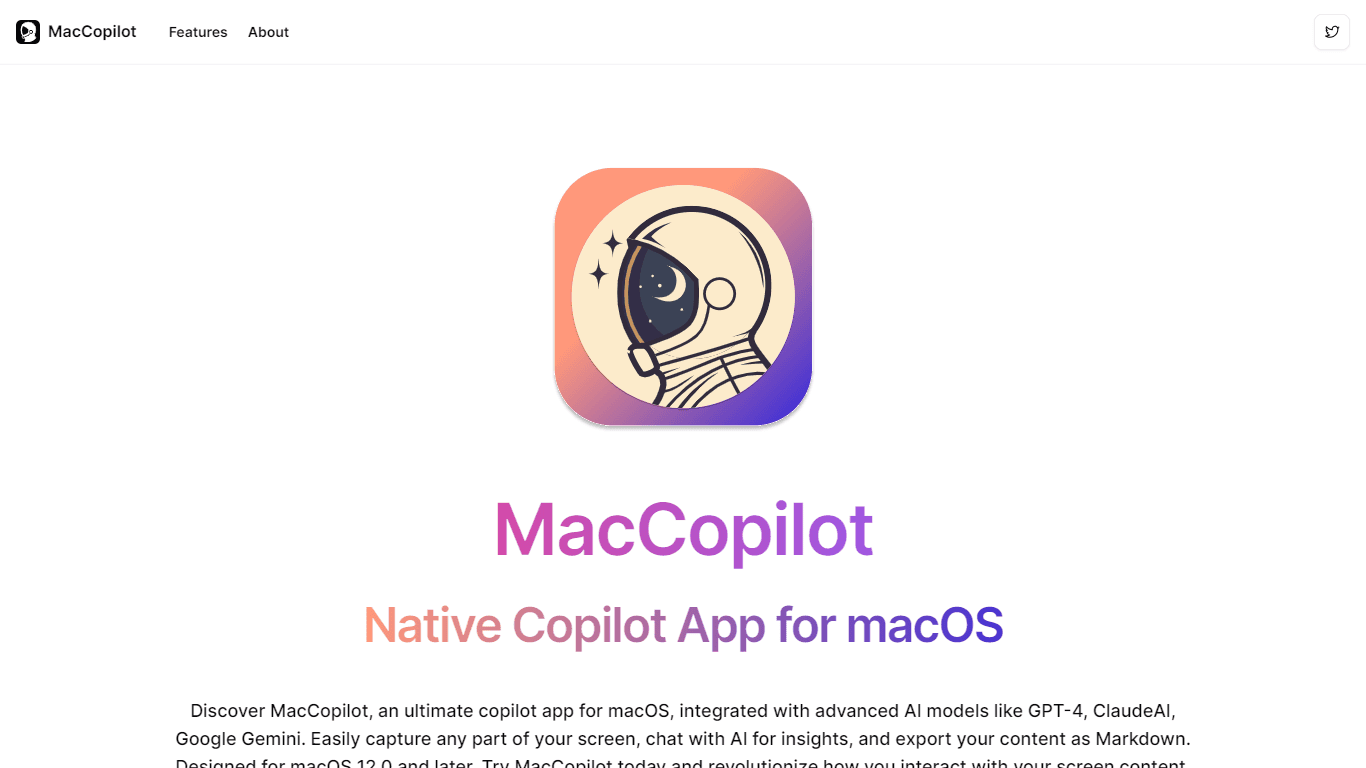
MacCopilot
Enhance your macOS experience with MacCopilot, the ultimate companion app designed for productivity and creativity. MacCopilot integrates advanced AI models like GPT-4, ClaudeAI, and Google Gemini to
18,009
Votes
24,443
Views
12,197
Bookmarks
About
Enhance your macOS experience with MacCopilot, the ultimate companion app designed for productivity and creativity. MacCopilot integrates advanced AI models like GPT-4, ClaudeAI, and Google Gemini to deliver a multifaceted, AI-powered tool for your Mac. Capture any screen area quickly with flexible screenshot tools, and effortlessly resize or re-capture areas with a click. Chat directly with AI models to gain insights, explanations, and spark new ideas, all from within your screen's context. With Markdown export capabilities, your captured content is ready for any platform. Built for macOS 12.0 and later, MacCopilot is your go-to for seamless multi-platform AI interactions, whether you're using OpenAI's GPT versions, Google's Generative AI, ClaudeAI, or hosting your own local LLM server. Get started with MacCopilot today and transform your screen interactions.
Key Features
- AI-Powered Interaction: Engage with leading AI models for insightful and creative screen content discussions.
- Flexible Screenshot Captures: Quickly select and capture any screen area with built-in screenshot tools.
- Seamless Multi-Platform Support: Connect to numerous AI models and choose the one that suits your needs best.
- Visual-based Interaction: Interact with AI models like GPT-4o, focusing on visual content for enhanced productivity.
- Markdown Content Export: Easily export your content as Markdown, making it versatile for any platform.
FAQ
How to request recording permission?
Go to System Preferences > Security & Privacy > Screen Recording, and make sure MacCopilot is checked.
How to add an OpenAI model?
Navigate to Preferences > Models > Add Model, select 'OpenAI' format, enter the API key and select a model name. Refer to the OpenAI Quickstart Guide for API key details.
How to add a Google Generative AI model?
Navigate to Preferences > Models > Add Model, choose 'Google Generative AI' format, input the API key, and select a model name. Consult the Google Generative AI API Key Guide for more details.
How to set hotkeys for capturing screenshots?
Navigate to Preferences > General and personalize your hotkeys for capturing and recapturing the previous screen area.
What are the minimum system requirements?
MacCopilot requires macOS 12.0 or later for optimal performance, including Monterey, Ventura, and Sonoma.
You may also like
More tools in Other

WriteSmart
WriteSmart is an AI-powered tool that generates personalized and thoughtful comments to add value to conversations and build relationships on LinkedIn. With WriteSmart, you can boost engagement, warm

Postfluencer
Postfluencer is a cutting-edge online platform designed to empower individuals in enhancing their personal branding on Linkedin. With the capability to generate over 60,000 posts for users, Postfluenc
AI Img
aiimg.me is a comprehensive platform that integrates advanced AI imaging technologies to provide high-quality image generation, editing, and enhancement services. It allows users to create images from

Yepp AI
Yepp AI is an innovative platform that brings the power of artificial intelligence to marketing. With this platform, businesses can tap into the wealth of data they already have and leverage it throug
ICBINP | Civitai
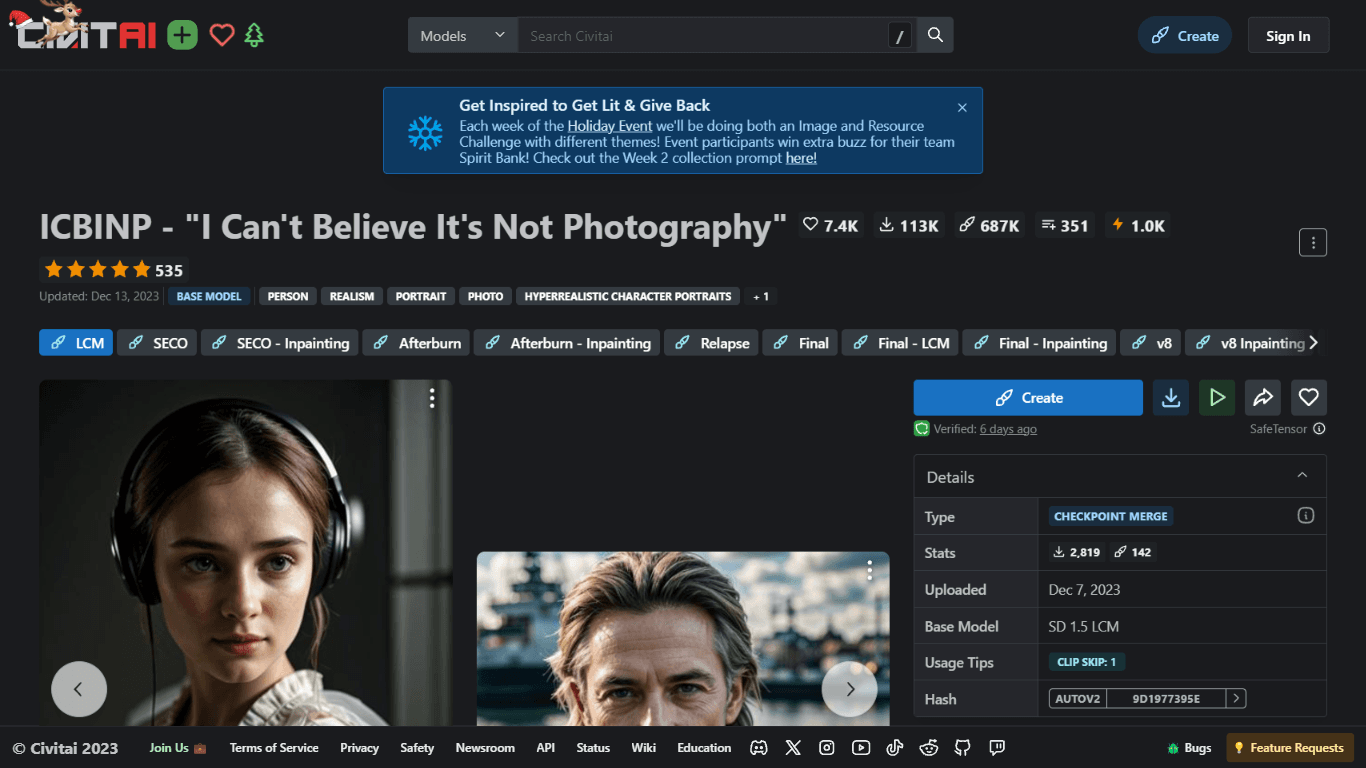
Experience hyperrealistic image generation with ICBINP - "I Can't Believe It's Not Photography" - a powerful checkpoint for the Stable Diffusion model available on Civitai. The ICBINP LCM checkpoint i
Spikes Studio
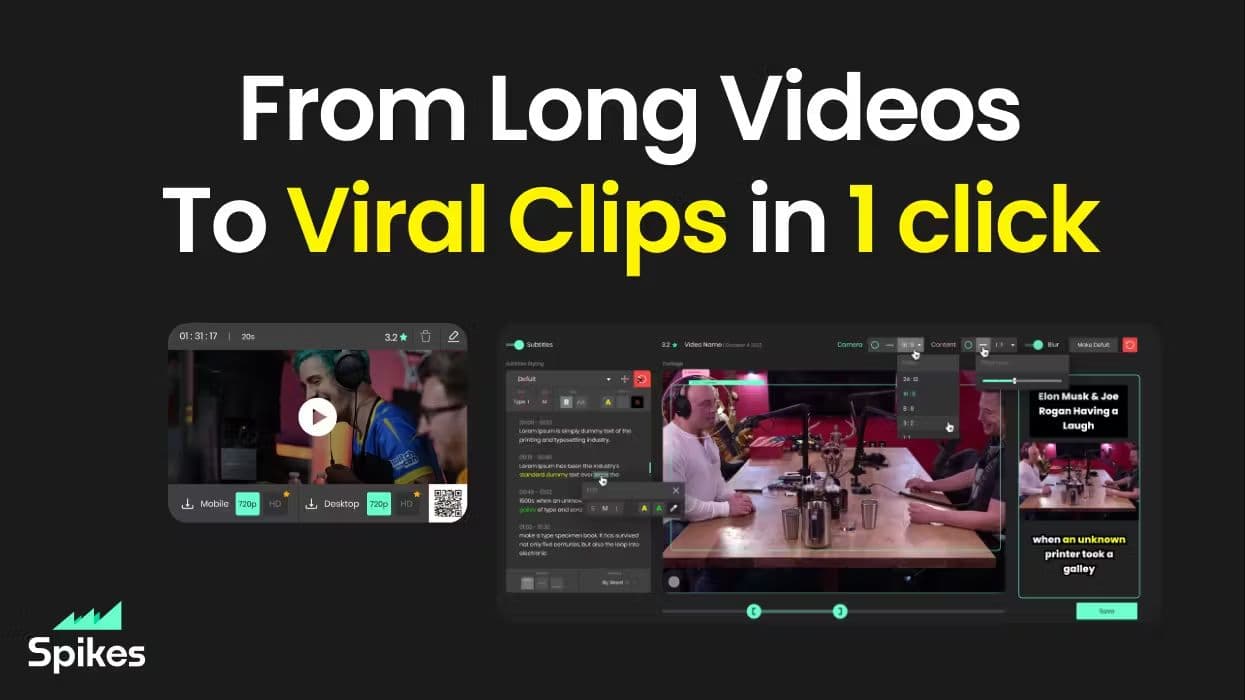
Spikes helps creators extract captivating shorts from any video. Automatically get a title, description, hashtag recommendations, auto-captions, AI styling and quickly edit. Grow and give your audienc
MuseNet
MuseNet is a groundbreaking deep neural network that revolutionizes the way music is composed. With MuseNet, you have access to a powerful tool that can generate beautiful and intricate 4-minute music

SuperU AI
A nocode tool to create voice AI agents for customer communications.
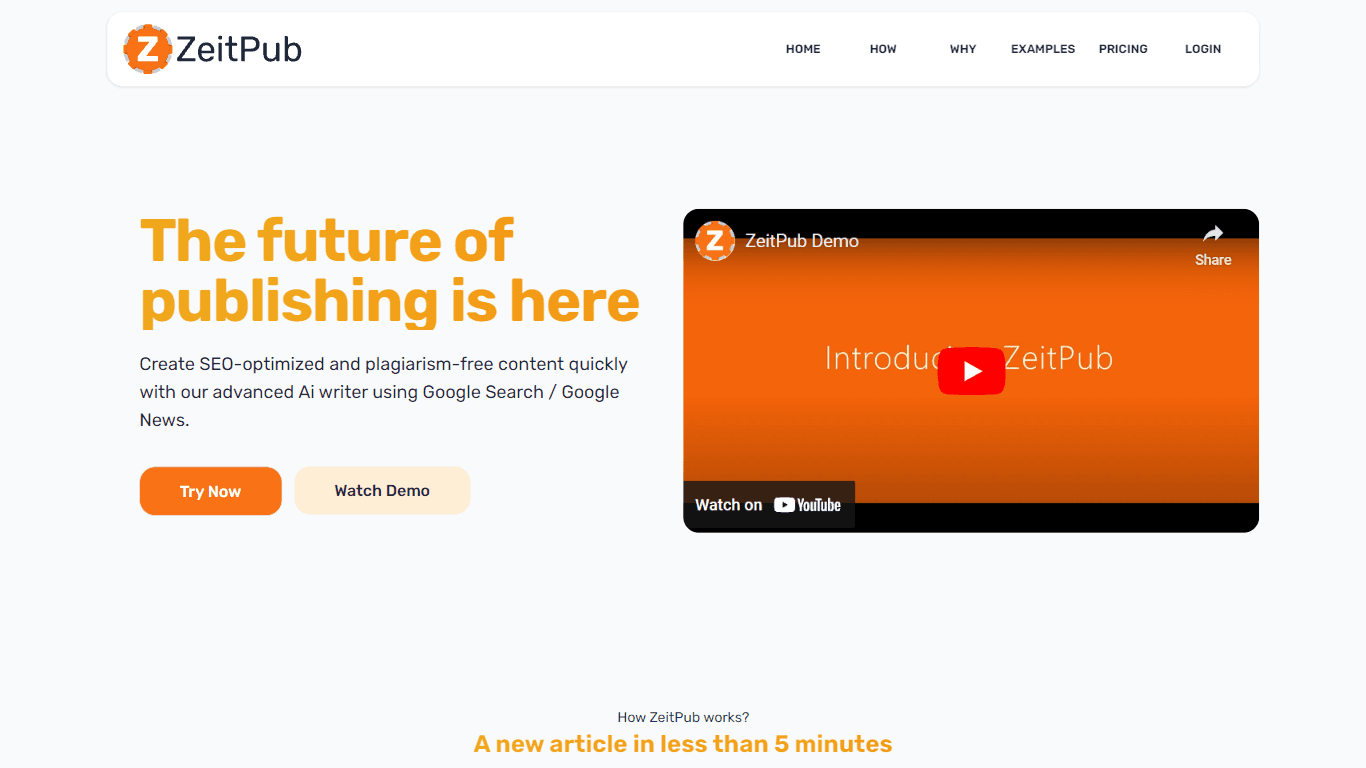
Zeitpub
Zeitpub revolutionizes the publishing industry by offering an advanced AI writer that creates SEO-optimized and plagiarism-free content at an incredible pace. With just the click of a button, users ca
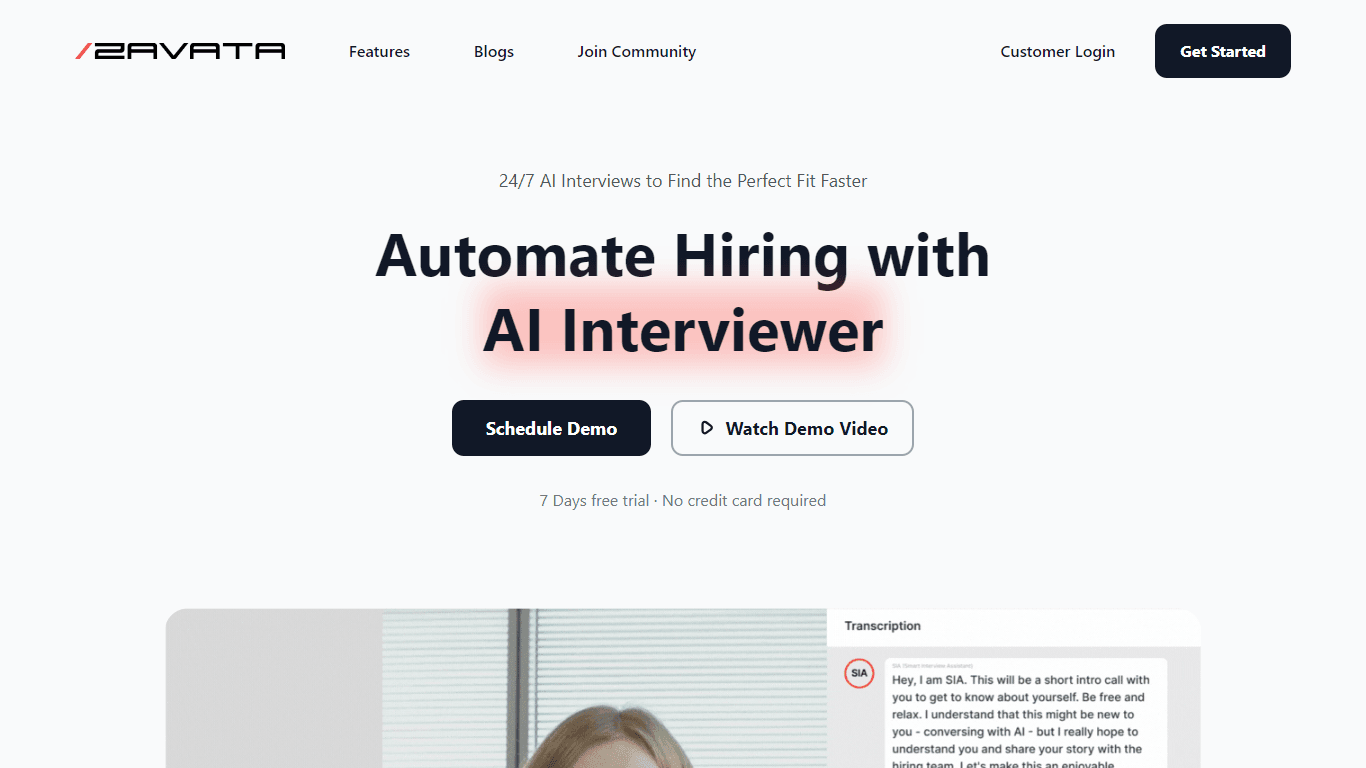
ZAVATA
ZAVATA is revolutionizing the recruitment process with its sophisticated AI interview platform. With the motto "Automate Hiring with AI Interviewer," ZAVATA introduces a seamless hiring automation tha

Verbacall
A platform that automatically answers, qualifies, and follows up on calls 24/7.

Tortus
Transform healthcare with AI-driven EHR efficiency and support.