
Kolibri
Kolibri is an innovative tool designed exclusively for Apple devices, including macOS, iOS, and iPadOS, aimed at transforming the way designers and developers work with designs and animations. By seam
16,277
Votes
25,413
Views
11,716
Bookmarks
About
Kolibri is an innovative tool designed exclusively for Apple devices, including macOS, iOS, and iPadOS, aimed at transforming the way designers and developers work with designs and animations. By seamlessly converting your designs into SwiftUI code, Kolibri accelerates your development process and enables efficient creation across all your devices. With powerful vector editing capabilities similar to Sketch or Figma, it allows for meticulous design alterations from paths to shadows, ensuring versatility in your creative endeavors. Kolibri stands out with its ability to import complex SVG drawings, providing not only the code but also the means to animate each component. Whether you're working on a Mac, iPhone, or iPad, Kolibri offers a comprehensive suite of tools tailored to each platform, complete with the intuitive dark mode. Trial the experience for free from the AppStore.
Key Features
- Intuitive Animation Editor: Make complex animations with an integrated editor that offers various templates.
- SwiftUI Code Generation: Automatically generate SwiftUI code from your designs and animations.
- Powerful Design Tools: Access advanced vector editing tools for refining every detail of your designs.
- SVG Import and Animation: Easily import and animate even complex SVG drawings within the app.
- Adaptability Across Devices: Full-featured on Mac, iPad, and iPhone, adapting beautifully to each platform.
FAQ
What is Kolibri?
Kolibri is an app for macOS, iOS, and iPadOS that converts designs and animations into SwiftUI code.
What are the key features of Kolibri?
Advanced vector editing tools, SwiftUI code generation, SVG support, and animation capabilities are some of the key features.
Where can I download Kolibri?
Kolibri is available for download from the Apple AppStore.
Can Kolibri be used on different Apple devices?
Yes, Kolibri is built to work on Mac, iPad, and iPhone, offering a universal design and coding experience.
Is there a free trial available for Kolibri?
Yes, you can try Kolibri for free before deciding to make a purchase.
You may also like
More tools in Code Tools

CodeGate
A local proxy that enhances security for AI-assisted coding.

Ovren
Turn GitHub tickets into reviewable production-ready code.

Symphony
Symphony is an innovative platform designed for users who want to streamline their interaction with programs through conversational interfaces. By enabling you to "write programs you can talk to," Sym

SQLFlash
SQLFlash is an AI-powered tool that automatically rewrites and optimizes SQL queries to improve database performance. It targets developers, database administrators, and enterprises seeking to reduce

Panto AI
A tool to review code and detect errors and vulnerabilities.
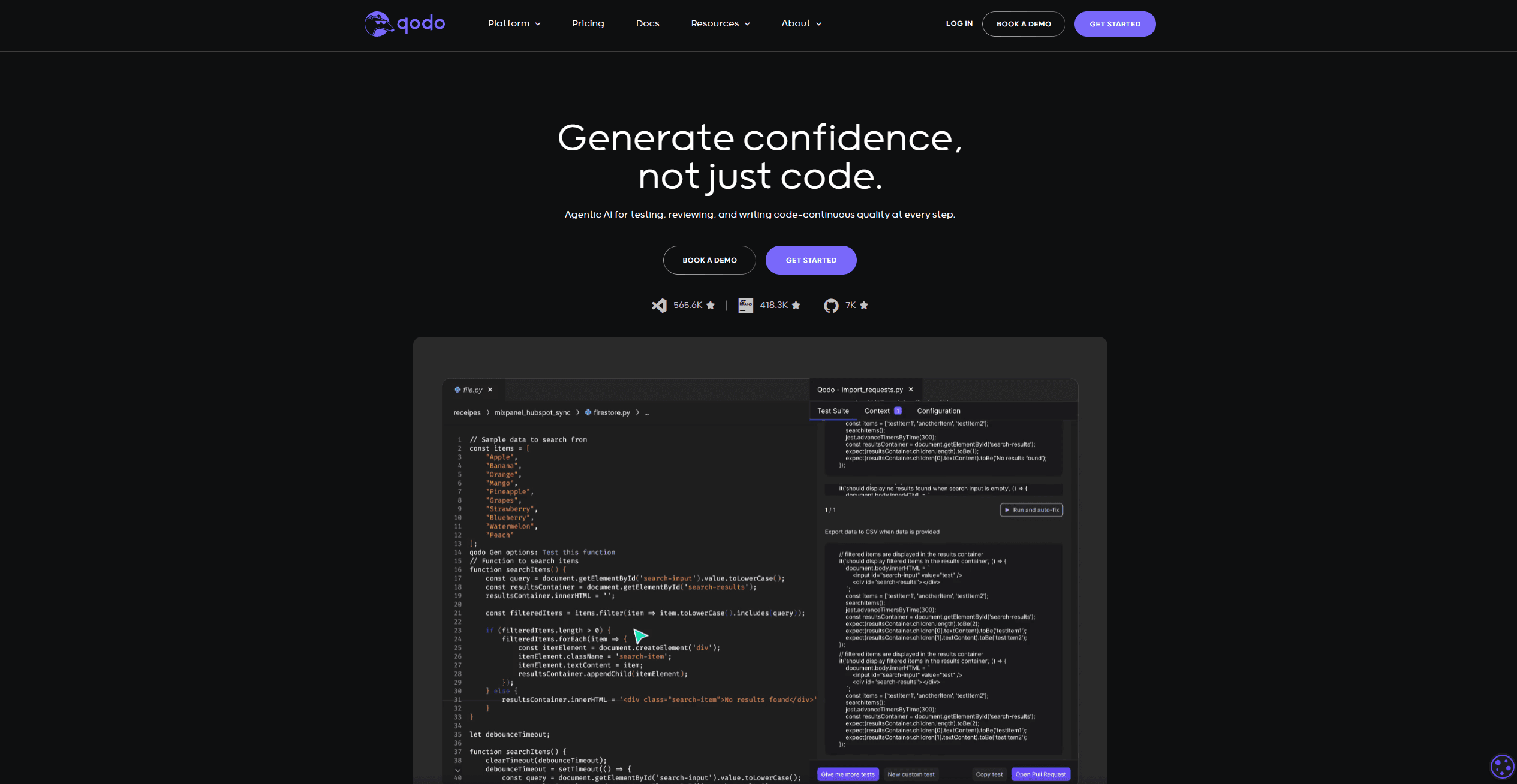
Qodo
Automates code reviews, test generation, and quality assurance.

BLACKBOX.AI
Revolutionize coding: AI generation, conversational code help, intuitive search.

AI Magicx
AI Magicx enhances creativity with AI-driven design and coding.

10Web AI Website Builder
10Web AI Website Builder is a platform designed to help businesses and individuals create fully functional, production-ready WordPress websites quickly and without coding skills. Users simply describe
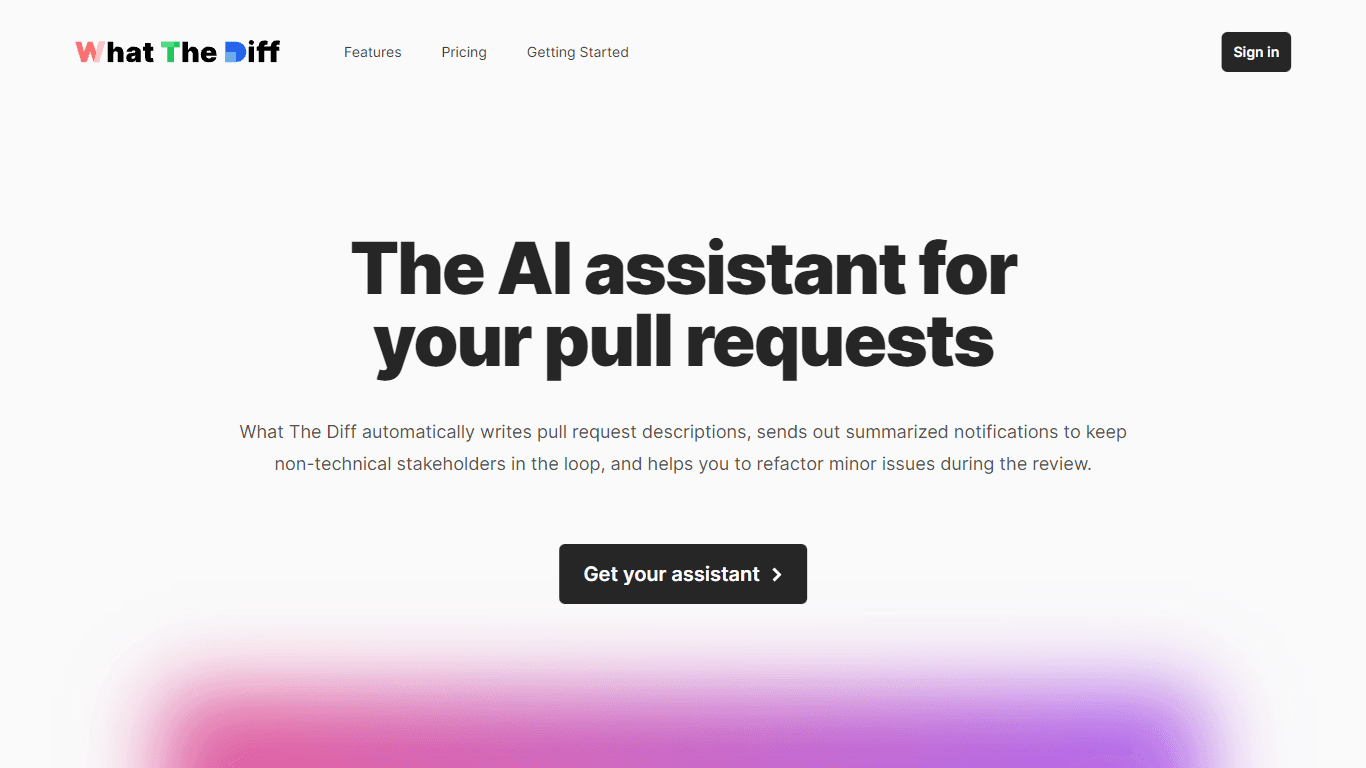
What The Diff
"What The Diff is an AI-powered code review assistant that helps streamline the pull request process. It automatically generates pull request descriptions, sends summarized notifications to non-techni
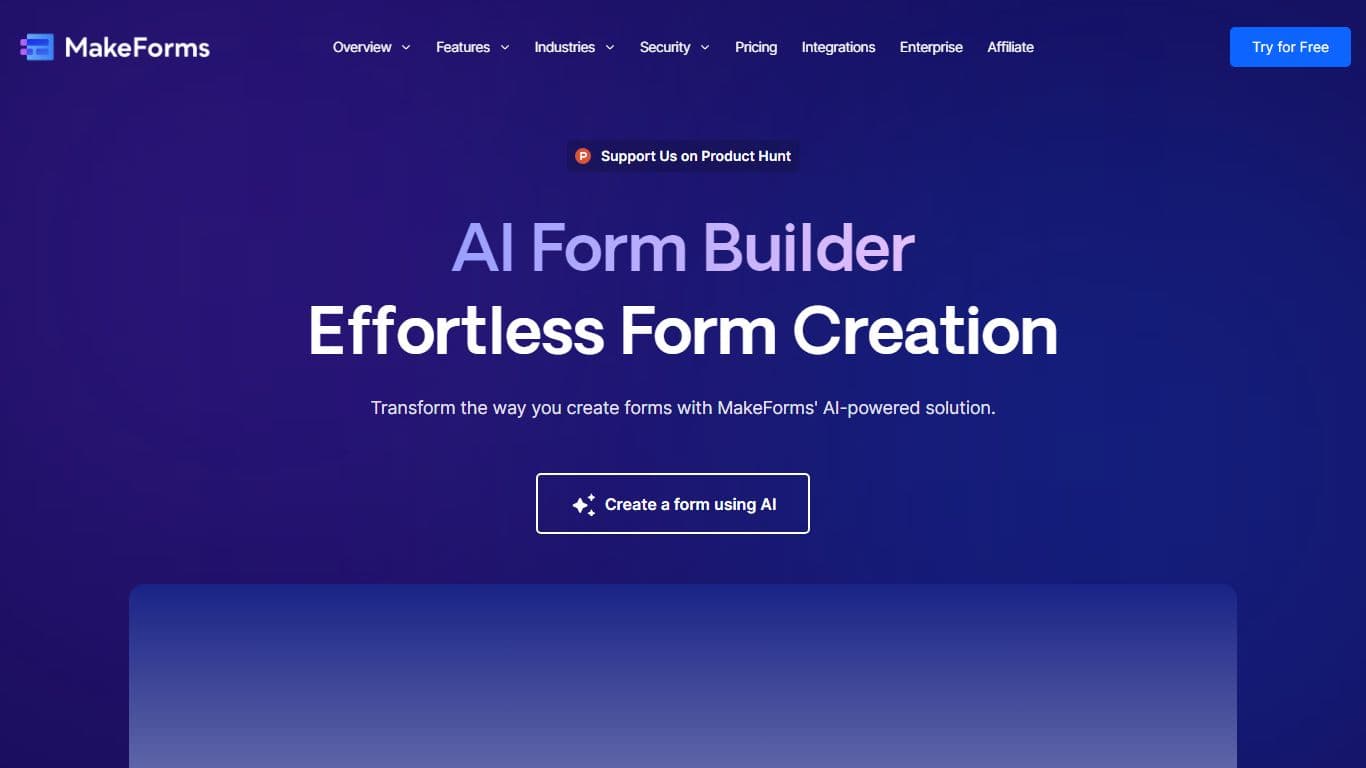
MakeForms
MakeForms’ AI Form Builder helps create responsive and customizable forms in just a few minutes by leveraging AI-powered suggestions for question types and form fields. Just provide the Form Name and

Orchids
Your fullstack AI engineer.