InPage AI
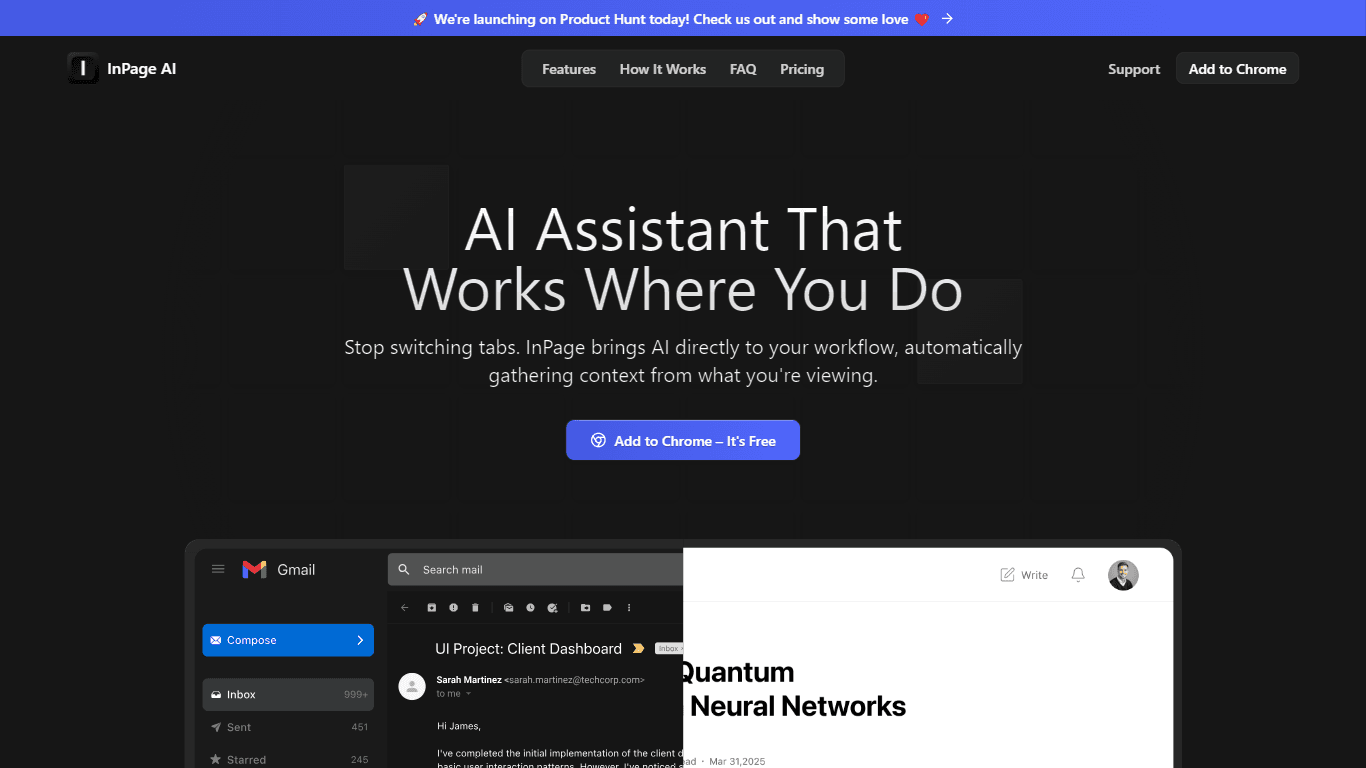
InPage AI is a Chrome extension designed to enhance your browsing experience by integrating AI capabilities directly into your workflow. This tool allows users to compose emails, generate content, and
18,038
Votes
21,604
Views
11,770
Bookmarks
About
InPage AI is a Chrome extension designed to enhance your browsing experience by integrating AI capabilities directly into your workflow. This tool allows users to compose emails, generate content, and summarize webpages without the need to switch tabs or disrupt their focus. By utilizing advanced AI models, InPage AI provides assistance right where you need it, making it a valuable tool for anyone who spends significant time online. The target audience for InPage AI includes professionals, students, and anyone who frequently engages with online content and communication. Whether you are drafting an email, researching information, or collaborating on projects, InPage AI aims to streamline these processes by providing contextual assistance. This makes it particularly useful for those who value efficiency and productivity in their daily tasks. One of the unique value propositions of InPage AI is its ability to eliminate context switching, which can be a major productivity killer. By allowing users to access AI assistance with a simple keyboard shortcut, InPage AI ensures that you can stay focused on your work without the distractions of navigating away from your current task. This seamless integration into your browsing experience sets it apart from other AI tools that require more manual input or configuration. Key differentiators of InPage AI include its context-aware capabilities and its ability to generate responses directly within text fields on any website. Users can ask questions about the content they are viewing without needing to copy and paste text, and the AI will provide relevant answers based on the current context. This feature not only saves time but also enhances the overall user experience by making information retrieval more intuitive. In terms of technical implementation, InPage AI leverages powerful AI models from trusted sources like OpenAI and Anthropic. This ensures that users receive high-quality assistance tailored to their specific needs. The extension is designed to work across various platforms, including Gmail, Twitter, Google Docs, and GitHub, making it a versatile tool for a wide range of online activities.
Key Features
- Context-aware assistance that understands what you're viewing, allowing you to ask questions without copying text.
- Instant email and content generation directly in your text fields, making it easy to respond or create content on the spot.
- Seamless integration with popular platforms like Gmail and Google Docs, so you can use AI where you work most.
- One-key access to AI help with a simple keyboard shortcut, keeping your focus on your current task.
- Safe preview mode that highlights AI suggestions, giving you control over what to apply.
FAQ
What is InPage AI?
InPage AI is a Chrome extension that provides AI-powered assistance directly in your browser, helping you with tasks like composing emails and summarizing content.
How does InPage AI work?
InPage AI works by integrating AI capabilities into your browsing experience, allowing you to access assistance with a simple keyboard shortcut.
Is my data secure with InPage AI?
Yes, InPage AI prioritizes user data security and ensures that your information is handled safely.
How much does InPage AI cost?
InPage AI offers a freemium pricing model, starting with 50 free prompts for users.
Which websites does InPage AI work with?
InPage AI works with various websites, including Gmail, Twitter, Google Docs, and GitHub, without requiring additional configuration.
Can I use InPage AI on mobile?
Currently, InPage AI is designed as a Chrome extension, so it is primarily available for desktop browsing.
You may also like
More tools in Other

WriteSmart
WriteSmart is an AI-powered tool that generates personalized and thoughtful comments to add value to conversations and build relationships on LinkedIn. With WriteSmart, you can boost engagement, warm

Postfluencer
Postfluencer is a cutting-edge online platform designed to empower individuals in enhancing their personal branding on Linkedin. With the capability to generate over 60,000 posts for users, Postfluenc
AI Img
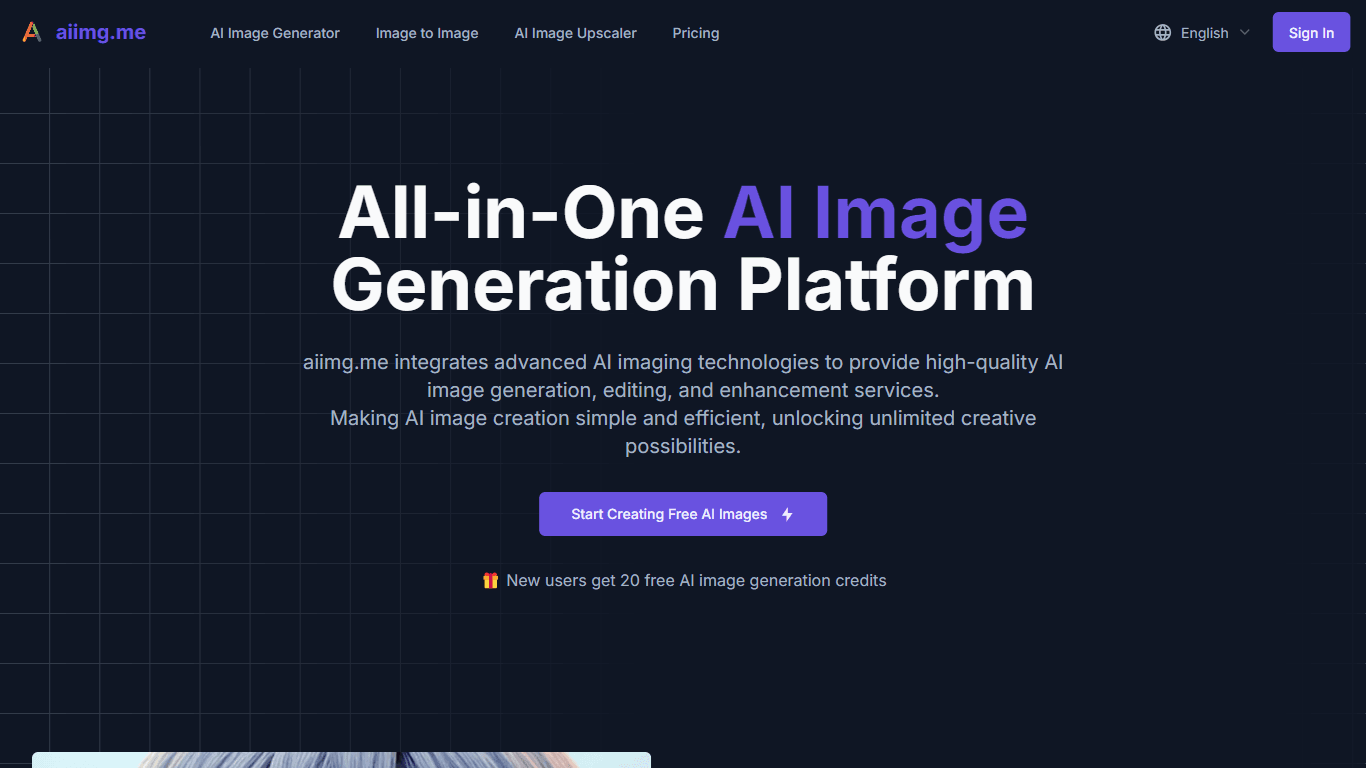
aiimg.me is a comprehensive platform that integrates advanced AI imaging technologies to provide high-quality image generation, editing, and enhancement services. It allows users to create images from

Yepp AI
Yepp AI is an innovative platform that brings the power of artificial intelligence to marketing. With this platform, businesses can tap into the wealth of data they already have and leverage it throug

ICBINP | Civitai
Experience hyperrealistic image generation with ICBINP - "I Can't Believe It's Not Photography" - a powerful checkpoint for the Stable Diffusion model available on Civitai. The ICBINP LCM checkpoint i

Spikes Studio
Spikes helps creators extract captivating shorts from any video. Automatically get a title, description, hashtag recommendations, auto-captions, AI styling and quickly edit. Grow and give your audienc
MuseNet
MuseNet is a groundbreaking deep neural network that revolutionizes the way music is composed. With MuseNet, you have access to a powerful tool that can generate beautiful and intricate 4-minute music

SuperU AI
A nocode tool to create voice AI agents for customer communications.

ZAVATA
ZAVATA is revolutionizing the recruitment process with its sophisticated AI interview platform. With the motto "Automate Hiring with AI Interviewer," ZAVATA introduces a seamless hiring automation tha
Zeitpub
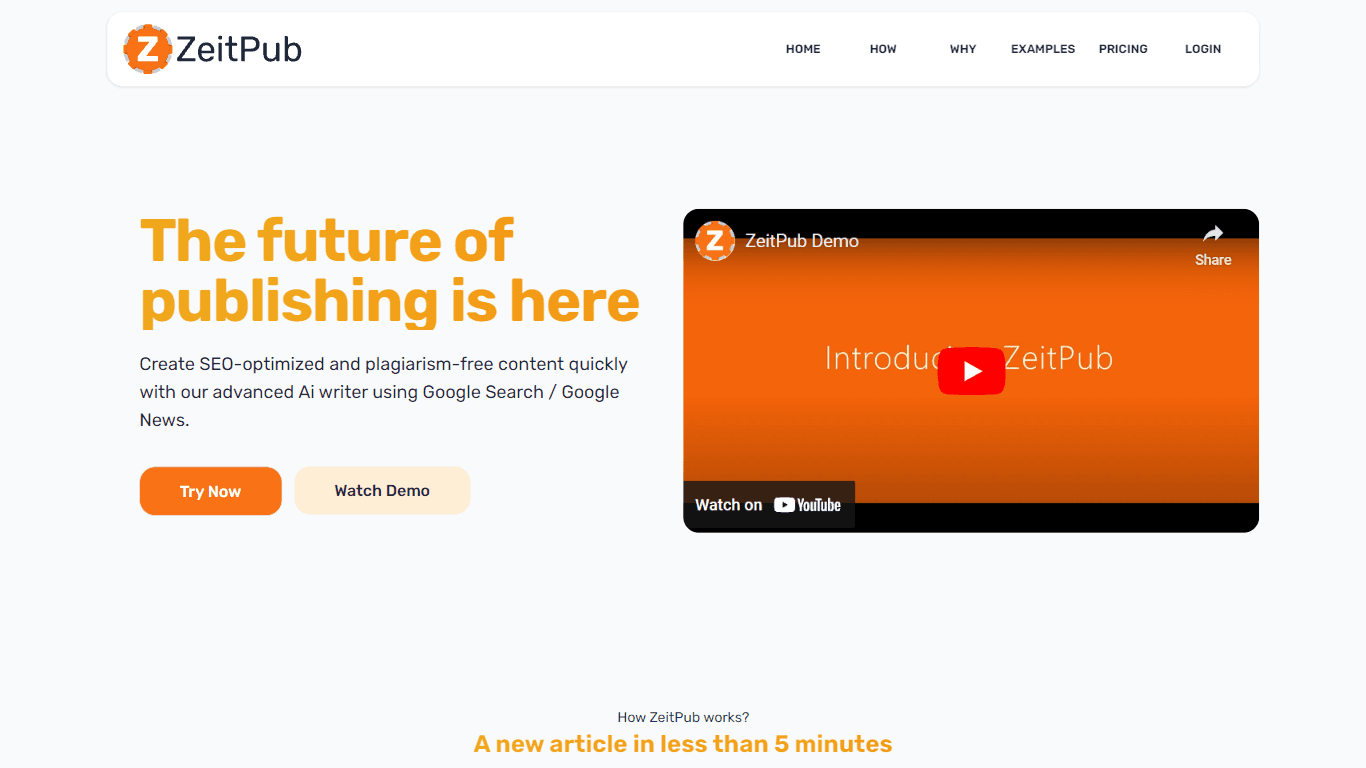
Zeitpub revolutionizes the publishing industry by offering an advanced AI writer that creates SEO-optimized and plagiarism-free content at an incredible pace. With just the click of a button, users ca

Verbacall
A platform that automatically answers, qualifies, and follows up on calls 24/7.

XLM
Discover the power of Cross-lingual Language Modeling with XLM, the original PyTorch implementation designed for pretraining language models that operate across multiple languages. XLM is a repository