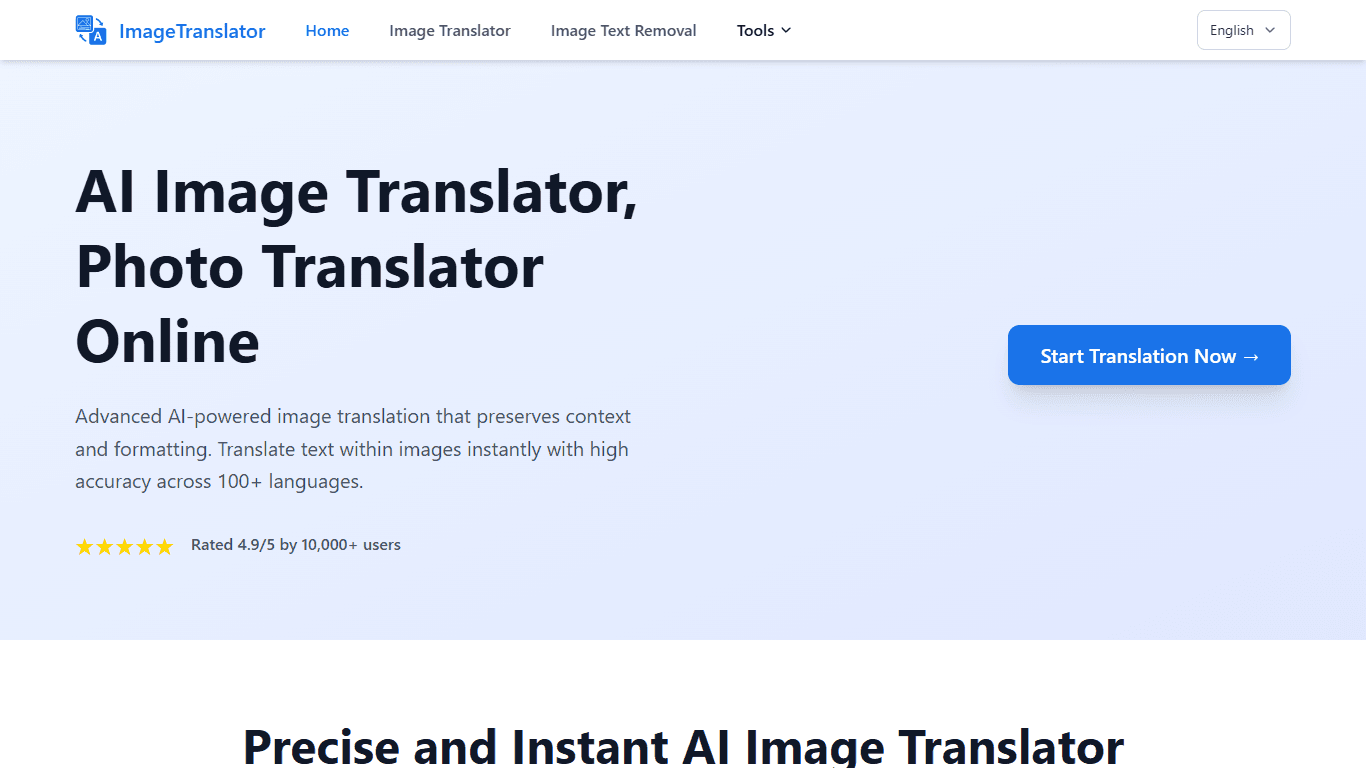
Image Translator
Image Translator is an AI-powered tool designed to translate text embedded within images quickly and accurately. It supports over 100 languages, making it suitable for users who need to understand or
16,437
Votes
19,282
Views
11,932
Bookmarks
About
Image Translator is an AI-powered tool designed to translate text embedded within images quickly and accurately. It supports over 100 languages, making it suitable for users who need to understand or convert text from images across diverse languages. The tool preserves the original formatting and layout of images, ensuring that translated content maintains the visual integrity of the source material. This tool is ideal for translators, businesses, educators, and individuals who frequently work with multilingual documents, presentations, or images. Its ability to handle various image formats like JPG, PNG, PDF, and more, along with batch processing, makes it efficient for large-scale translation tasks. What sets Image Translator apart is its combination of Optical Character Recognition (OCR) and neural machine translation technologies. This allows it to extract text accurately, understand context, and provide translations that fit naturally within the image's design. The tool also emphasizes security by processing images securely and supports mobile devices for on-the-go use. Users can translate images instantly by uploading them, selecting source and target languages, and receiving translated images within seconds. The interface is user-friendly, requiring no registration for basic use, which lowers barriers for quick translations. Overall, Image Translator offers a practical solution for anyone needing reliable image text translation without losing the original visual style, making it a valuable asset for global communication and content localization.
Key Features
- ⚡ Instant translations delivered in seconds for quick results
- 🌍 Supports over 100 languages covering major and regional dialects
- 🖼️ Maintains original image formatting and layout during translation
- 📂 Batch processing allows multiple images to be translated at once
- 🔒 Secure image processing to protect user data and privacy
Pros
- Supports a wide range of image formats including JPG, PNG, PDF, and more
- Preserves the visual structure and formatting of original images
- No registration required for immediate use
- Batch processing feature saves time on large translation tasks
- Mobile-friendly design enables translation on any device
Cons
- Free users have a maximum file size limit of 10MB
- Advanced features may require account registration
FAQ
How does Image Translator handle text extraction from images?
It uses advanced Optical Character Recognition (OCR) combined with neural machine translation to extract and translate text while preserving the image's layout.
What image formats can I upload for translation?
You can upload JPG, JPEG, PNG, GIF, BMP, TIFF, WebP, and PDF files for translation.
Is there a file size limit for image uploads?
Yes, free users can upload images up to 10MB in size.
Can I translate multiple images at once?
Yes, the tool supports batch processing to translate multiple images simultaneously.
Do I need to create an account to use Image Translator?
No registration is required for basic use; you can start translating images immediately on the website.
How accurate are the translations?
The AI provides high accuracy by understanding context and maintaining formatting, resulting in natural and precise translations.
You may also like
More tools in Other

WriteSmart
WriteSmart is an AI-powered tool that generates personalized and thoughtful comments to add value to conversations and build relationships on LinkedIn. With WriteSmart, you can boost engagement, warm

Postfluencer
Postfluencer is a cutting-edge online platform designed to empower individuals in enhancing their personal branding on Linkedin. With the capability to generate over 60,000 posts for users, Postfluenc
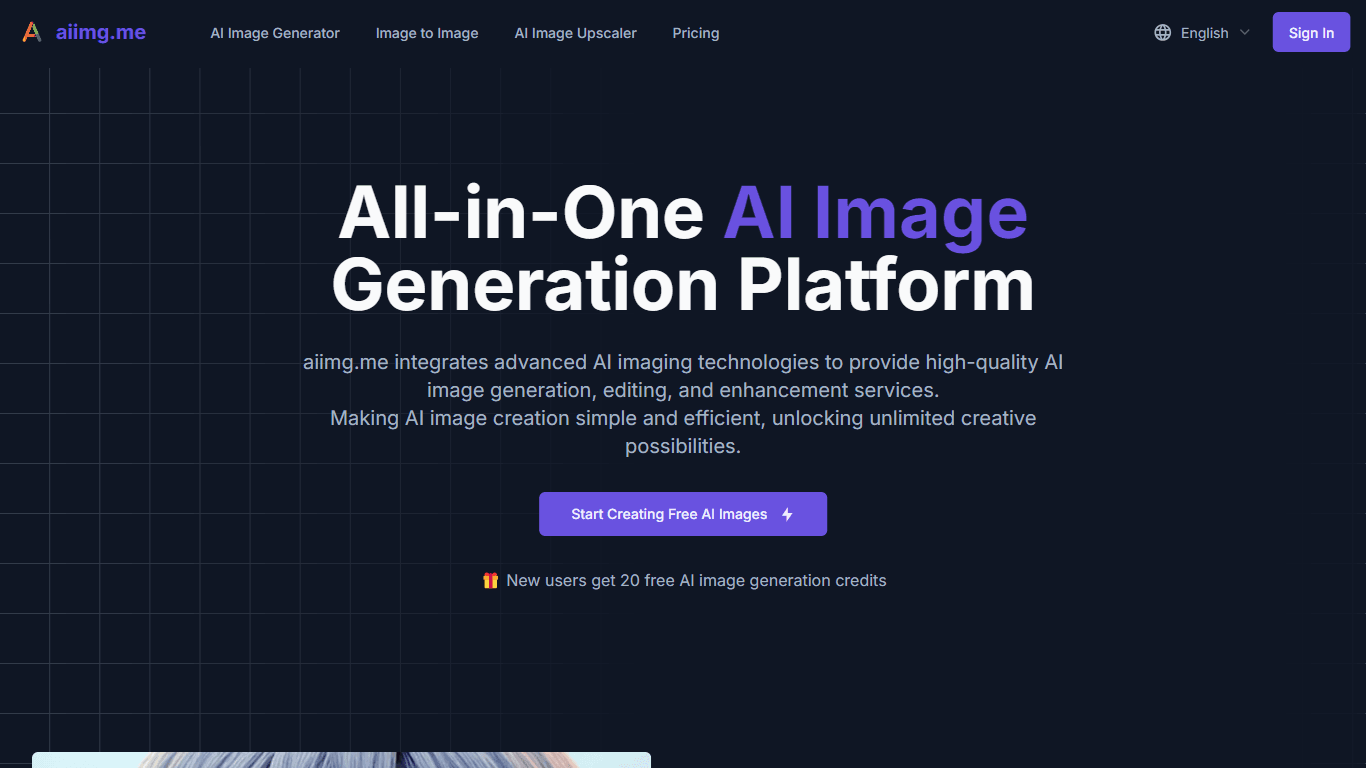
AI Img
aiimg.me is a comprehensive platform that integrates advanced AI imaging technologies to provide high-quality image generation, editing, and enhancement services. It allows users to create images from

Yepp AI
Yepp AI is an innovative platform that brings the power of artificial intelligence to marketing. With this platform, businesses can tap into the wealth of data they already have and leverage it throug
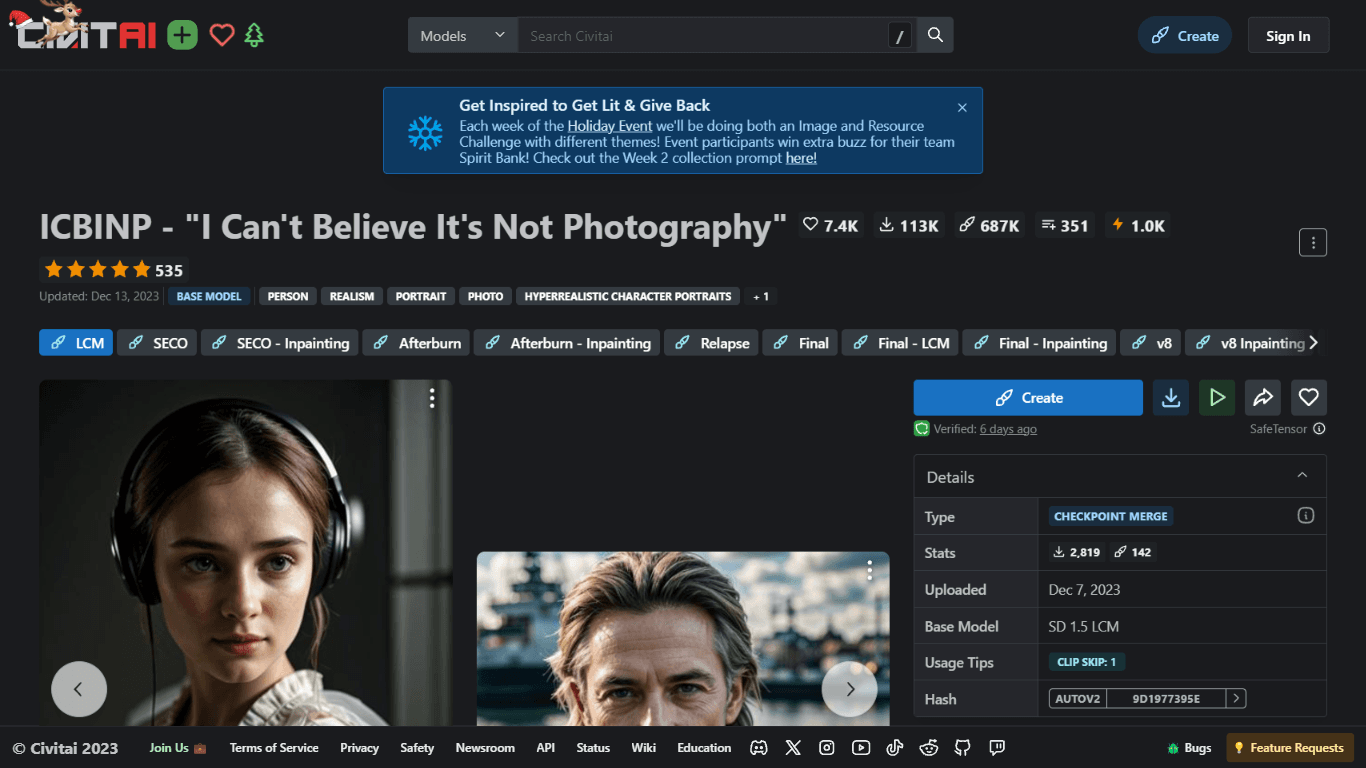
ICBINP | Civitai
Experience hyperrealistic image generation with ICBINP - "I Can't Believe It's Not Photography" - a powerful checkpoint for the Stable Diffusion model available on Civitai. The ICBINP LCM checkpoint i
MuseNet
MuseNet is a groundbreaking deep neural network that revolutionizes the way music is composed. With MuseNet, you have access to a powerful tool that can generate beautiful and intricate 4-minute music
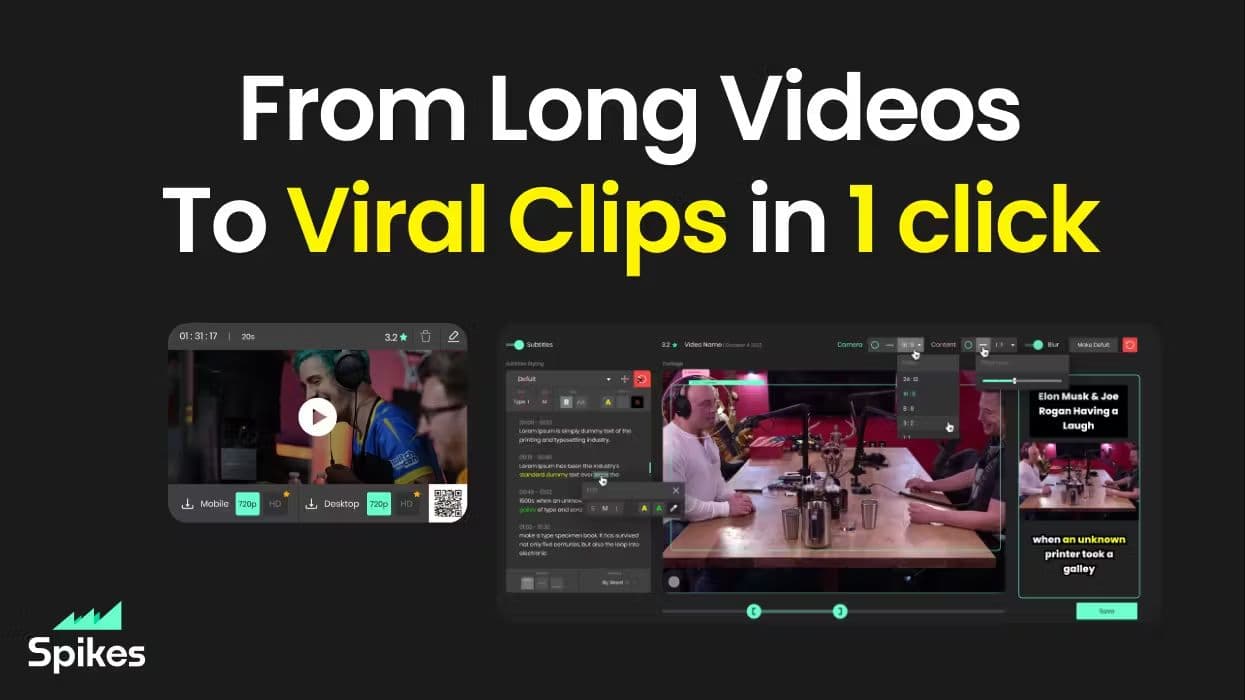
Spikes Studio
Spikes helps creators extract captivating shorts from any video. Automatically get a title, description, hashtag recommendations, auto-captions, AI styling and quickly edit. Grow and give your audienc

SuperU AI
A nocode tool to create voice AI agents for customer communications.
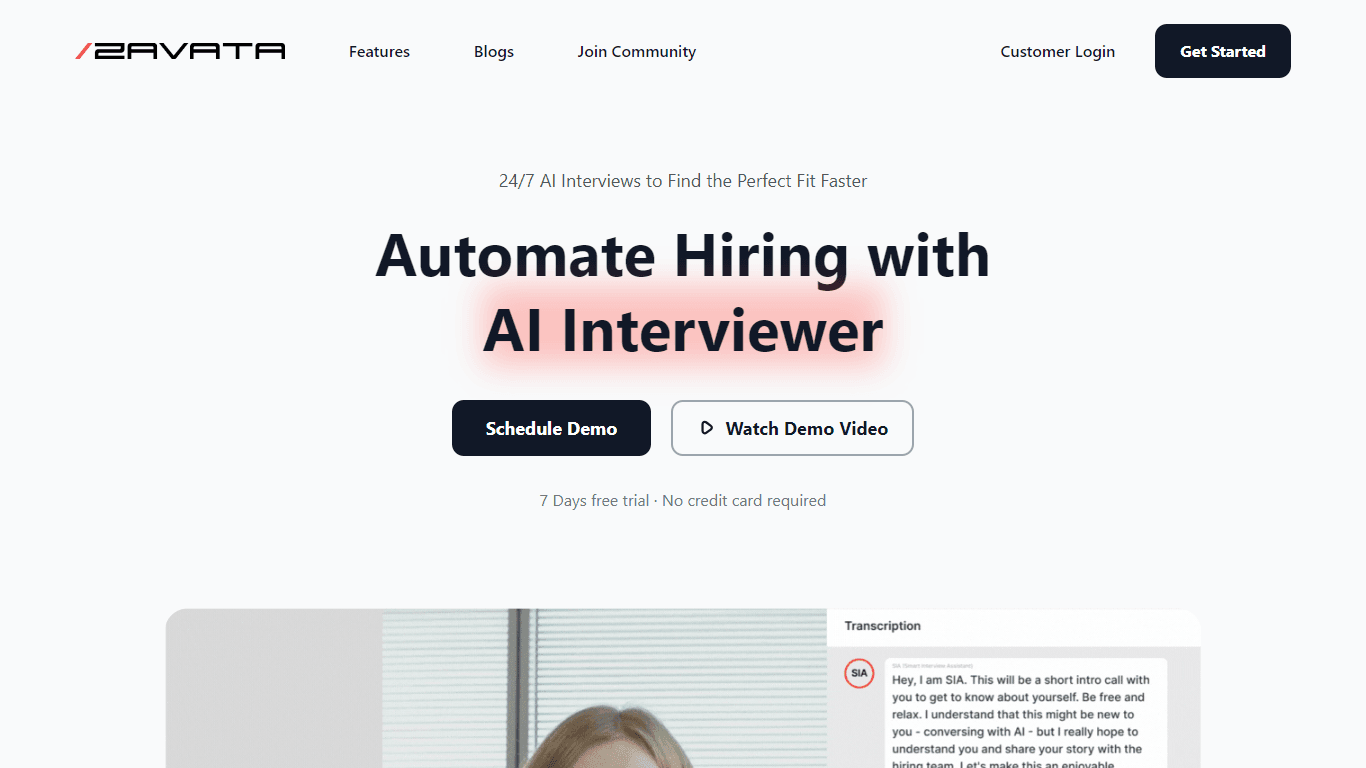
ZAVATA
ZAVATA is revolutionizing the recruitment process with its sophisticated AI interview platform. With the motto "Automate Hiring with AI Interviewer," ZAVATA introduces a seamless hiring automation tha
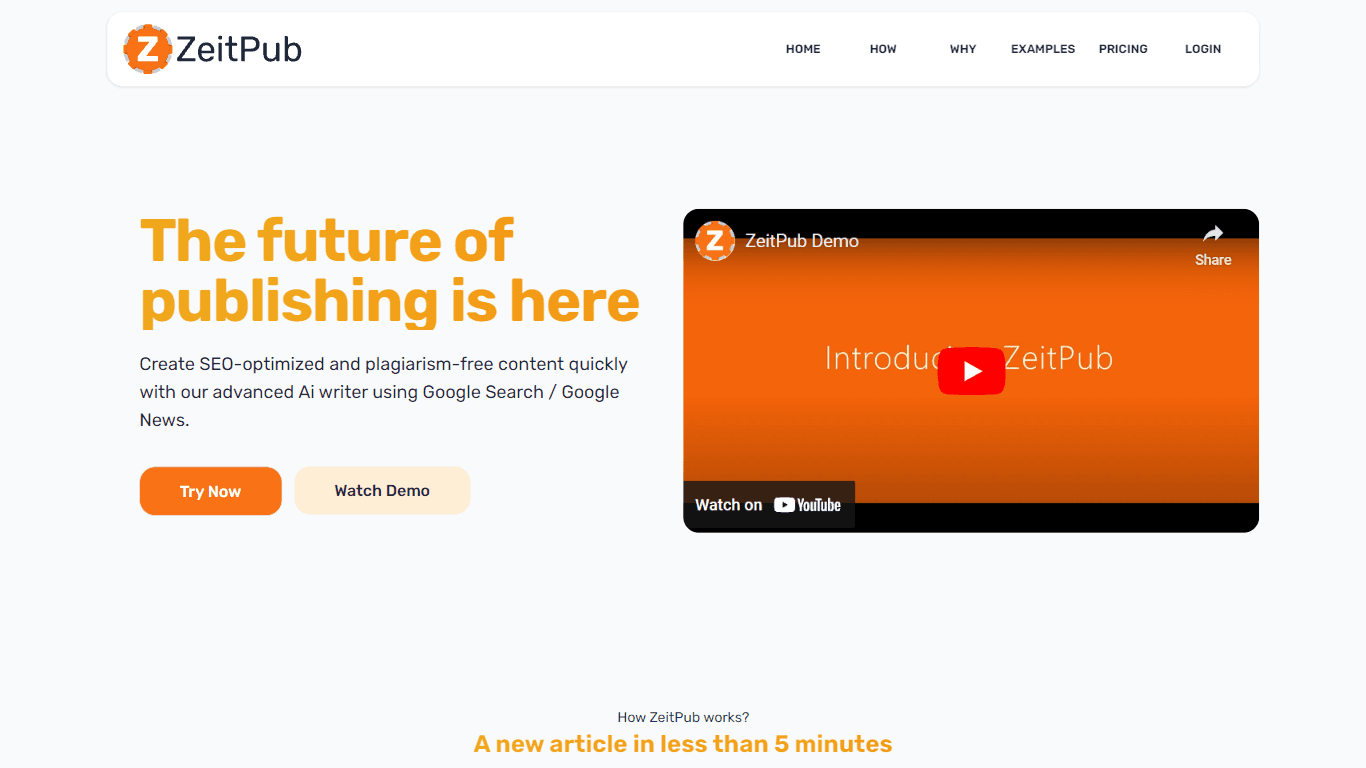
Zeitpub
Zeitpub revolutionizes the publishing industry by offering an advanced AI writer that creates SEO-optimized and plagiarism-free content at an incredible pace. With just the click of a button, users ca

Verbacall
A platform that automatically answers, qualifies, and follows up on calls 24/7.

XLM
Discover the power of Cross-lingual Language Modeling with XLM, the original PyTorch implementation designed for pretraining language models that operate across multiple languages. XLM is a repository