
IGFo
IGFo is a powerful tool designed to simplify Instagram marketing by allowing users to easily export follower and following lists to CSV files. Its core functionality revolves around one-click exports,
17,937
Votes
27,102
Views
12,190
Bookmarks
About
IGFo is a powerful tool designed to simplify Instagram marketing by allowing users to easily export follower and following lists to CSV files. Its core functionality revolves around one-click exports, making it a reliable choice for social media managers and marketers who need to analyze their Instagram interactions efficiently. By streamlining the data export process, IGFo helps users save time and enhance their social media strategies without the hassle of manual data collection. The target audience for IGFo includes social media managers, marketers, and anyone looking to gain insights from their Instagram accounts. With its user-friendly interface, IGFo caters to individuals of all skill levels, ensuring that even those with minimal technical knowledge can navigate the tool with ease. This accessibility makes it an attractive option for a wide range of users who want to improve their Instagram marketing efforts. One of the unique value propositions of IGFo is its commitment to data privacy. Unlike many other tools that store user data on external servers, IGFo processes all data locally on the user's device. This means that personal information remains secure and private, addressing common concerns about data security in the digital age. Users can confidently export their Instagram data without worrying about unauthorized access or data breaches. Key differentiators of IGFo include its intuitive design and the ability to manage crawled history effectively. Users can keep track of their scraped data, view individual records, and delete them as needed, ensuring that they maintain control over their exported information. Additionally, IGFo allows users to export comprehensive user profiles, including details such as email, phone number, and verification status, providing a more in-depth analysis of their Instagram followers. In terms of technical implementation, IGFo operates as a browser extension, making it easy to integrate into users' existing workflows. The tool is designed to be efficient and reliable, ensuring that users can quickly generate CSV files without encountering significant delays or technical issues. Overall, IGFo stands out as a valuable resource for anyone looking to enhance their Instagram marketing efforts through effective data management and analysis.
Key Features
- One-Click CSV Exports: Export your Instagram follower and following lists to CSV with just one click, saving you time and effort in data collection.
- Manage Crawled History: Keep track of all your scraped data with the History Manager, allowing you to view and delete records easily.
- Export Content: Get detailed user profiles, including email, phone, bio, and follower counts, to enhance your analysis.
- User-Friendly Interface: Navigate the tool easily with a simple design that caters to users of all skill levels.
- Local Data Processing: Protect your privacy by ensuring all data handling occurs on your device, keeping your information secure.
FAQ
How do I use the IGFo Instagram follower export tool?
To use IGFo, sign in to Instagram and open the IGFo browser extension. Set the timeout duration, input a valid IG username, choose the export type, and click the export button to generate the CSV file.
Is IGFo safe to use?
Yes, IGFo is safe to use. All data is processed locally on your computer, and no data is stored on our servers, ensuring your privacy.
What is the limit for the free plan?
The free plan allows you to export up to 1,000 followers or following data entries. For unlimited exports, you can upgrade to the Pro version.
Can I use IGFo on mobile devices?
Currently, IGFo does not support exporting Instagram followers from mobile devices, but this feature may be added in the future.
What should I do if I encounter issues while using IGFo?
If you have issues, try disabling any VPN or proxy, log out and back into Instagram, or ensure you are following private accounts you want to export.
How can I contact support for help?
For support, you can send an email to the provided address with details about your issue, including a short video if possible.
You may also like
More tools in Automation
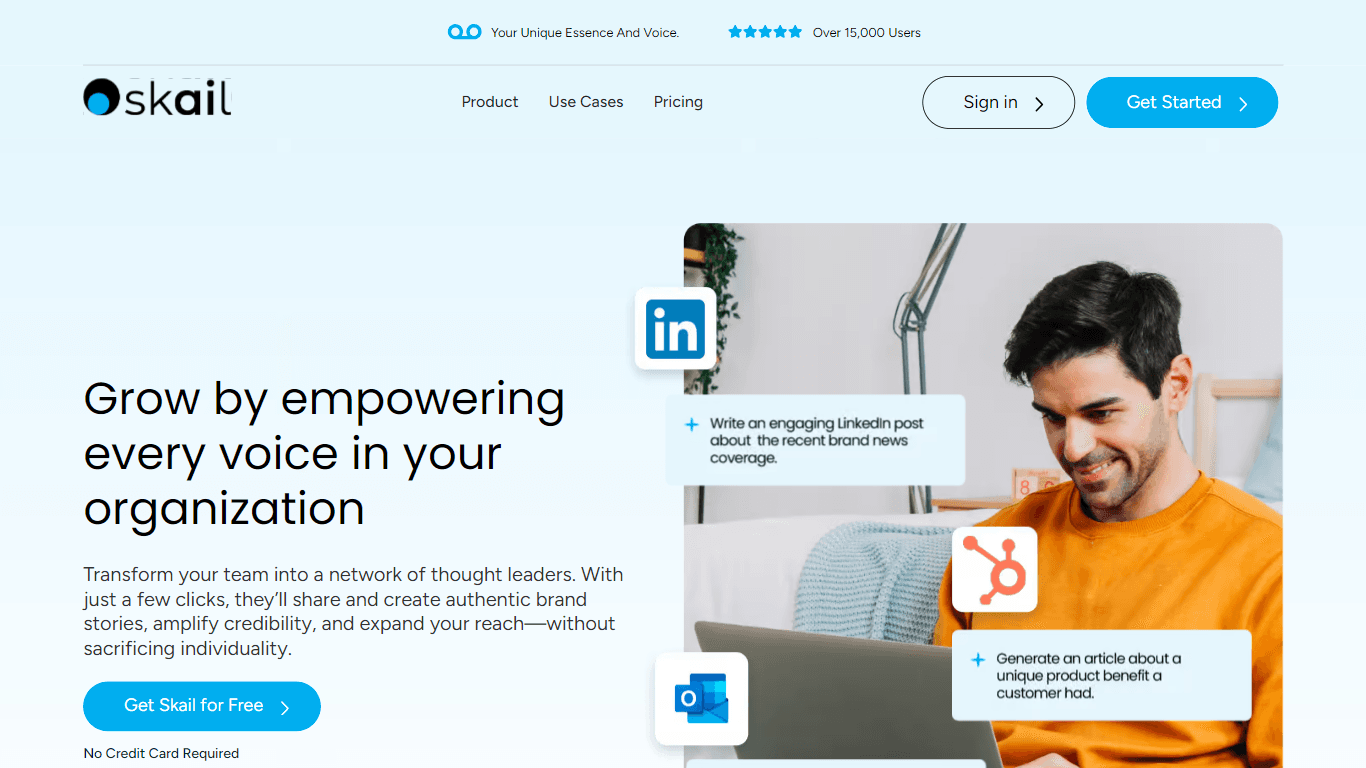
Skail
Skail is an AI-powered platform designed to help organizations empower their teams by enabling them to create personalized, human-like messages. The core functionality of Skail revolves around its pro

eNotify
eNotify is a powerful tool designed to replace unreliable SMS and cluttered emails with secure, one-click push notifications delivered directly to users' eNotify app. Its core functionality revolves a

Quilgo
Quilgo is an innovative online testing platform designed to streamline the process of creating and administering quizzes and tests. With a focus on simplicity and reliability, Quilgo integrates AI-pow

Zight
Zight is a comprehensive screen recording tool designed for users across various platforms including Mac, Windows, Chrome, and iOS. Its core functionality revolves around enabling users to easily capt

Testsigma
Testsigma offers a cutting-edge cloud-based test automation platform that revolutionizes how QA teams approach testing. With the ability to automate tests for a wide range of applications—web, mobile,

Insight Pipeline
Insight Pipeline is a tool designed to simplify the process of scheduling research calls with customers. Its core functionality revolves around automatically arranging these calls for validation, usab

HeyCloud
HeyCloud revolutionizes cloud management by allowing you to build and manage your AWS stack using plain English commands. It acts as an AI copilot for DevOps teams, streamlining cloud integration and

Doc ai
Docai is a powerful tool designed to automate the generation of project documentation directly from JIRA releases. Its core functionality revolves around simplifying the documentation process, which i

Hakanai
Hakanai is a powerful toolbox designed specifically for blogs of all sizes, catering to everyone from personal storytellers to large enterprises. Its core functionality revolves around providing a sin
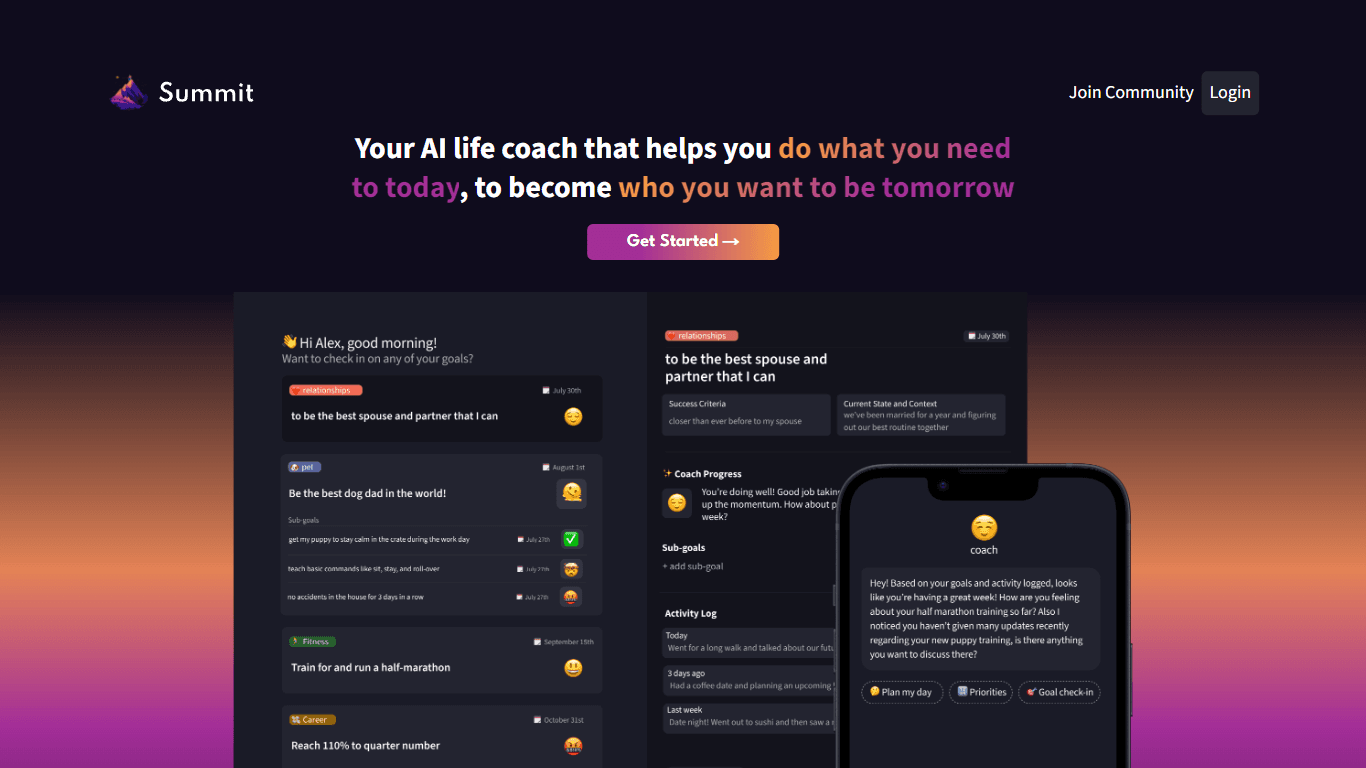
Summit
Summit is a comprehensive AI-powered platform designed to revolutionize the way businesses optimize their operations. With an array of cutting-edge features and advanced algorithms, Summit offers unpa

Super Send
The only outbound automation tool dedicated to founders looking to get their first 100 customers.Automate Cold Outreach Across Email, Linkedin and Twitter and includes email warmup, email validator, u
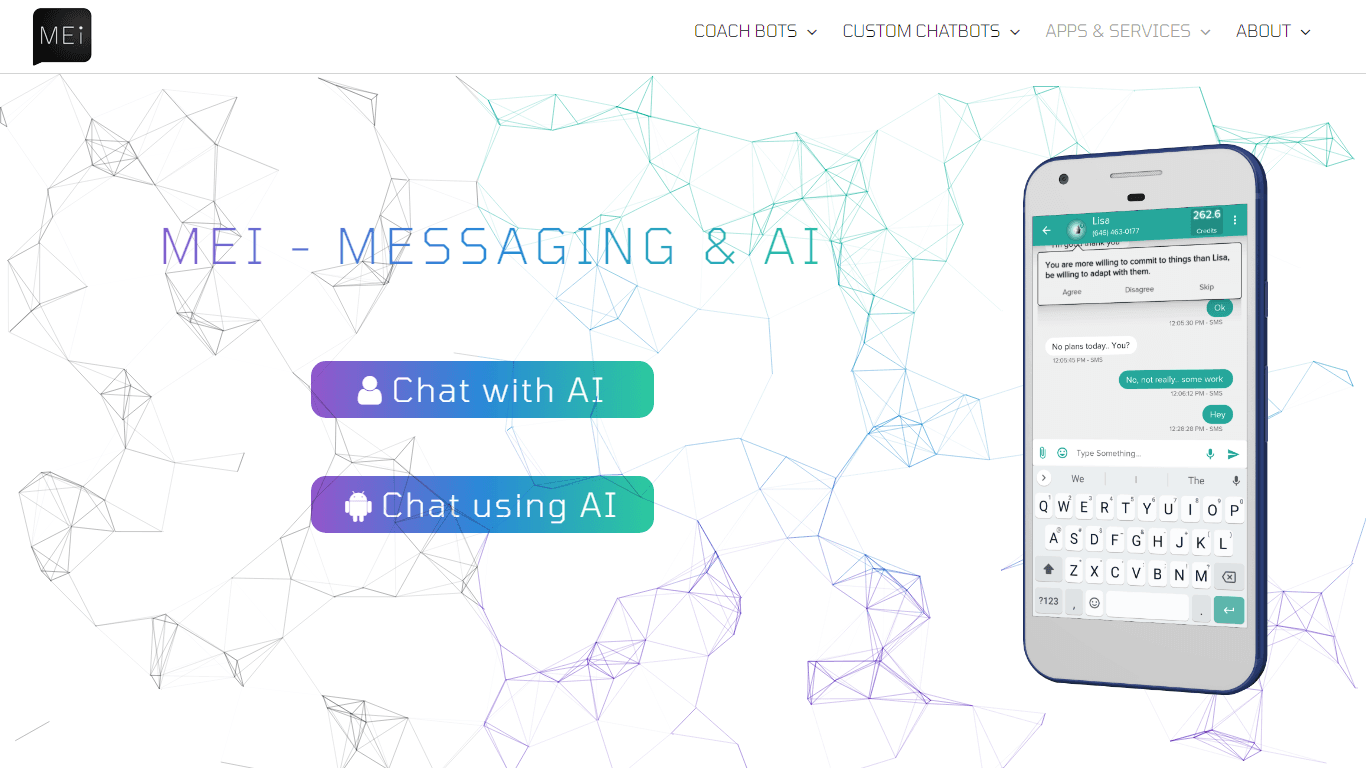
MEI
Elevate your communication with MEI, the platform that seamlessly integrates AI with messaging and chat. Our innovative products and services leverage cutting-edge AI technology to provide you with de